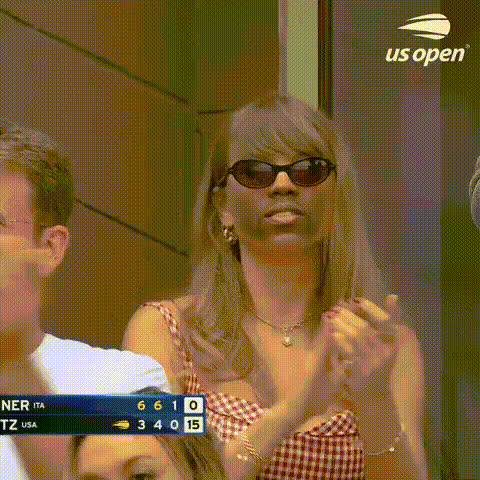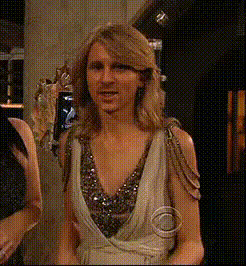
taylor-swift-smiling
Overview
Transform your videos with the Taylor Swift Smiling face swap template. This template allows you to swap a smiling Taylor Swift onto any face in your video, adding a unique and humorous touch to your content. Ideal for creative projects and social media posts.
What It Does
The Taylor Swift Smiling template leverages advanced video face swap technology to replace faces in your video with a smiling Taylor Swift expression. Use it to craft memorable content for social media or personal projects that catches attention.
Explore more possibilities with the Face Swap and Video-to-Video tools to further enhance your transformation process.
Who It's For
This template is perfect for creators, social media managers, and marketers looking to make fun, engaging content that resonates with the Taylor Swift fan community. It's also suitable for anyone interested in experimenting with AI-driven video transformations.
For more creative solutions, check out our AI Image Editor and AI Clothes Changer tools.
Summary
The Taylor Swift Smiling face swap template is a powerful tool for video transformation. It offers a distinctive way to entertain and engage viewers by infusing your videos with a pop culture icon's charisma. Ideal for both professional marketers and casual creators.
Consider pairing it with our AI Talking Photo for a fully immersive experience.
How-To
Choose the Template

Customize the Swap

Generate Your Video

Use Cases
Social Media Content
- Generate viral content with fun face swaps.
- Enhance user engagement by incorporating trending themes.
Marketing Campaigns
- Inject humor into product promotions.
- Align with pop culture to reach broader audiences.
Personal Projects
- Surprise friends with customized video greetings.
- Create exciting content for fan pages.
Best Practices
Choose High-Quality Footage
For best results, use videos with good lighting and clear facial details.Consider Context
Ensure the swapped face fits the content contextually for a harmonious effect.Experiment with Angles
Test different angles and lighting conditions to find what works best with the face swap.