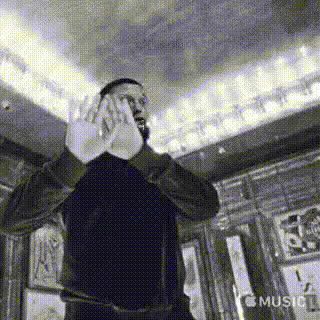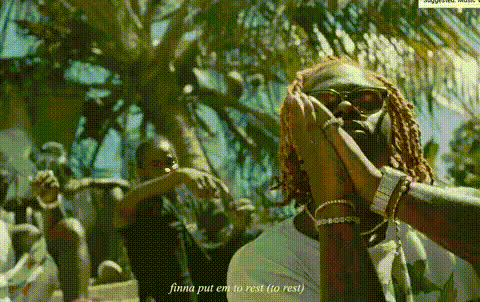
Template preview

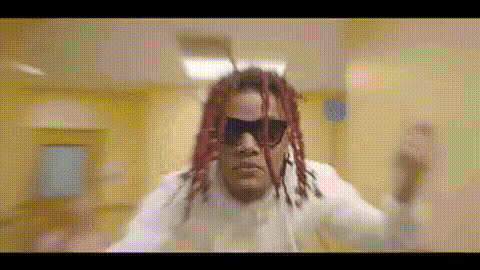
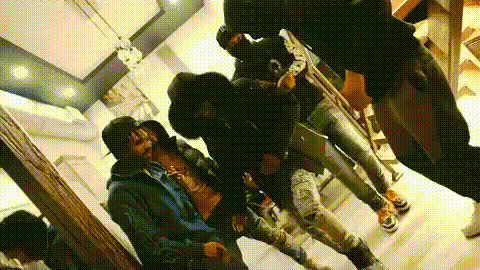
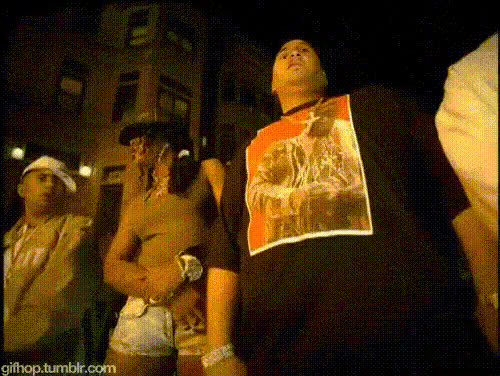
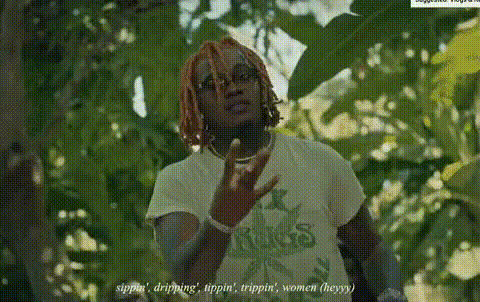
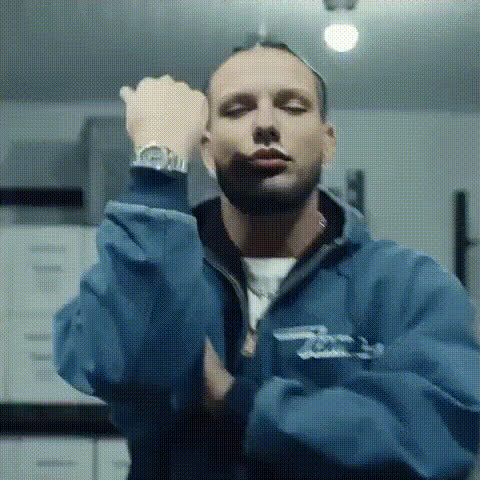
rapper-gunna-in-music-video

Video Face Swap
1 clip
0 uses

Any aspect ratio

Tags

transformations

Overview

Transform your presence in the virtual world by starring in your own music video with our Video Face Swap template featuring rapper Gunna. This tool allows you to seamlessly blend your face onto the artist's body in a pre-existing video, creating an exciting and personalized piece of content.

What It Does

The Video Face Swap template lets you replace the original face in a music video with yours, stepping into the shoes of rapper Gunna. With just a few inputs, you can create a high-quality, shareable video that maintains the original style and flair of the music video. This template is compatible with a range of video formats, ensuring seamless integration into your video projects.

Who It's For

This tool is perfect for content creators, social media enthusiasts, and music fans who want to create engaging and personalized content. Whether you're making content for Instagram, YouTube, or TikTok, this tool provides an easy way to increase viewership through captivating, customized videos. It's also ideal for agencies looking to spice up their video content.

Summary

The rapper Gunna in Music Video template is a powerful tool for creating personalized music videos. With its intuitive Video Face Swap feature, users can efficiently craft videos that stand out on platforms like TikTok and YouTube. Explore other exciting options such as the Face Swap and Image to Video tools for more creative possibilities.

How-To

    01

    Choose

    Navigate to the Video Face Swap section under templates and select the rapper Gunna in Music Video template.
    02

    Customize

    Upload a clear image of your face to ensure the best swap. Adjust any facial alignment settings to refine the placement.
    03

    Generate

    Click 'Generate' to create your video. Once processing is complete, download your new music video featuring your face as Gunna.

Use Cases

🎥

Music Video Remake

Recreate famous music videos with your face, giving them a new personal twist.
📱

Social Media Content

Generate fun and unique content for Instagram, TikTok, and YouTube to amaze your followers.
🛍️

Marketing Material

Create personalized video content for brand promotions or creative campaigns.

Best Practices

  • High-Quality Photos

    Use high-resolution images for the best face swap results.
  • Face Alignment

    Ensure your face image aligns with the subject to maintain authenticity.
  • Share Strategically

    Post your videos during peak hours for maximum engagement on platforms like TikTok and Instagram.

Frequently asked questions

Use a high-resolution frontal image with good lighting to achieve the best results.

The Video Face Swap tool supports most common video formats, ensuring compatibility with your project files.

Video generation time varies based on the video length and complexity of the swap, but most projects complete in a few minutes.

Yes, you can use the generated videos commercially, subject to compliance with applicable laws and platform policies.

More Like This

Drake In Music Video
Lil Keed In Music Video
2
Lil Keed In Music Video
rap-music-video-group-scene
rap-music-video-scene
rapper-in-dark-setting
rapper-in-music-video
Gunna In Music Video
rap-music-video-dance-scene
rap-music-video-scene-1
1
rap-music-video-scene-1
rapper-drake-looking-left
rapper-drake-questioning-something
rapper-on-stage-performing

Face Swap Video