Template preview

rapper-in-dark-setting

Video Face Swap
1 clip
0 uses

Any aspect ratio

Tags

transformations

Overview

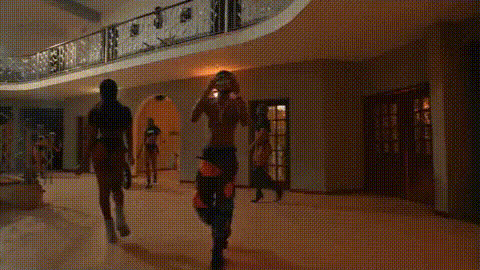
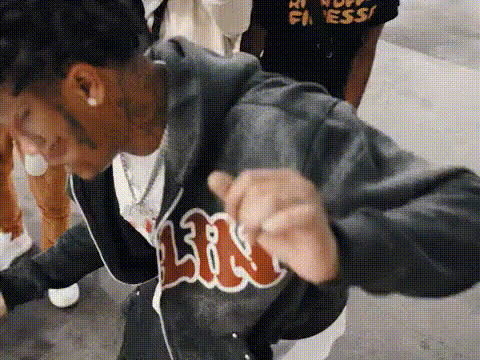
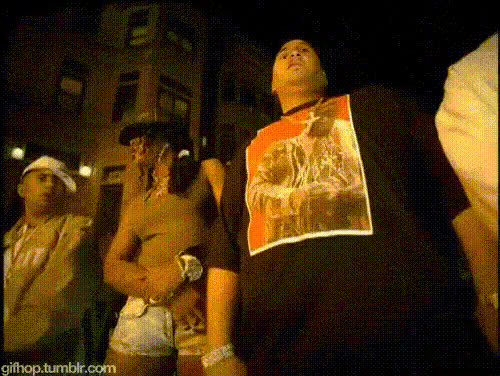
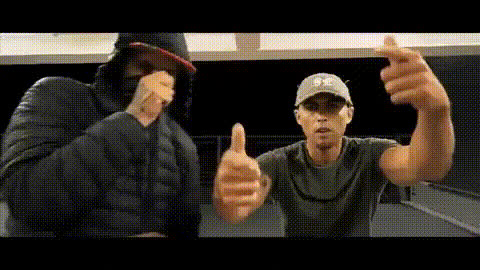
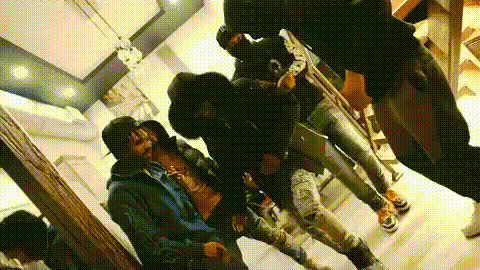
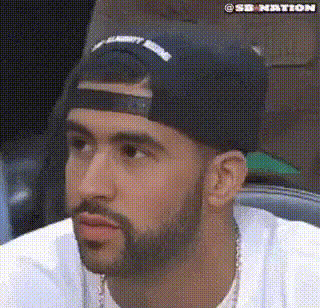
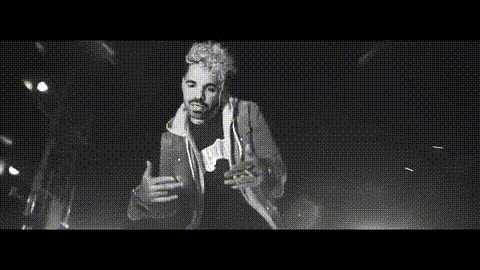
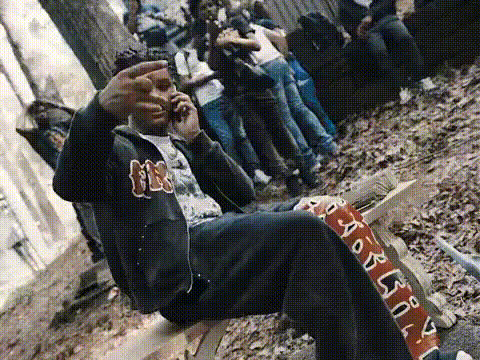
Step into the world of music and creativity with our 'Rapper in Dark Setting' video template. This powerful Video Face Swap tool allows you to transform faces in a moody, vibrant environment, ideal for capturing the essence of a hip-hop video.

What It Does

This template lets you replace faces in a dynamic, dark-themed rapper video, creating the illusion of your presence in a professional music scene. Whether for portfolios or personal projects, the result is strikingly realistic and attention-grabbing.

Who It's For

Designed for musicians, video creators, and entertainers, this template is perfect for anyone looking to star in a rap sequence without the hassles of shooting. It's also fantastic for digital marketing professionals leveraging social media ads.

Summary

Elevate your video projects with the 'Rapper in Dark Setting' template. Utilize Face Swap GIFs or AI Video Generator tools for additional enhancement. The blend of realistic scenery and face replacement technology opens new avenues in content creation.

How To

    01

    Choose the Template

    Start by navigating to the Face Swap Templates section to locate the 'Rapper in Dark Setting' template.
    02

    Customize Your Input

    Upload a photo of the face you want to swap into the scene. You may tweak lighting or skin tone adjustments for the best match.
    03

    Generate Your Video

    Hit the generate button to process your changes. Once complete, download your new video file in your preferred format.

Use Cases

🎤

Rap Promo Videos

Create engaging promotional content for rap music tracks.
  • Boost music visibility
  • Unique promotional visuals
🎭

Digital Entertainment

Add a personal touch to digital entertainment videos.
  • Personalized video messages
  • Entertaining skits
📱

Social Media Content

Generate eye-catching content for social media channels.
  • Engage followers
  • Increase views

Best Practices

  • Optimal Face Selection

    Choose a face with clear, high-resolution features to ensure the best swap quality.
  • Lighting Conditions

    Keep lighting consistent with the video’s setting for seamless integration.
  • Expressive Positives

    Select images where the face has expressions that match the video's tone.
Related Tools

Frequently asked questions

You can download your video in standard formats such as MP4 and MOV, suitable for various platforms.

No, the template is designed for ease of use, making it accessible to beginners and experts alike. Explore our Text to Video for additional ease.

Ensure the photo used for swapping has similar lighting and angles to the video. This encourages a more natural integration.

Yes, you can utilize the generated videos for commercial projects, promoting music, or content for ecommerce ads.

More Like This

Man In Dark Room 1
Man In Dark Room 1
rap-music-video-dance-scene
rap-music-video-group-dance
1
rap-music-video-group-dance
rap-music-video-scene
rapper-in-music-video
rapper-jaykae-and-friend-gesture
Man In Dark Room
Man In Dark Room
rap-music-video-group-scene
rap-music-video-scene-1
1
rap-music-video-scene-1
rapper-drake-looking-left
rapper-on-stage-performing
rapper-on-a-bench
2
rapper-on-a-bench

Face Swap Video