rap-music-video-group-scene
Overview
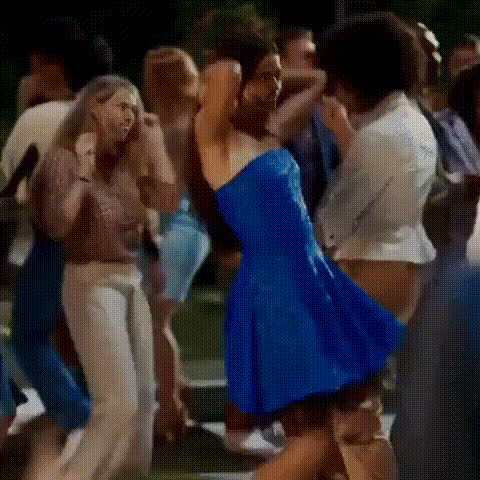
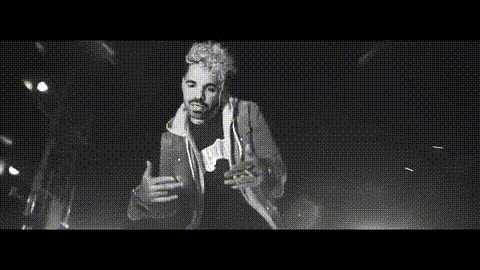
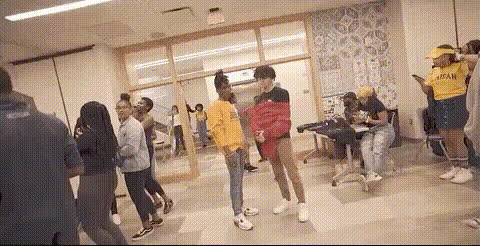
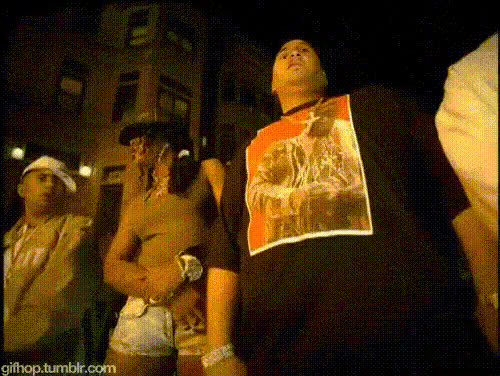
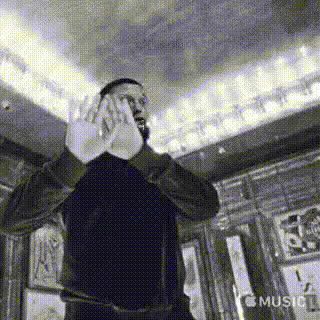
Transform any group scene into a dynamic rap music video with our Video Face Swap template. This tool allows you to replace original faces with ones of your choice, seamlessly immersing your subjects into the star-studded limelight. Whether it's for a fun project or promotional content, this template sets the stage for creativity.
What It Does
The 'Rap Music Video Group Scene' template utilizes advanced AI to perform face swaps on video footage. By mapping your chosen faces onto the original performers in a group scene, it enables you to create an entirely new version of a music video, perfect for parody or tribute videos.
This process maintains the original video's motion and expressions, offering a high-quality transformation that aligns perfectly with the rhythm and beat of rap music. You can pair this with other creative tools such as the AI Voice Changer to completely revamp your video’s vibe.
Who It's For
This template is ideal for content creators, marketers, and video enthusiasts looking to create engaging and shareable content. It's perfect for YouTubers looking to produce entertaining rap parodies, social media influencers aiming to enhance their content, and marketing teams developing innovative promotional materials.
Additionally, educators and trainers in media studies can utilize this tool to demonstrate modern video editing techniques in their curriculum, using software like our Text to Video solution for further integration.
Summary
The 'Rap Music Video Group Scene' template offers a unique and creative way to transform group videos using AI-powered face swapping. Perfect for those looking to entertain, engage, or educate, this tool aids in the creation of high-quality, custom content without extensive production costs. For further customization, you might also consider our AI GIF Generator to extend your creative reach.
How-To
Choose Your Template

Customize Your Inputs

Generate Your Video

Use Cases
Rap Parody Videos 🎤
- Engage viewers with humorous content
- Boost visibility on social media platforms
Influencer Content 💥
- Stand out with unique video content
- Increase engagement with followers
Corporate Events 🎉
- Boost team morale
- Share internally for workplace fun
Best Practices
Select High-Quality Videos
Using high-resolution video footage results in better face mapping and overall output quality. Avoid low-light or blurry footage for best results.Choose Distinct Faces
Select faces with clear features and good lighting. This helps the AI accurately map expressions and movements to the new faces.Combine Tools for Creativity
Pair with other Magic Hour products like the AI Voice Changer to replace audio and create complete transformations, amplifying the impact.