rap-music-video-scene
Overview
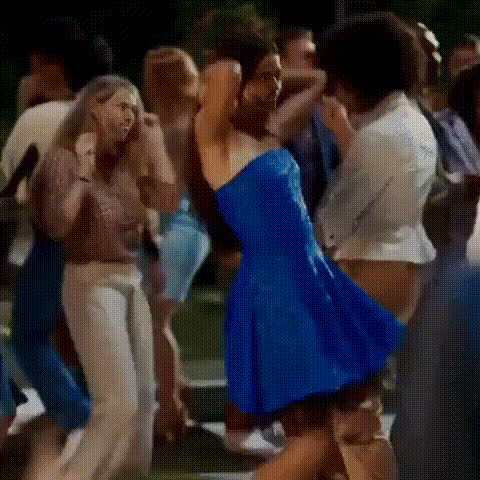
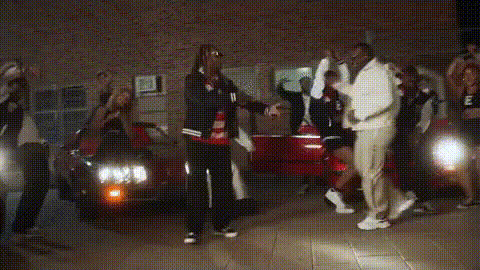
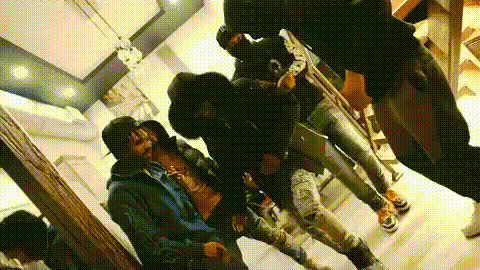
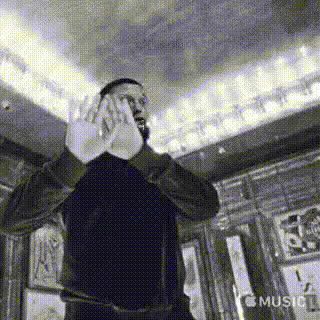
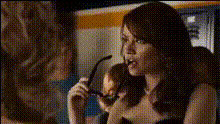
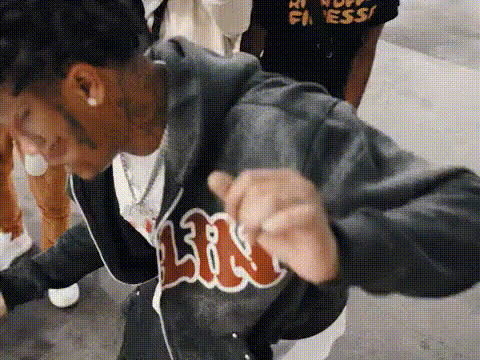
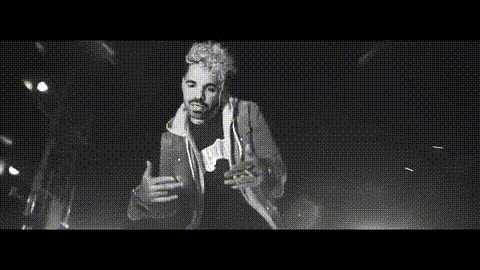
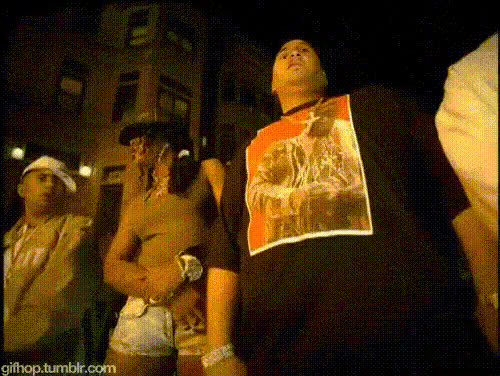
The Rap Music Video Scene template empowers creators to swap faces in music video clips, allowing anyone to transform into their favorite rap icons. With this Video Face Swap tool, you can easily create personalized rap video content that stands out.
What It Does
This template enables you to replace the faces of performers in a music video to match your own or that of someone else. The result is a customized video featuring your chosen identity in a high-energy rap scene, preserving all the original video's motion dynamics and energy.
Integrating with our AI Video Generator, you can enhance these videos further by adding lyrics and background effects that match the theme of the music.
Who It's For
Perfect for aspiring artists, social media influencers looking for engaging content, or simply fans who want to interact with their favorite music videos in a unique way. This tool is also ideal for marketers or agencies aiming to create eye-catching promotional content. Pair it with our AI Image Editor for a full suite of creative editing tools.
Summary
Transforming your footage into a high-impact music video with a fresh face is now straightforward and fun. Use this Video Face Swap template to bring new life to rap scenes, adding a touch of personalization that's perfect for sharing on platforms like YouTube and Instagram.
How To
Choose Your Template

Customize Your Inputs

Generate and Download

Use Cases
Social Media Content
- Swap your face into popular rap music videos.
- Generate buzz with entertaining transformations.
Music Video Parodies
- Experiment with different facial swaps for comedic effect.
- Use in sketch shows or digital content channels.
Promotional Materials
- Develop viral marketing campaigns.
- Keep audiences engaged with dynamic visuals.
Best Practices
Choose High-Quality Images
Ensure the face image you upload is high-resolution to match the quality of the video content.Align Facial Features
Double-check the alignment of eyes and mouth to maintain a natural look during motion.Use Appropriate Lighting
Select images where the lighting matches that of the video scene for seamless integration.