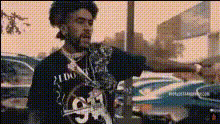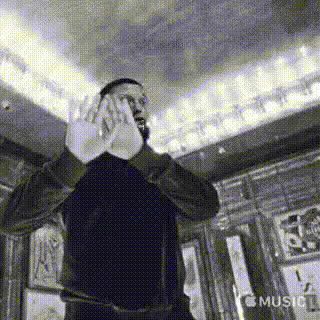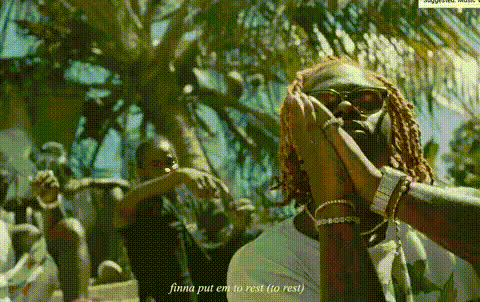
Gunna In Music Video
Overview
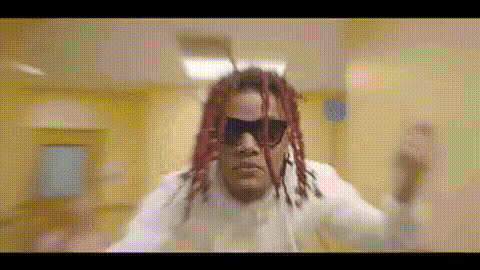
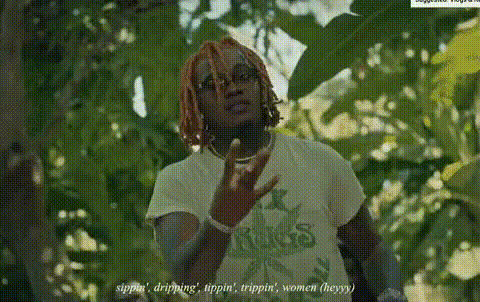
The Gunna In Music Video template is designed for transforming standard videos into immersive music videos by swapping faces with the popular artist Gunna. Using advanced Video Face Swap technology, this tool ensures every detail from facial expressions to lighting is meticulously replicated for a seamless visual experience. Perfect for creating unique music videos with a professional touch.
What It Does
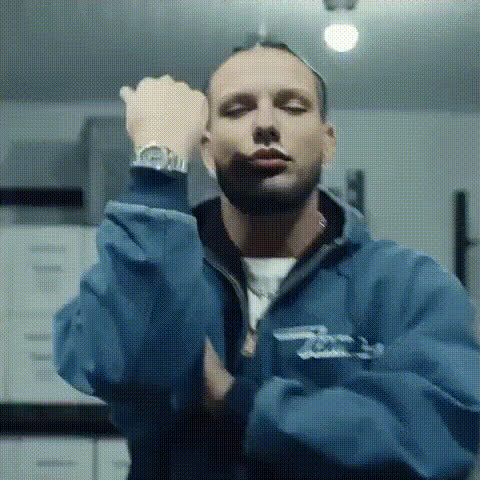
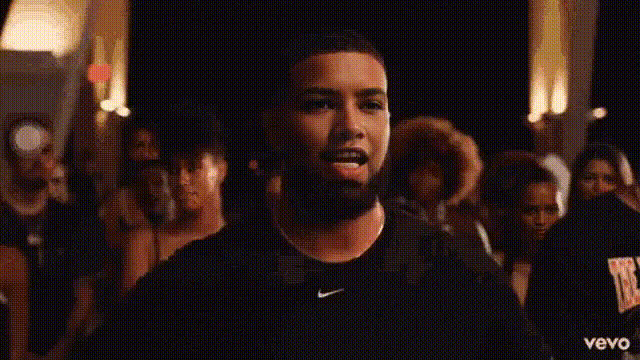
This template integrates cutting-edge facial recognition and tracking algorithms to overlay Gunna's face onto any performer in your video. The results are high fidelity and maintain the essence of original performances. With the AI Video Generator, users can also enhance the overall quality of the video, ensuring each frame is crisp and lifelike.
Who It's For
Perfect for music video directors, content creators, and fans of Gunna who are looking to create engaging content. Whether you're crafting a product promo video or enhancing a music video, this tool offers the flexibility and ease of use required by both beginners and professionals.
Summary
The Gunna In Music Video template is a sophisticated solution for those looking to incorporate celebrity presence into their projects. By leveraging AI Video Extender capabilities, it's ideal for enhancing video lengths smoothly while ensuring high-quality output.
How to Use
Choose Your Template

Customize Your Input

Generate Your Video

Use Cases
Music Video Production
- Ideal for quick edits
- Creates a unique video experience
Content Creation
- Boosts engagement
- Increases shareability
Promotional Material
- Attracts a wider audience
- Heightens campaign impact
Best Practices
Select High-Resolution Footage
Ensure your source video is of high quality to maximize the face swap results.Pay Attention to Lighting
Consistency in lighting between the source and target videos greatly improves overlay quality.Utilize AI Enhancements
Pair with tools like the AI Image Upscaler for improved sharpness and detail.