rap-music-video-dance-scene
Overview
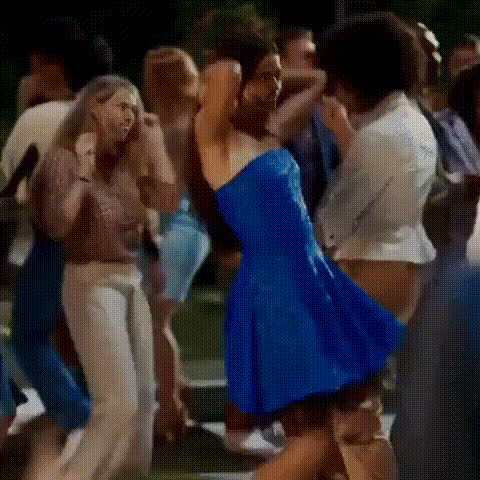
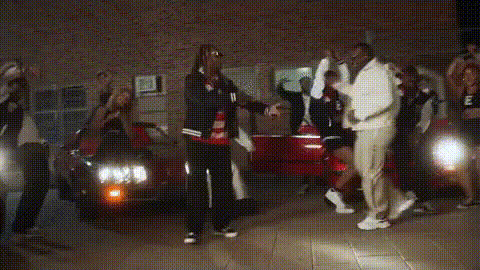
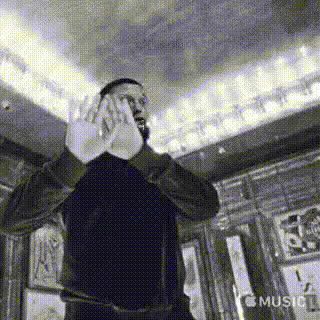
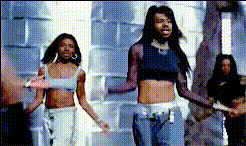
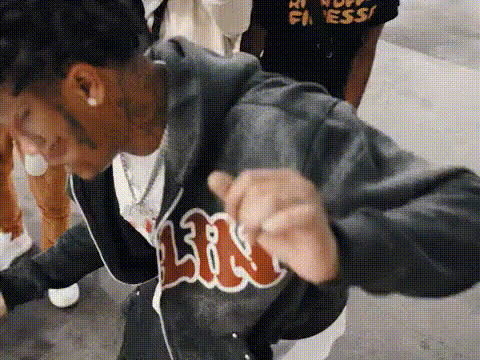
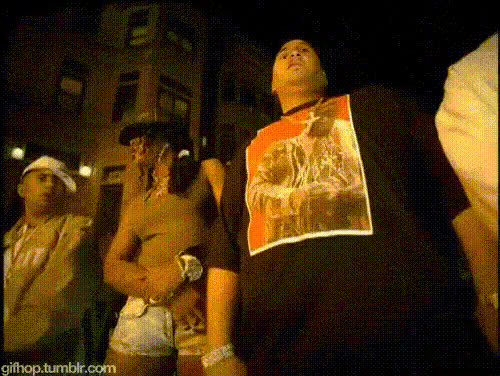
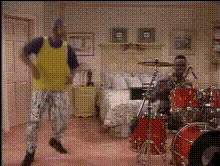
Step into the spotlight with the Rap Music Video Dance Scene template. This tool allows creators to overlay faces onto dynamic dance scenes seamlessly, creating engaging and personalized music videos. Whether you're looking to add a twist to a project or create a fully produced rap video, this Video Face Swap template provides the capability to deliver something memorable.
What It Does
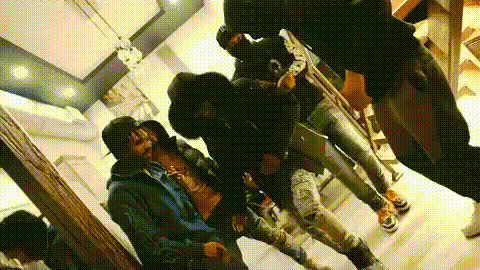
This template leverages advanced face swap technology to replace faces in high-energy dance scenes, making it perfect for creating rap music videos. It allows users to take existing dance footage and overlay chosen faces, offering a seamless transition that fits perfectly with the energetic style of rap videos.
For a touch of uniqueness and creativity, explore the Face Swap product to transform videos and the AI Talking Photo tool to animate still images, enhancing your storytelling capabilities.
Who It's For
This template is suited for video creators, social media influencers, and anyone in the music industry looking to add a personalized touch to their rap music video productions. It's ideal for artists who want to feature themselves or others in a captivating dance scene, as well as marketers aiming to create standout visual content for promoting music tracks.
Discover more tools for enhancing your videos by visiting our AI Video Generator or exploring our social media ad use cases.
Summary
In summary, the Rap Music Video Dance Scene template is a creative tool designed to enhance your music videos with powerful face-swapping functionality. It's crafted to help you produce visually engaging content for your audience. Whether used standalone or alongside other products like our Image to Video tool, this template will elevate your video projects to new heights.
How-To
Choose Your Template

Customize Your Video

Generate and Download

Use Cases
Music Video Production
- Personalized artist appearances
- Diverse character inclusion
Social Media Content
- Standout TikTok videos
- Unique Instagram reels
Promotional Material
- Music launch campaigns
- Boosted video ads
Best Practices
Select High-Quality Footage
Ensure the source video and photos are of high quality for the best face swap results with clear facial features.Adjust Face Placement
Carefully adjust face size and alignment to match the movement and angles of the original video for a natural appearance.Test Lighting and Colors
Ensure lighting and color tones of the added face match the original scene to maintain visual consistency and reduce editing work.