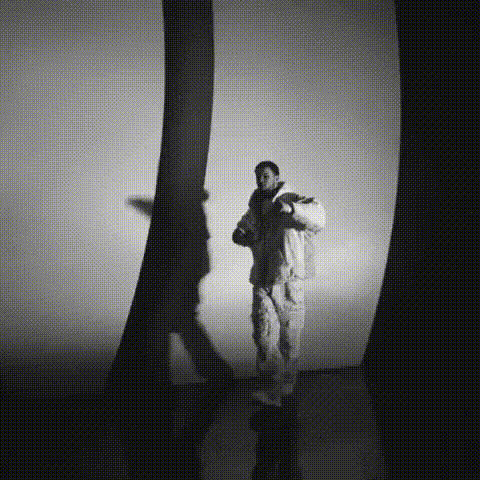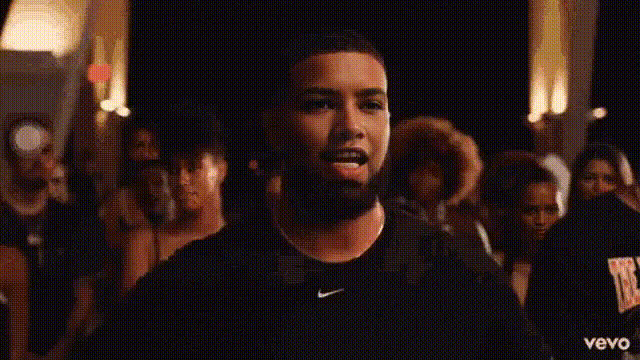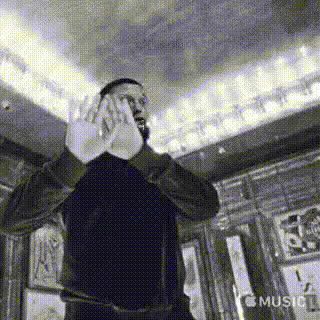
Template preview

rapper-drake-looking-left

face-swap

1 clip
0 uses

Any aspect ratio

Tags

transformations

Hyper‑Real Face Swap Template for Video Creators

Turn any video into a convincing character performance by swapping faces in a few clicks. This template is built on Magic Hour’s production‑grade Face Swap technology and is designed for creators, marketers, and teams who need reliable, realistic swaps that are ready to publish.

Use it to:

  • Put your face (or your talent’s face) into stock footage, ads, or UGC
  • Localize campaigns with different on‑screen talent while keeping the same master edit
  • Test creative concepts without reshoots
  • Produce memes, concept tests, or previz for clients and stakeholders

What This Template Does

This template uses Magic Hour’s face swap video creator to:

  • Detect faces in your source video
  • Map a new face (from a photo or frame) onto the original performer
  • Preserve the original motion, lighting, and expressions as closely as possible
  • Output a ready‑to‑share video you can download or further edit

Because it’s built on the same engine as the standalone Face Swap product, you can reuse your assets and workflows across other formats such as face swap GIFs or image‑based content.


How to Remix This Template in Magic Hour

You can clone this flow and adapt it for your own project in minutes. At a high level, you’ll:

  1. Start from the Face Swap Video creator

  2. Add or replace your source video

    • Use your existing footage, stock clips, or creative tests.
    • For best results, pick videos where the subject’s face is:
      • Clearly visible and reasonably well lit
      • Not heavily occluded (no big sunglasses, masks, or heavy motion blur)
    • Vertical, horizontal, and square formats all work; choose what matches your channel (TikTok, Reels, Shorts, YouTube, etc.).
  3. Provide the face to swap in

  4. Preview, iterate, and refine

    • Generate a first pass to check identity match, realism, and overall vibe.
    • If you want a different look, you can:
      • Swap in another reference photo (more expressive, different angle, different style)
      • Use the AI Image Editor to adjust your reference image (lighting, background, minor tweaks)
      • Enhance your reference with the AI Image Upscaler for sharper details
  5. Export and integrate into your pipeline

    • Download your face‑swapped video and drop it into your editor, ad manager, or publishing stack.
    • If you’re building automated workflows or tools, you can design repeatable steps around this template and plug it into your existing content ops.

Once you’ve created your version, you can effectively treat it as your own “face swap preset”—reuse it across multiple campaigns, experiments, or clients.


Advanced Use Cases & Combinations

Because this template is modular, it plays well with other Magic Hour tools. Here are practical ways teams use it:

1. Ad & UGC Production

  • Test multiple “creators” or brand ambassadors on the same base video without new shoots
  • Localize campaigns across regions by swapping in local faces while keeping scripts and edits identical
  • Combine with:

2. Creator & Personal Branding

  • Clone yourself into different scenes, outfits, or environments for consistent personal branding
  • Build “always‑on” content where you don’t need to be on set
  • Pair with:

3. Entertainment, Memes & Concepting

  • Drop yourself or your team into famous movie scenes, memes, or iconic footage (subject to rights and platform policies)
  • Rapidly prototype character looks for storytelling, without committing to full production
  • Useful combinations:
    • Lip Sync to make your swapped face sing, rap, or speak to an audio track
    • Video to Video to stylize the entire clip (anime, illustration, cinematic) while preserving motion
    • Animation to convert your swapped footage into a stylized animated version

4. Product & Startup Content

  • Swap in your founder or key team members into explainer content for more authentic narratives
  • Produce pitch, onboarding, or “how it works” videos with consistent on‑screen talent
  • Integrate with:
    • Text to Video for script‑driven visual generation, then swap in your preferred face
    • Image to Video to turn product stills into motion, then overlay your spokesperson via face swap

Best Practices for Realistic Face Swaps

For professional‑grade results, pay attention to three key inputs: reference quality, source video, and consistency.

1. Reference Face Quality

  • Use high‑resolution images (or upscale with AI Image Upscaler)
  • Prefer natural lighting and minimal heavy filters
  • Avoid extreme angles, strong occlusions, or cluttered backgrounds
  • If you’re generating faces (e.g., with AI Photo Generator or AI Art Generator), keep them photorealistic for live‑action videos

2. Source Video Considerations

  • Aim for stable shots where the subject’s face is visible for a meaningful portion of each frame
  • Reasonable, consistent lighting helps maintain realism
  • Very fast motion, heavy blur, or extreme lighting changes can reduce believability

3. Visual Consistency Across Assets

If you’re building a campaign or series:

  • Keep the same primary reference face image across all variations
  • Color‑match or grade your reference image and base footage for a cohesive look (you can adjust images with the AI Image Editor)
  • Use Video Upscaler at the end of your pipeline if you need higher‑resolution outputs for large formats

Responsible & Ethical Use

High‑quality face swapping is powerful and carries real‑world responsibilities. Industry guidance from organizations like the Partnership on AI and academic work on synthetic media emphasizes:

  • Consent and rights: Only swap faces you have rights and permission to use.
  • No exploitation: Avoid harassment, impersonation, or misleading content (e.g., fake endorsements, misinformation).
  • Transparency: In professional or public‑facing contexts, be clear when content is synthetic or heavily edited, in line with emerging generative‑AI disclosure norms.

Adhering to these principles not only avoids legal and platform issues but also builds trust with audiences and customers.


How to Extend This Template

Once you’re comfortable with this base, you can build more specialized internal “mini‑templates”:

You can also explore niche generators—like Superhero Generator, Manga Generator, or Animated Characters Generator—to design stylized identities, then bring them into motion with this face swap template plus Image to Video or Video to Video.


Who This Template Is For

This template is optimized for:

  • Creators & influencers who want to scale content without constant filming
  • Marketers & growth teams looking to A/B test talent, faces, or creative angles quickly
  • Agencies & studios building repeatable, client‑ready AI video workflows
  • Startup teams & product builders prototyping synthetic media features and content systems

If you’re building serious, repeatable content processes around AI video and want a reliable, remixable starting point for face swapping, this template is designed to be your default. Open the Face Swap Video creator, plug in your assets, and adapt it into a reusable building block for your own stack.

More Like This

Insufficient credits