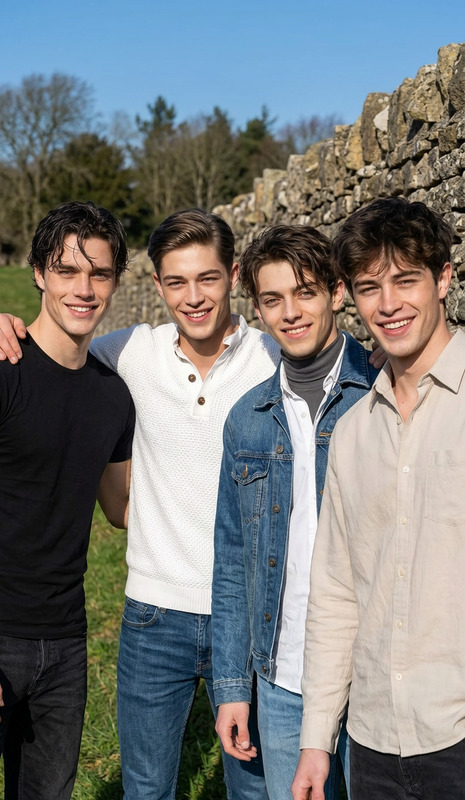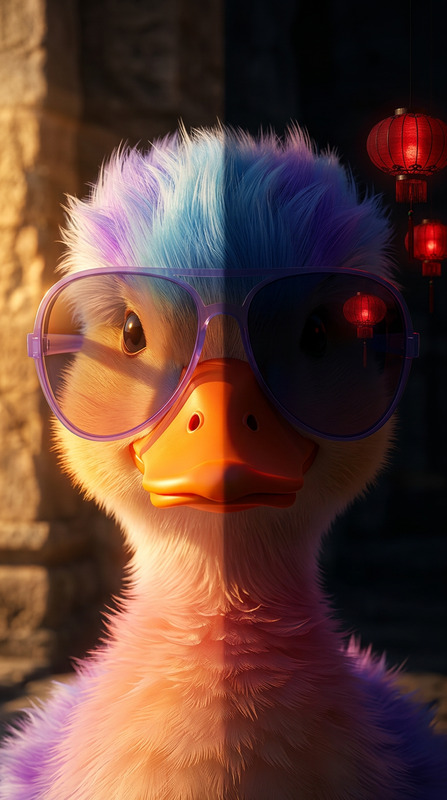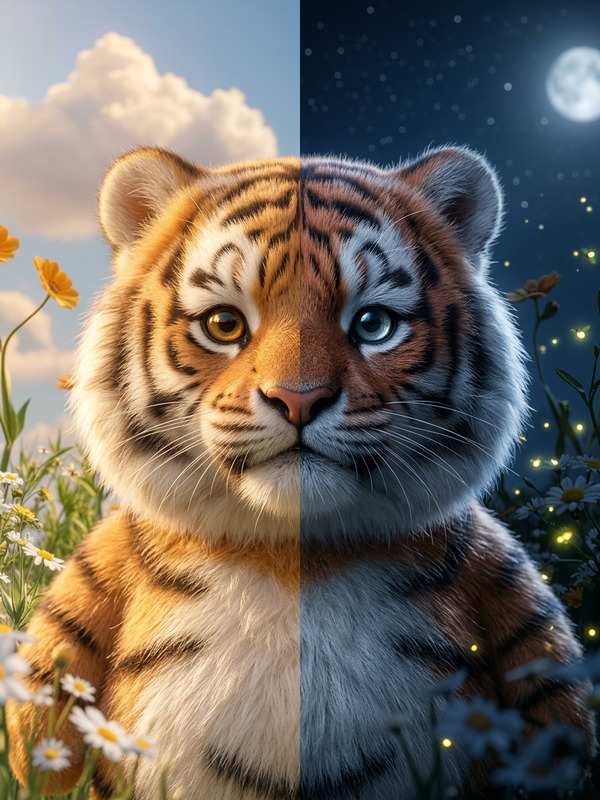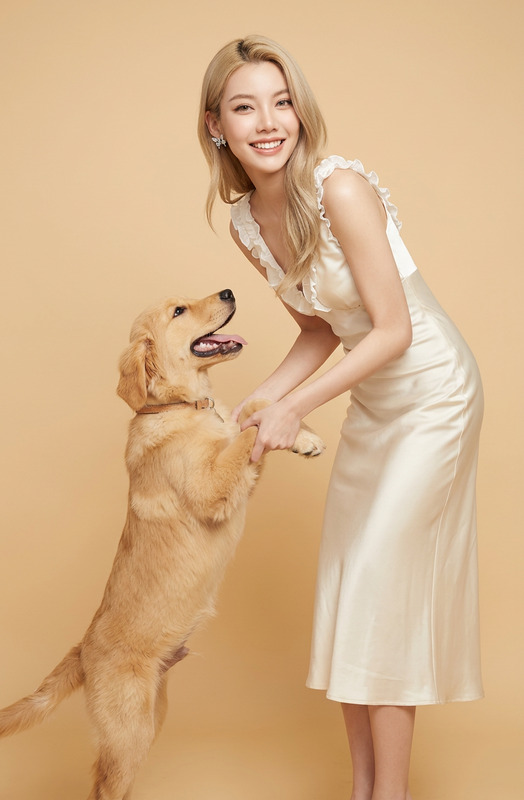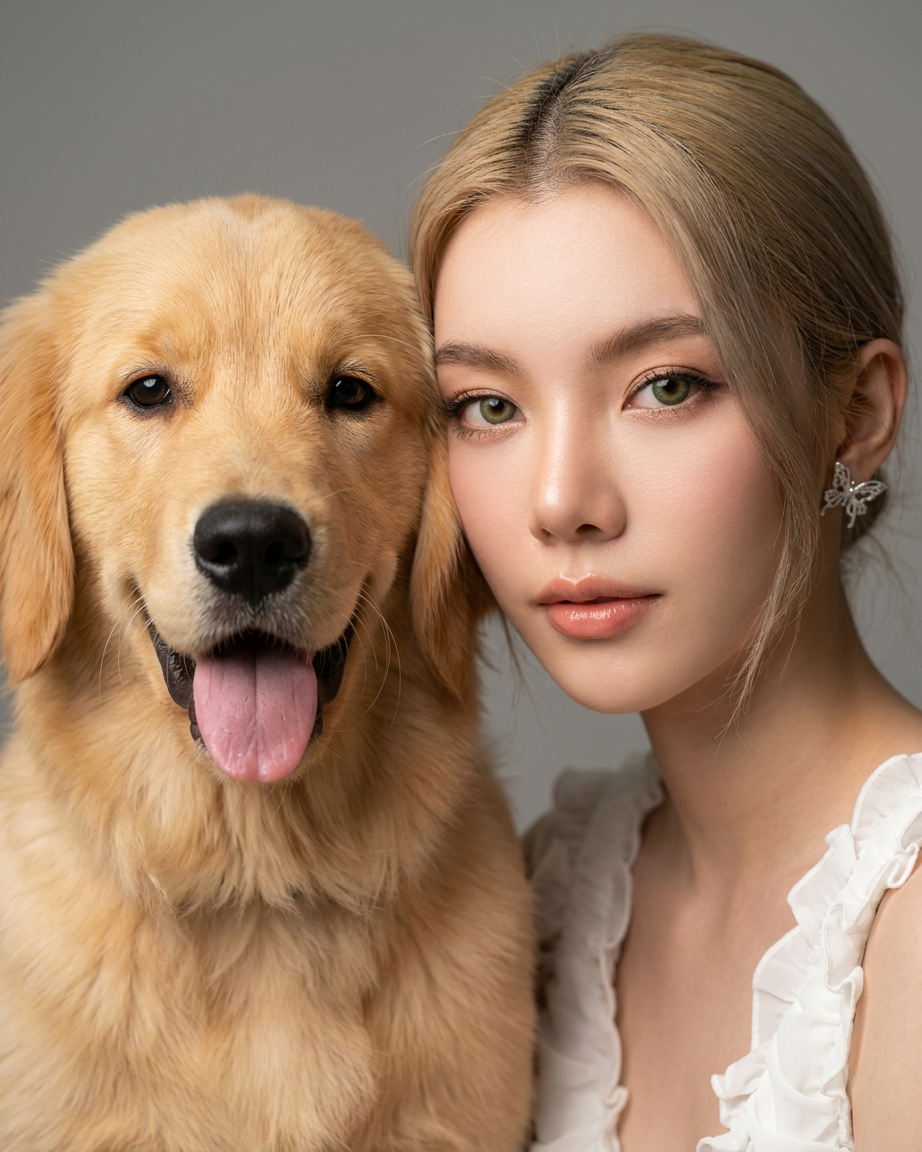
Side by Side
- Model
- Nano Banana 2
- Image
- 922 × 1152 px
Prompt
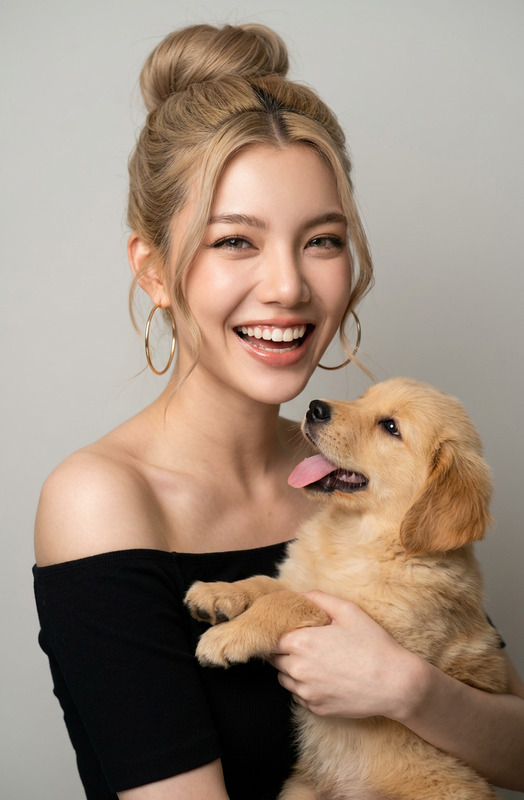
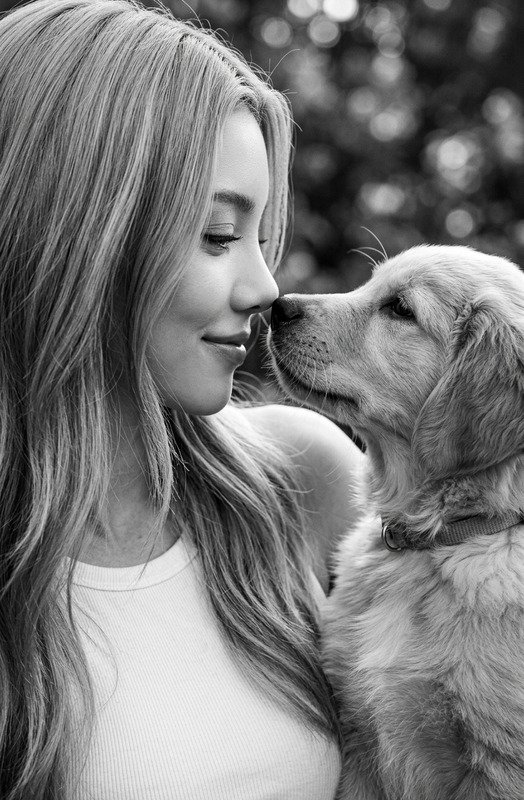
A beautiful close-up portrait of a subject 1 with green eyes and subject 2 side-by-side, creating a split-face photo look. Their heads are touching, showing a close-up of the subject 1's face on the right and the subject 2 's face on the left. High-quality photography style with soft studio lighting, a neutral gray background, and a warm, loving atmosphere.
Any aspect ratio
Overview
The Side by Side template allows you to create compelling dual-subject images using the AI Image Editor capabilities of the nano-banana-2 model. This template expertly crafts side-by-side portraits, blending two faces into one seamless photograph. Ideal for comparison visuals, it combines nuanced facial features with studio-quality lighting for an impactful presentation.
What It Does
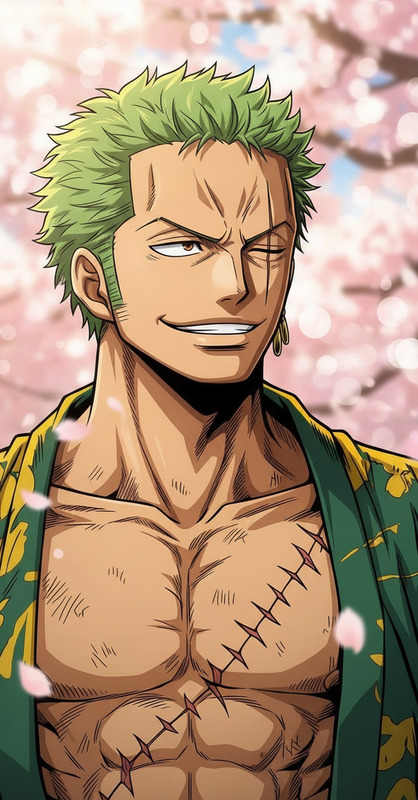
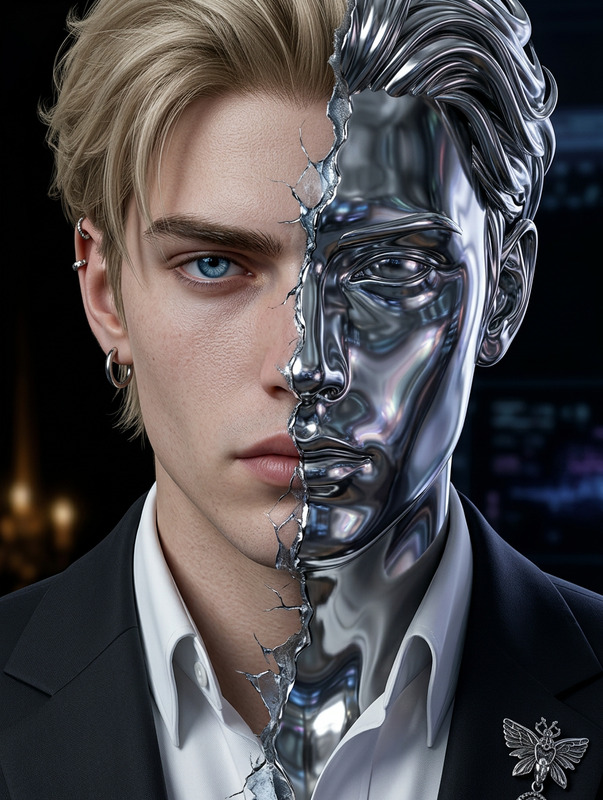
This template takes two separate images and merges them into a single composite, split-face photograph. By focusing on high-quality, close-up portraits, it employs soft lighting and a neutral gray background, delivering professional-grade results. This side-by-side layout allows viewers to appreciate the subtle similarities and differences between the two subjects.
Who It's For
Photographers, storytellers, and content creators seeking to compare and contrast subjects will find the Side by Side template invaluable. Whether you're producing content for social media, marketing campaigns, or art projects, this tool provides a creative way to combine multiple images into one cohesive visual. Discover more tools like AI GIF Generator and AI Image Generator to enhance your projects.
Summary
By leveraging the nano-banana-2 model, the Side by Side template offers a unique method to juxtapose two subjects within a single frame. Its ability to merge portraits seamlessly makes it a powerful addition to any visual storytelling toolkit. Explore other products such as Face Swap for additional photo editing capabilities.
How To
Choose Your Template

Customize Your Inputs

Generate Your Image

Use Cases
Social Media Features
- Highlight similarities in features or expressions.
- Create engaging before-and-after content.
Artistic Projects
- Produce conceptual art pieces.
- Illustrate narratives through dual imagery.
Marketing and Advertising
- Enhance brand storytelling.
- Create impactful visual advertisements.
Best Practices
Select High-Resolution Images
Ensure your source images are of high quality for the best outcomes. Low-resolution images may result in blurry outputs.Experiment with Lighting
Try variance in lighting conditions within your image selection to see how they interact in the final composite image.Mind the Background
Although the template applies a neutral gray background, contrasting elements in the source images can create unique effects.