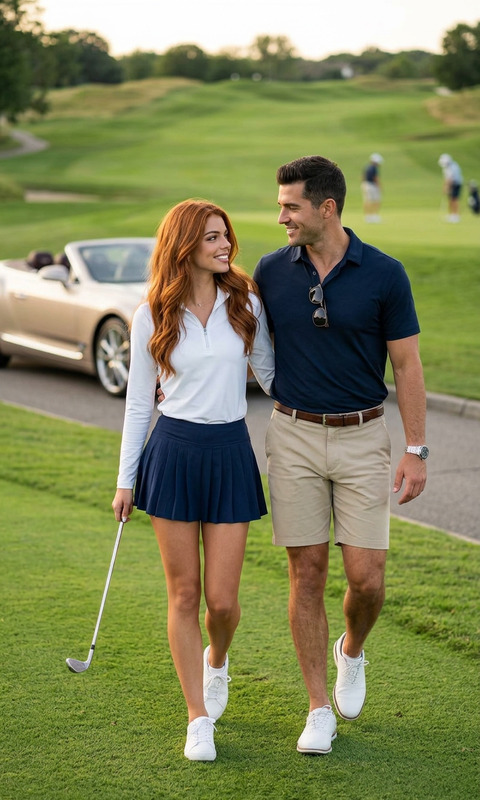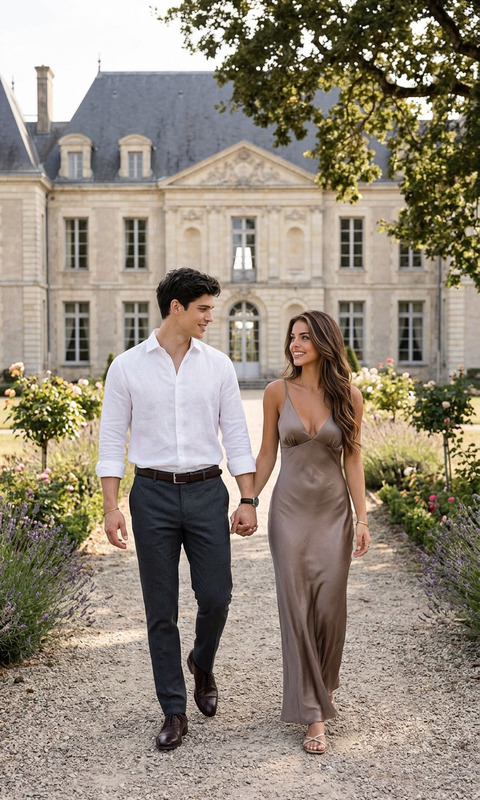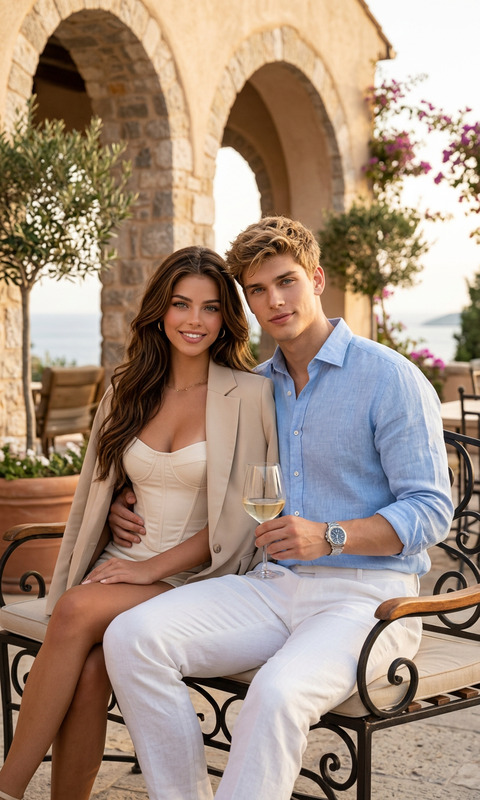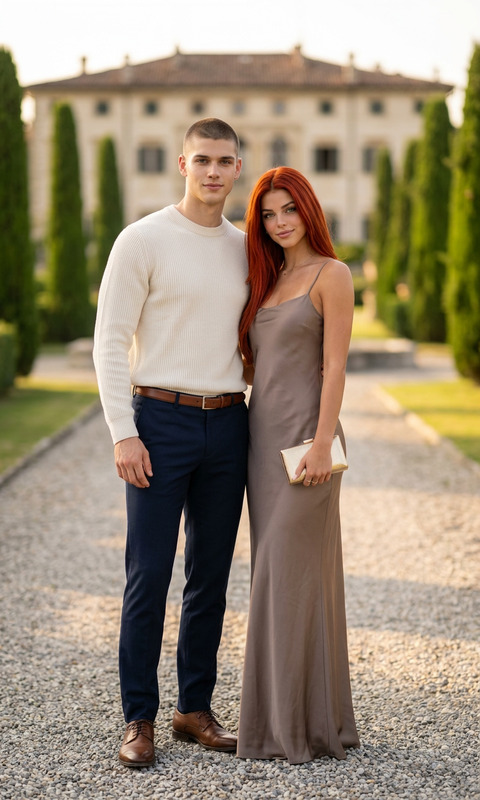
Two Moods
- Model
- Nano Banana 2
- Image
- 800 × 1333 px
Prompt
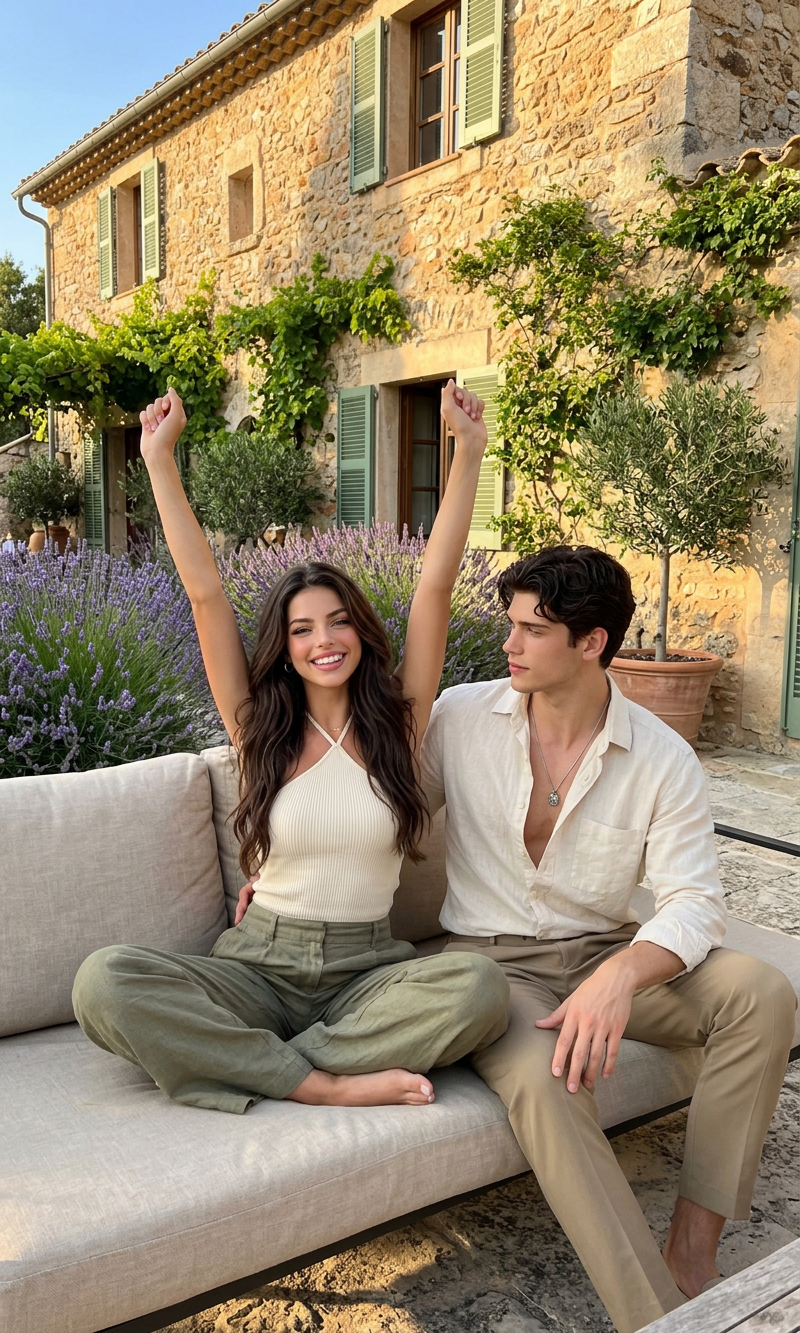
A medium full-length lifestyle photograph of an attractive young couple relaxing together on a beige linen outdoor sofa. The woman, with dark wavy hair and a joyful smile, sits cross-legged with both arms triumphantly raised in the air, wearing a cream-colored ribbed halter top and loose-fitting olive green linen trousers. The man sitting beside her has dark wavy hair and a calm expression, wearing an unbuttoned cream-colored linen shirt, a silver pendant necklace, and khaki tailored trousers. They are positioned in front of a rustic, stone European country house adorned with climbing green vines, lavender bushes, potted olive trees, and green-shuttered windows under warm, natural afternoon sunlight.
Any aspect ratio
Overview
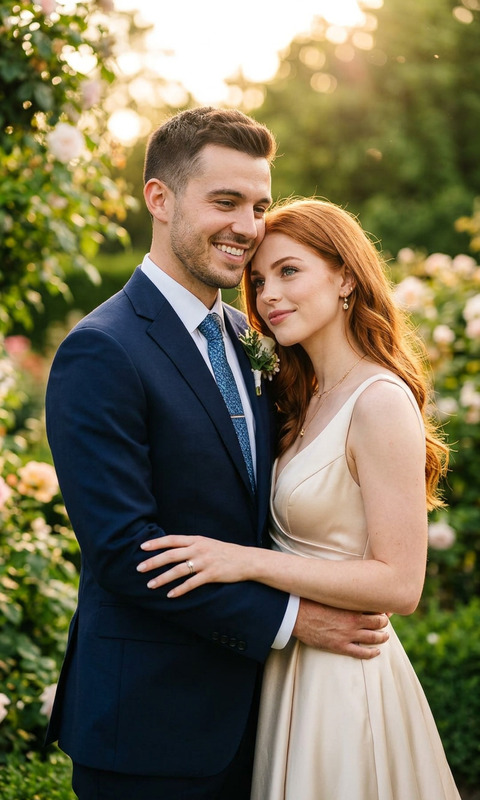
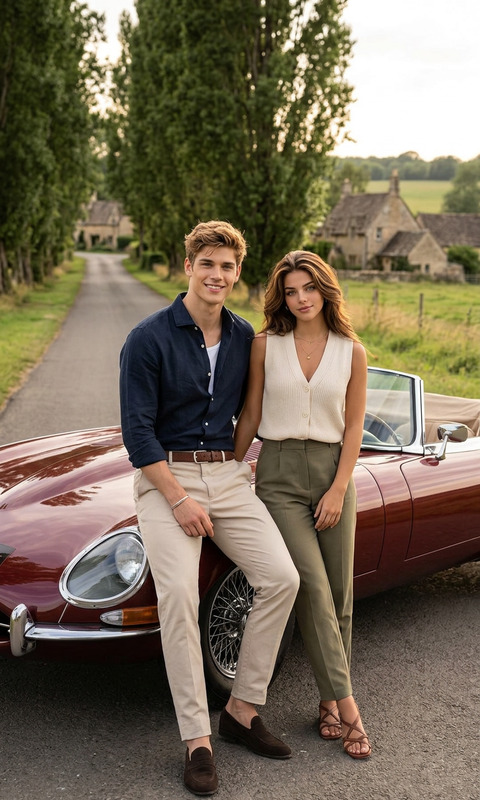
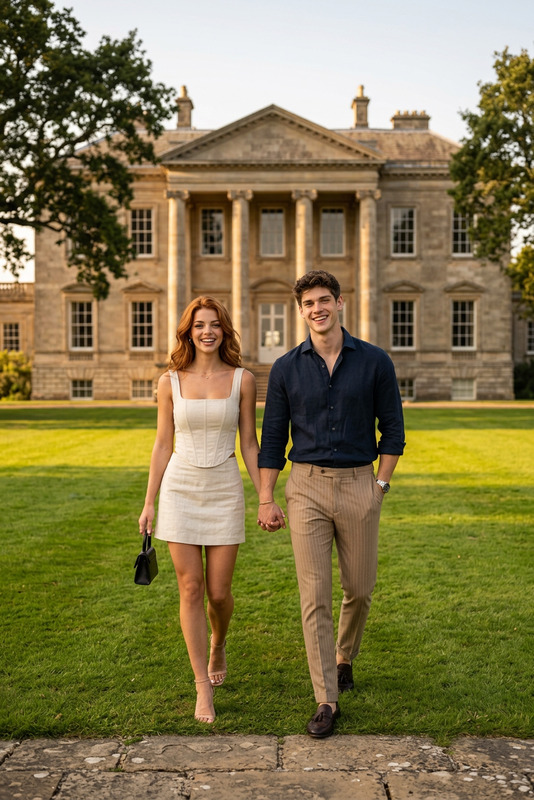
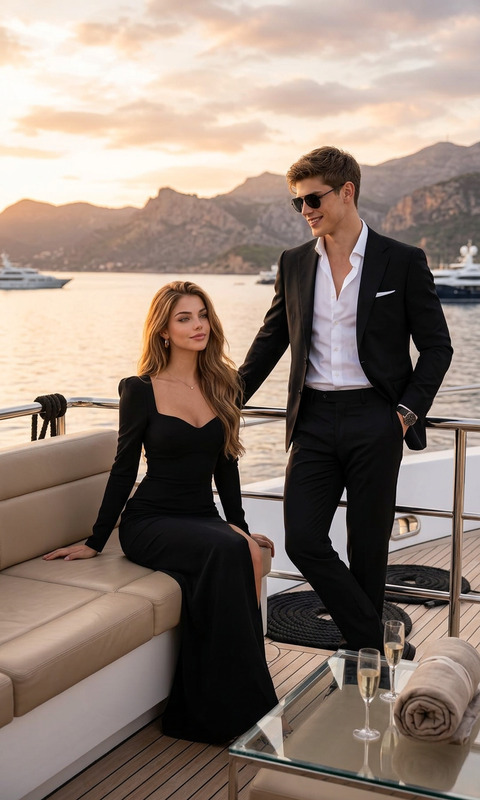
Enhance your imagery with the Two Moods AI Image Editor, designed specifically for creating compelling visual stories that capture contrasting emotions. This template utilizes the nano-banana-2 model, ensuring high-quality and dynamic imagery ready to accompany any narrative.
What It Does
The Two Moods template allows you to edit images to portray multiple emotions within a single frame effectively. By focusing on specific details such as expressions and color palettes, this template provides a distinctive way to highlight diverse moods in a fluid and appealing manner. Utilize it in combination with tools like the AI Image Editor for enhanced results.
Who It's For
This template is ideal for content creators, marketers, and storytellers looking to add depth and variability to their visual content. Whether you're crafting mood boards, promotional material, or educational content, the Two Moods template will help convey your message effectively. Pair it with the AI Multi-Angle Generator for a comprehensive creative toolkit.
Summary
With the Two Moods template, elevate your imaging projects by integrating complex emotions within a single scene. Perfect for conveying narrative transitions and mood shifts, this tool is a valuable asset in your creative arsenal alongside other products like the AI Clothes Changer.
How to Use
Choose the Template

Customize the Inputs

Generate Your Image

Use Cases
Social Media Content
- Instagram stories
- Facebook ads
Marketing Campaigns
- Brand storytelling
- Product launches
Editorial Design
- Magazine spreads
- Digital articles
Best Practices
Focus on Details
Ensure you focus on key details like expressions and attire for accurate mood representation.Complement with Other Tools
Enhance your work by using tools such as the AI Image Upscaler to improve image quality.Experiment with Angles
Use the AI Multi-Angle Generator to create varied perspectives and enrich storytelling.