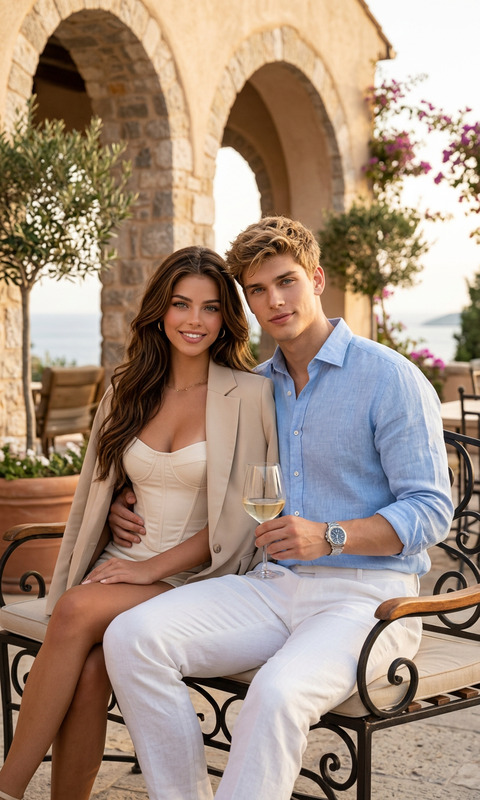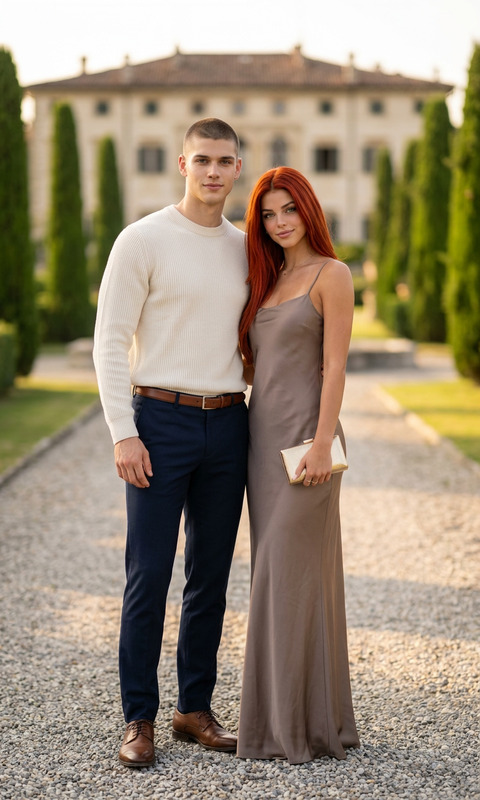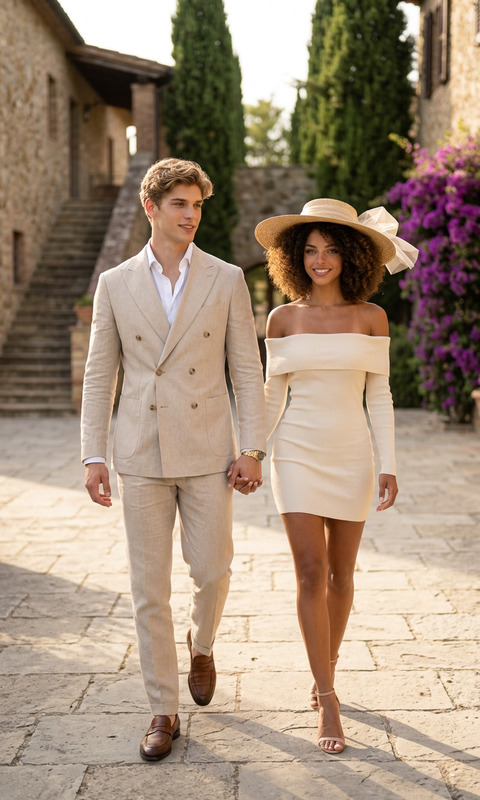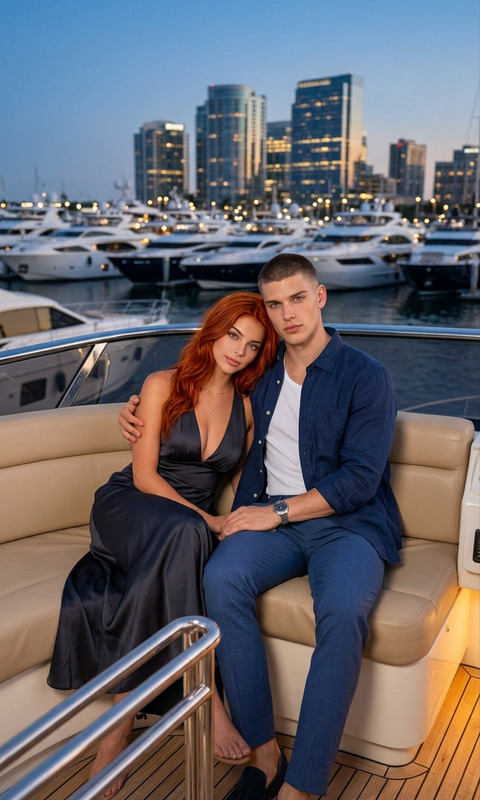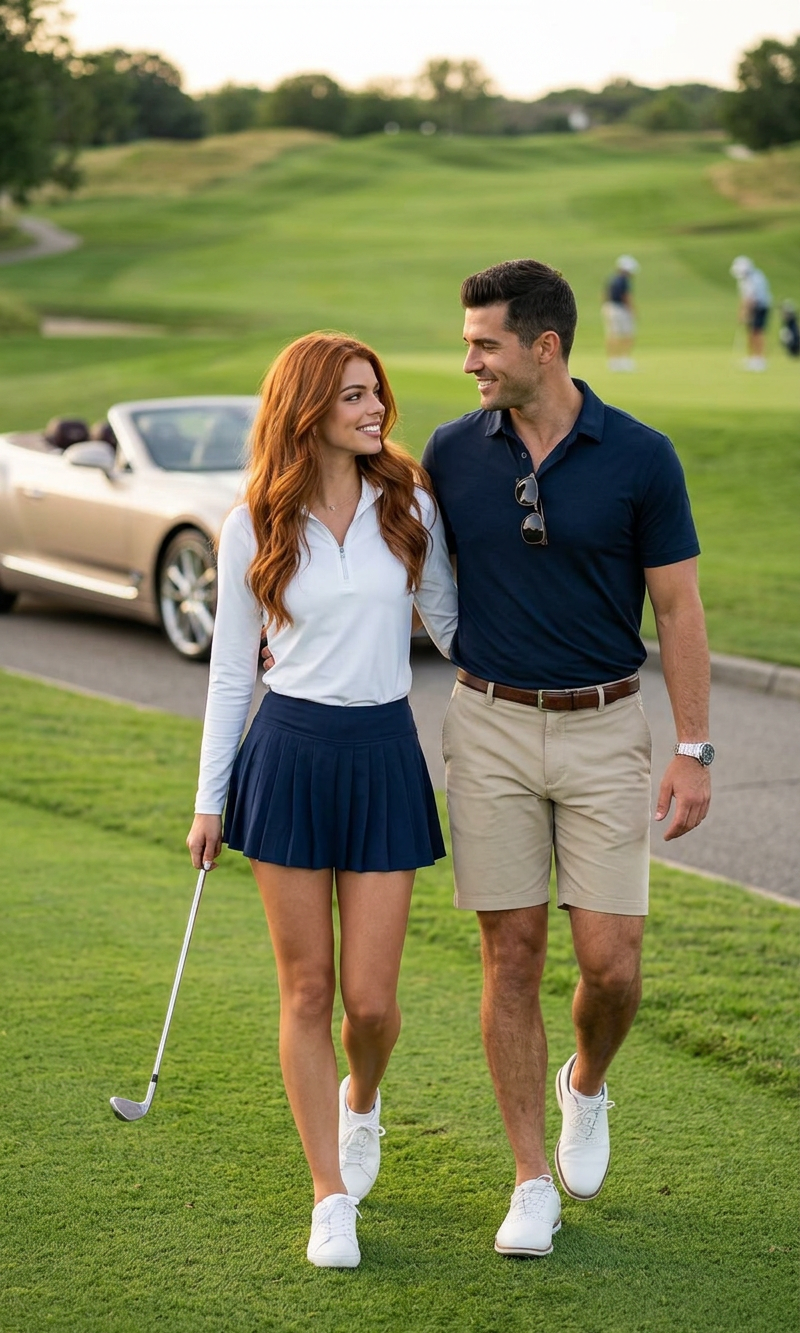
Club Day
- Model
- Nano Banana 2
- Image
- 800 × 1333 px
Prompt
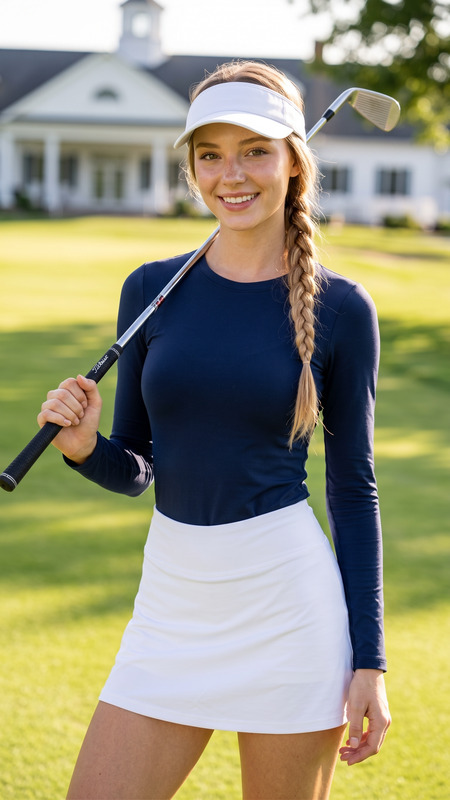
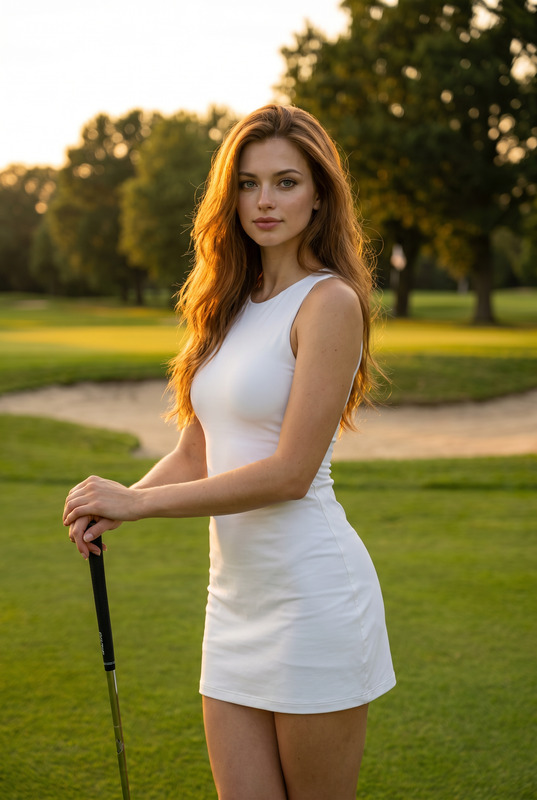
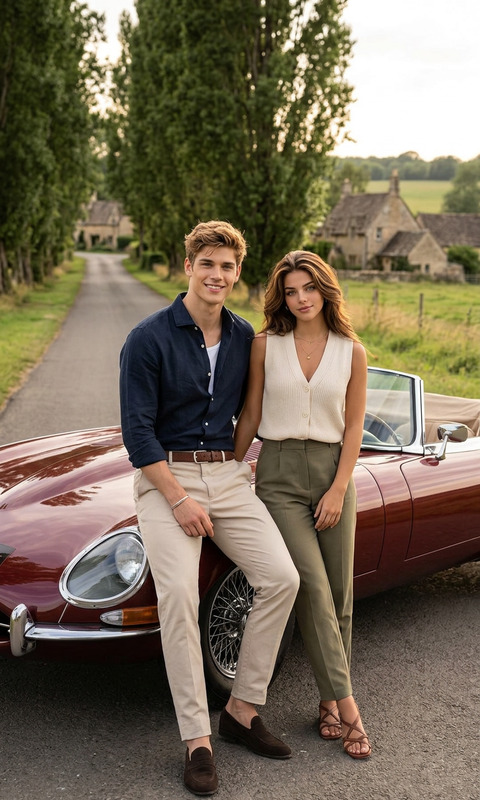
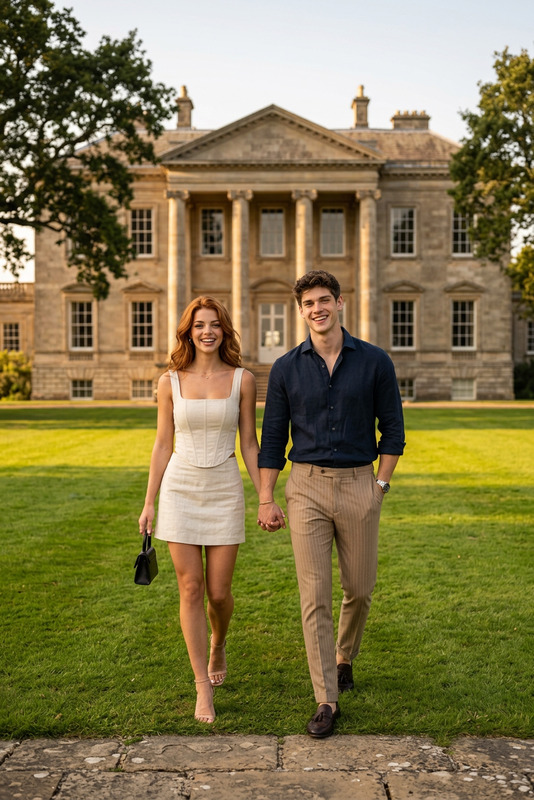
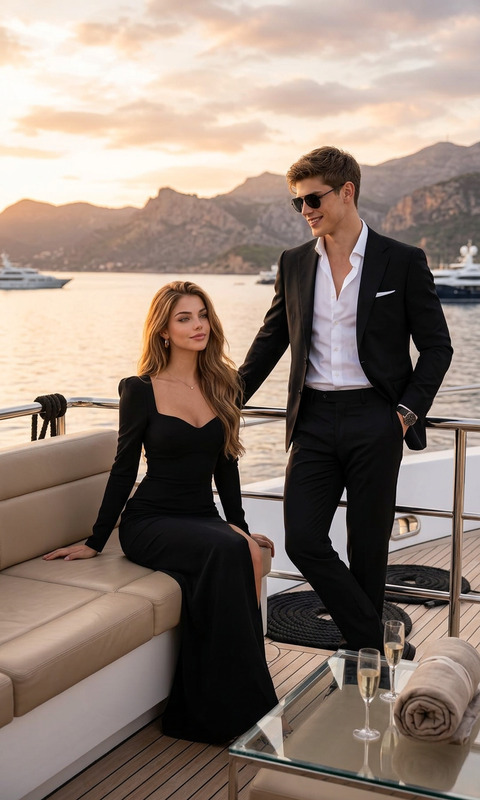
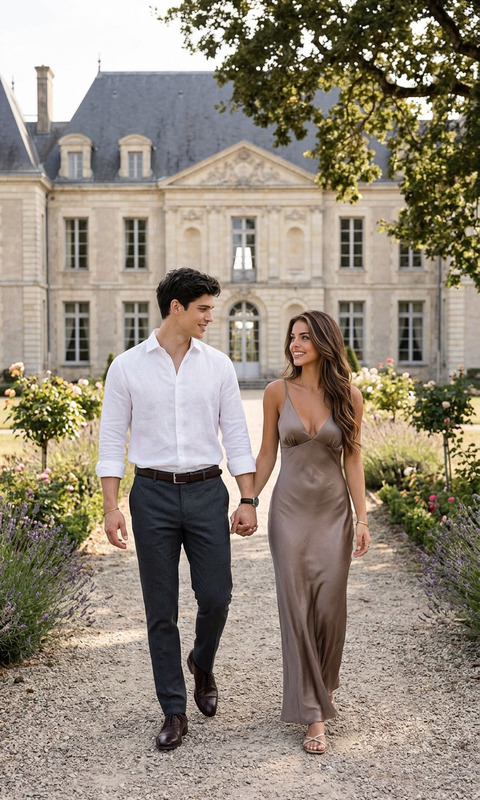
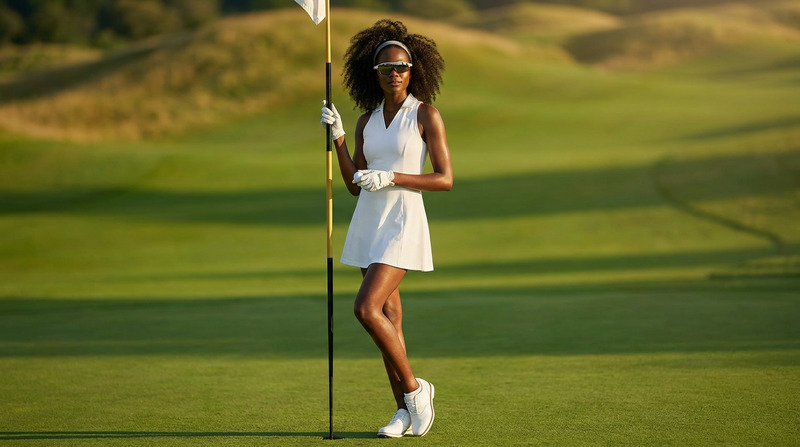
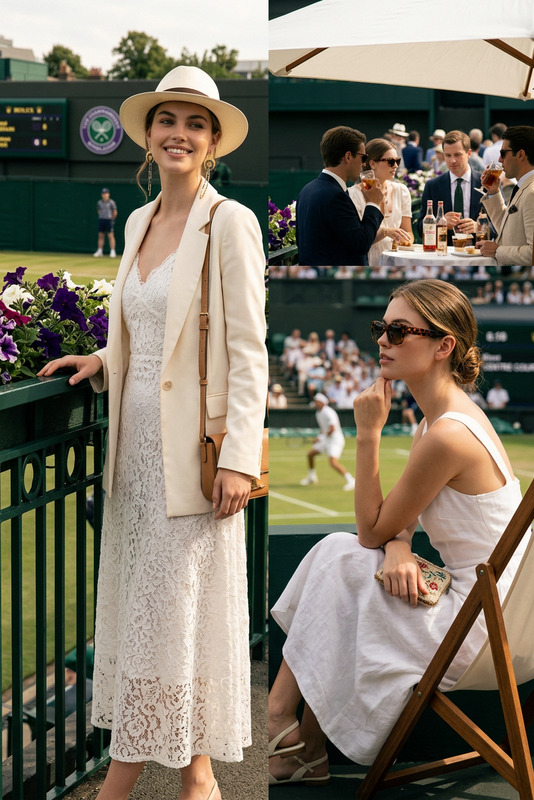
A full-length lifestyle photograph of an attractive couple walking together on a vibrant green golf course. The man, a handsome man with short dark hair, wears a dark navy blue polo shirt with sunglasses hooked on the collar, khaki shorts, and white golf shoes, accessorized with a silver watch. The woman, a stunning Caucasian woman with long red hair, walks beside him holding a golf club, dressed in a long-sleeved white quarter-zip pullover, a navy blue pleated tennis skirt, and white sneakers. They look at each other with warm smiles, captured under soft afternoon sunlight with a luxury champagne-colored convertible car and rolling green hills in the blurred background.
Any aspect ratio
Overview
Welcome to the Club Day template, a powerful tool within the AI Image Editor suite, designed to transform your lifestyle photographs into stunning visuals. Leveraging the nano-banana-2 model, you can effortlessly edit and enhance images, capturing those perfect moments in vibrant detail.
What It Does
This template enables you to create captivating lifestyle images set against a vibrant golf course backdrop. With features like clothing style transformations and scene enhancement, it's perfect for designing polished visuals that showcase clothing brands or event recaps. The AI Clothes Changer can be integrated to modify attire for personalized looks.
Who It's For
The Club Day template is ideal for marketers, influencers, and event organizers looking to elevate their visual content. Its easy-to-use interface appeals to anyone who may not be a professional graphic designer but seeks high-quality results for social media and promotional use.
Summary
Using the Club Day template, you can quickly edit and customize lifestyle images with precision. From adjusting lighting conditions to editing attire, it simplifies complex edits. Combine this template with products like the AI Image Upscaler for enhanced resolution and clarity.
How To
Choose the Template

Customize Your Image

Generate and Download

Use Cases
Social Media Content
- Use vibrant backgrounds to catch the audience's eye.
- Experiment with attire to suit trending styles.
Event Highlights
- Provide polished visuals for club events.
- Highlight significant moments with expressive edits.
Brand Showcases
- Display apparel in different settings without extra shoot costs.
- Utilize editing tools for dynamic and diverse brand representations.
Best Practices
Opt for High-Resolution Images
Input high-quality images to ensure the best output, especially when editing detailed scenes.Consider Lighting Adjustments
Use built-in tools to tweak lighting for a more natural appearance, ensuring seamless background synchronization with the primary image focus.Experiment with Attire Combinations
Utilize the tool's clothing adjustment features to try different fashion looks, making your visuals more appealing and trend-relevant.