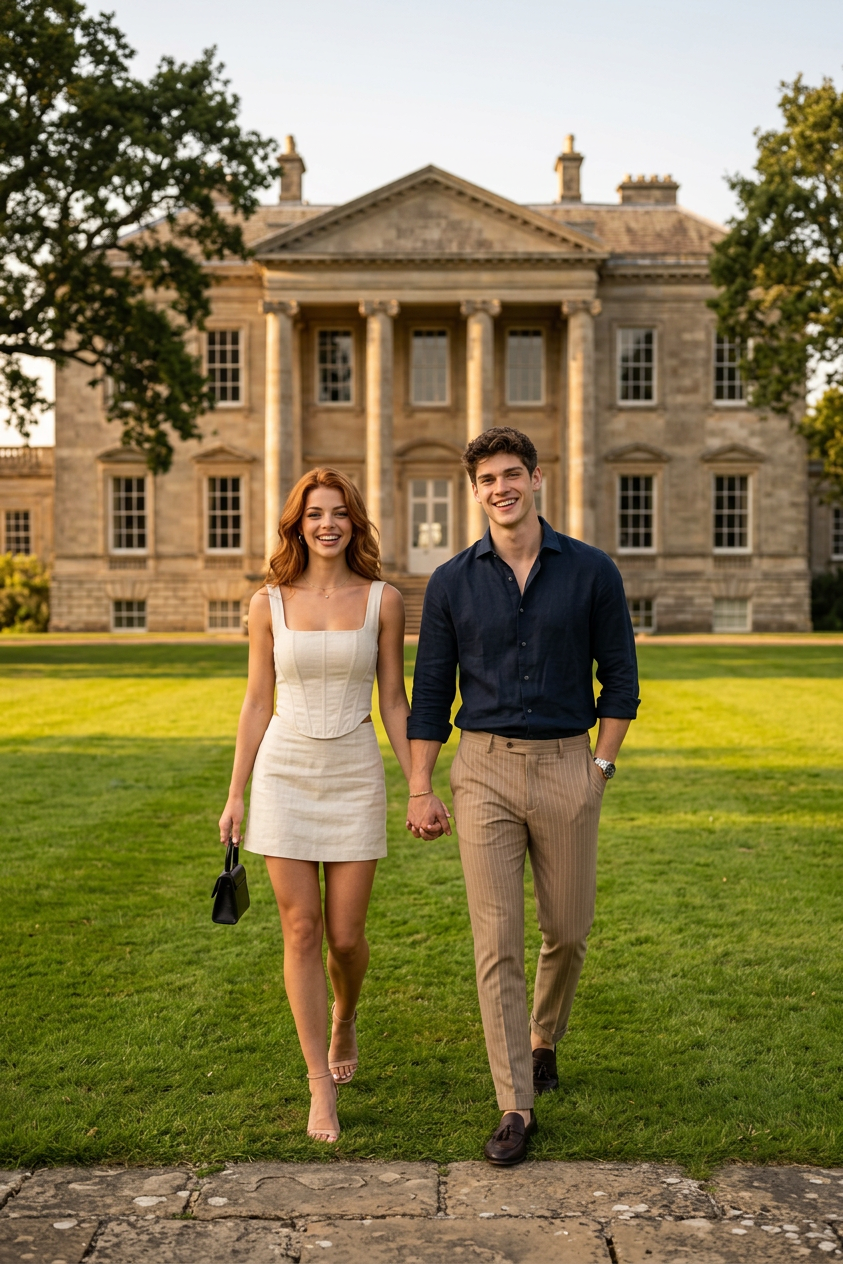
Hold My Hand
- Model
- Nano Banana 2
- Image
- 843 × 1264 px
Prompt
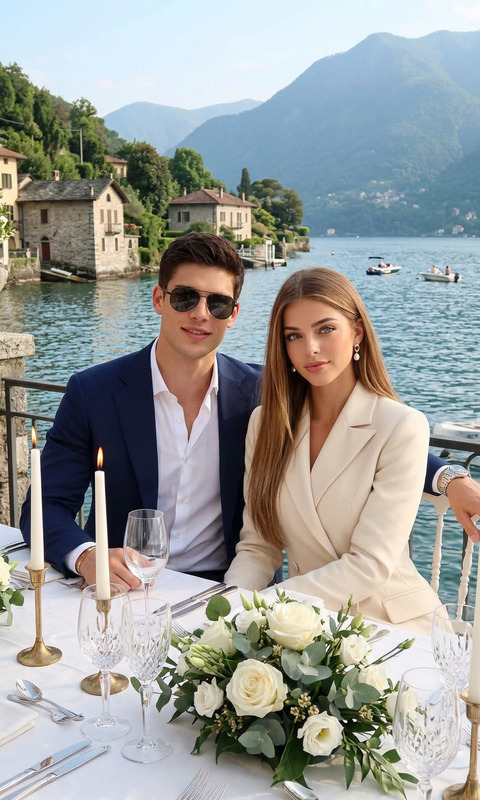
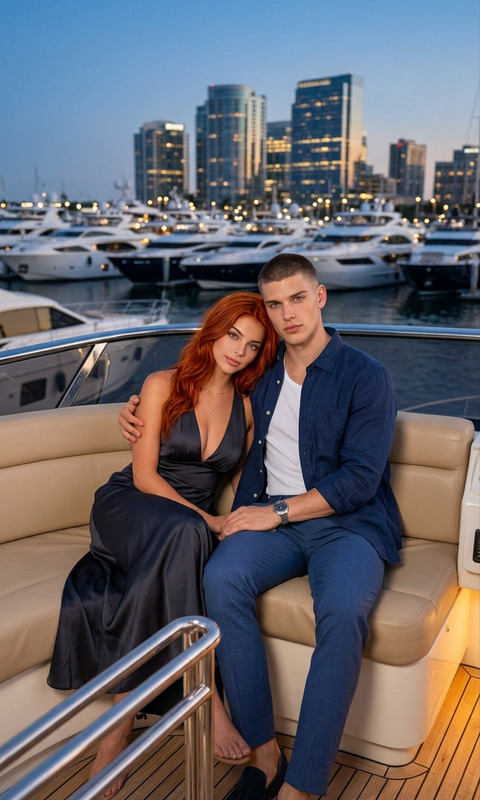
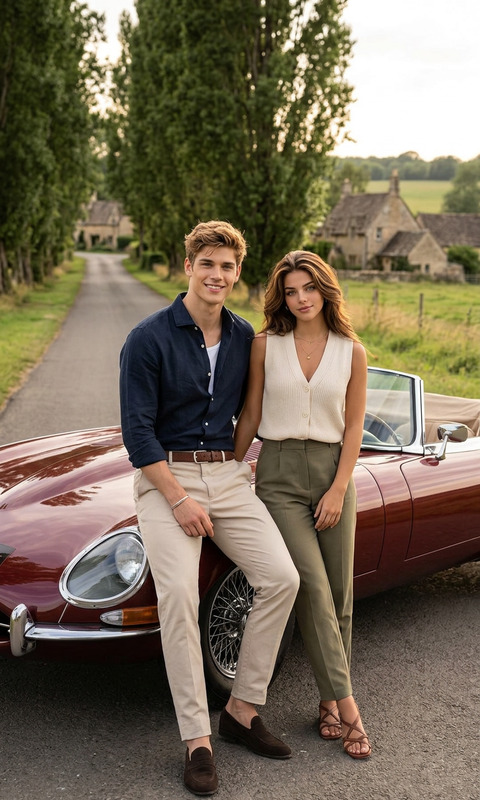
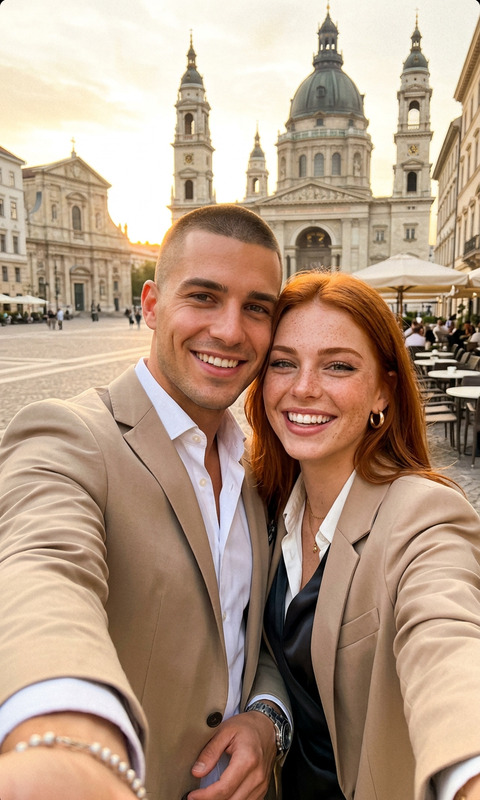
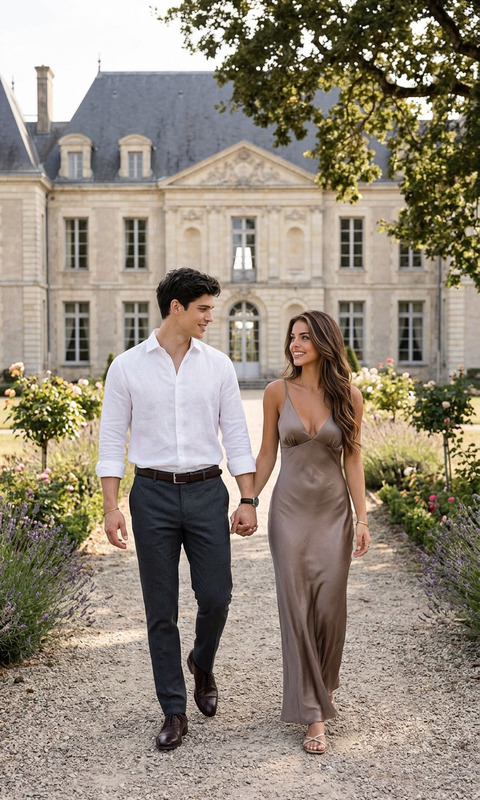
A full-length photograph capturing an attractive, smiling couple walking hand-in-hand towards the camera on a vibrant green lawn. The woman, with wavy red hair, wears a chic two-piece linen set in natural cream, featuring a square-neck corset top and a short skirt, accessorized with nude strappy heels, a small black handbag, and a delicate necklace. The man, with short dark hair and a warm expression, wears a dark navy button-down linen shirt with rolled sleeves, tan pinstriped trousers, and dark brown loafers, complemented by a silver wristwatch. In the background, a grand, multi-story Georgian-style stone mansion with prominent classical columns stands under a clear sky, bordered by mature trees, all bathed in the warm, diffused light of the golden hour, with a rough stone path in the immediate foreground.
Any aspect ratio
Overview
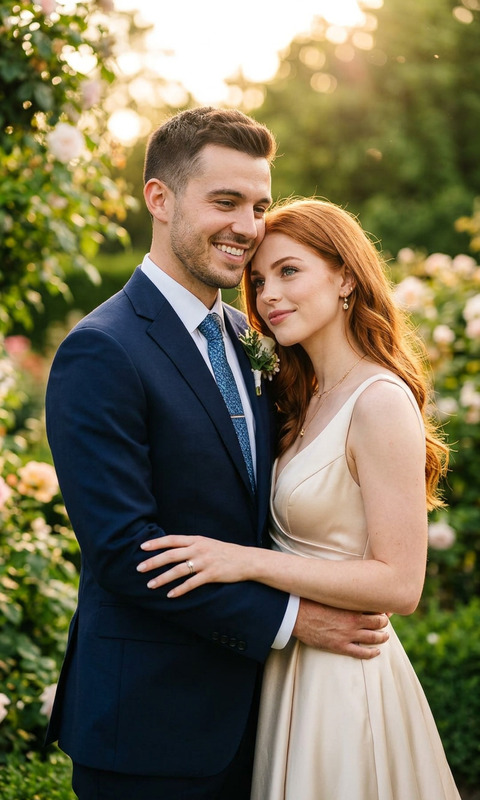
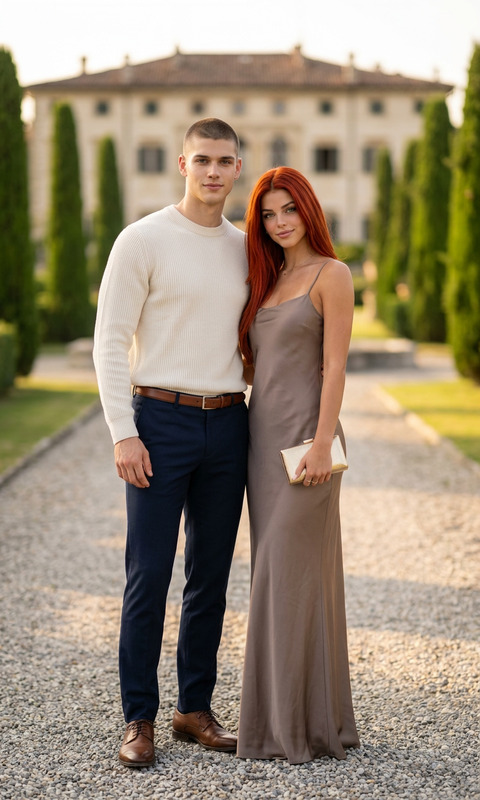
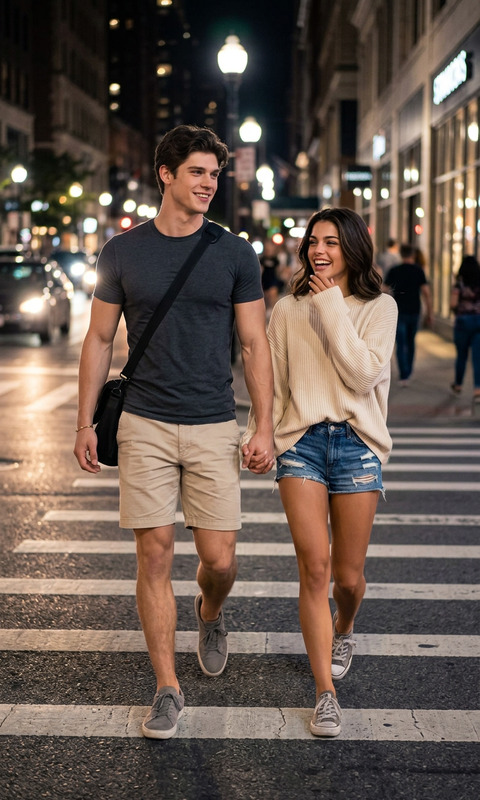
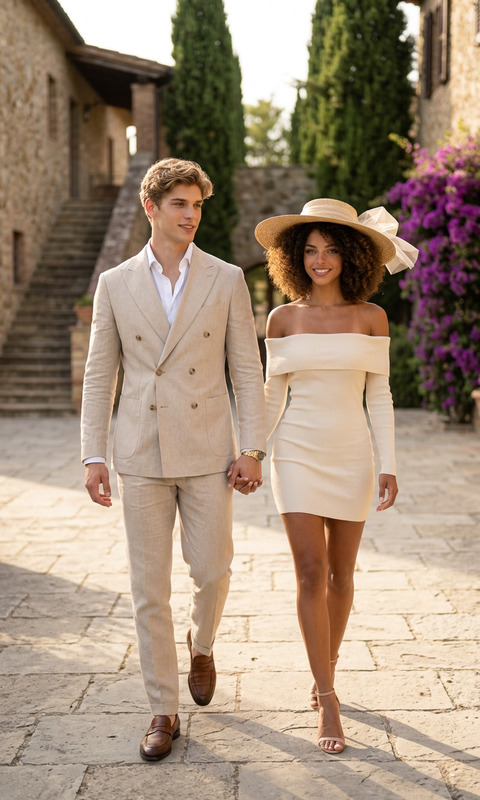
The "Hold My Hand" template is a powerful tool within our AI Image Editor suite. Tailored for capturing enchanting full-length images with detailed customizations, this template leverages the creative capabilities of the nano-banana-2 model. Create high-quality images that bring every elegant detail to life.
What It Does
The "Hold My Hand" template allows users to generate image compositions featuring vibrant, life-like couples in picturesque landscapes. Incorporating AI-driven detailing, users can select and edit elements from clothing styles to background settings. The template supports various file formats, making it a versatile tool for photographers and content creators alike.
Who It's For
This template is ideal for photographers aiming to enhance their portfolios with idyllic scenes, marketers crafting compelling visuals for campaigns, and influencers seeking to produce striking social media content. Users involved in advertising can also benefit from integrating these compositions into their product launch videos and social media ads.
Summary
The "Hold My Hand" template within the AI Image Editor empowers users to craft detailed images, capturing moments of intimacy and elegance. By utilizing the nano-banana-2 model, your images will exhibit excellent depth and color vibrancy, perfect for showcasing both modern fashion and classic architecture in a cohesive scene.
How to Use This Template
Choose the Template

Customize Your Scene

Generate the Image

Use Cases
Fashion Photography
- Easily style a couple in trendy outfits.
- Adjust lighting to achieve the perfect golden hour glow.
Real Estate Marketing
- Highlight architectural features alongside models.
- Improve engagement with dynamic backgrounds.
Social Media Content
- Integrate fashion and lifestyle themes.
- Capture attention with on-trend outfits and scenic backdrops.
Best Practices
Mind the Scene Composition
Balance the couple and the background elements to create a harmonious image that draws viewers’ eyes naturally.Attention to Detail
Focus on fine-tuning small details like accessory textures, clothing creases, and lighting angles for added realism.Experiment with Lighting Conditions
Try different lighting settings to see how each affects the mood of your composition, from sunrise hues to twilight shadows.