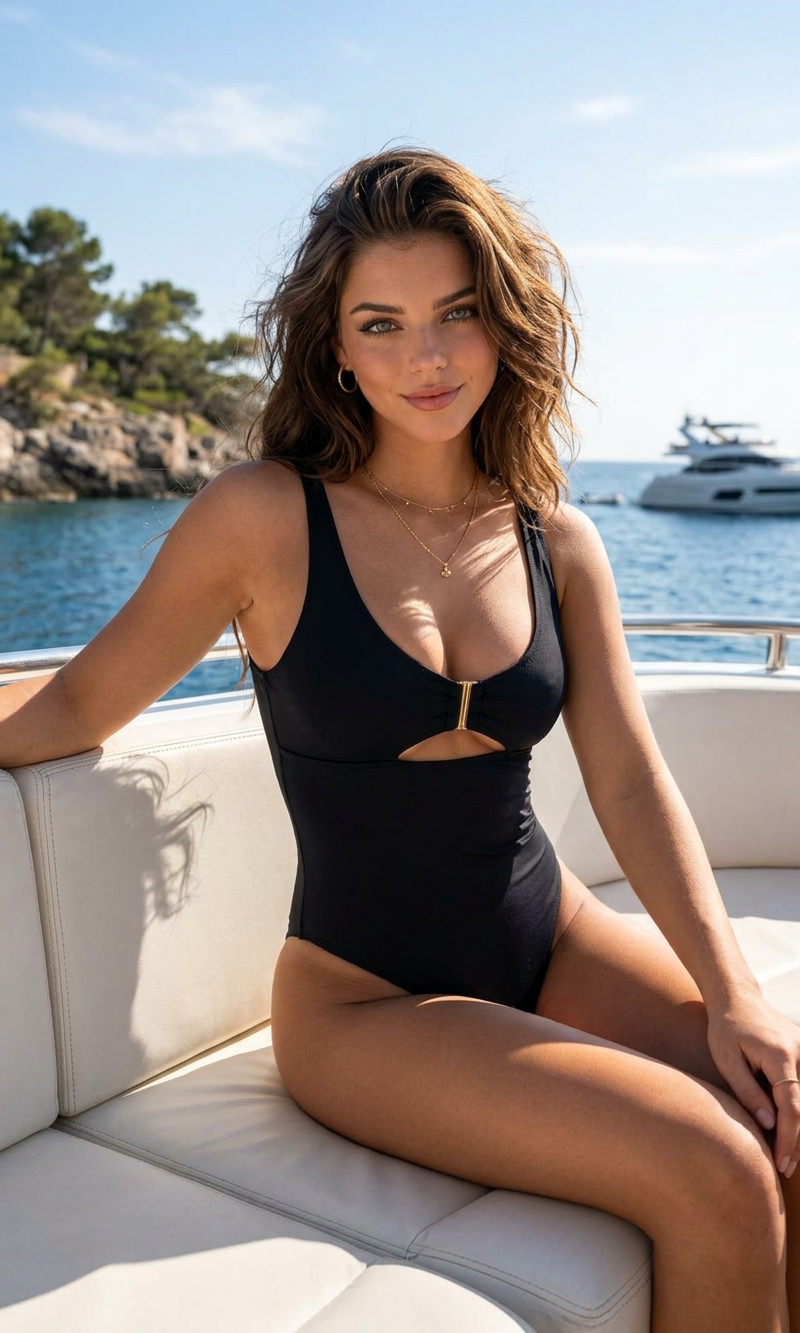
Yacht Look
- Model
- Nano Banana 2
- Image
- 800 × 1333 px
Prompt
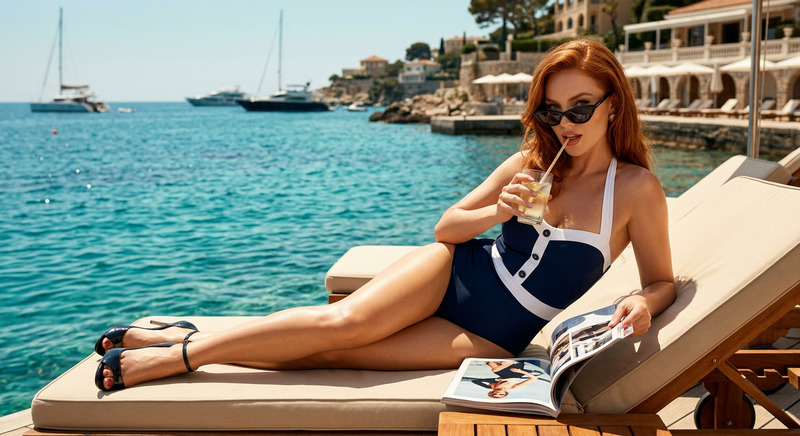
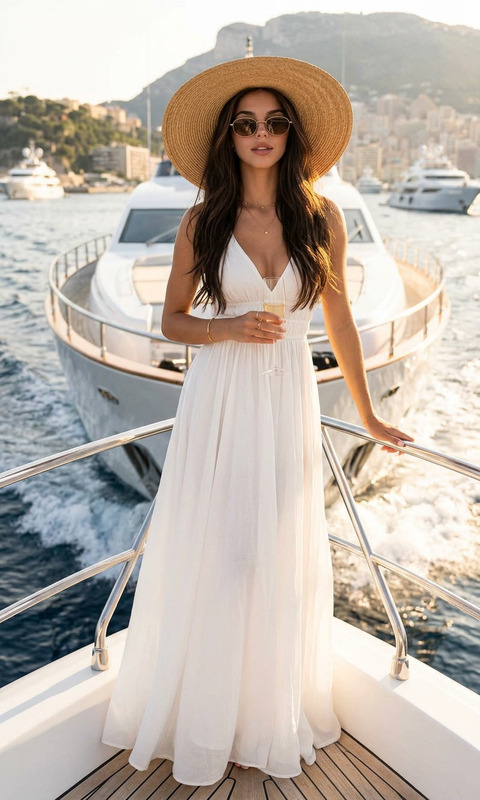
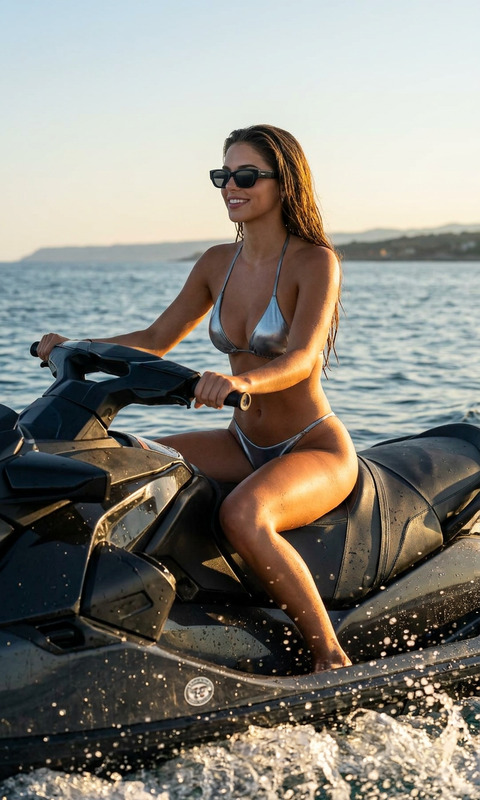
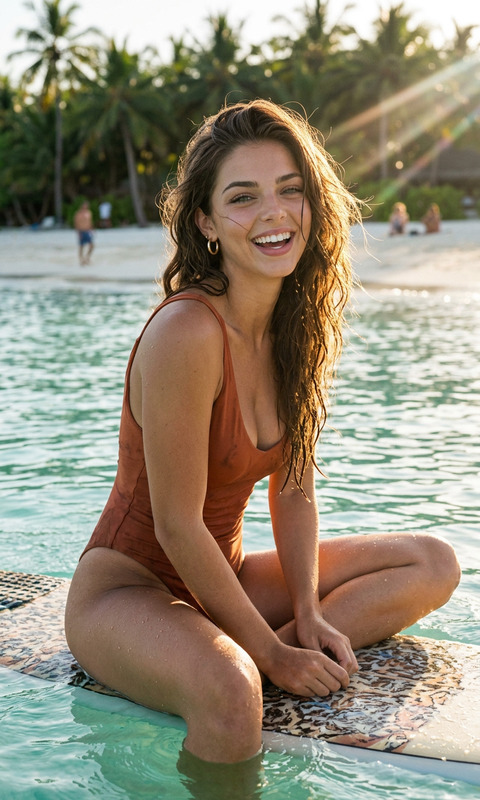
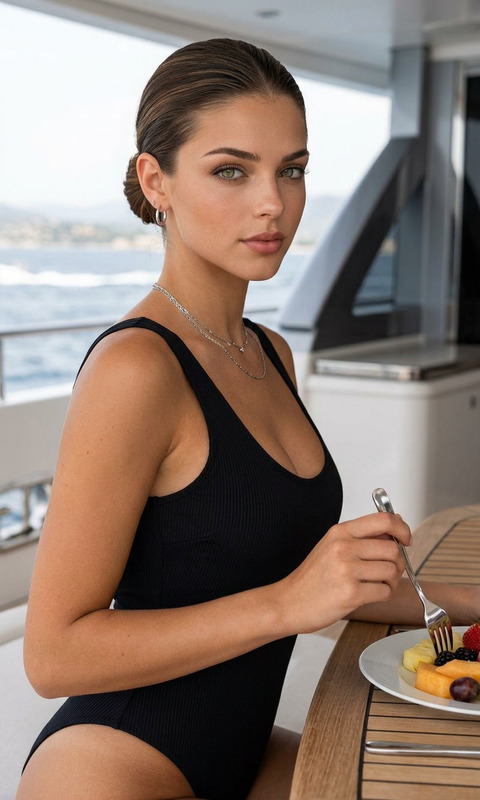
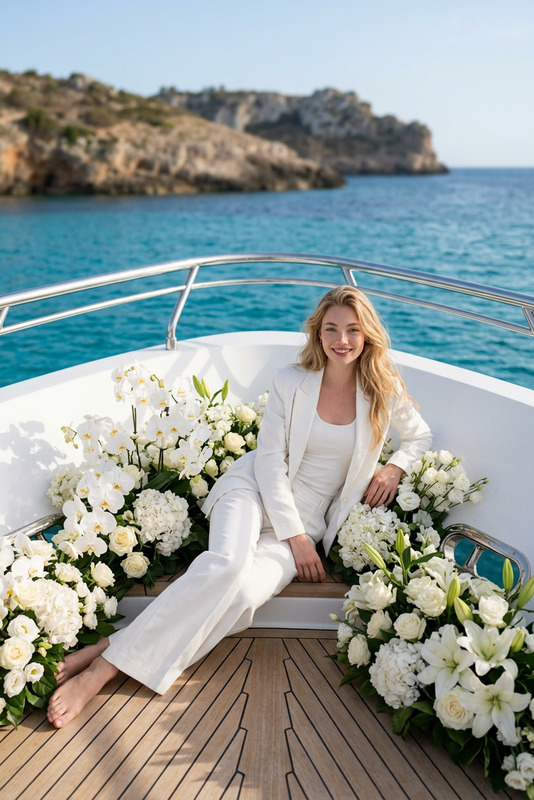
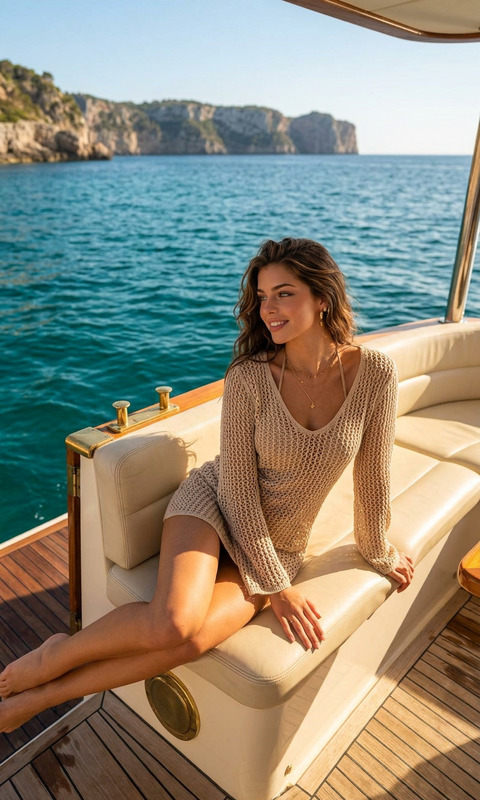
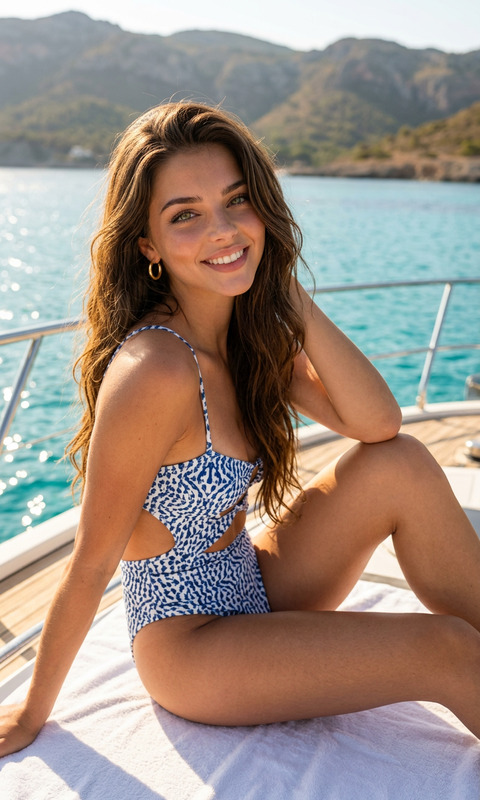
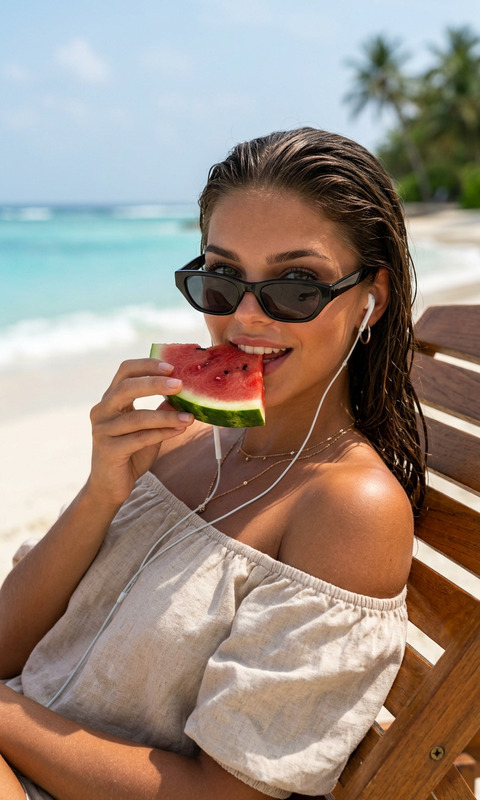
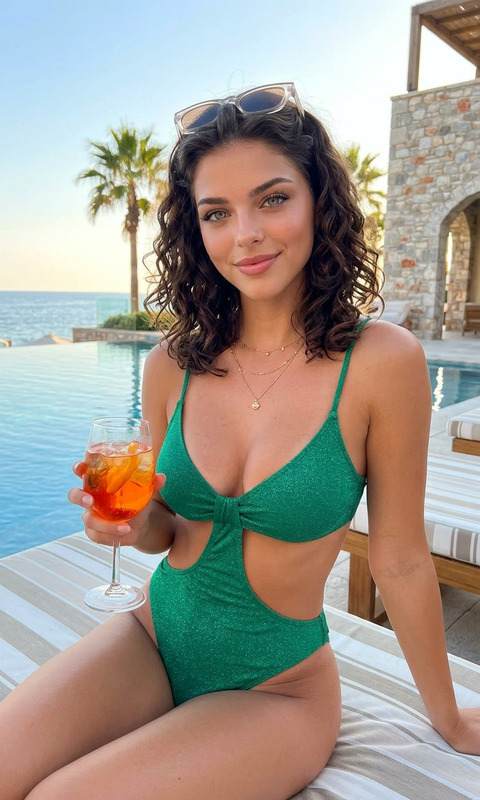
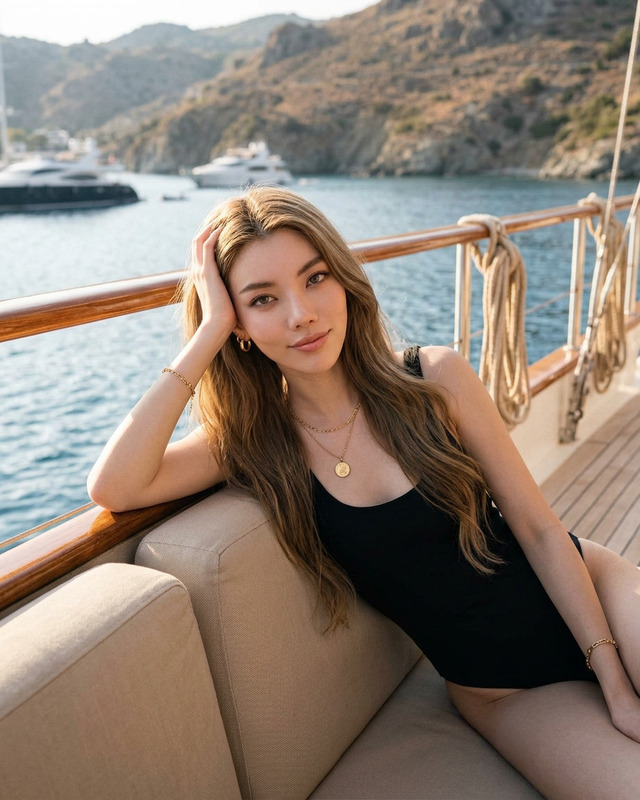
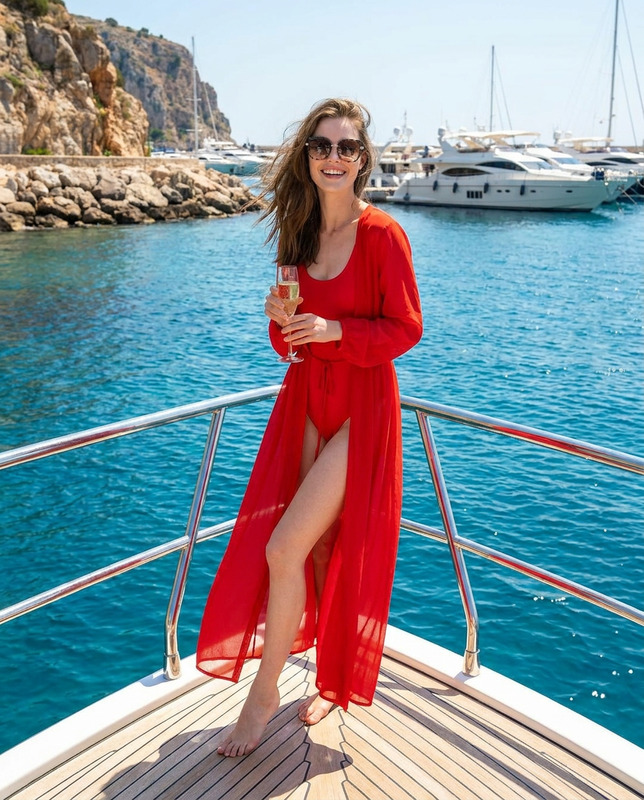
A luxurious editorial portrait of a woman lounging on a white leather boat seat in a sleek black cutout one-piece swimsuit. Confident gaze, tousled dark hair, sun-kissed skin, minimal gold jewelry, relaxed yet powerful pose. Bright midday sunlight reflecting off the water, calm lake surrounded by lush green shoreline in the background. High-end yacht lifestyle aesthetic, cinematic fashion photography, warm natural tones, sharp focus with soft background blur, sophisticated summer mood, premium swimwear campaign style, vertical composition, realistic detail.
Any aspect ratio
Overview
The "Yacht Look" template leverages the AI Image Editor to craft high-fashion editorial portraits reminiscent of luxurious yacht lifestyles. Designed using the nano-banana-2 model, this template is perfect for creating images that exude sophistication and elegance. Transform your visuals into cinematic fashion photography with sharp focus and a soft background blur.
What It Does
This template enables you to create a compelling luxury yacht scene with precise detail. You can modify elements like the model's pose, attire, and background elements to suit your style. With a focus on capturing rich textures and vibrant colors, it ensures every image tells a story of opulence and relaxation.
Who It's For
The "Yacht Look" template is crafted for photographers, content creators, and fashion brands aiming to produce high-end visuals. Ideal for those in the luxury travel, fashion, and lifestyle sectors, it's your go-to tool for projects such as product demo videos or high-end ad campaigns targeting premium audiences.
Summary
With the "Yacht Look" template, you're equipped to convey a compelling narrative of sophistication. Use the editor to adjust any aspect for that perfect shot reminiscent of a premium swimwear campaign. Elevate your photography projects with warm tones and cinematic flair.
How To
Choose the Template

Customize Your Image

Generate and Download

Use Cases
Luxury Fashion Campaigns
- Swimwear ads
- Luxury travel promotions
Lifestyle Blogs
- Travel blog features
- Lifestyle tips
Social Media Content
- Instagram posts
- Pinterest boards
Best Practices
Focus on Lighting
Ensure the lighting reflects bright midday sunlight for a realistic and atmospheric touch.Experiment with Angles
Try various angles to see how they change the perception of sophistication and style.Use Suitable Backgrounds
Opt for serene water and lush green scenery to enhance the yacht lifestyle aesthetic.