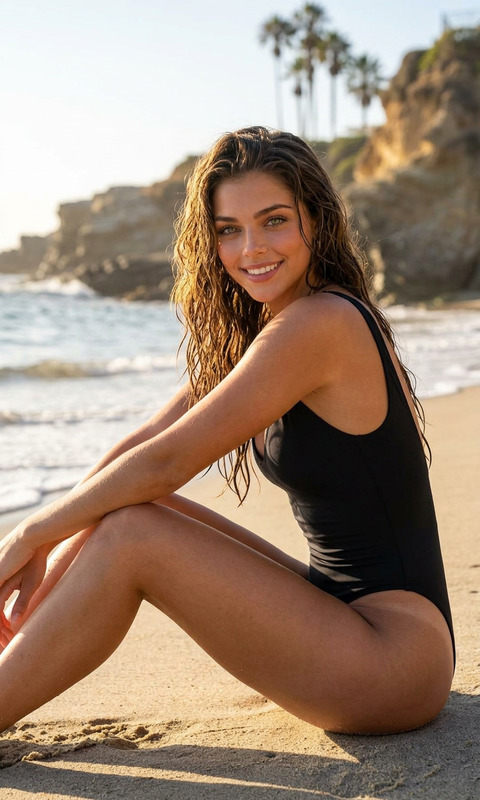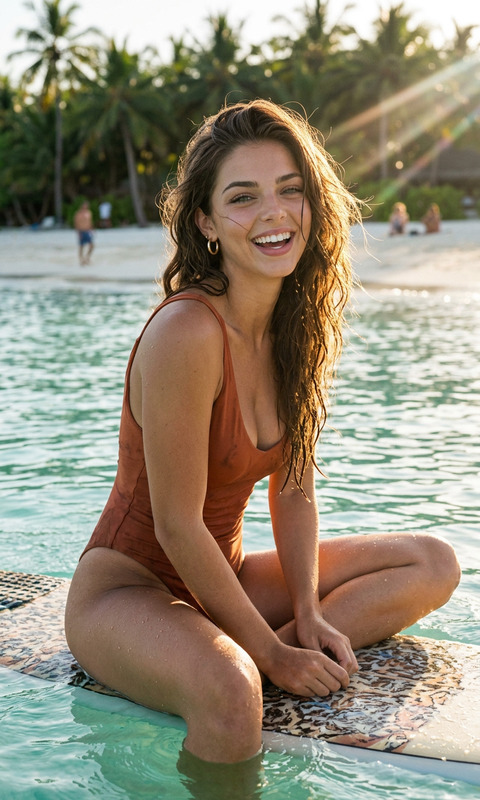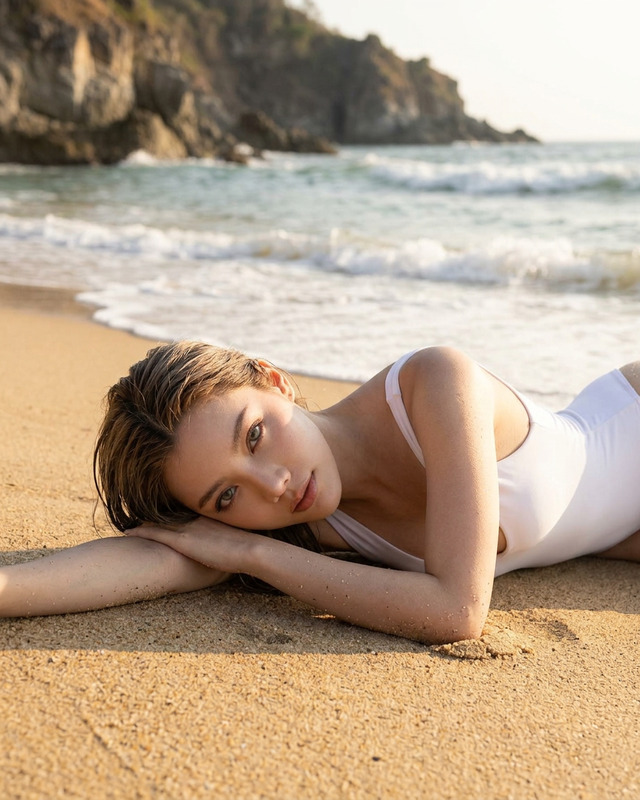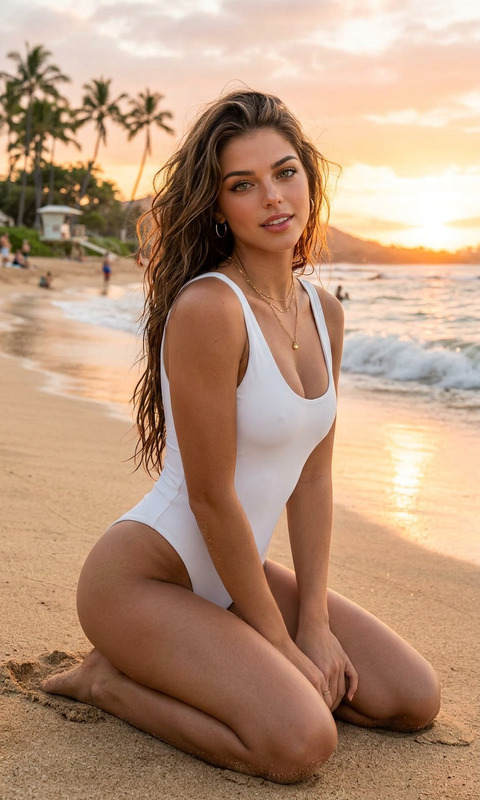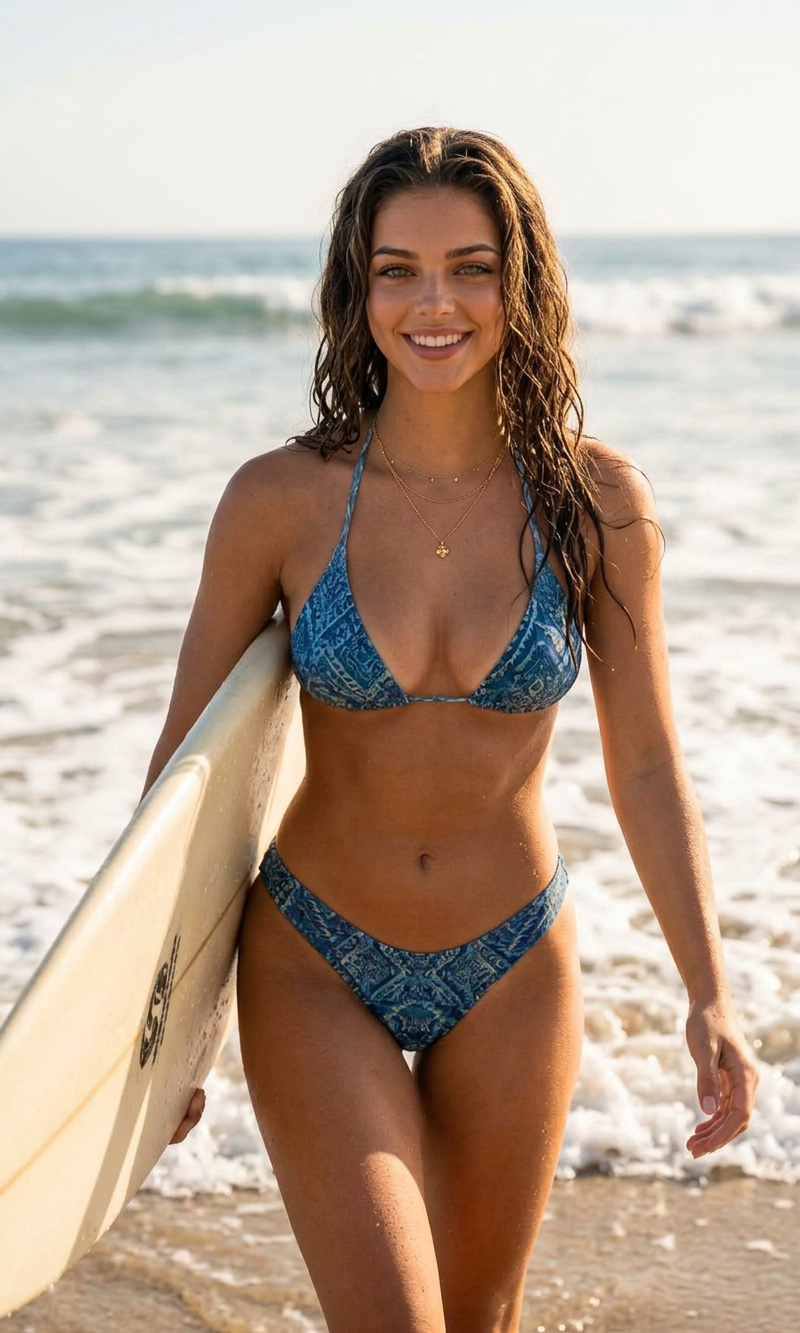
Surf Moment
- Model
- Nano Banana 2
- Image
- 800 × 1333 px
Prompt
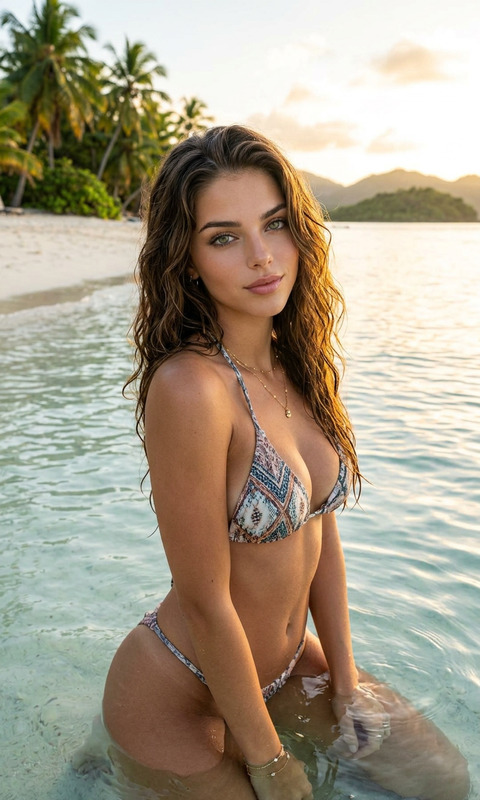
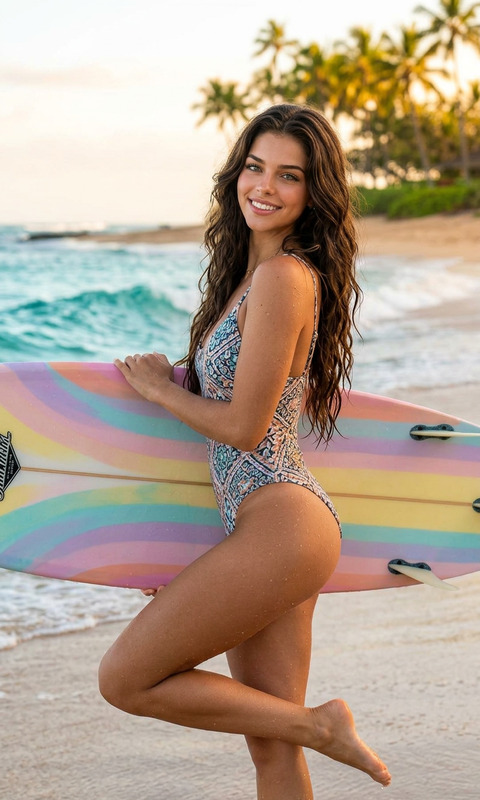
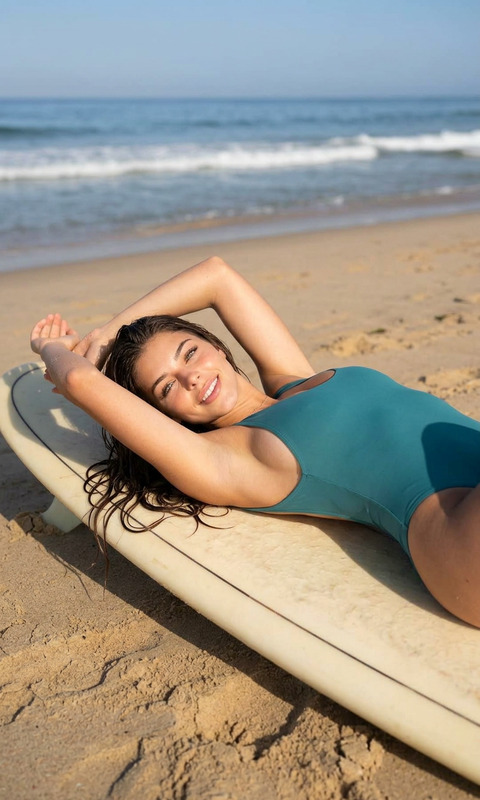
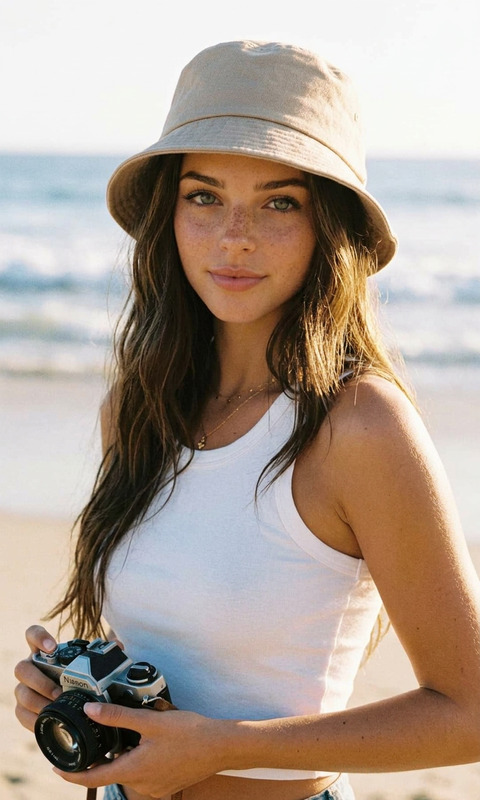
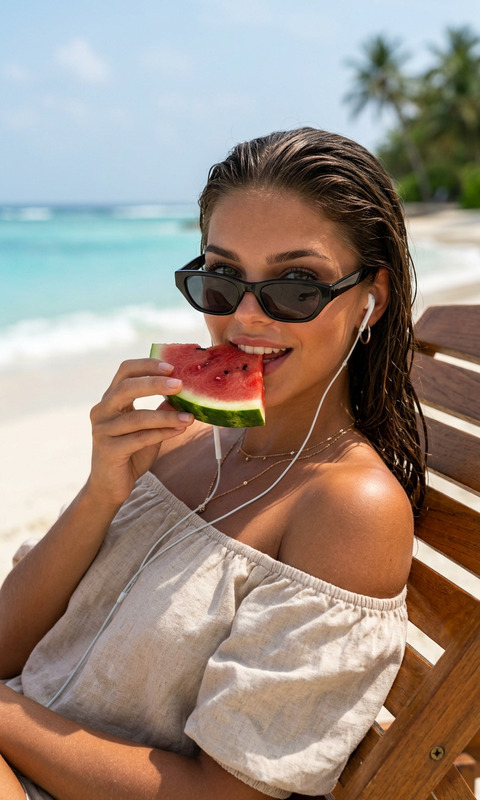
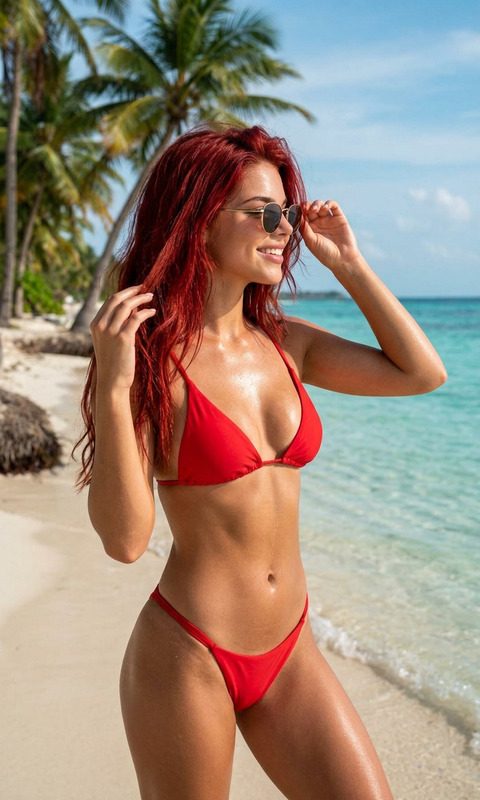
A sunlit beach portrait of a smiling woman walking out of the ocean carrying a surfboard under her arm, wearing a patterned blue bikini. Wet wavy hair, layered necklaces, natural makeup, confident relaxed pose. Bright coastal daylight, foamy waves in the background, soft neutral color grading, realistic skin texture, editorial swimwear photography style, lifestyle fashion campaign aesthetic, cinematic composition, shallow depth of field, warm summer atmosphere, high-detail realism, vertical framing.
Any aspect ratio
Overview
Dive into the summer vibe with the Surf Moment template, designed for the AI Image Editor. This template captures the carefree essence of beachside adventures, focusing on high-detail realism and a lifestyle fashion campaign aesthetic.
What It Does
The Surf Moment template uses the nano-banana-2 model to create an editorial-quality image that portrays a sunlit beach scene. With its cinematic composition and realistic portrayal, this template is perfect for marketers and creatives looking to encapsulate the essence of surf culture.
Who It's For
This template is ideal for lifestyle photographers, social media influencers, and fashion brands focused on swimwear campaigns. It's also a valuable tool for content creators targeting audiences interested in summer and beach-inspired themes.
Summary
With the Surf Moment template, bring your beach narrative to life in just a few clicks. The template's settings refine the image into a seamless blend of editorial fashion and surf culture, making it a fantastic choice for content pushing a summer theme. Explore the possibilities with our AI Image Generator for further creativity.
How To Use Surf Moment
Choose the Template

Customize Your Image

Generate Your Image

Use Cases
Lifestyle Fashion Campaigns
- Boost engagement with stunning visuals
- Portray an aspirational summer lifestyle
Social Media Content
- Engage followers with high-detail surf moments
- Use in stories and posts for dynamic content
Marketing and Advertisements
- Elevate marketing materials with realistic beach scenes
- Create visual appeal that draws in customers
Best Practices
Adjust Lighting for Time of Day
Modify lighting settings in the template to suit different times of the day for more realistic images. Consider making the scene warmer for sunset vibes.Match Swimsuit Designs to Trends
Select bikini patterns and colors that reflect current fashion trends to enhance the relevance of your image.Experiment with Compositions
Try different angles and cropping to find the best portrayal of the surfer's relaxed pose to fit your desired aesthetic.