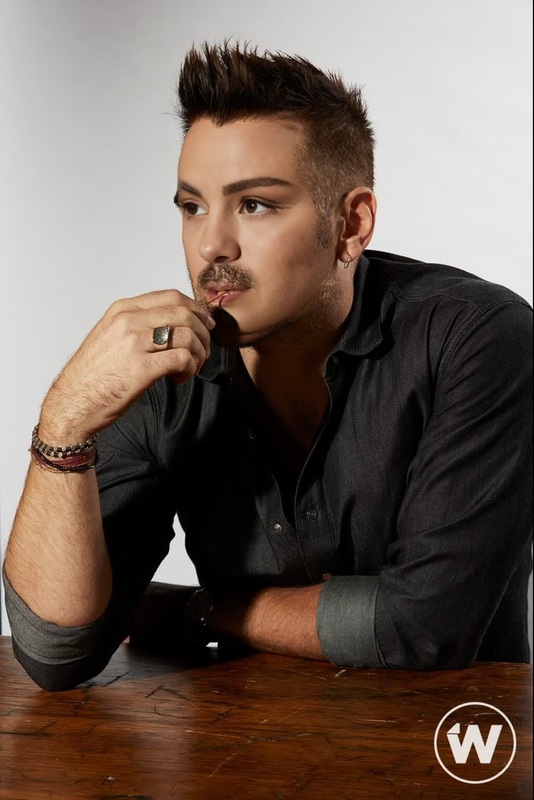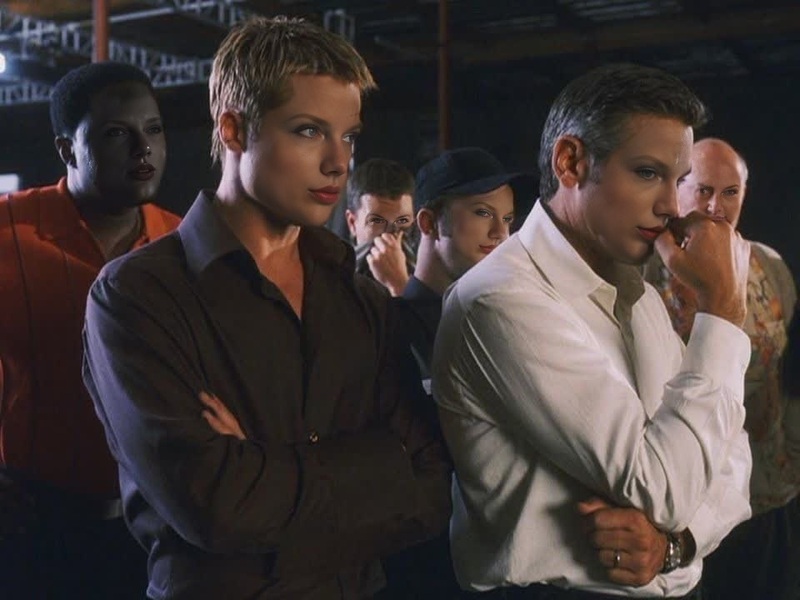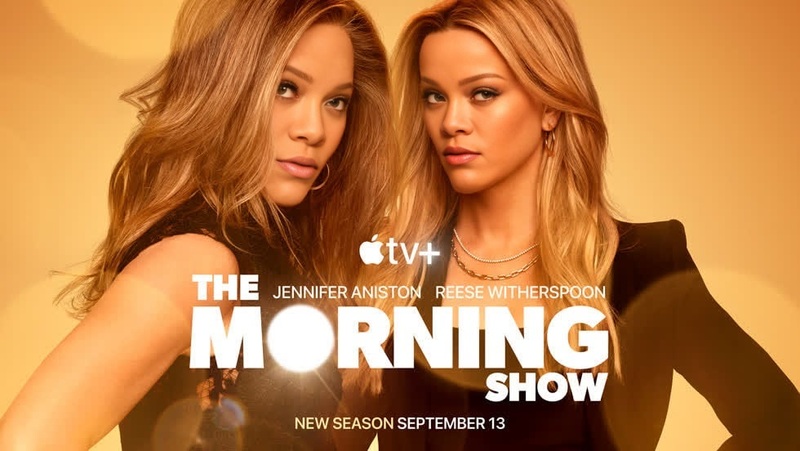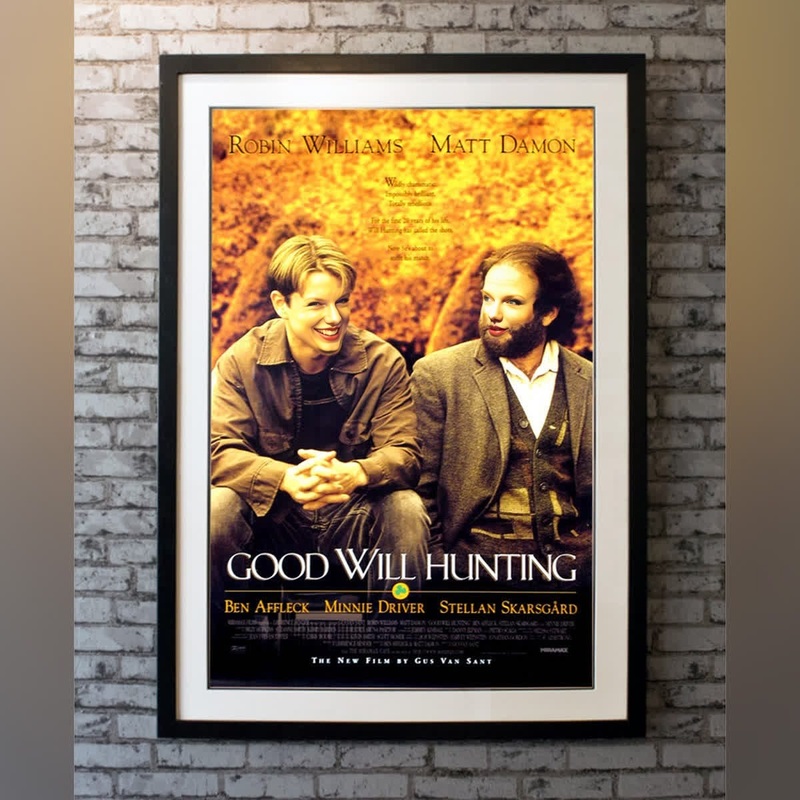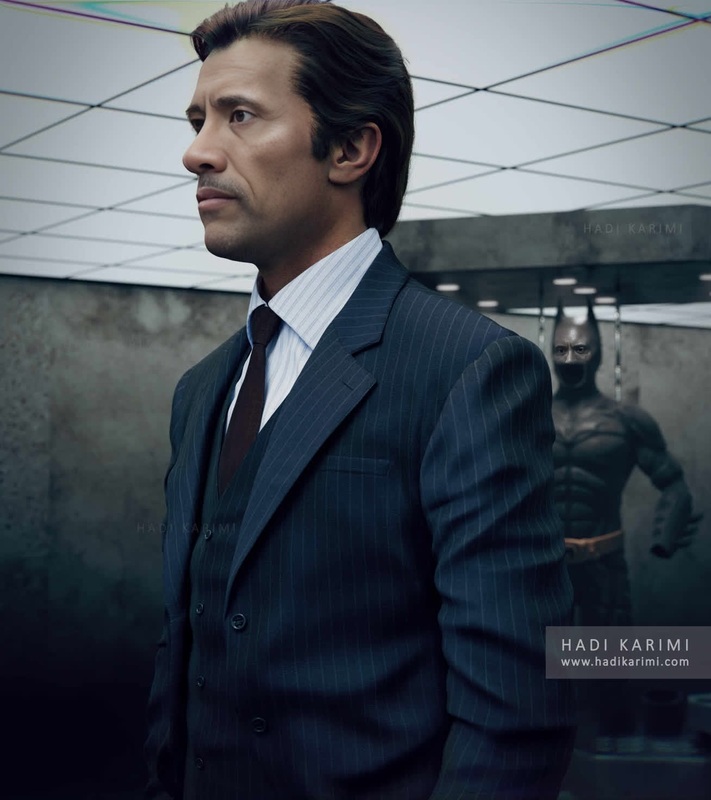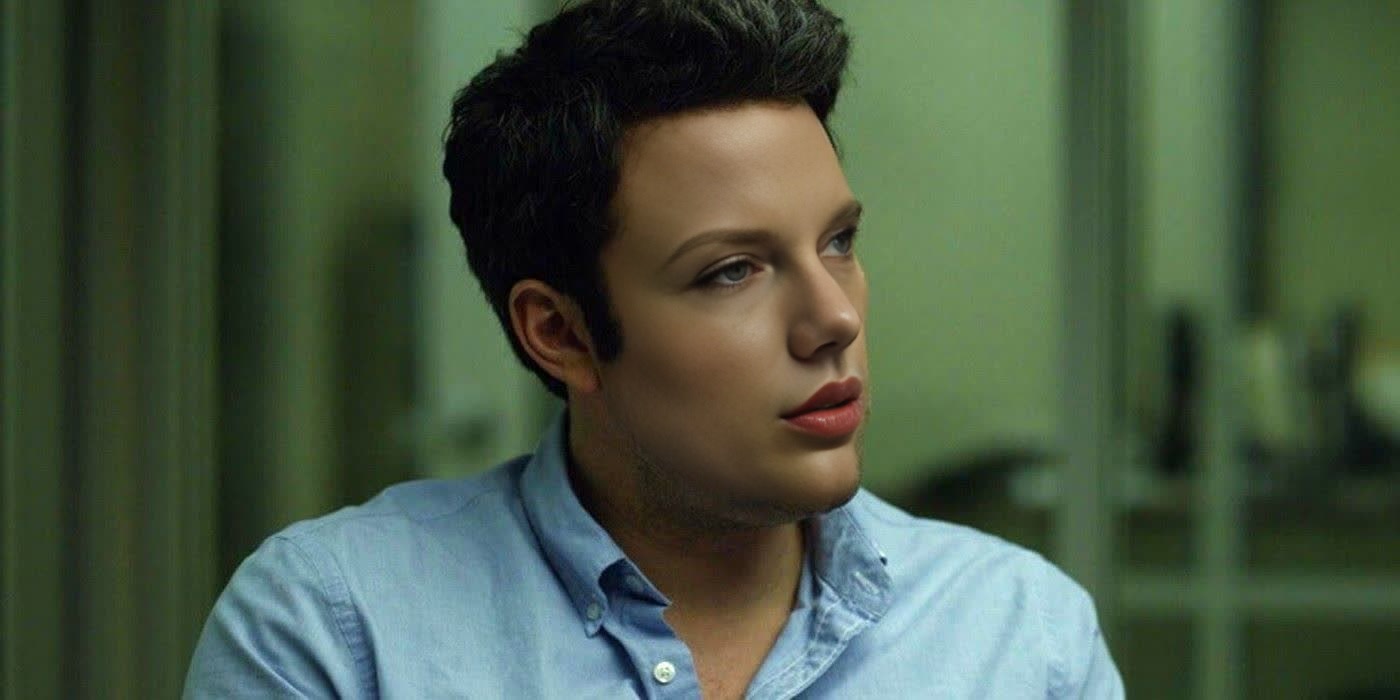
Ben Affleck Gone Girl Press Portrait
- Image
- 1400 × 700 px
Any aspect ratio
Overview
The Ben Affleck Gone Girl Press Portrait template offers a Video Face Swap experience that integrates Ben Affleck's distinct look from the movie "Gone Girl" into your video projects. Ideal for filmmakers, marketers, and hobbyists, this template allows you to experiment with face swaps for various creative and practical applications.
What It Does
This template swaps the face of an actor or subject in your video with Ben Affleck's face as depicted in the "Gone Girl" press portrait. It utilizes advanced AI to ensure realistic and seamless transitions.
As part of the Face Swap suite, the template supports input in common video formats. Expect a high-quality output that maintains the integrity of the original video's lighting and background.
Who It's For
The template is designed for creators who have a solid grasp of video editing and seek to add unique elements to their projects. Whether you're working in film production, digital ad creation, or even for educational content, this tool expands your creative toolkit.
It's particularly useful for content creators aiming to produce viral video content or simulate scenes for professional purposes. Leveraging the AI Video Generator, it streamlines complex editing tasks.
Summary
Incorporate Ben Affleck's famed look into your projects with this Video Face Swap template. It empowers creators to enhance storytelling, advertising, or entertainment experiences. Compatible with common video formats, this tool assures professional results without heavy manual edits.
Elevate your creativity further by exploring related tools such as the Lip Sync and AI Image Editor tools available on our platform.
How-To
Choose Template

Customize Inputs

Generate Video

Use Cases
Film Production
- Simulate high-profile casting quickly
- Produce compelling behind-the-scenes clips
Digital Marketing
- Replace faces in testimonials for localized ads
- Develop eye-catching social media campaigns
Academic Projects
- Demonstrate facial expressions for psychology studies
- Create historical video recreations
Best Practices
Choose High-Quality Source Material
Use videos with clear lighting to ensure a realistic face swap. Poor quality footage may result in less convincing results.Refine Face Alignment
Double-check the placement of facial points during customization to enhance swap accuracy.Leverage Lighting Consistency
Select scenes where lighting matches to help the swapped face blend naturally into the video.