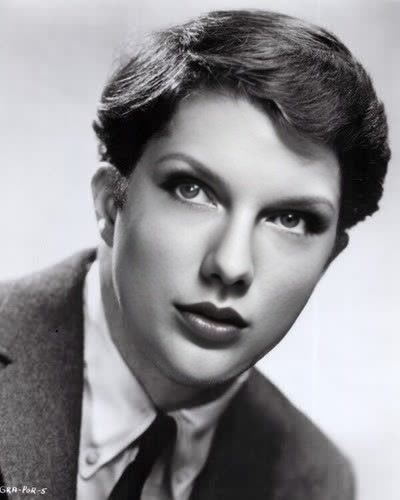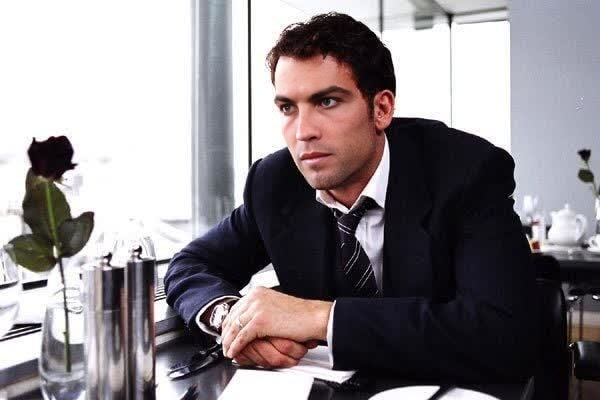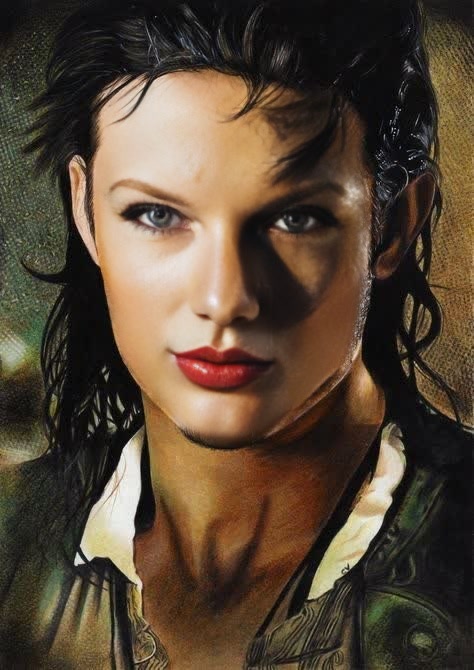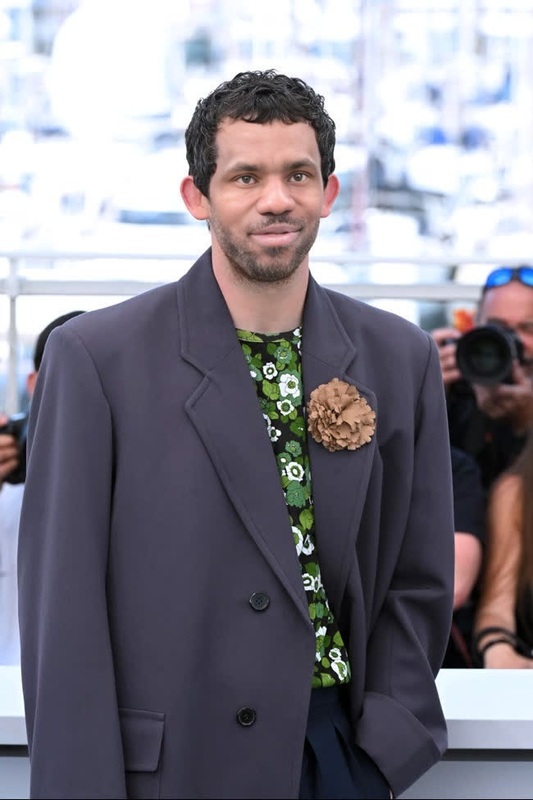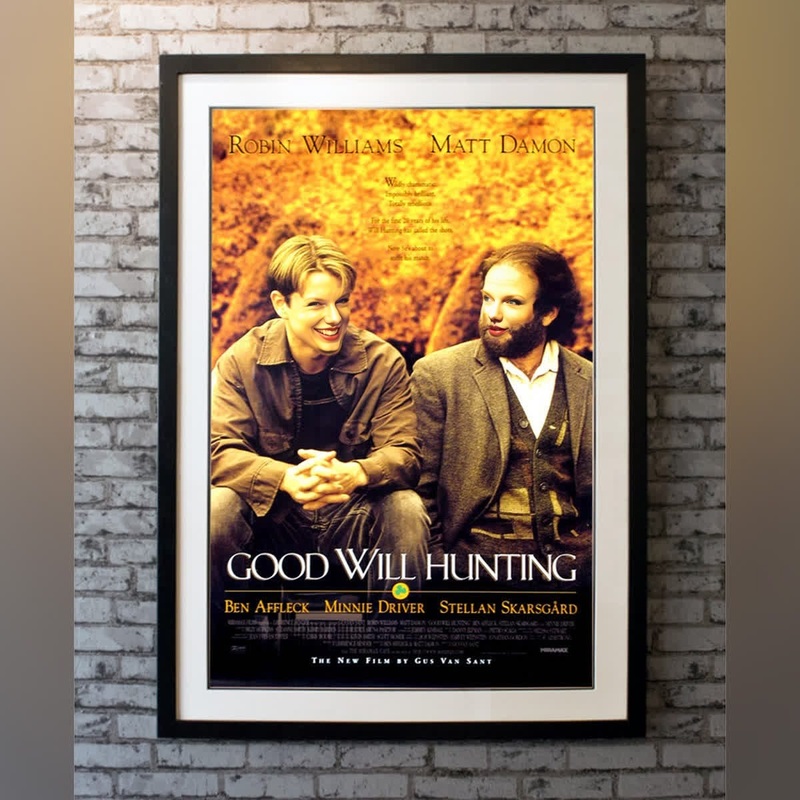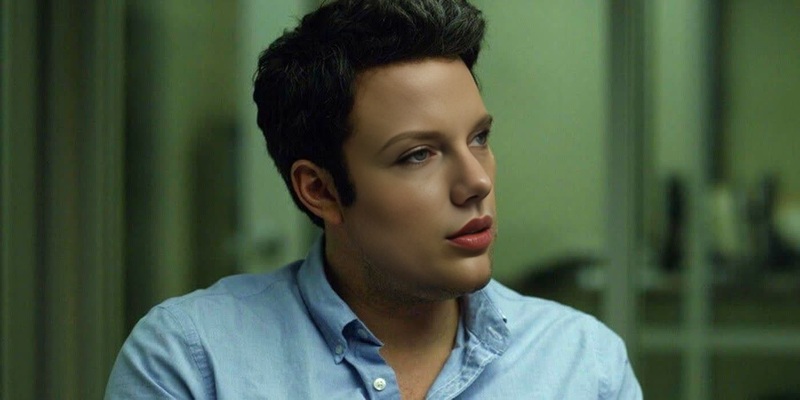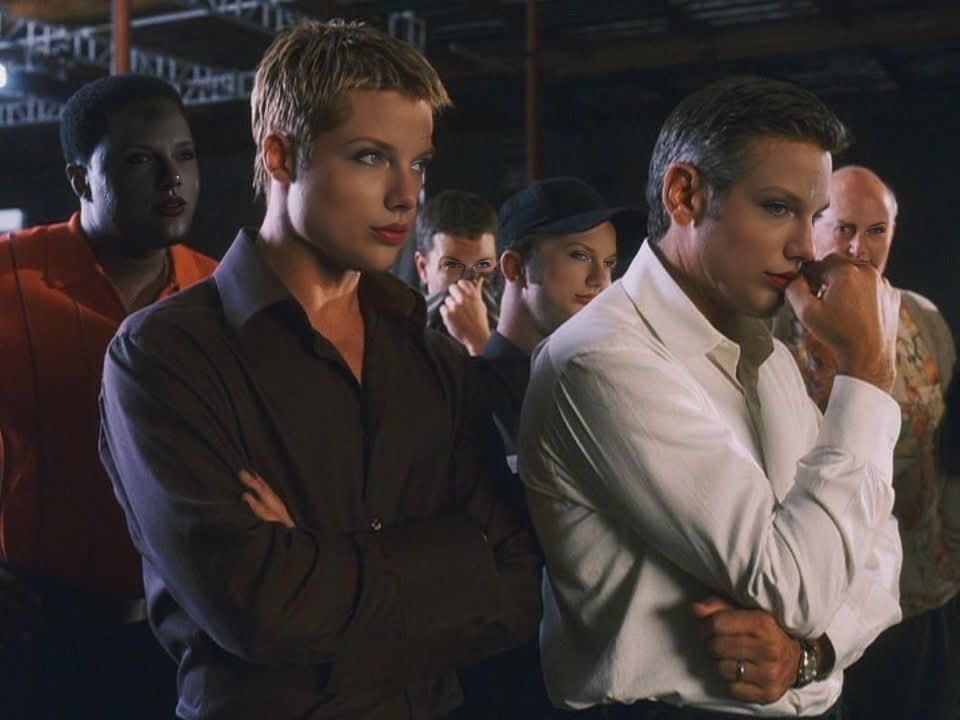
Brad Pitt OceanS Eleven Promotional Portrait
- Image
- 960 × 720 px
Any aspect ratio
Overview
Transform your photos into cinematic moments with our Video Face Swap template featuring Brad Pitt from Ocean's Eleven. This tool allows you to insert your face into iconic scenes, replicating the suave appeal of the legendary heist leader. With just a few clicks, you'll have a professional-grade video to share across any platform.
What It Does
The Brad Pitt Ocean's Eleven Video Face Swap creates a seamless transition of your facial features into the original video. It energizes your creative projects by placing you directly into an unforgettable film moment. By utilizing advanced AI technology, this template ensures realistic results tailored to your unique expressions. For more transformative effects, check out our Face Swap feature, perfect for both videos and images.
Who It's For
This template is ideal for fans of the Ocean's Eleven series, content creators, and social media enthusiasts aiming to create shareable and engaging content. It's also well-suited for marketing professionals looking to make unique promotional videos. Consider integrating our AI Ad Creative Generator to elevate your campaigns.
Summary
Bring Hollywood to your fingertips with the Brad Pitt Ocean's Eleven Video Face Swap template. This tool offers a straightforward interface alongside powerful technology to make your journey into the world of movie transformations memorable. Explore other creative possibilities with our Video-to-Video products for dynamic content creation.
How-To
Choose Your Template

Customize Your Face Swap

Generate Your Video

Use Cases
Social Media Content
- Engage your followers with creative content
- Boost shareability and interaction
- Ideal for platforms like Instagram and TikTok
Marketing Campaigns
- Add a cinematic touch to your campaigns
- Attract attention with familiar film references
Personal Projects
- Turn personal photos into high-quality videos
- Preserve special memories creatively
Best Practices
Select High-Quality Photos
Use clear, high-resolution photos for better face mapping accuracy.Match Lighting Conditions
Try to match the lighting of your photo with the scene for more natural results.Experiment with Different Angles
Test different facial angles to find the most realistic and flattering blend.
Frequently asked questions
More Like This