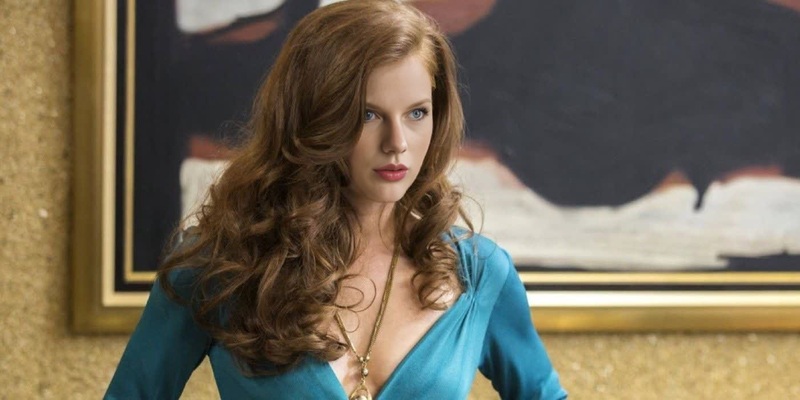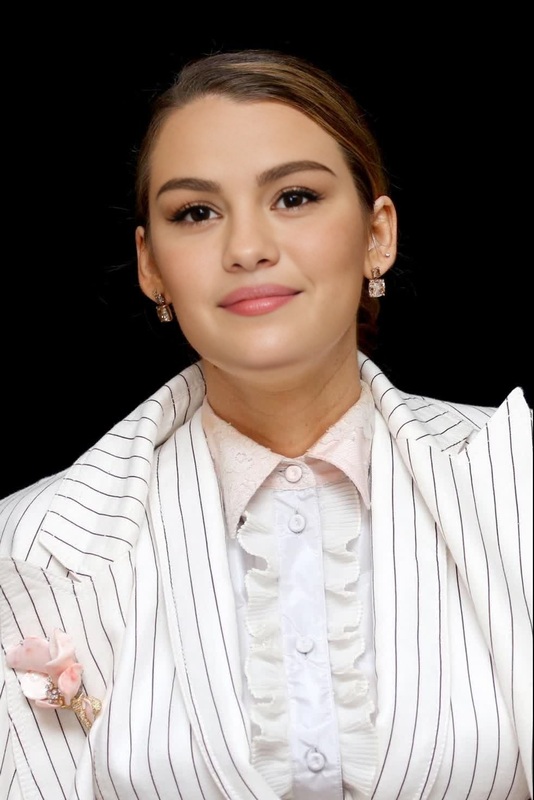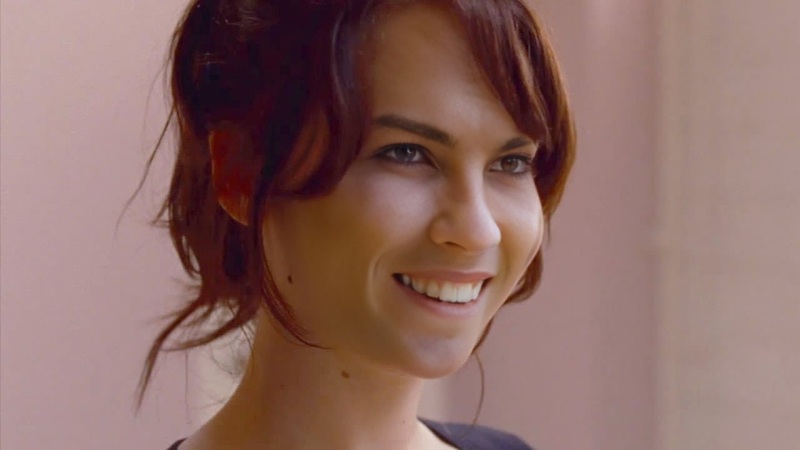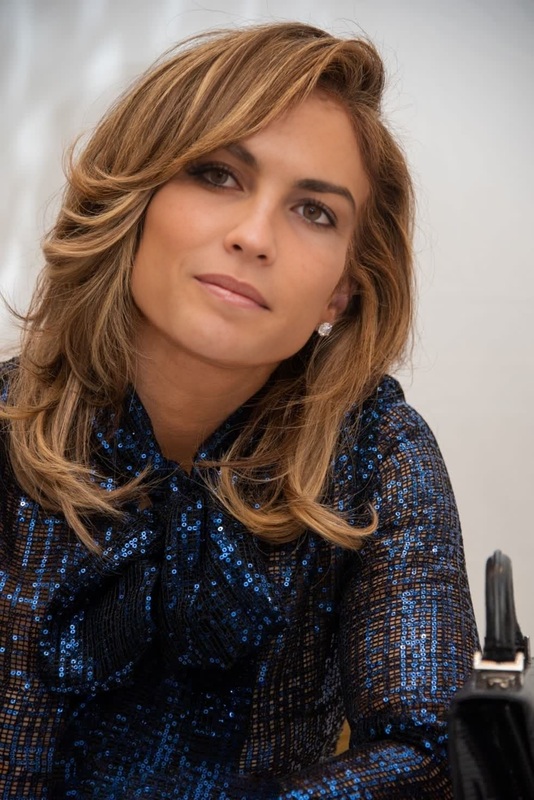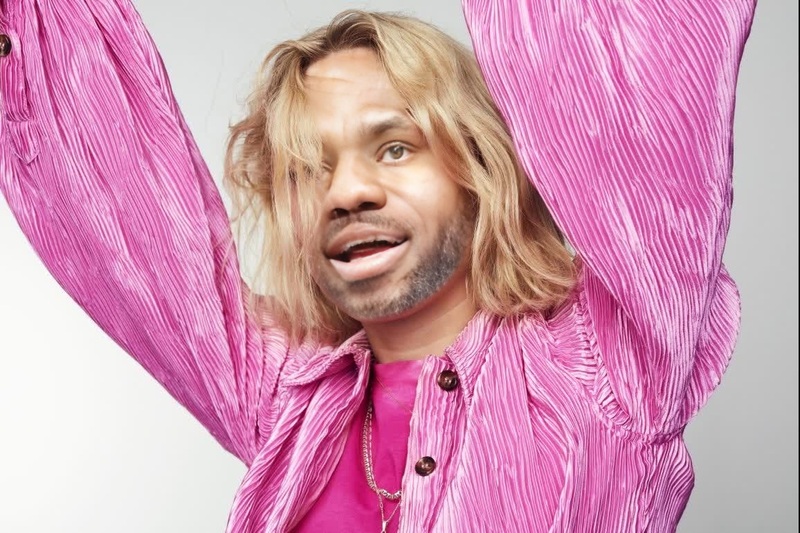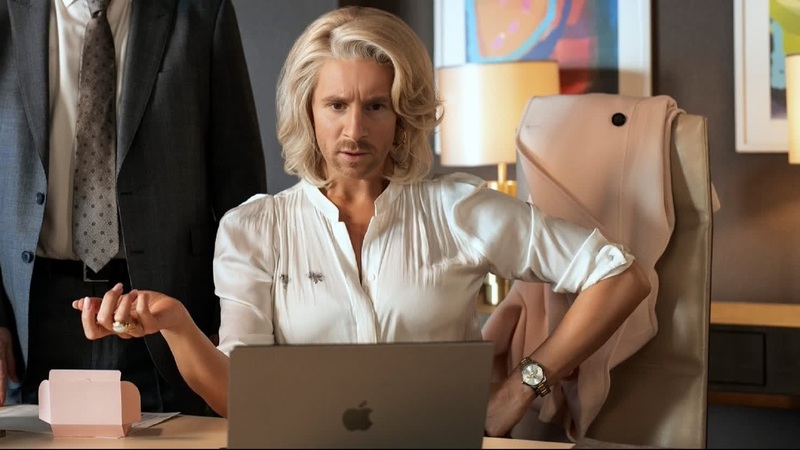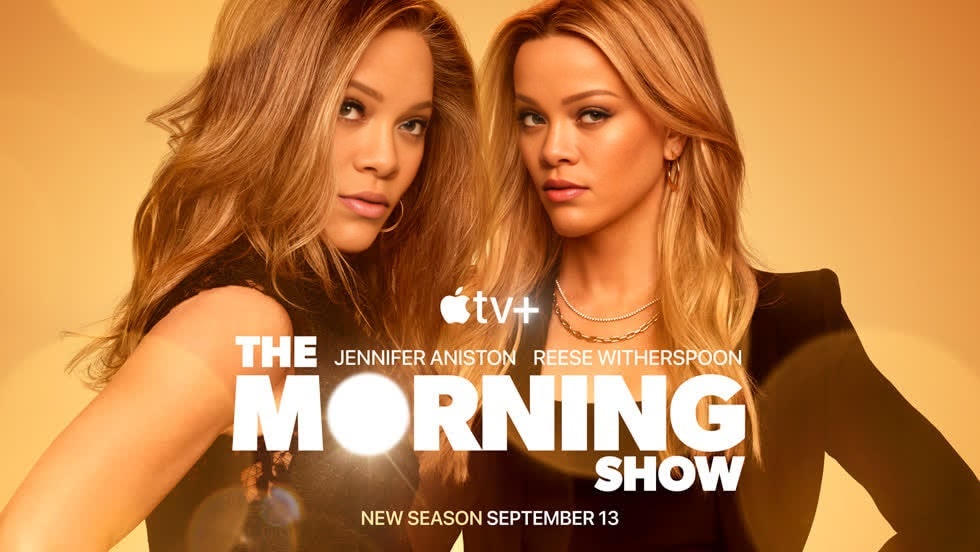
Jennifer Aniston The Morning Show Press Portrait
- Image
- 980 × 552 px
Any aspect ratio
Overview
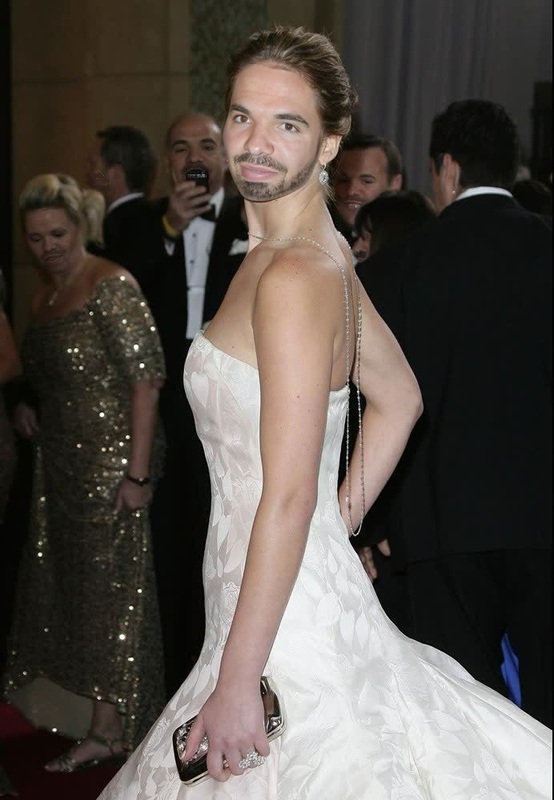
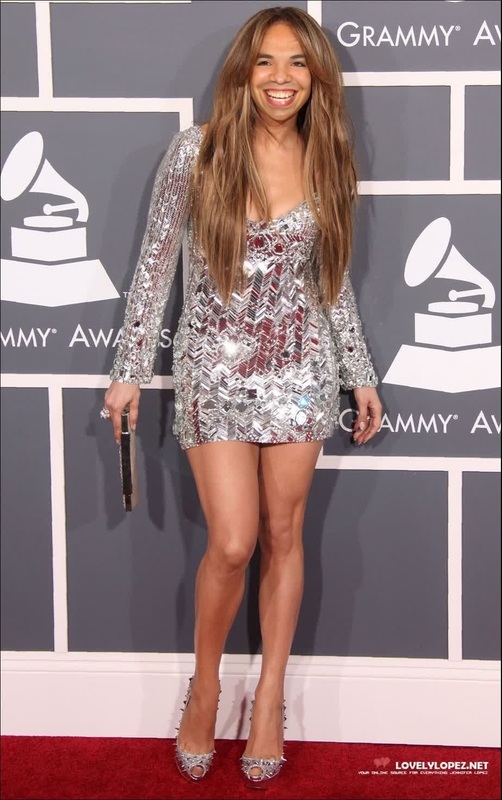
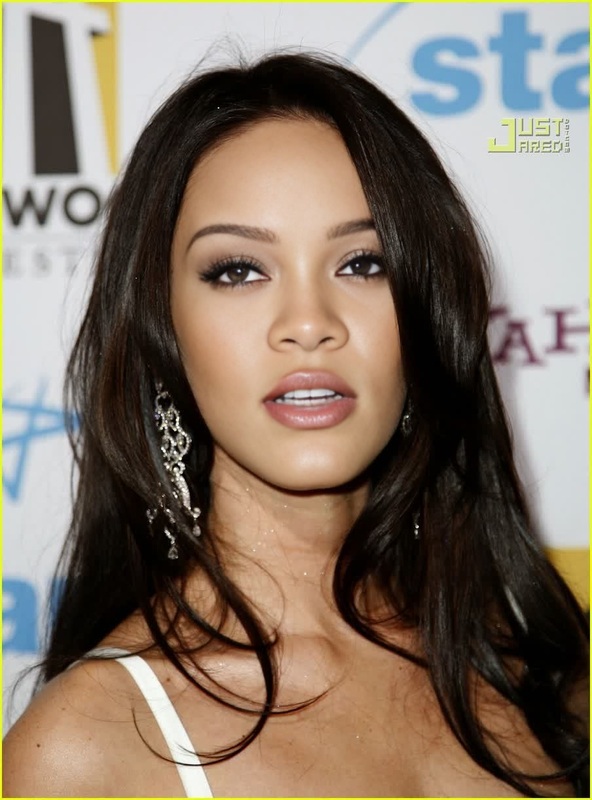
Transform your video content with the Jennifer Aniston The Morning Show Press Portrait face swap template. This tool lets you create compelling video face swaps, perfect for fans and content creators looking to create captivating visual narratives in the style of a professional press portrait.
What It Does
This Video Face Swap template replaces the face of any character in your video with Jennifer Aniston's likeness, resembling her press portrait style in The Morning Show. Utilize it to produce high-quality, engaging videos that echo celebrity charm. The output can be integrated into various social media ad campaigns or shared directly on platforms for viral attention.
Who It's For
Designed for video editors, marketers, social media influencers, and fans of The Morning Show, this template allows users to create dynamic, celebrity-inspired content. Whether you're aspiring to engage audiences with entertainment-driven ads or aiming to boost your brand on social platforms, the template offers a creative edge.
Summary
The Jennifer Aniston The Morning Show Press Portrait Video Face Swap template offers a straightforward way to transform ordinary videos into high-impact visual experiences. By incorporating face swap technology, users can enjoy unparalleled flexibility in crafting their video's narrative. This integration is key for content that requires a modern touch with a celebrity twist.
How To
Choose the Template

Customize Your Video

Generate Your Content

Use Cases
Social Media Engagement
- Create buzzworthy content for Instagram and TikTok.
- Utilize for Facebook video ads targeting entertainment audiences.
Brand Promotion
- Add a modern edge to product launches.
- Engage potential customers with unique ads.
Fan Content Creation
- Develop fan-made adaptations of TV show scenes.
- Use for fan blogs and video essays.
Best Practices
Select High-Quality Source Material
Ensure that the input video is of high quality to achieve the best transformation results.Align Lighting and Angles
Match lighting and angles between the source video and the Jennifer Aniston face for more realistic swaps.Check Copyrights
Before using or distributing swapped face content, verify you have the necessary rights and permissions.
Frequently asked questions
More Like This