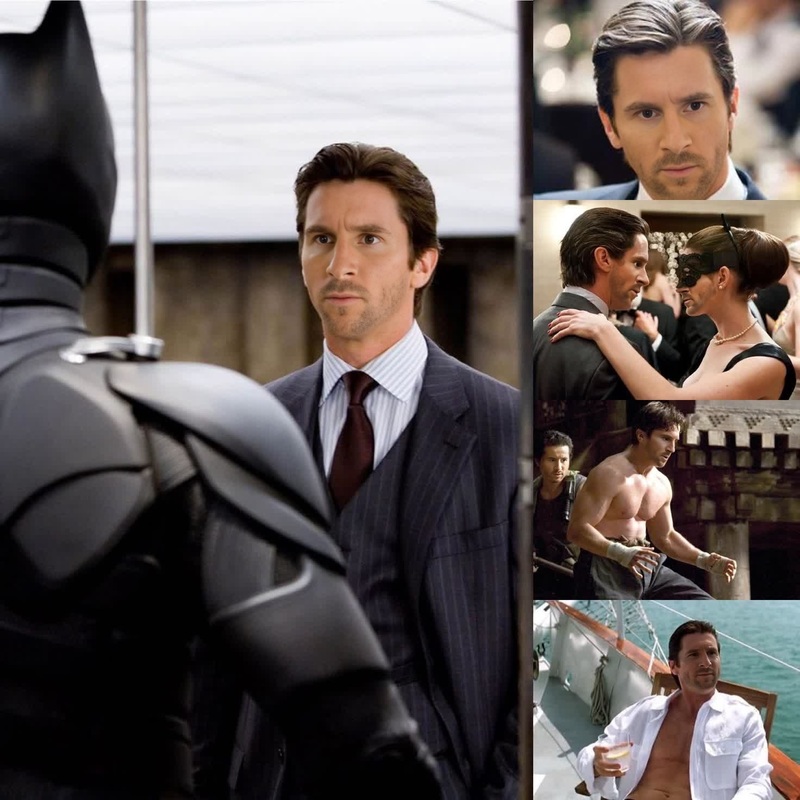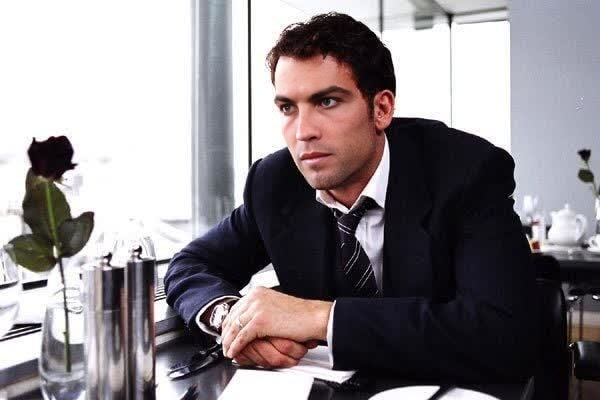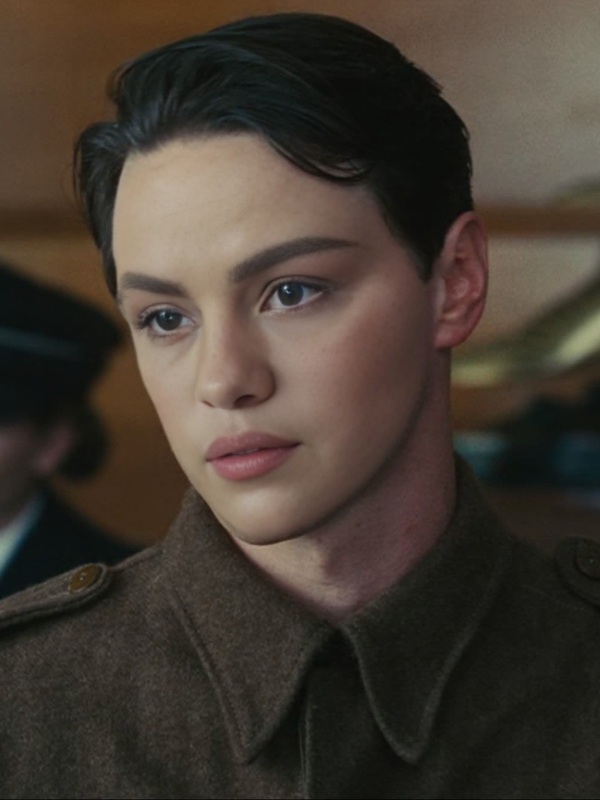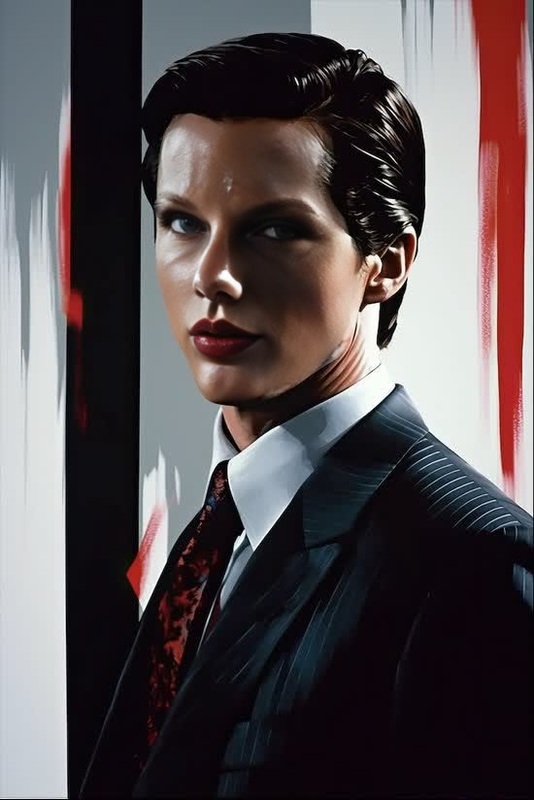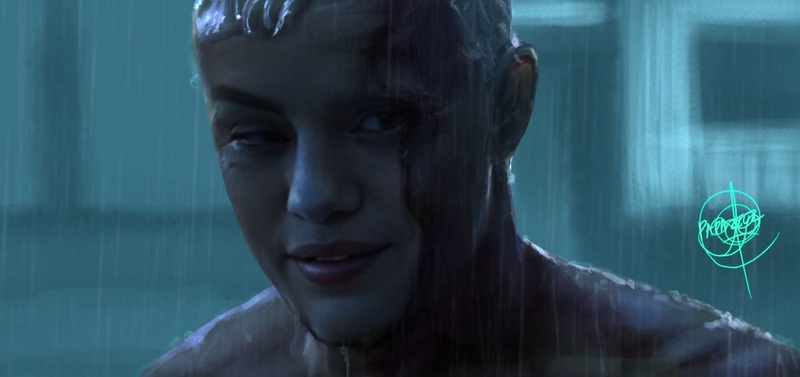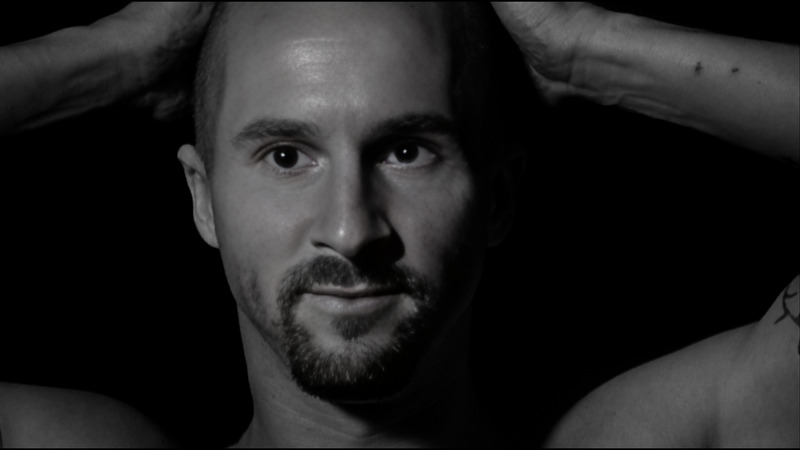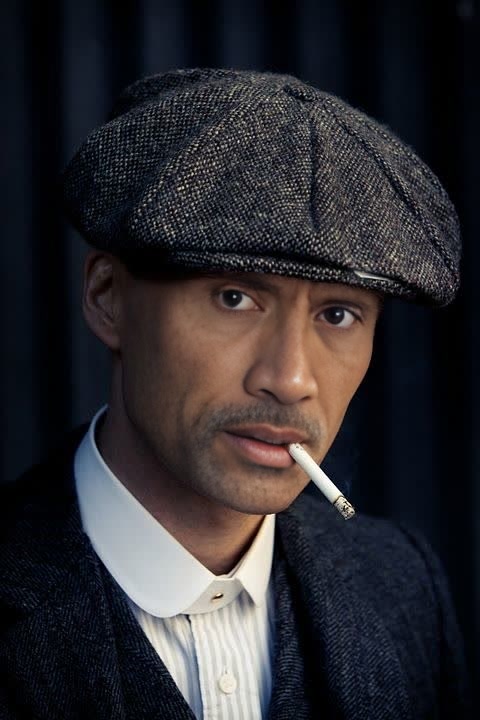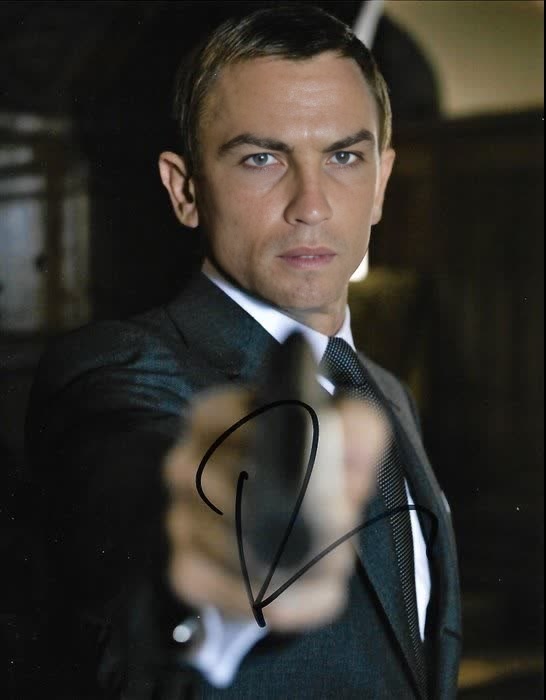
Christian Bale The Dark Knight Press Portrait
- Image
- 1308 × 1472 px
Any aspect ratio
Overview
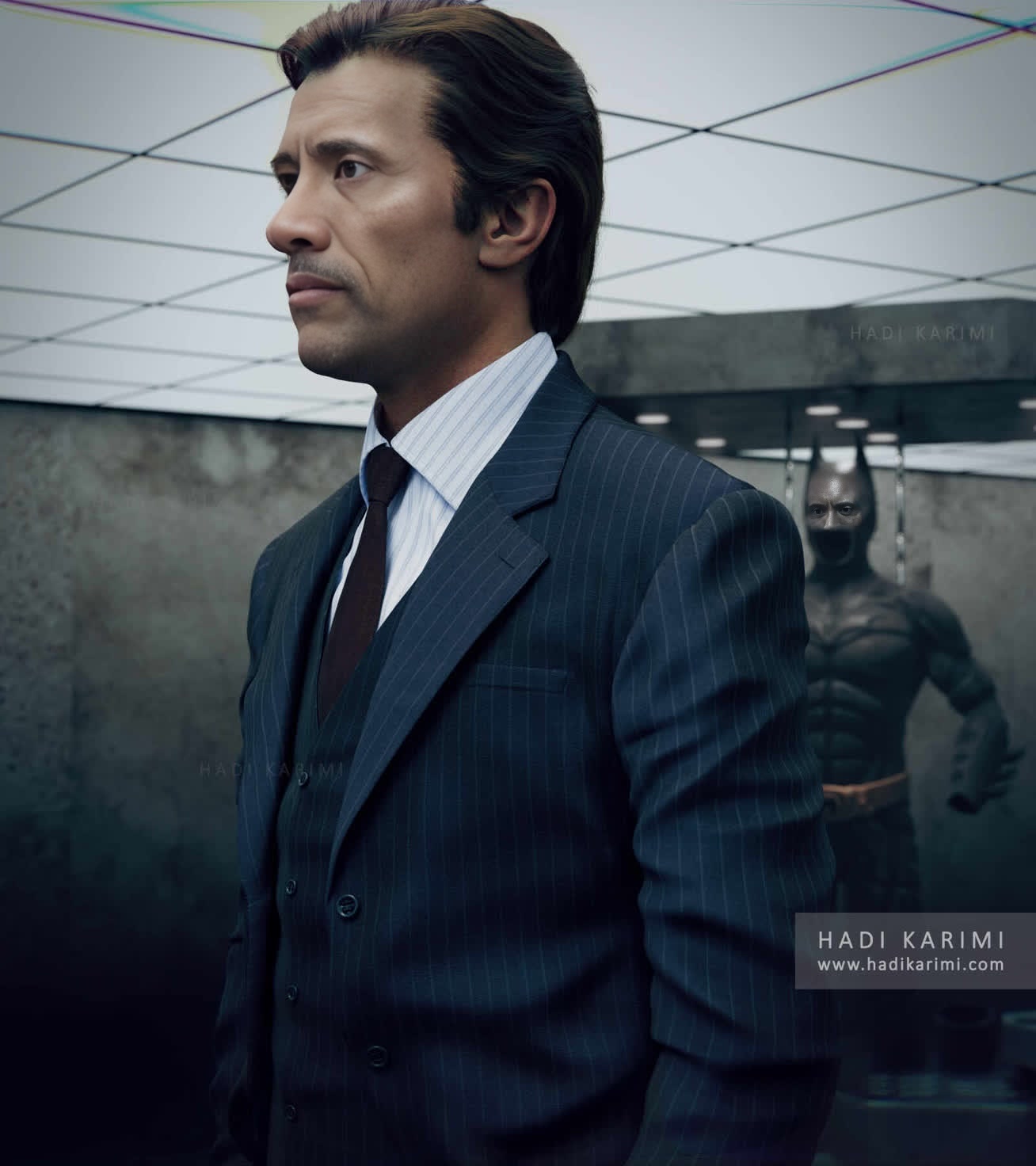
The Christian Bale The Dark Knight Press Portrait template lets you create iconic video content by replacing a face in a famous press image with one of your choice. This Video Face Swap template is ideal for crafting visuals that echo the compelling charm of The Dark Knight, featuring Christian Bale's charismatic presence. Apply it to your projects to capture cinematic quality and captivate your audience.
What It Does
This template utilizes advanced face swap technology to overlay a selected image over Christian Bale's face in a press portrait from The Dark Knight. It automatically handles lighting, contour, and expressions to ensure the final video portrait looks authentic and polished. This method is perfect for video editors seeking to produce realistic and professionally styled content.
Who It's For
Designed for video editors, social media managers, and marketing teams focused on producing engaging content, this template is a solid choice. Whether you're part of a small team or an agency, using this Video Face Swap feature can enhance storytelling by personalizing video content in a cinematic context. This tool is also beneficial for creators who want to experiment with film-inspired video styles.
Summary
The Christian Bale The Dark Knight Press Portrait template offers a straightforward way to craft high-quality, personalized video content. It's particularly suited for those aiming to replicate a cinematic aesthetic in their projects. Effortlessly apply these techniques using our advanced AI face editing capabilities, tailored for both expert and novice users alike.
How to Use
Choose the Template

Customize Your Inputs

Generate Your Video

Use Cases
Social Media Campaigns
Film Promotions
Creative Portfolios
Best Practices
Select High-Quality Images
For optimal results, use high-resolution images with clear facial features to blend seamlessly into the video.Match Lighting Conditions
Ensure the lighting in the input photo matches the drama and feel of The Dark Knight's iconic imagery.Review and Revise
After generating the video, review thoroughly to make any necessary adjustments for a polished final product.
Frequently asked questions
More Like This