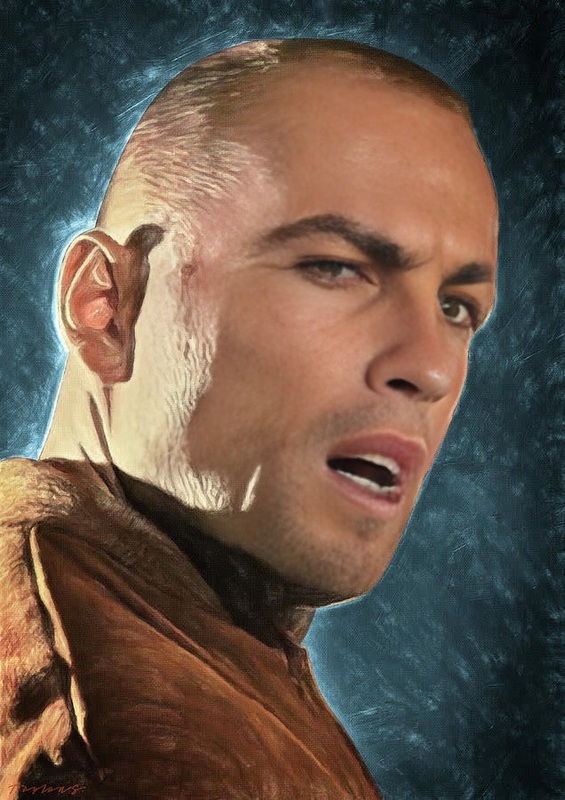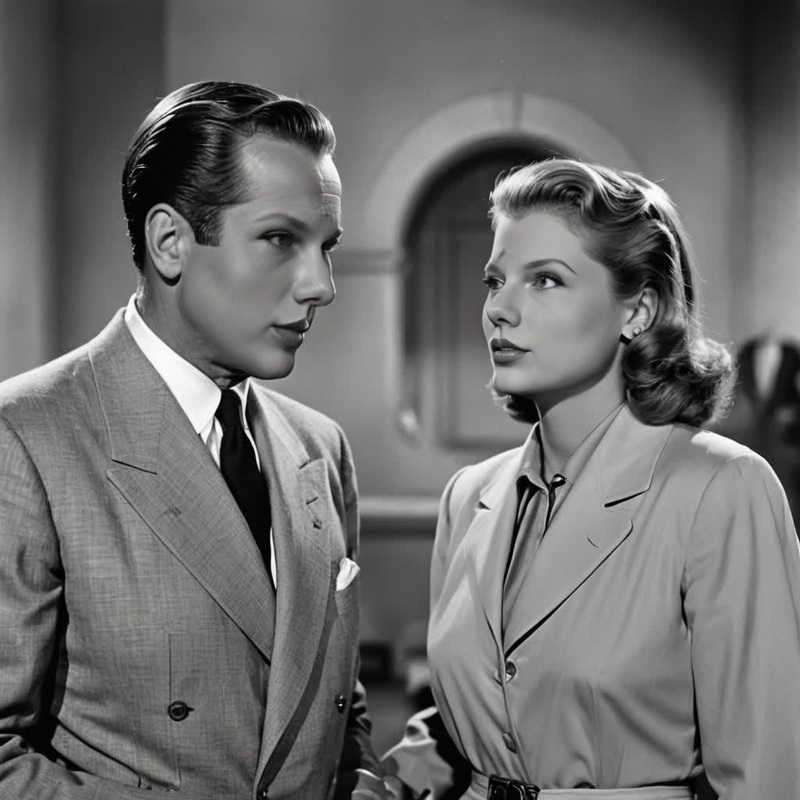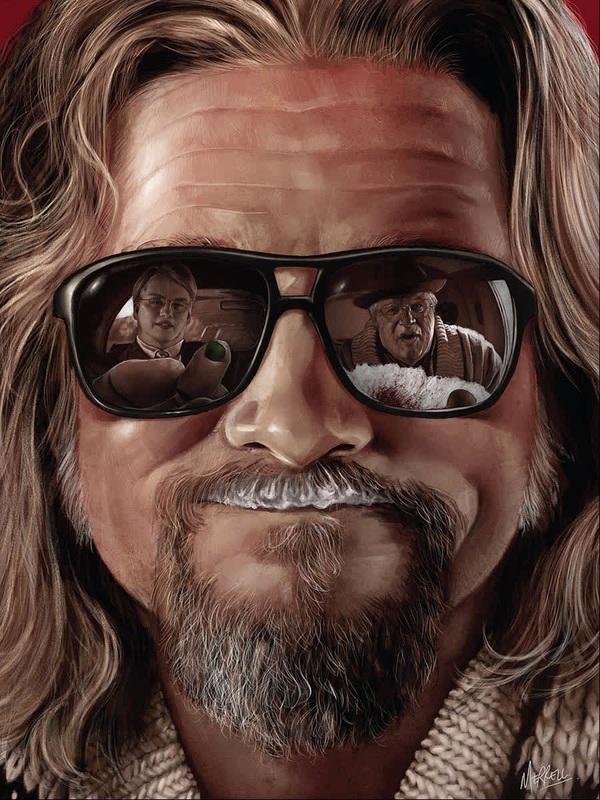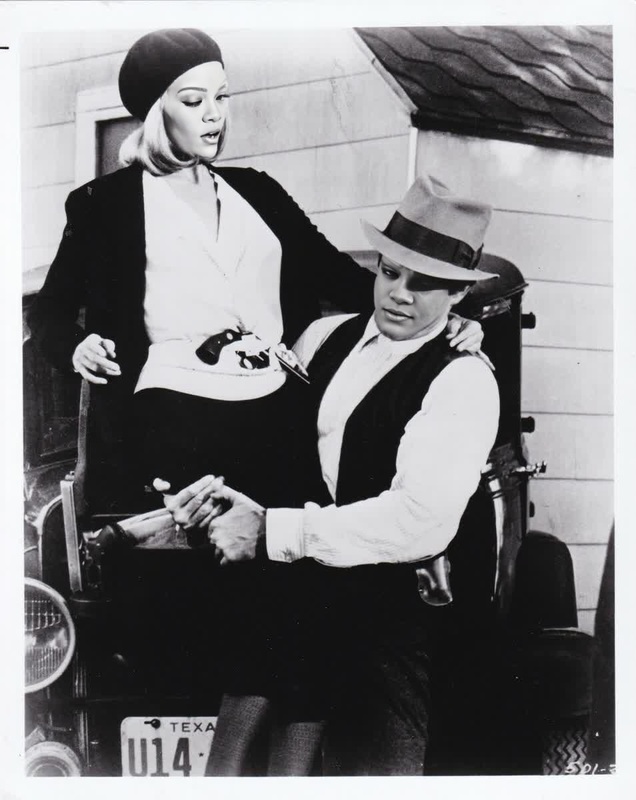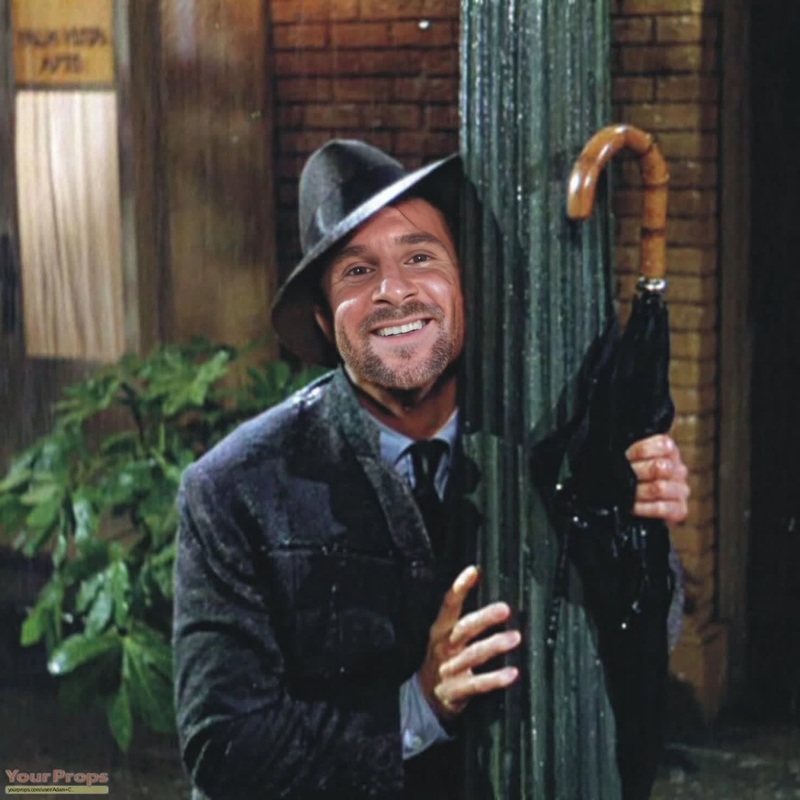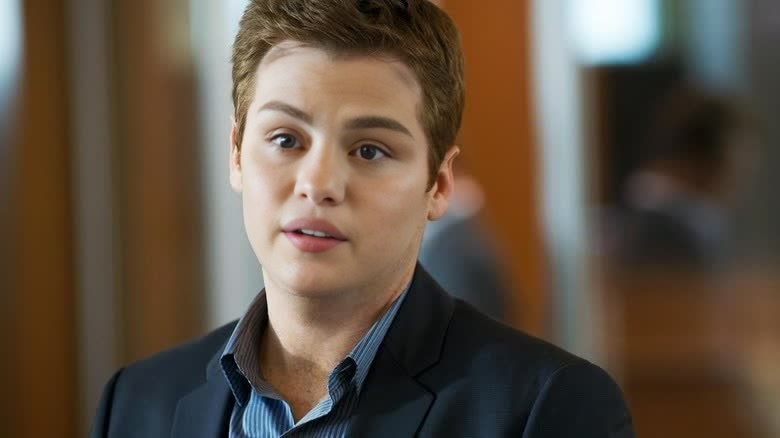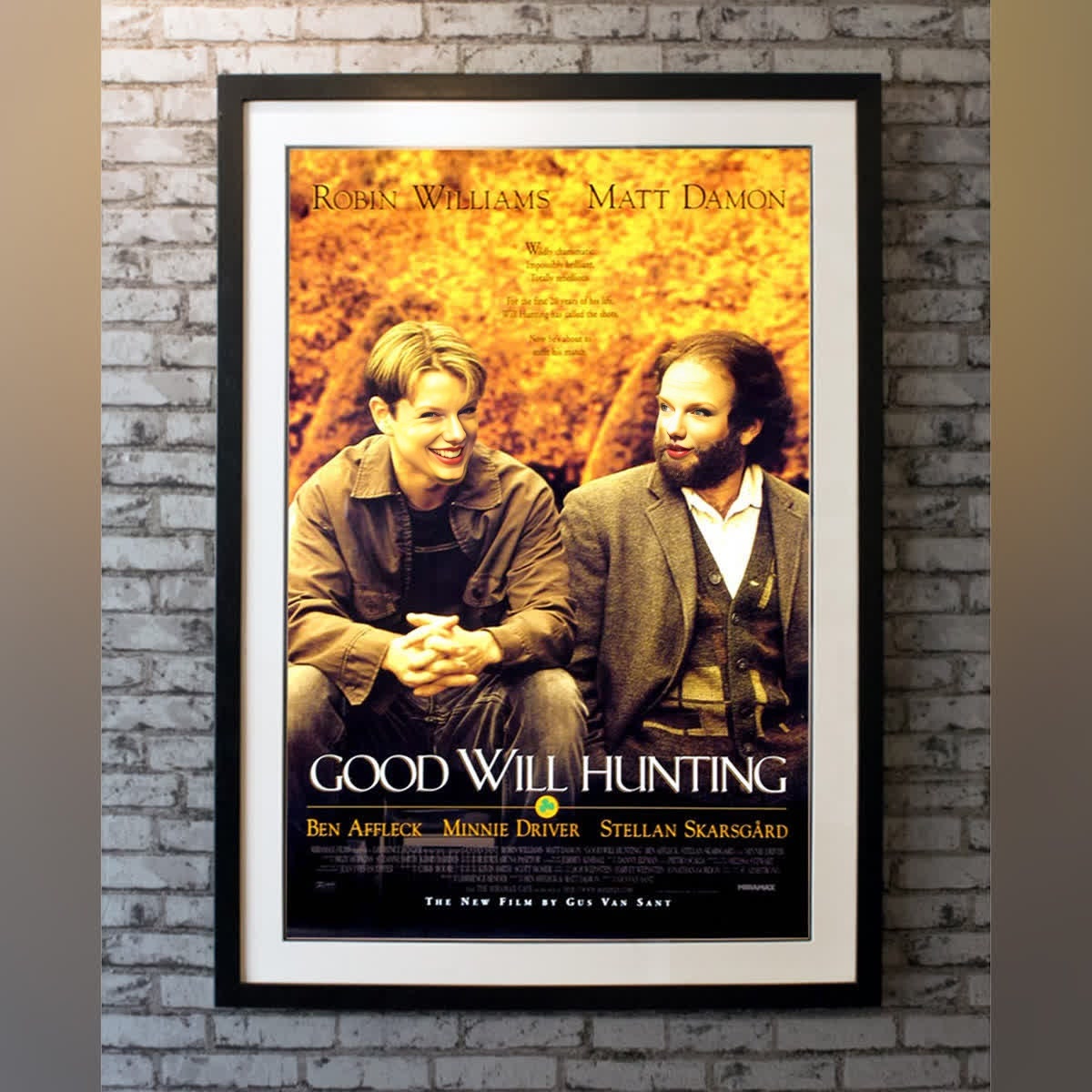
Will Hunting Good Will Hunting Portrait
- Image
- 1200 × 1200 px
Any aspect ratio
Overview
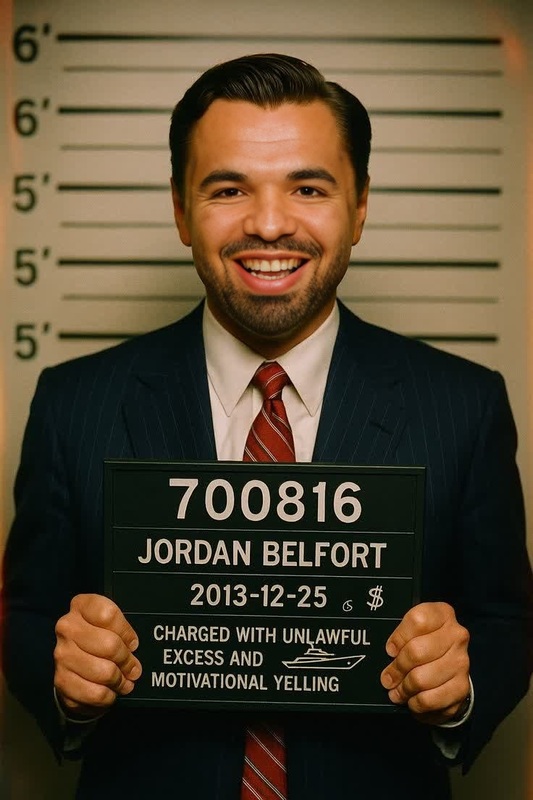
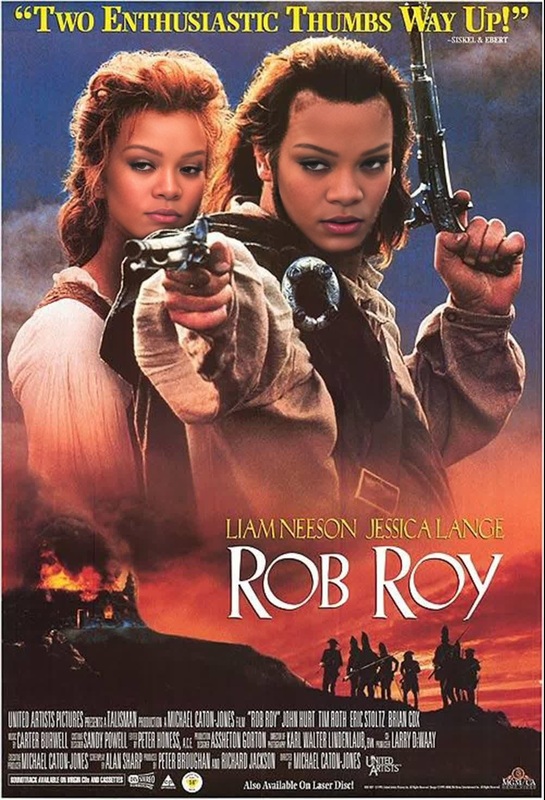
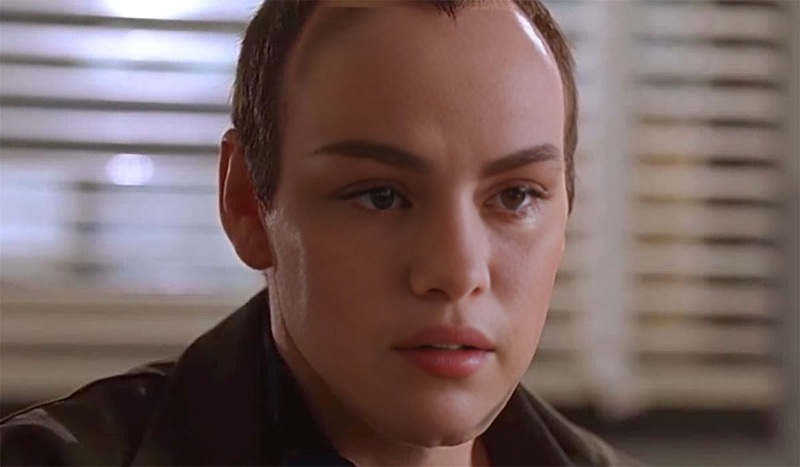
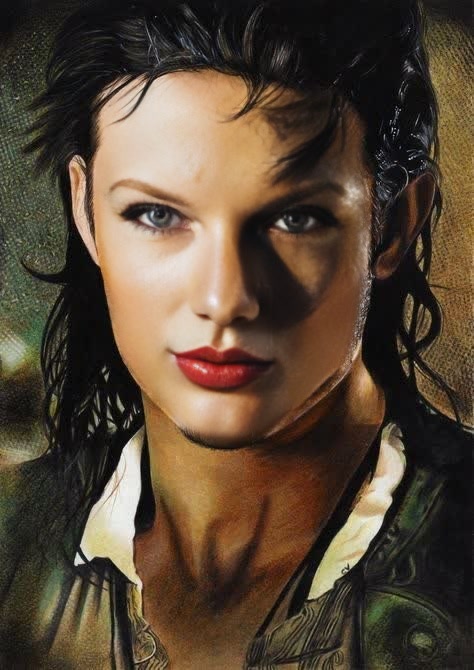
The Will Hunting Good Will Hunting Portrait template allows creators to blend familiar faces with iconic scenes from the classic film, Good Will Hunting. This Video Face Swap tool provides an innovative approach to reinventing cinematic moments with personalized touches.
With this template, you can easily swap faces in your video projects to captivate audiences with tailored content. Perfect for enthusiasts of movie mashups and creators looking to add a unique twist to their storytelling.
What It Does
Our Will Hunting template empowers you to perform creative Video Face Swaps, overlaying any chosen face over characters from Good Will Hunting. This tool is particularly effective for creating humorous content, enhancing storytelling, and producing transformative visual experiences.
You can upload your video and specify which faces to swap, delivering a consistent and realistic result thanks to advanced algorithms behind the Face Swap technology.
Who It's For
This template is designed for content creators, movie enthusiasts, and digital marketers aiming to create memorable, personalized content. Whether you're making a parody, a personal tribute, or engaging comedy sketches, the Will Hunting template streamlines the process of integrating new faces into well-loved scenes.
It's also a fantastic choice for educators who wish to add dynamic, immersive elements to their materials.
Summary
The Will Hunting Good Will Hunting Portrait template is a versatile tool for transforming classic cinematic moments with personalized face swaps. It offers seamless integration into any project, enhancing creativity and narrative possibilities.
Visit our Gender Swap tool for additional transformative effects or explore other templates available that can enrich your video storytelling experiences.
How To
Choose

Customize

Generate

Use Cases
Parody Content
- Add a comedic twist to classic movie scenes
- Enhance comedic timing with precise facial swaps
Personalized Tributes
- Feature friends or loved ones in famous movie moments
- Perfect for celebration videos or birthdays
Creative Marketing
- Fuse brand ambassadors' faces in classic scenes
- Use face swaps to draw attention to marketing campaigns
Best Practices
Choose High-Resolution Footage
Start with high-resolution source material to achieve crisp, professional-looking face swaps.Match Skin Tones Carefully
Use the customization features to ensure the replaced face matches the lighting and skin tone of the original scene for the best results.Experiment with Angles
Vary the angles and expressions to see how well the face swap maintains realism across different scenes.