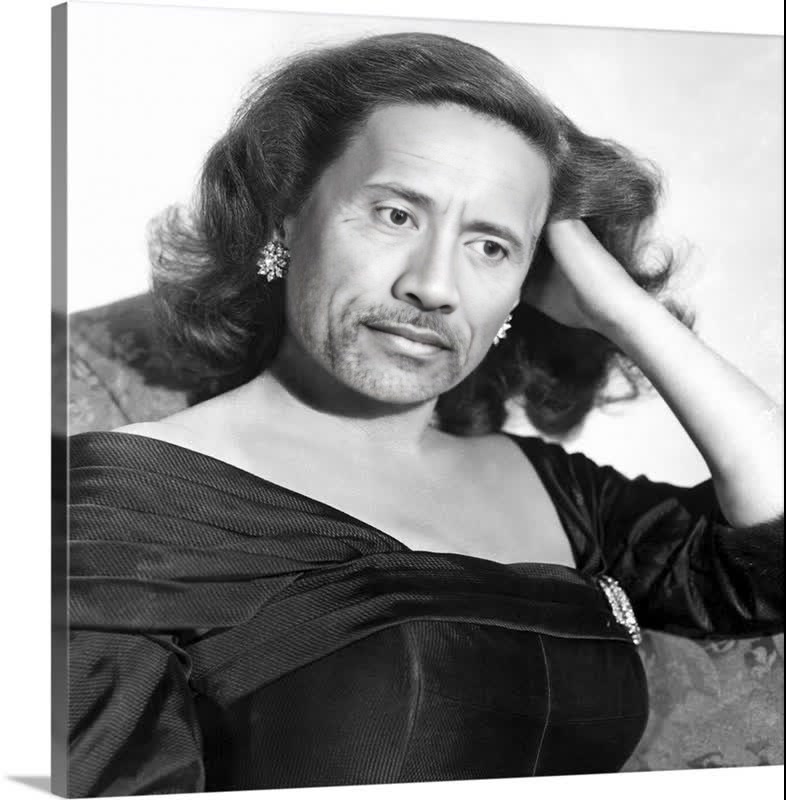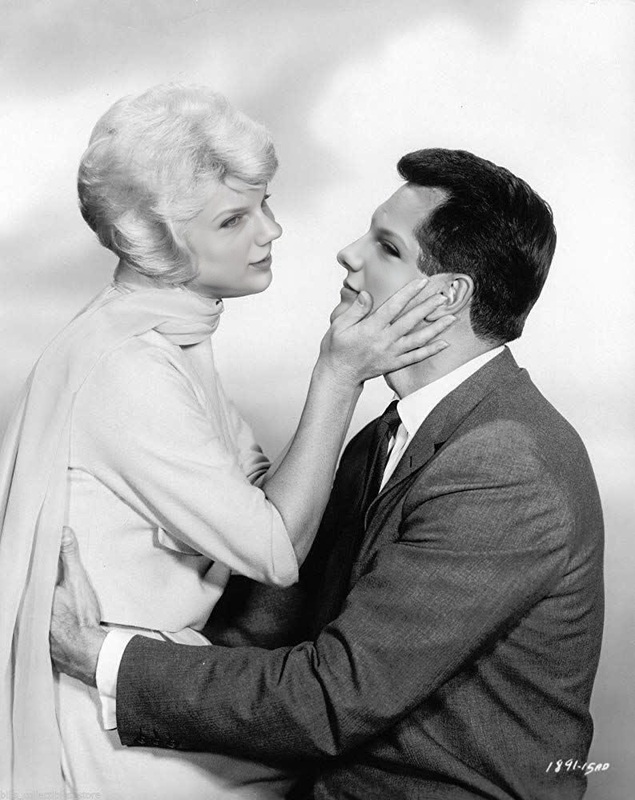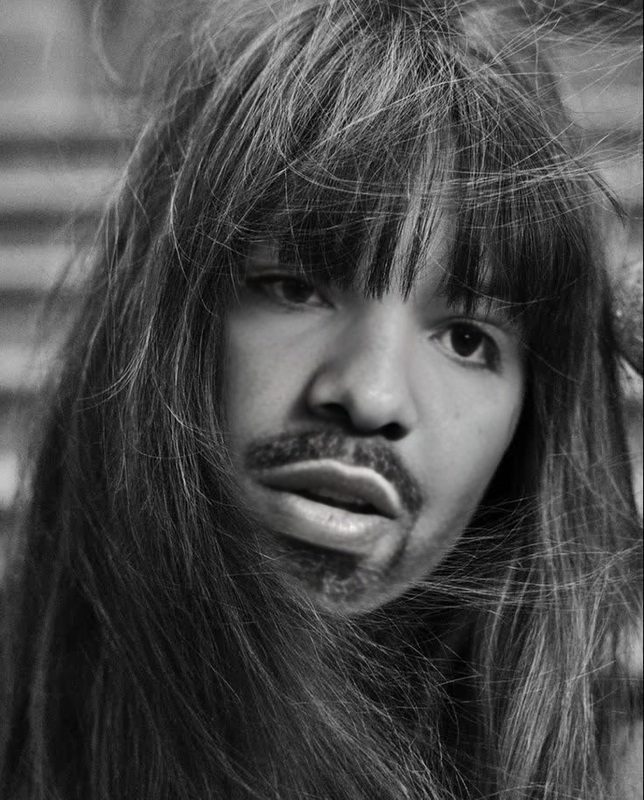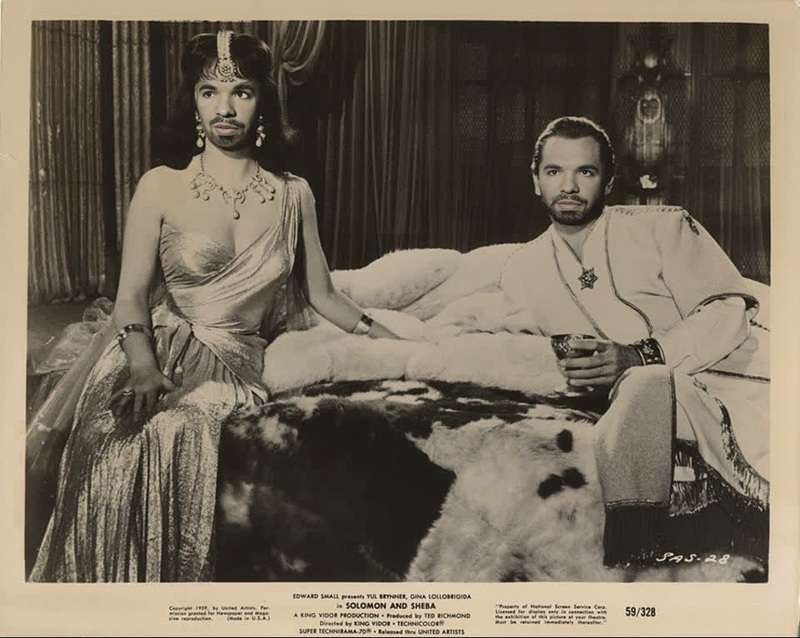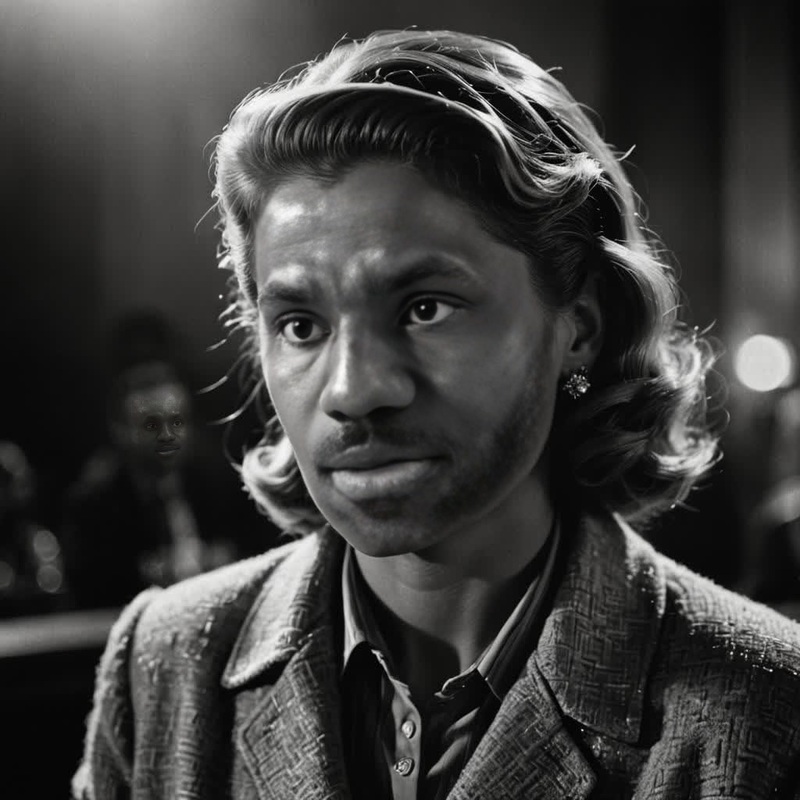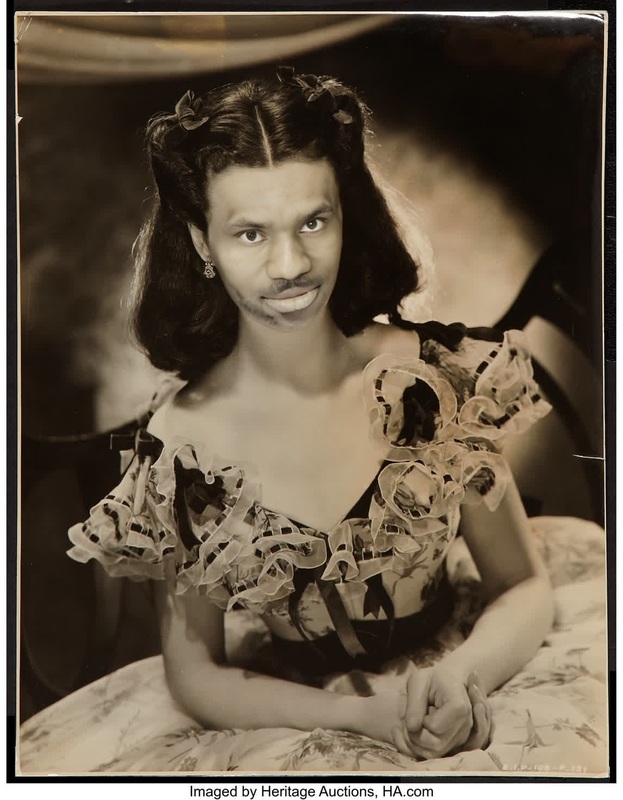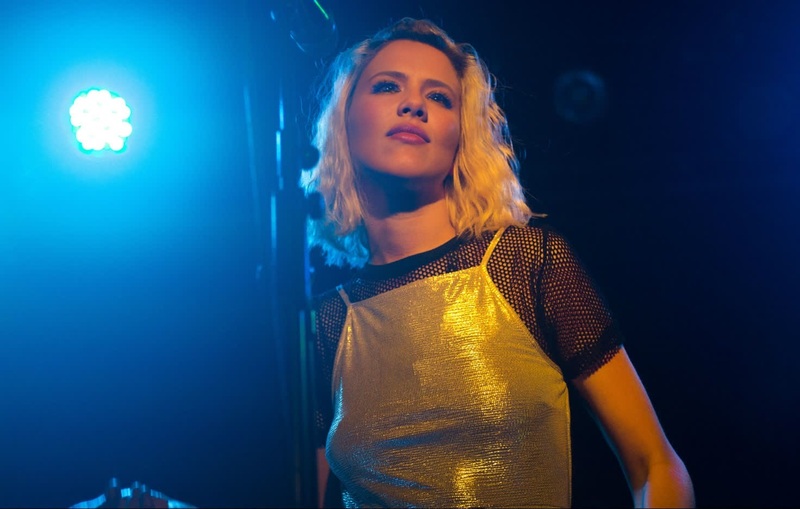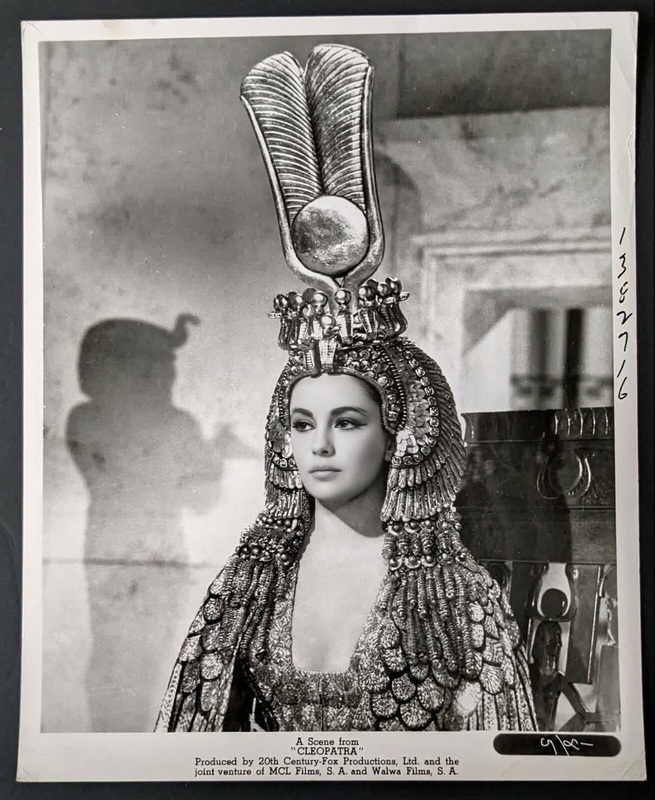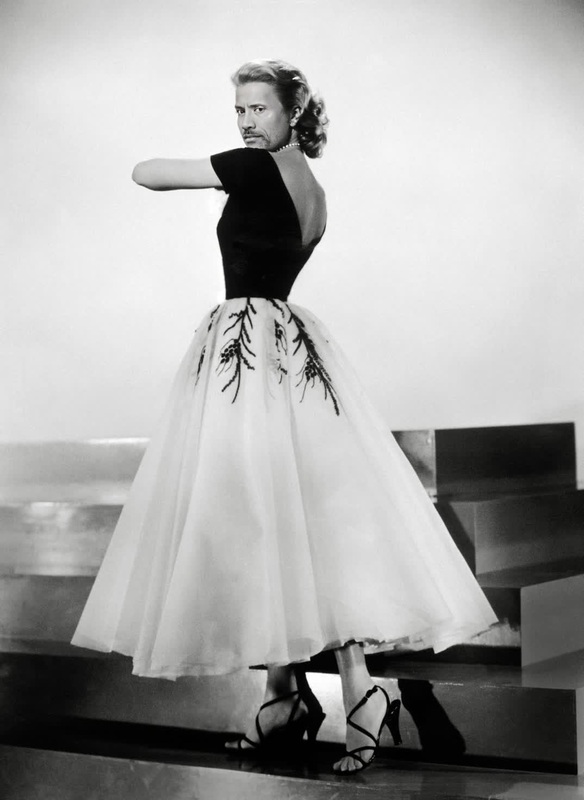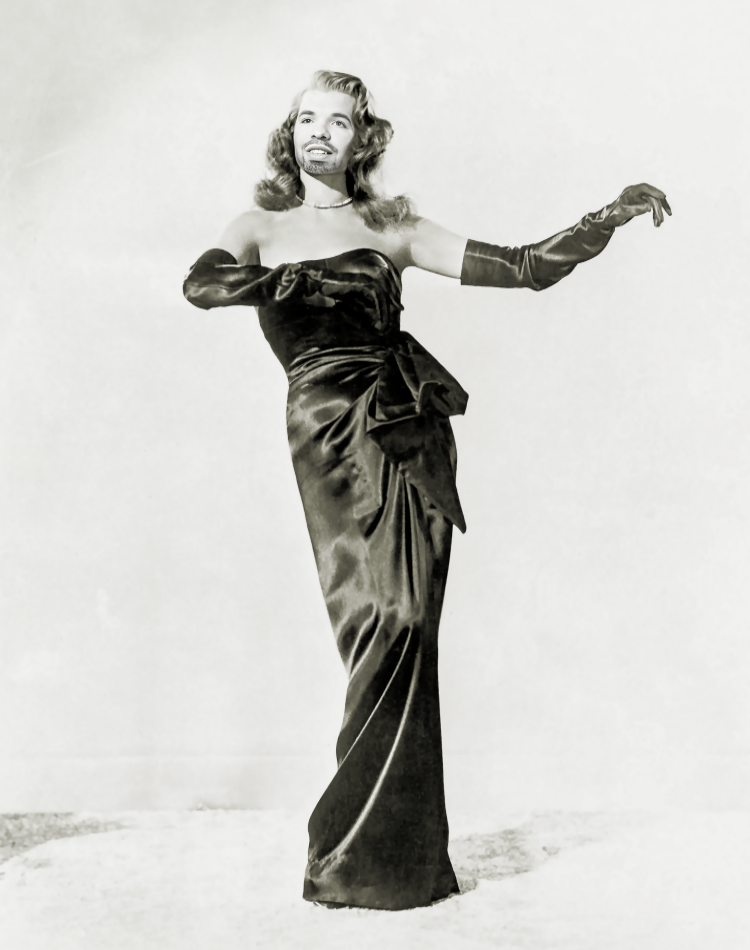
Rita Hayworth Gilda Studio Portrait
- Image
- 750 × 950 px
Any aspect ratio
Overview
Transform your videos into classic Hollywood magic with the Rita Hayworth Gilda Studio Portrait template. This Video Face Swap tool lets you step into the spotlight of the iconic Gilda era. Perfect for creators aiming to bring a touch of vintage elegance to their projects.
What It Does
The Rita Hayworth Gilda Studio Portrait template enables users to swap a face in a video with the iconic look of Rita Hayworth in "Gilda." Utilizing advanced face-swapping technology, this tool integrates the classic features of Rita into your existing video footage while maintaining natural expressions and lighting consistency.
Compatible with various formats, this template ensures seamless incorporation with other tools available on Magic Hour, such as the AI Voice Changer.
Who It's For
This template is perfect for filmmakers, vintage video enthusiasts, and content creators who want to infuse their projects with a touch of old Hollywood glamour. Whether you're producing retro-themed videos or working on creative content for social media, the Rita Hayworth Gilda Studio Portrait offers a unique way to enhance your visual storytelling.
Summary
Step into the glamor of the Gilda era with the Rita Hayworth Face Swap template. Designed to effortlessly merge classic Hollywood style with modern video content, this tool is ideal for creatives looking to transform their videos into vintage masterpieces. Explore its capabilities alongside tools like the AI Video Generator to fully elevate your production quality.
How To
Choose the Template

Customize for Your Project

Generate Your Video

Use Cases
Retro Movie Trailers
- Enhance the vintage film style
- Appeal to classic film aficionados
Themed Social Media Campaigns
- Boost engagement with themed throwbacks
- Appeal to a broader audience with nostalgia
Event Promotion
- Bring a touch of elegance to promotional videos
- Increase the allure of event marketing
Best Practices
Choose High-Quality Source Videos
Use videos with good lighting and clear features to ensure the face swap appears natural and convincing.Adjust Settings for Consistency
Fine-tune the facial alignment settings if needed, to maintain consistent lighting and style with the original video.Leverage Complementary Tools
Incorporate other tools like the AI Image Editor to refine and enhance the overall video quality.
Frequently asked questions
More Like This