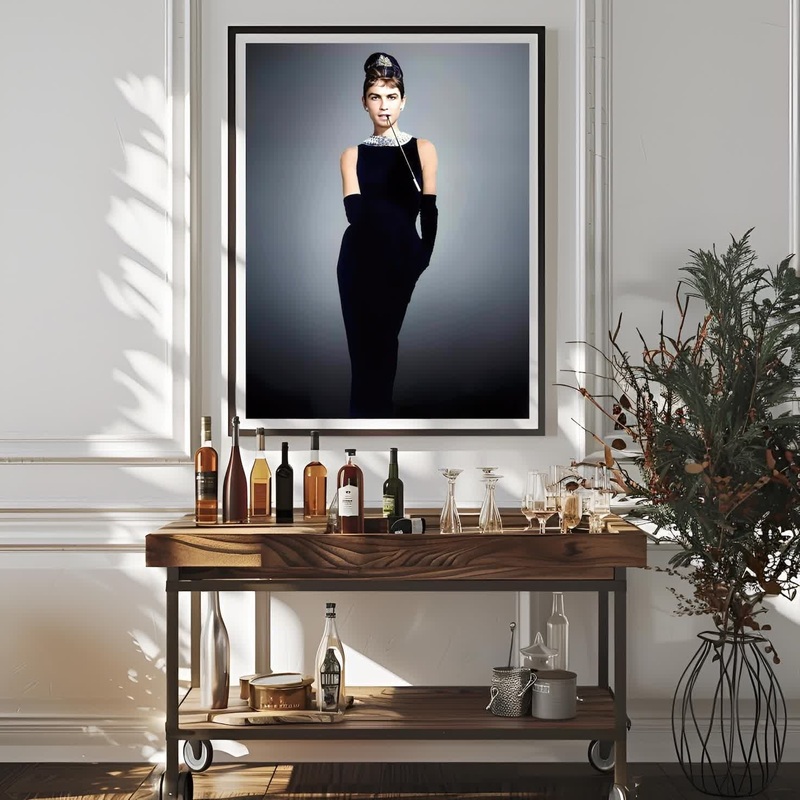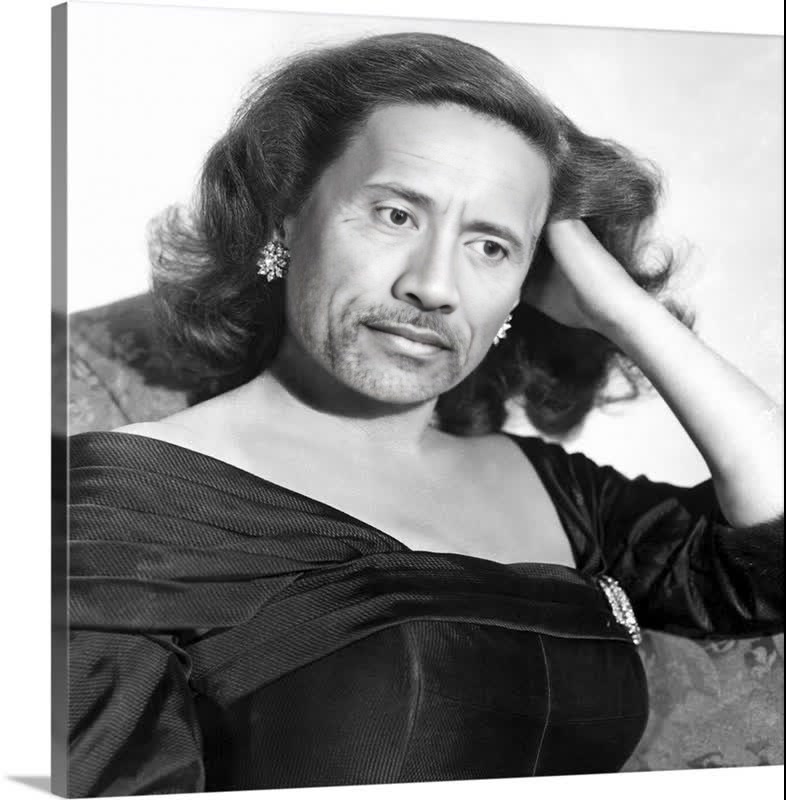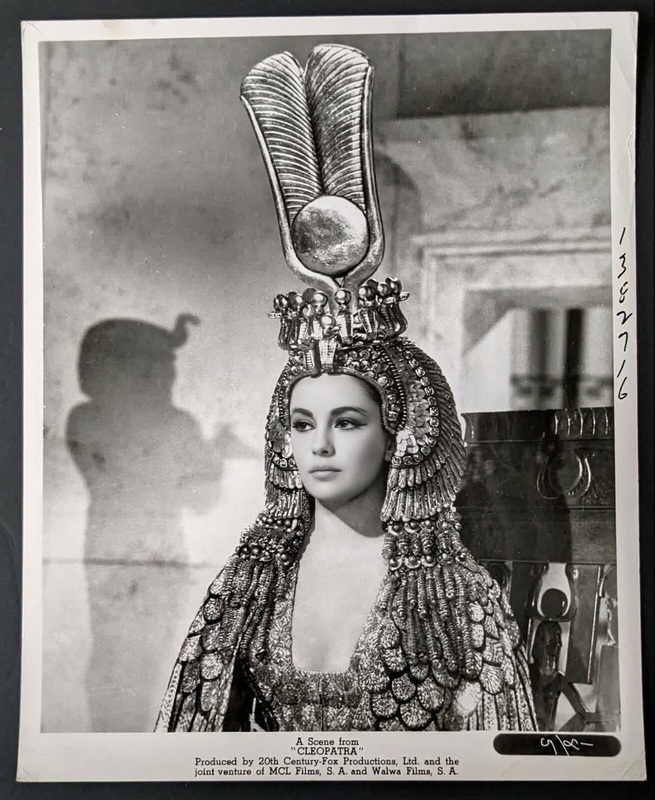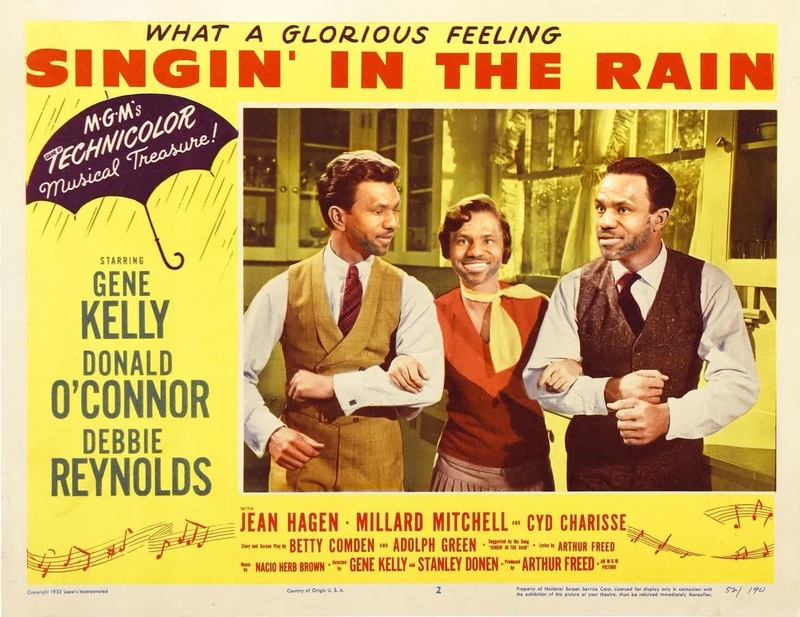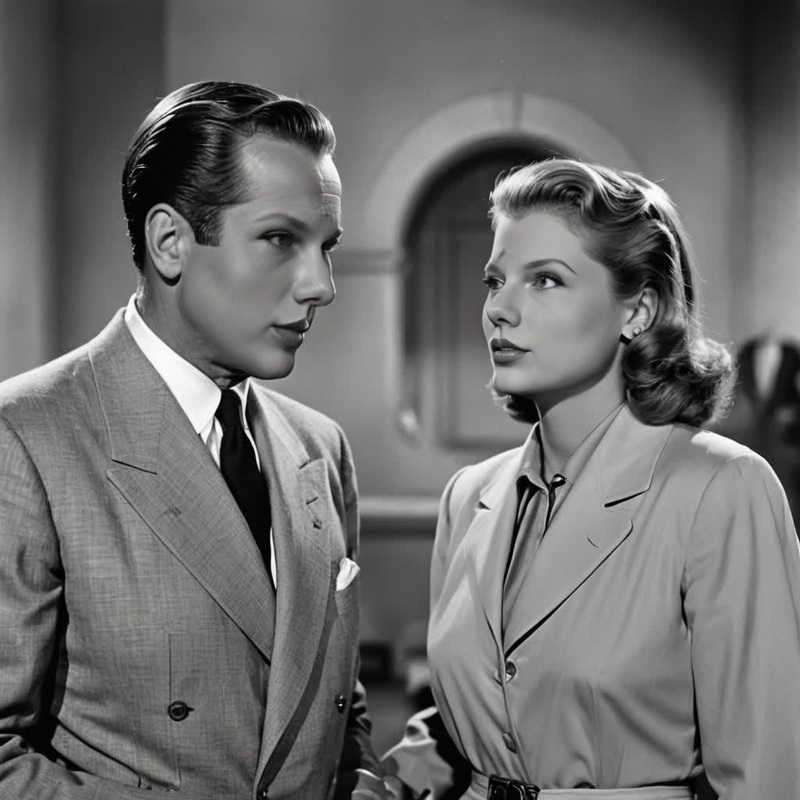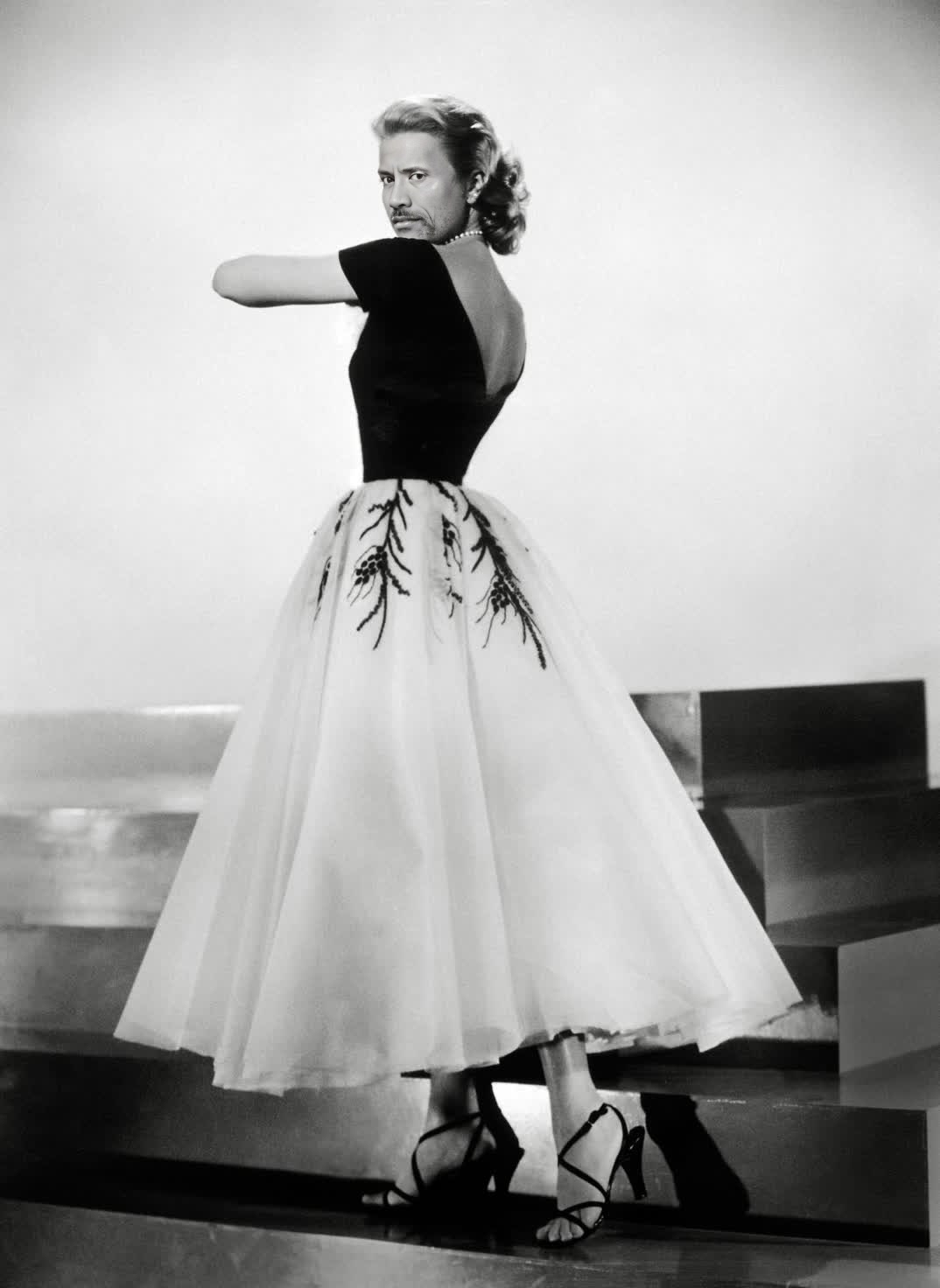
Grace Kelly Rear Window Studio Portrait
- Image
- 1074 × 1472 px
Any aspect ratio
Overview
Step into the golden age of Hollywood with the Grace Kelly Rear Window Studio Portrait Video Face Swap template. This template allows you to place any face into the iconic scene featuring Grace Kelly. It's perfect for those looking to create vintage-inspired digital content or unique, personalized videos.
What It Does
This Video Face Swap template takes any photo you provide and seamlessly integrates it into a classic film scene, specifically the renowned portrait of Grace Kelly from "Rear Window." It leverages cutting-edge technology to ensure a realistic and professional transformation, maintaining natural lighting and expressions.
Who It's For
Designed for film enthusiasts, content creators, and anyone passionate about vintage aesthetics, this template is ideal for social media influencers looking to engage their audience with nostalgic content. It's also suitable for marketing professionals aiming to create eye-catching retro-themed advertisements.
Summary
With the Grace Kelly Rear Window Studio Portrait, transform ordinary images into extraordinary classic film scenes. Discover more templates with dynamic options by exploring our Image to Video and AI Video Generator solutions, offering a variety of customization features for unique video creations.
How To
Choose Your Template

Customize Your Inputs

Generate Your Video

Use Cases
Social Media Content
- Vintage-inspired video posts
- Throwback Thursday content
Event Promotions
- Hollywood-themed parties
- Film festival promos
Personal Gifts
- Birthday surprises
- Anniversary mementos
Best Practices
Choose High-Quality Photos
For the best results, ensure the photos you upload are clear and high-resolution, especially focusing on the face.Check Alignment
Pay close attention to the alignment of the face in the template to maintain realism.Experiment with Styles
Don’t hesitate to use different facial expressions or play with angles to add more character to your final video.
Frequently asked questions
More Like This