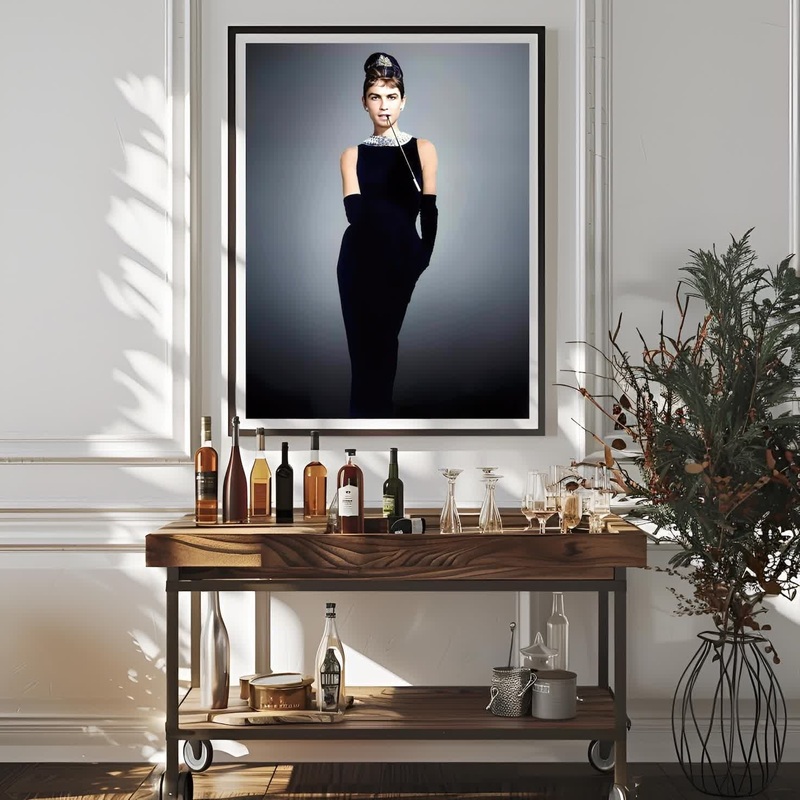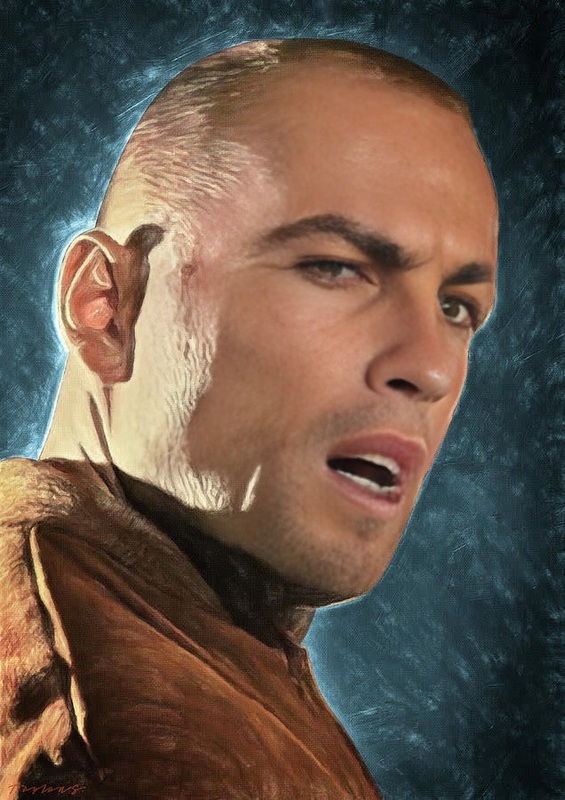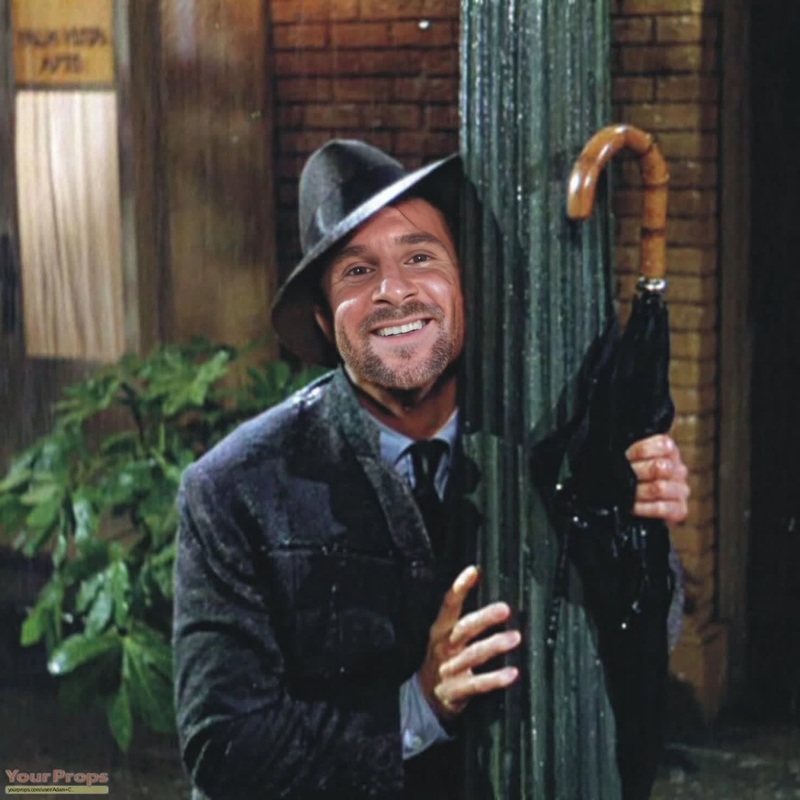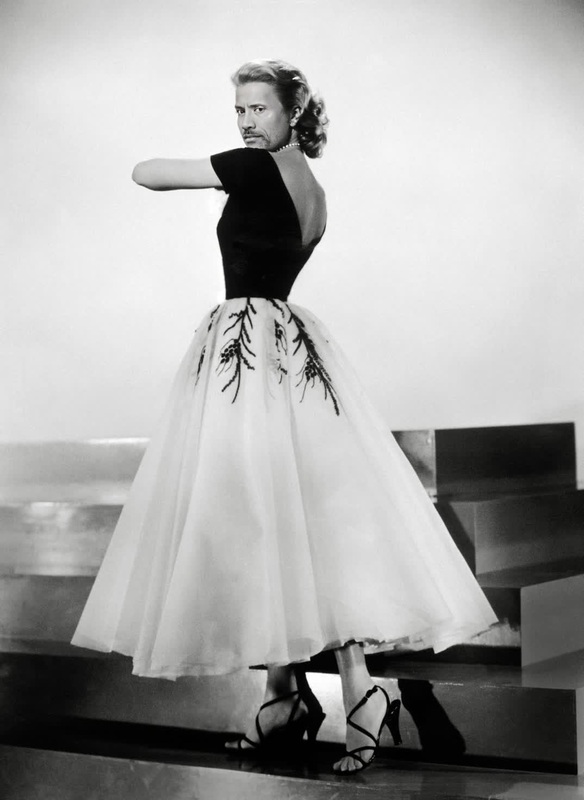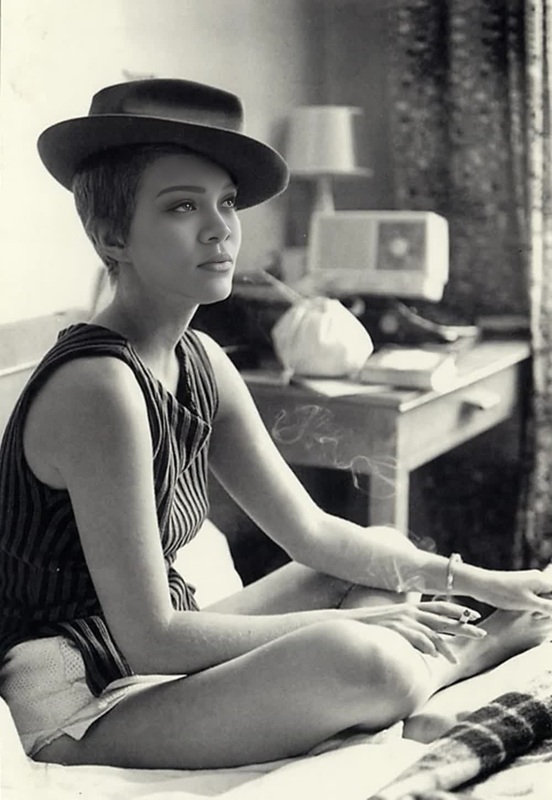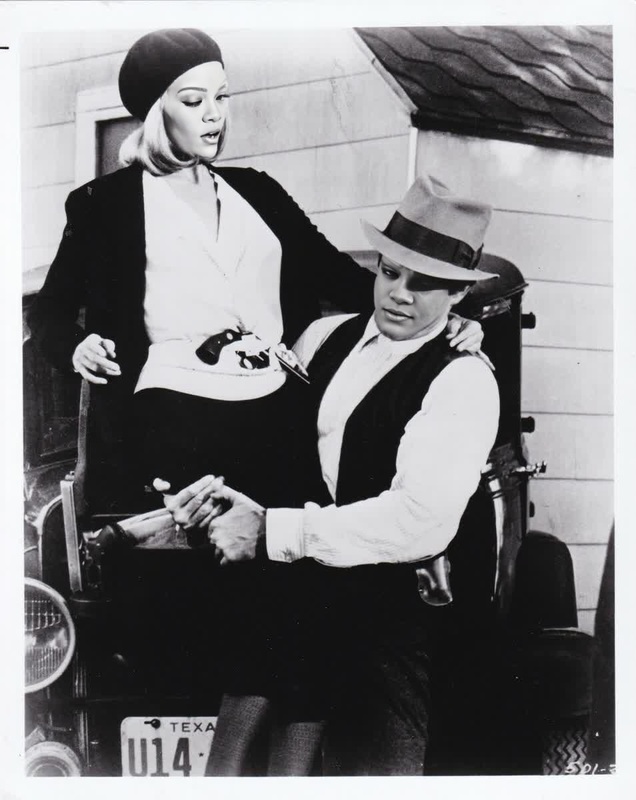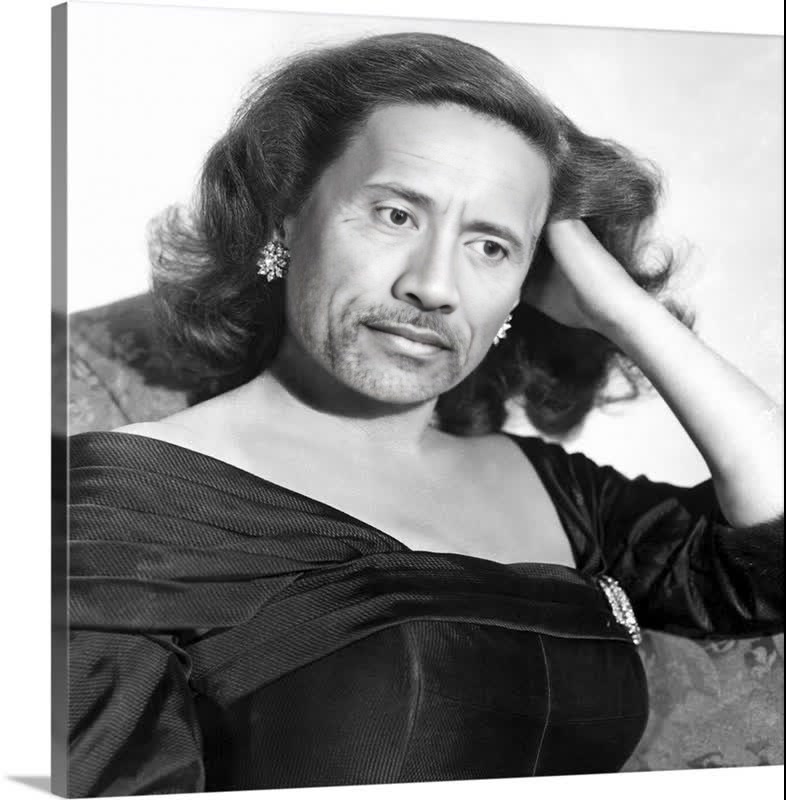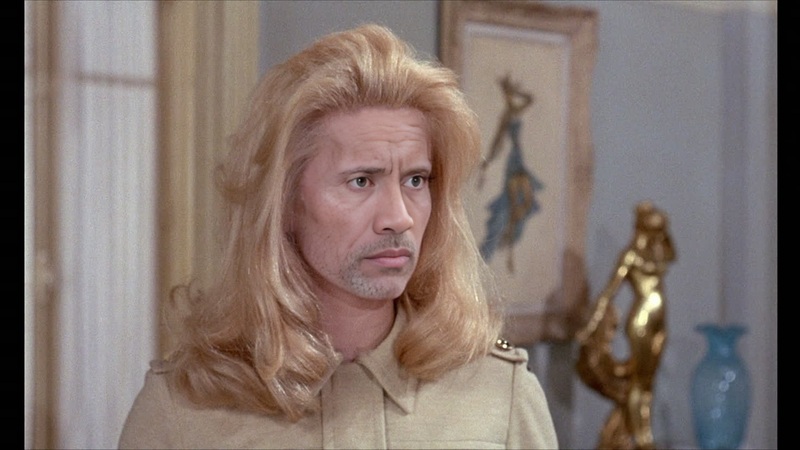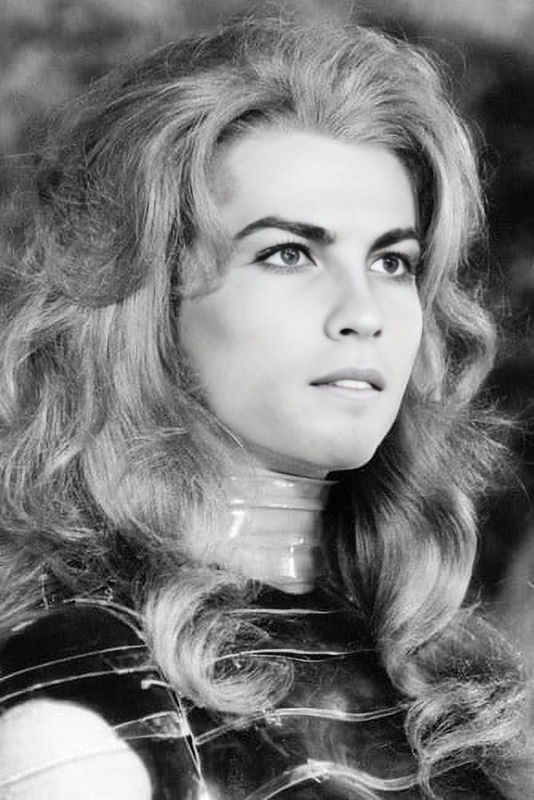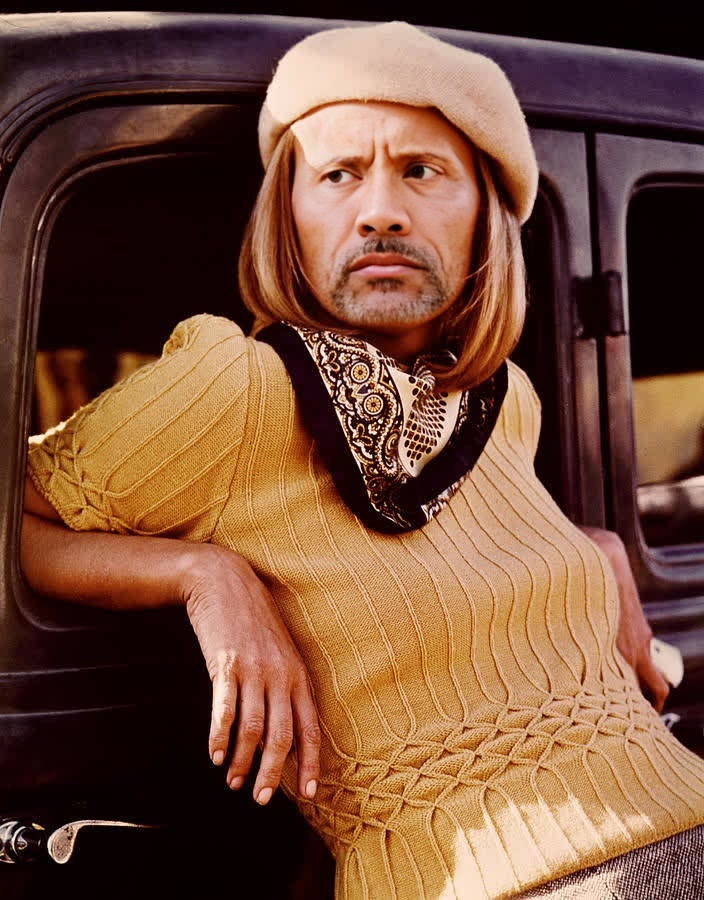
Faye Dunaway Bonnie And Clyde Studio Portrait
- Image
- 704 × 900 px
Any aspect ratio
Overview
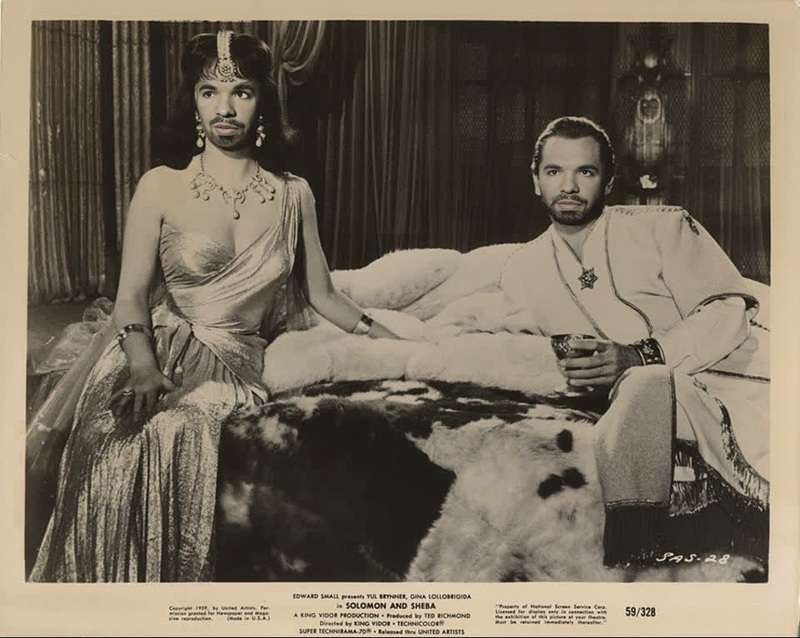
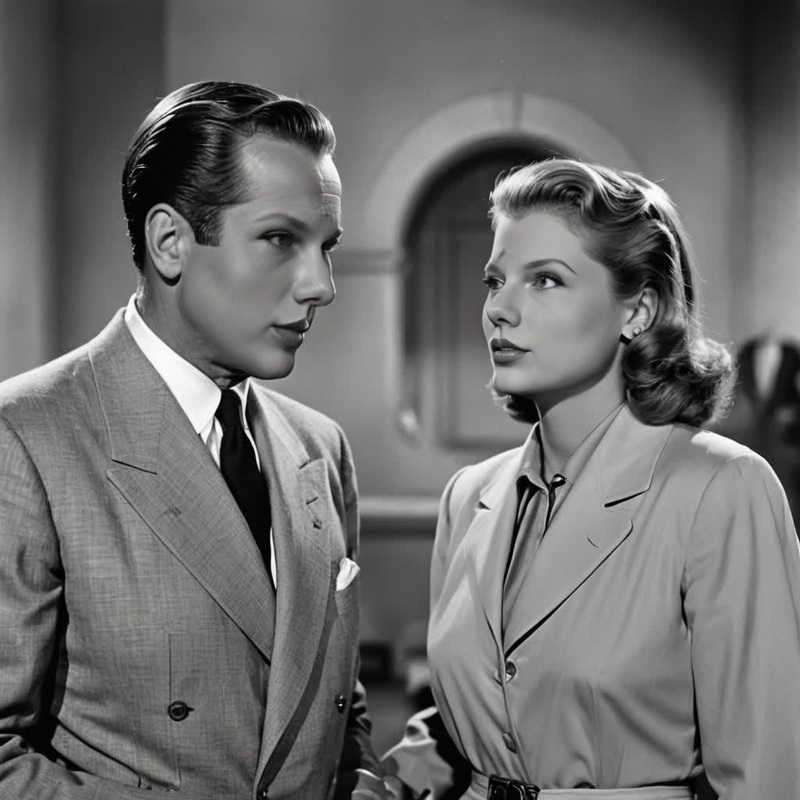
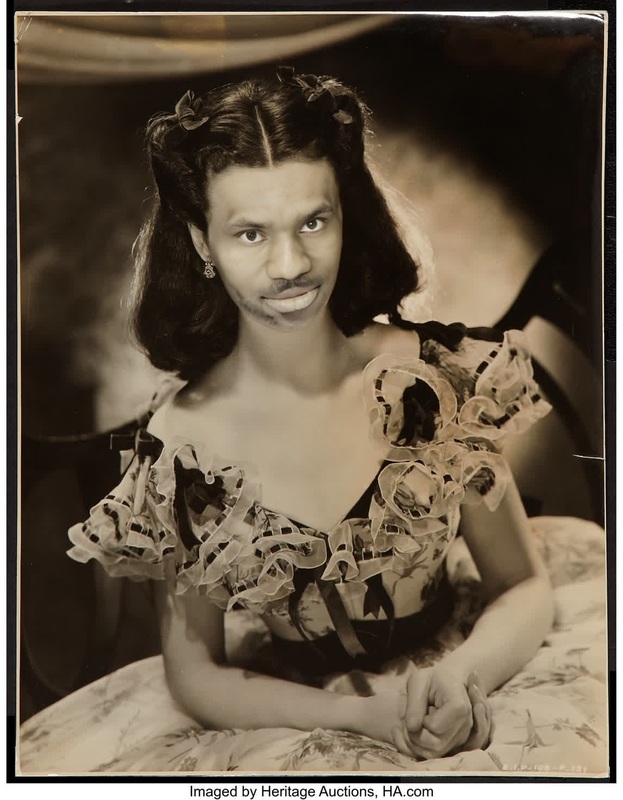
Transform your video content with the iconic look of Faye Dunaway in "Bonnie and Clyde" using our Video Face Swap template. This tool is designed to offer a unique and engaging way to reinterpret classic visuals for modern audiences.
What It Does
The Faye Dunaway Bonnie And Clyde Studio Portrait template allows users to swap faces in videos, giving them the chance to appear as the legendary actress in this iconic role. This transformation is ideal for creating strikingly realistic video content. Explore more with our Image to Video and AI Video Generator products.
Who It's For
This template is perfect for filmmakers, content creators, and social media enthusiasts aiming to create memorable, shareable videos that capture the spirit of "Bonnie and Clyde". Whether you're a fan of classic cinema or a creative professional in need of dynamic content, this tool offers incredible versatility.
Summary
Incorporate the essence of a cinema classic into your projects with ease. Use the Faye Dunaway Bonnie And Clyde Studio Portrait for extraordinary transformation. Combine this with our AI Clothes Changer or explore the possibilities of Body Swap to further enhance your creations.
How To
Choose Your Template

Customize Your Video

Generate and Download

Use Cases
Content Creation
- Create unique content for YouTube and TikTok
- Engage audiences with nostalgic themes
Marketing Campaigns
- Attract attention with themed ads
- Leverage iconic aesthetics for brand storytelling
Film and Entertainment
- Craft fan-fiction visuals
- Enhance indie film projects
Best Practices
High-Quality Source Material
Use the highest quality images and videos for the best face swap results.Lighting Consistency
Maintain consistent lighting between the source and target videos to improve realism.Subtle Transformations
For the most natural look, make small, subtle adjustments rather than drastic changes.
FAQs
More Like This