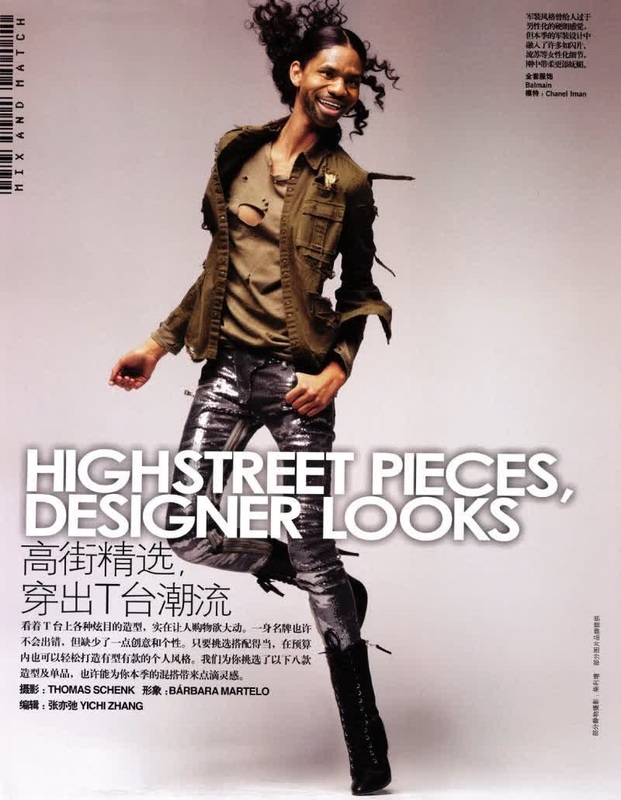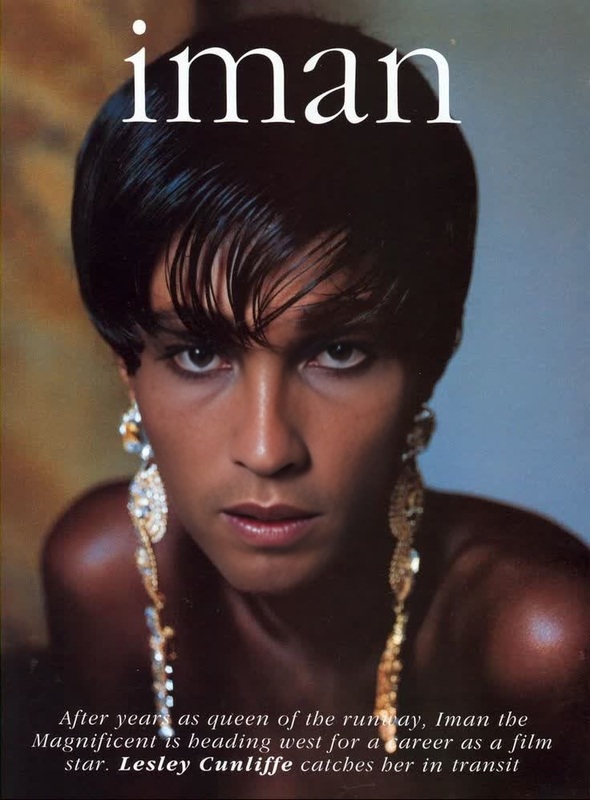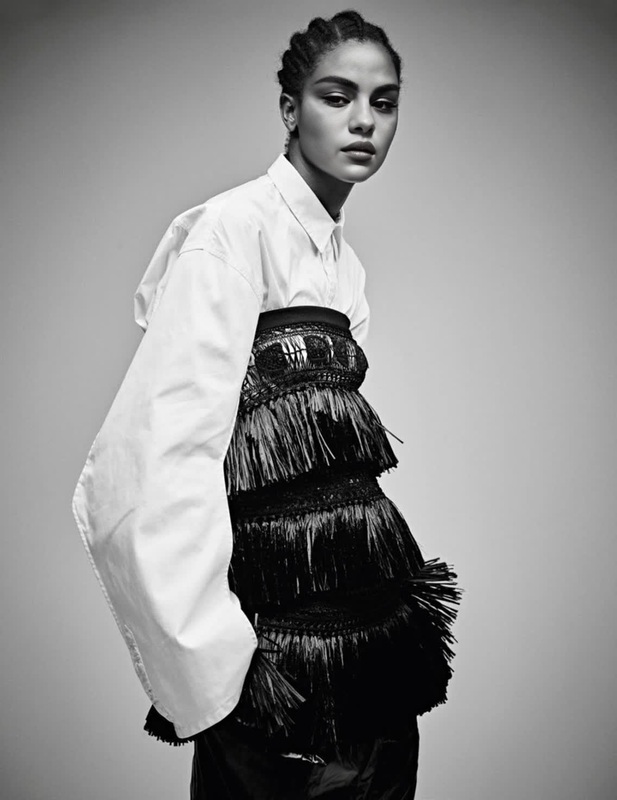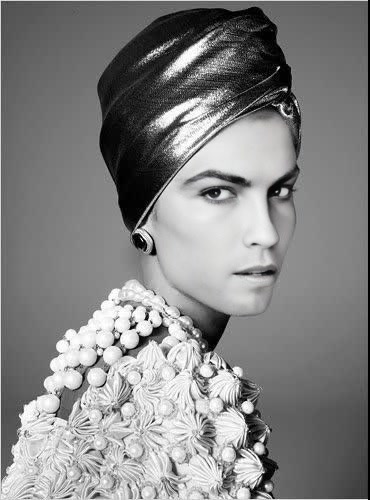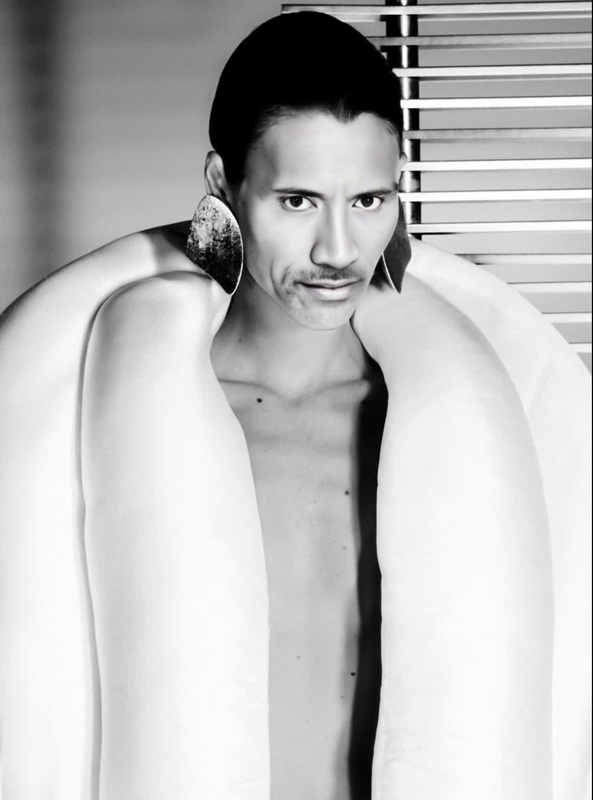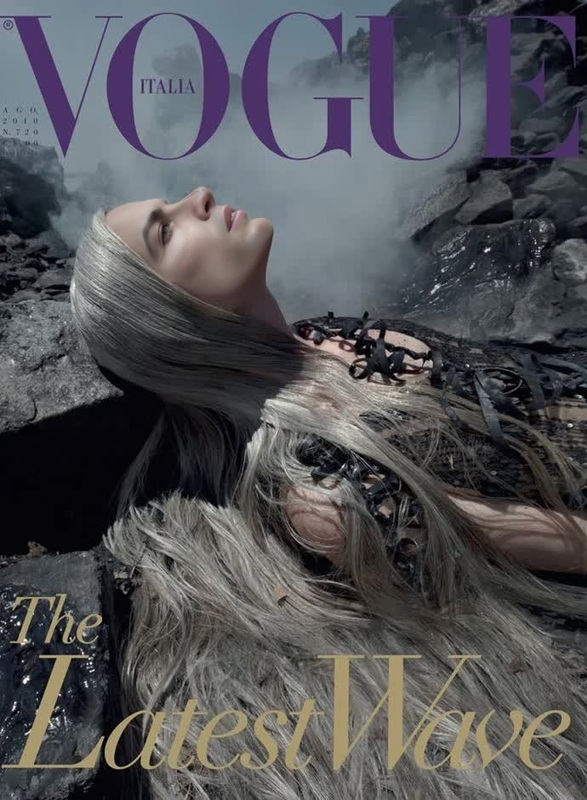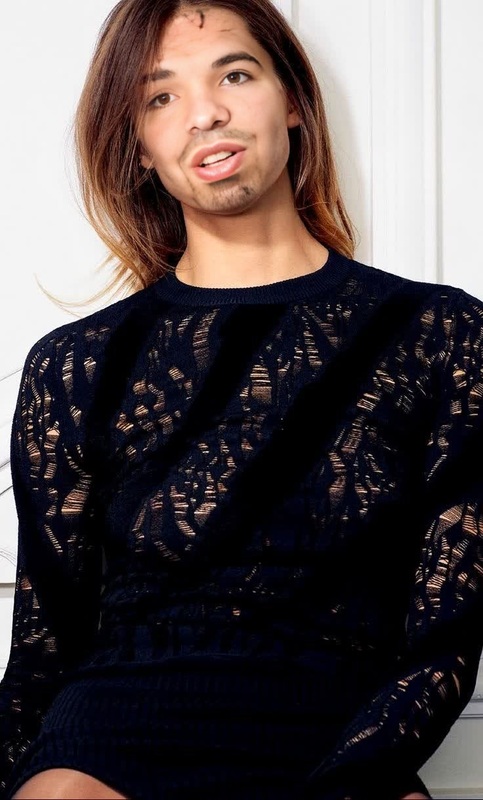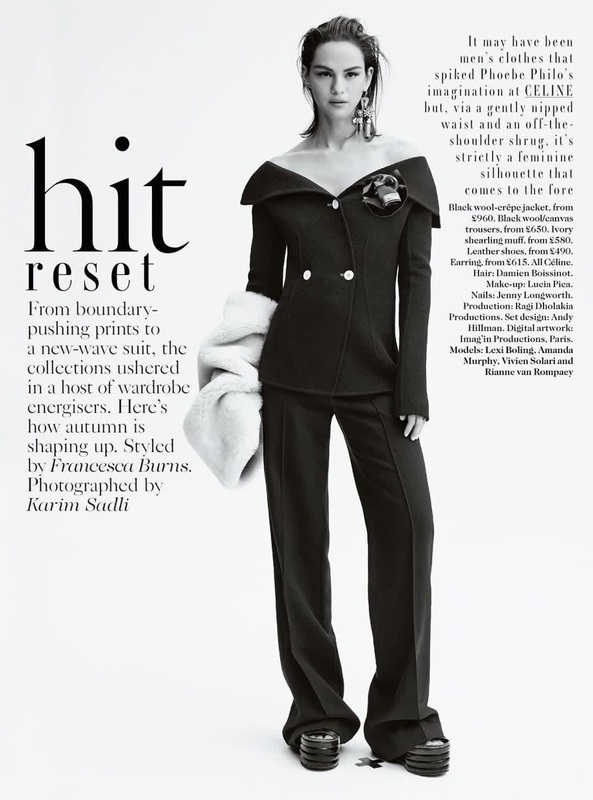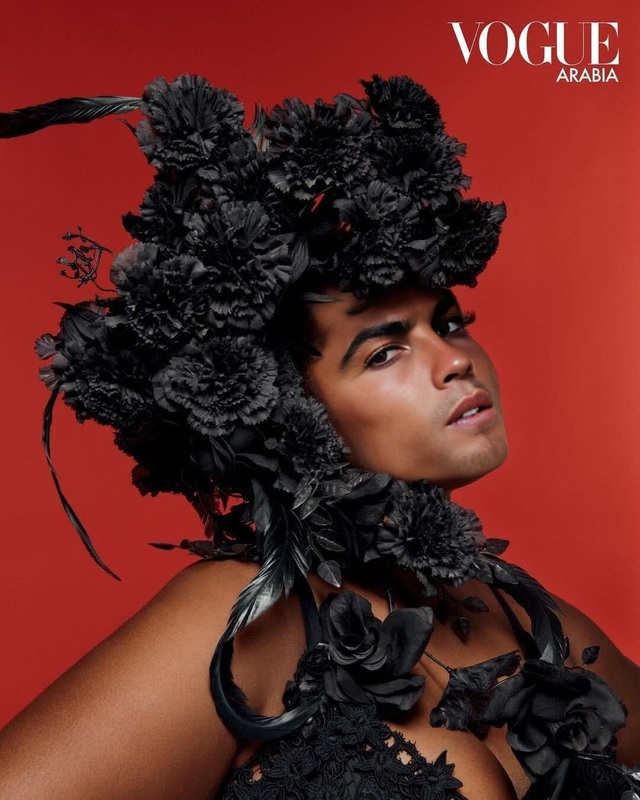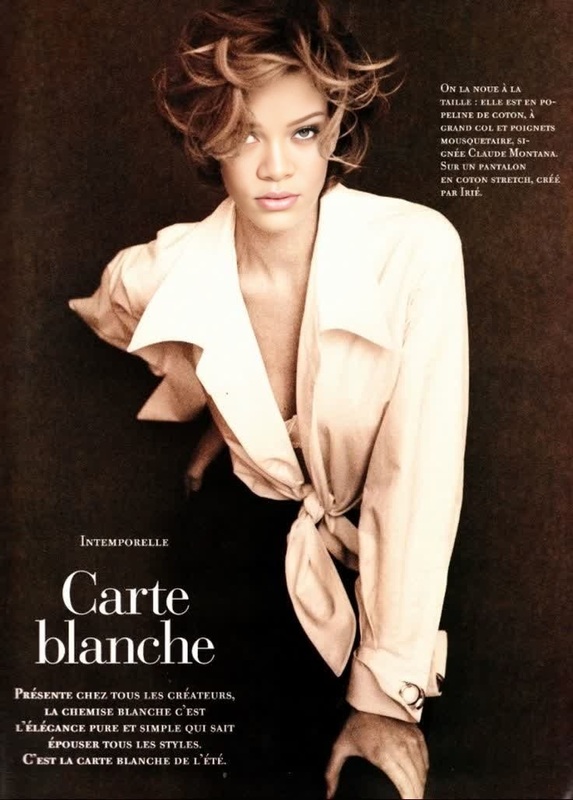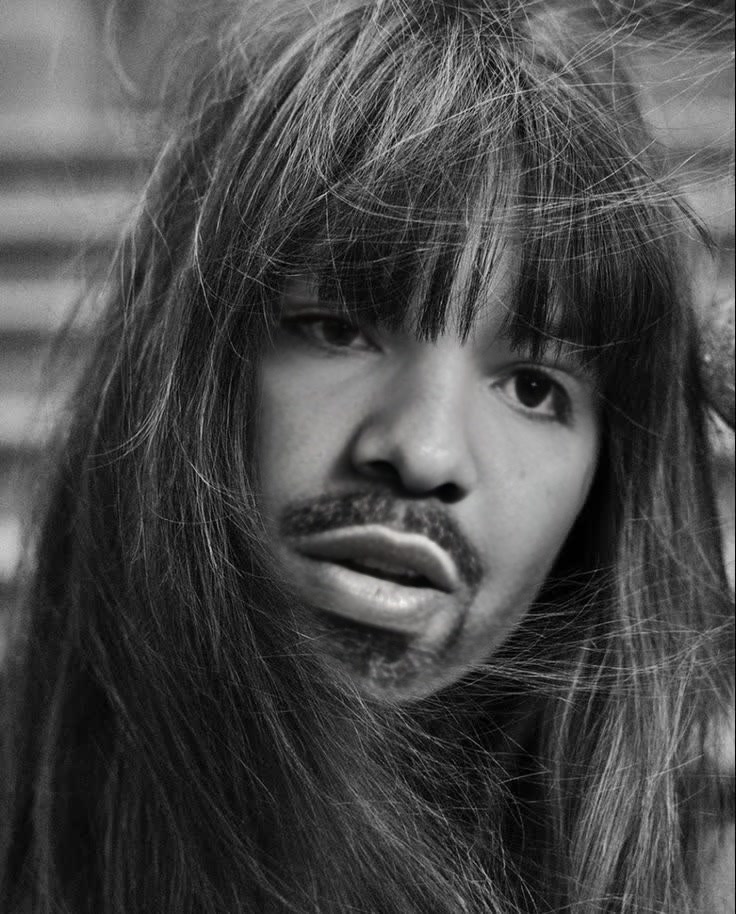
Faretta Radic Vogue Editorial Portrait
- Image
- 736 × 914 px
Any aspect ratio
Overview
The Faretta Radic Vogue Editorial Portrait template offers a refined approach for creating high-fashion video content with an editorial edge. This Video Face Swap template is ideal for transforming any video into a sophisticated montage reminiscent of Vogue's iconic style. Whether you're in fashion marketing or personal branding, this tool allows you to infuse your footage with the elegance of a luxury editorial.
What It Does
Designed to swap faces in video, this template enhances your visual storytelling with advanced facial morphing technology. You can create striking transformations by selecting a video and applying the Faretta Radic flair. Utilize this tool to seamlessly insert your subjects into high-fashion contexts, maintaining natural motion and precise facial alignment. Elevate your projects with the sophistication seen in Video Face Swap workflows.
Who It's For
This tool is perfect for content creators, fashion designers, and marketing professionals looking to create compelling high-fashion visuals. It's also a great fit for digital marketing agencies aiming to elevate their branding or promotional materials. If you need a tool that blends trendsetting style with technical precision, this Video Face Swap template is your go-to. Explore additional possibilities with our AI Video Generator for more expansive projects.
Summary
The Faretta Radic Vogue Editorial Portrait is an ideal choice for those seeking to transform everyday footage into editorial-grade content. With the ability to change faces in video seamlessly, you can create polished, professional projects that captivate and engage. Discover more on video face swap techniques with our insights on the Face Swap main product page to further optimize your workflow.
How to Use
Choose Your Template

Customize Your Inputs

Generate and Download

Use Cases
High-Fashion Videos
- Fashion campaigns
- Luxury product launches
Personal Branding
- Influencer content
- Profile highlights
Creative Storytelling
- Short films
- Creative ad projects
Best Practices
Select High-Resolution Videos
Ensure your video inputs are high-resolution for the best quality face swaps. This enhances realism and detail.Maintain Good Lighting
Use well-lit footage to allow the face swap algorithm to detect and align facial features accurately.Use Clear Facial Shots
Choose videos where the faces are clear and unobstructed for optimal results.