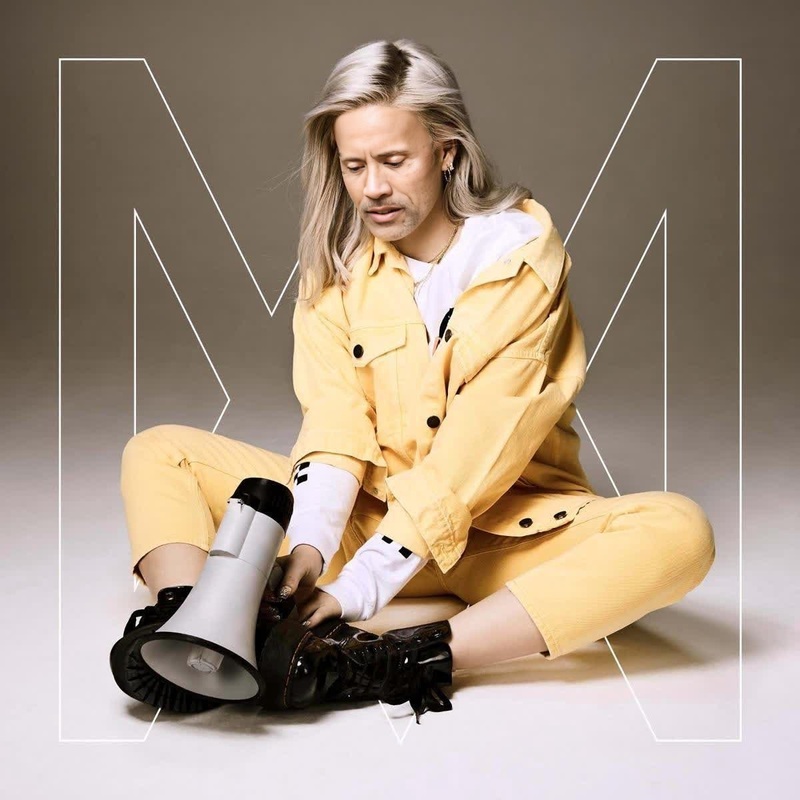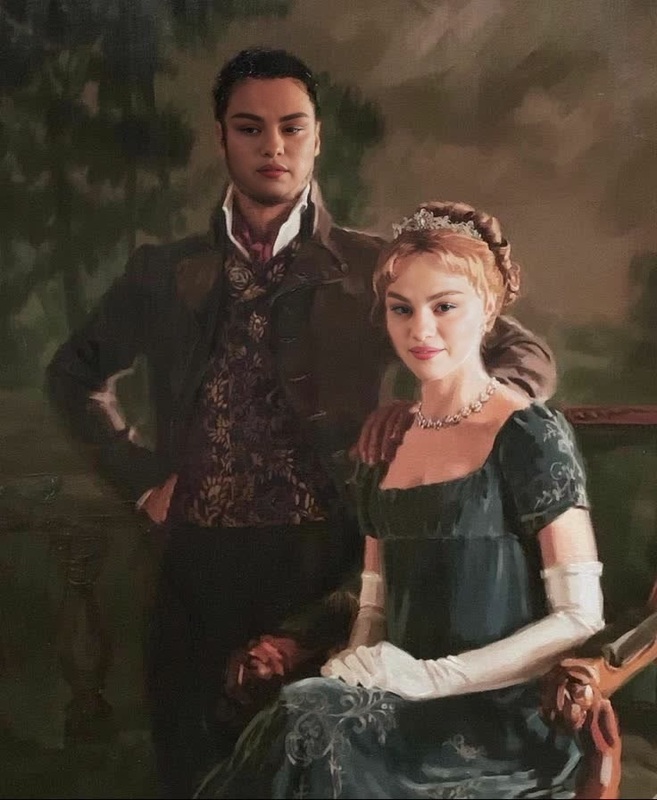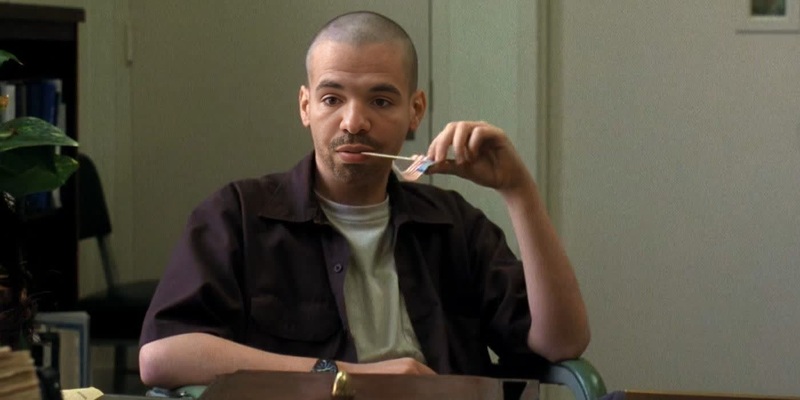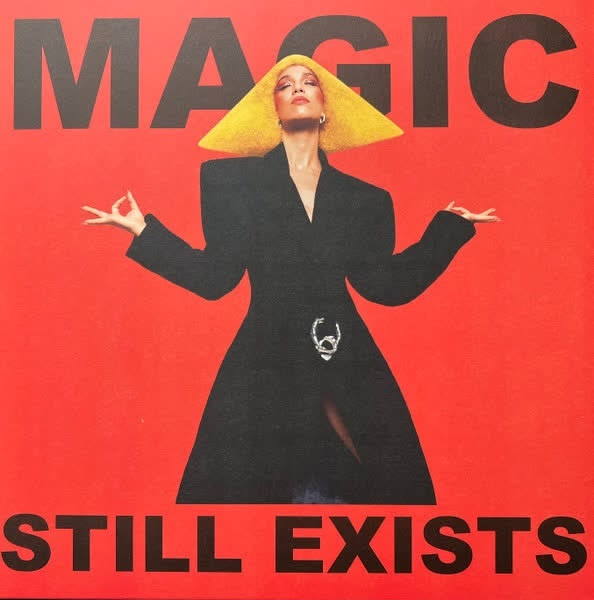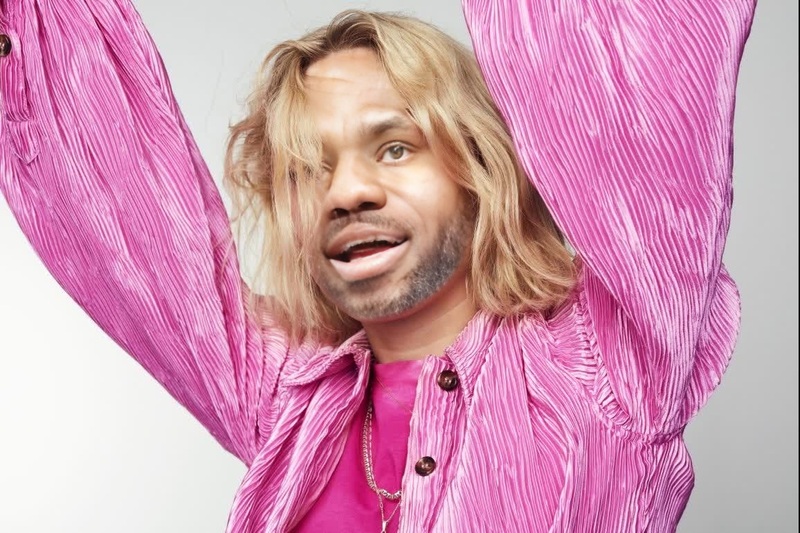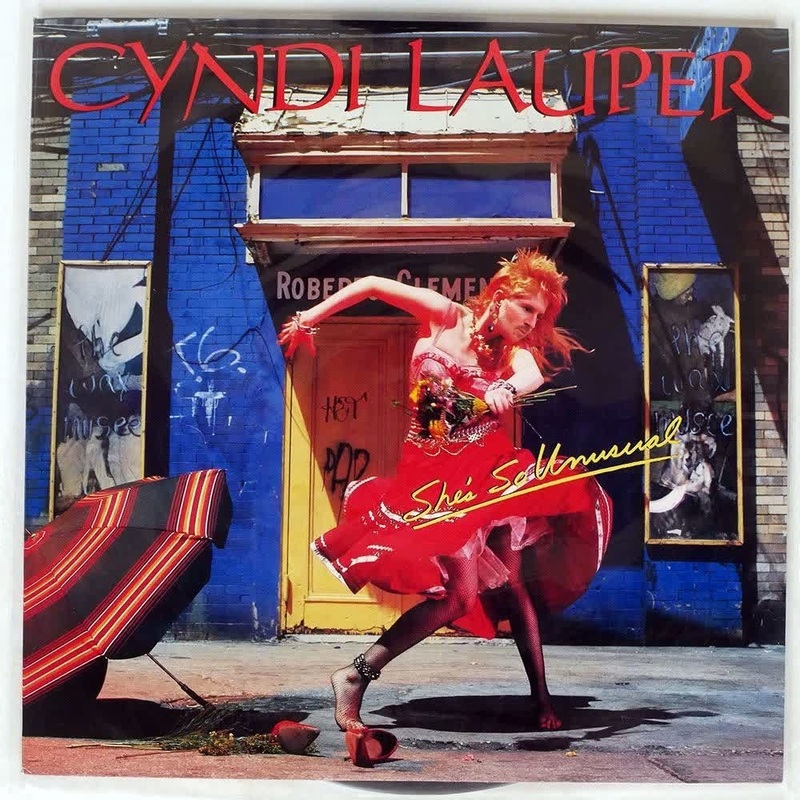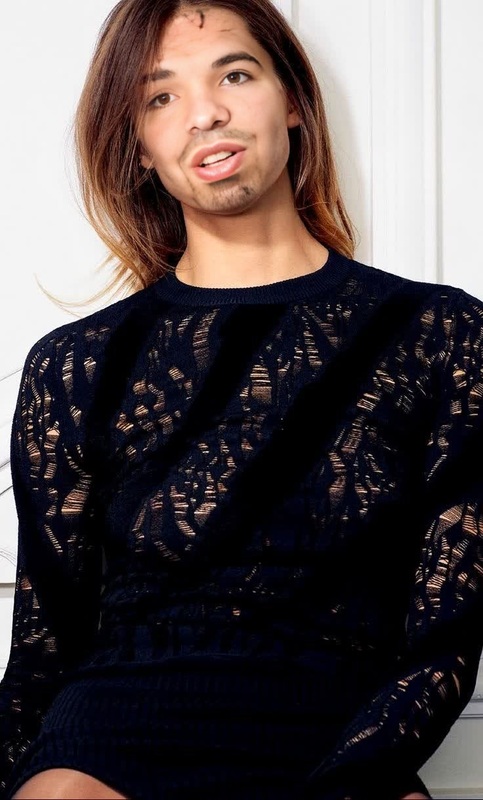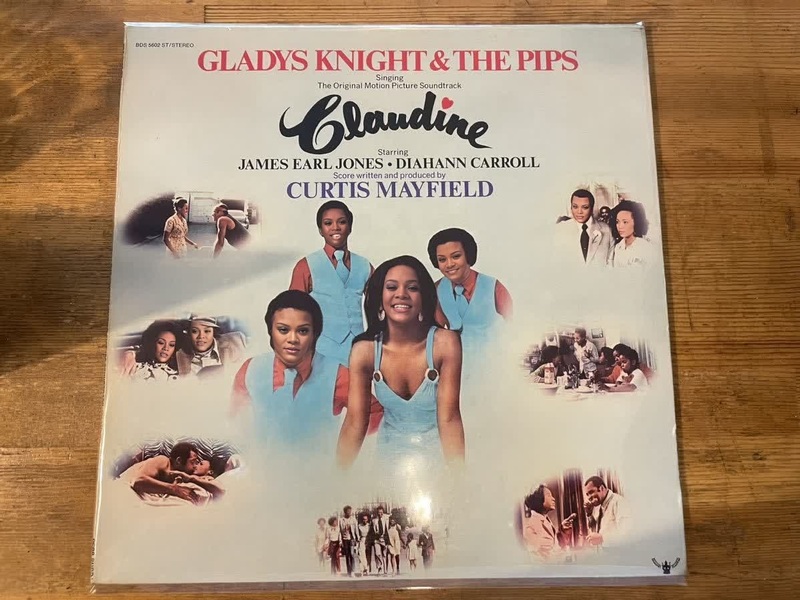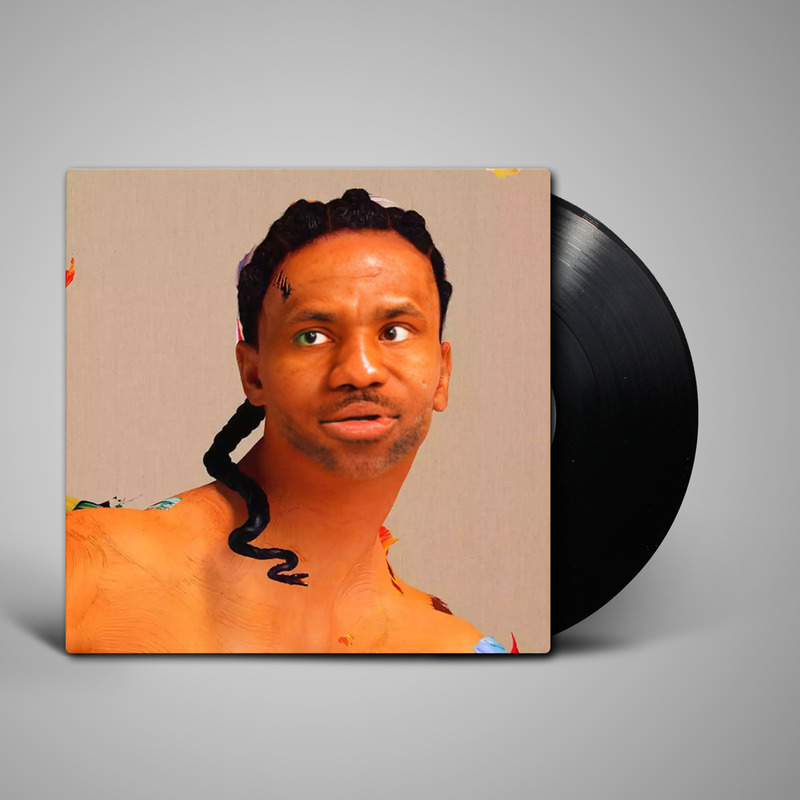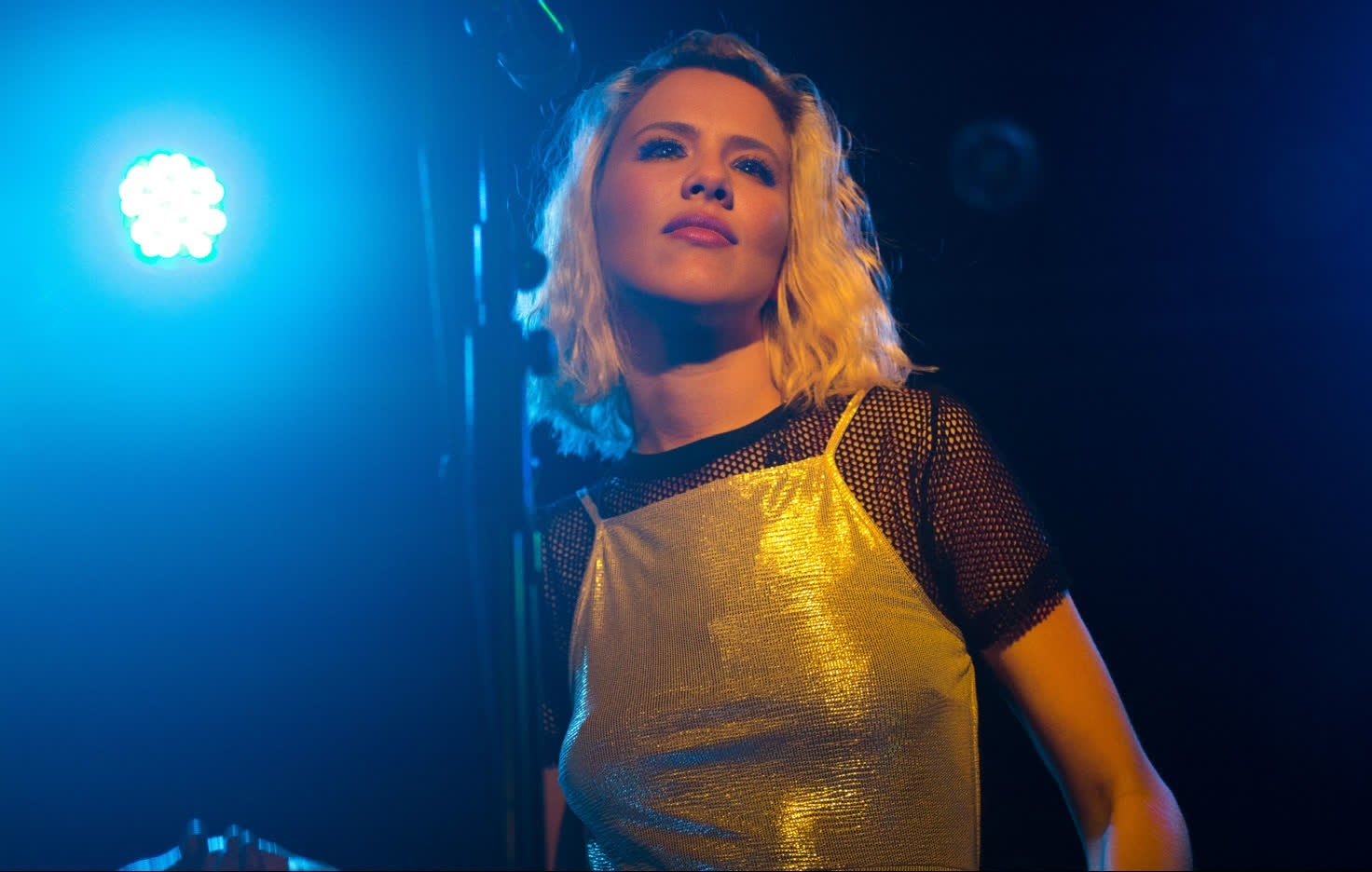
Dagny Come Alive Press Portrait
- Image
- 1472 × 936 px
Any aspect ratio
Overview
The Dagny Come Alive Press Portrait is a Video Face Swap template perfect for adding a lively twist to your content. Use this to creatively transform your videos with a face swap, animating still images into dynamic, engaging visuals.
For more transformative possibilities, explore our other tools like the Body Swap or the Head Swap filters.
What It Does
This template allows you to swap faces in your video projects, infusing them with humor or artistic appeal. The Dagny Come Alive face swap captures attention by bringing still images to animated life, adding a novel dimension to your storytelling.
Consider pairing it with the AI Video Generator to build more elaborate videos from disparate elements.
Who It's For
This template is ideal for creators, marketers, and social media influencers looking to add a playful or artistic element to their video content. It suits anyone aiming to engage and entertain their audience with unique visual narratives.
Beginners and professionals alike will find this tool’s functionality pairs well with other tools like the AI Image Editor, increasing content variety and engagement.
Summary
The Dagny Come Alive Press Portrait template transforms ordinary videos into dynamic, engaging pieces through face swaps. This tool adds an expressive element that enhances viewer engagement and expands creative storytelling avenues.
Explore related possibilities with the AI GIF Generator for shareable, looping content.
How to Use
Choose Your Template

Customize Your Inputs

Generate and Apply

Use Cases
Social Media Content
- Increase engagement with dynamic visuals
- Create viral-worthy videos quickly
Marketing Campaigns
- Stand out from competitors
- Make memorable advertisements
Entertainment Content
- Add humor and creativity to your content
- Engage viewers with unexpected transformations
Best Practices
Select Clear Source Material
Ensure the original video and the faces to be swapped are clear and well-lit for optimal swapping results.Experiment with Angles
Try different angles and expressions to see what works best for your video composition.Combine with Other Effects
For improved storytelling, combine the face swap effect with other tools, such as AI Image Upscaler for enhancing video definition.