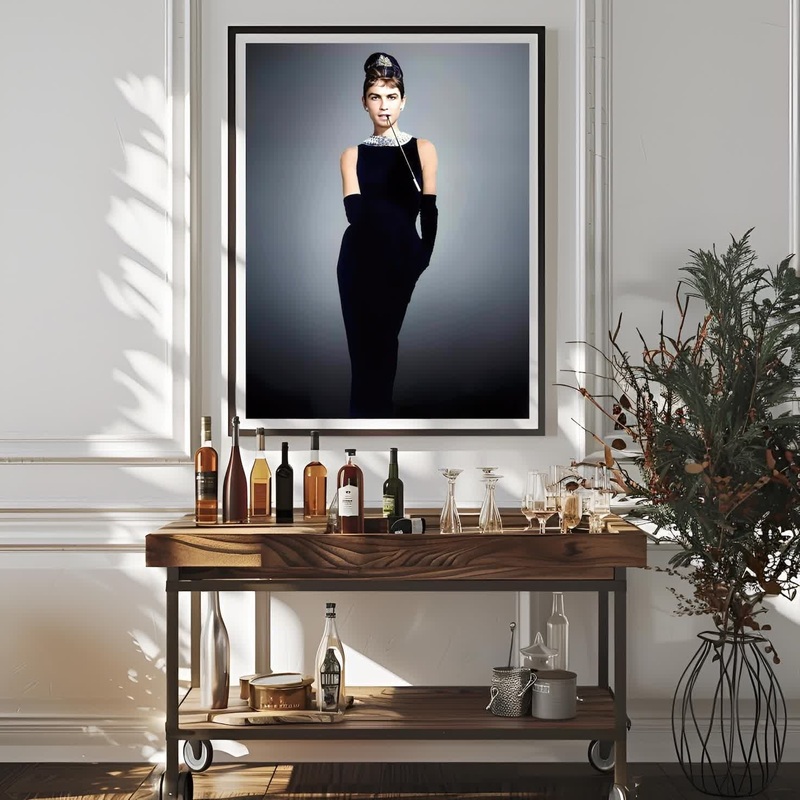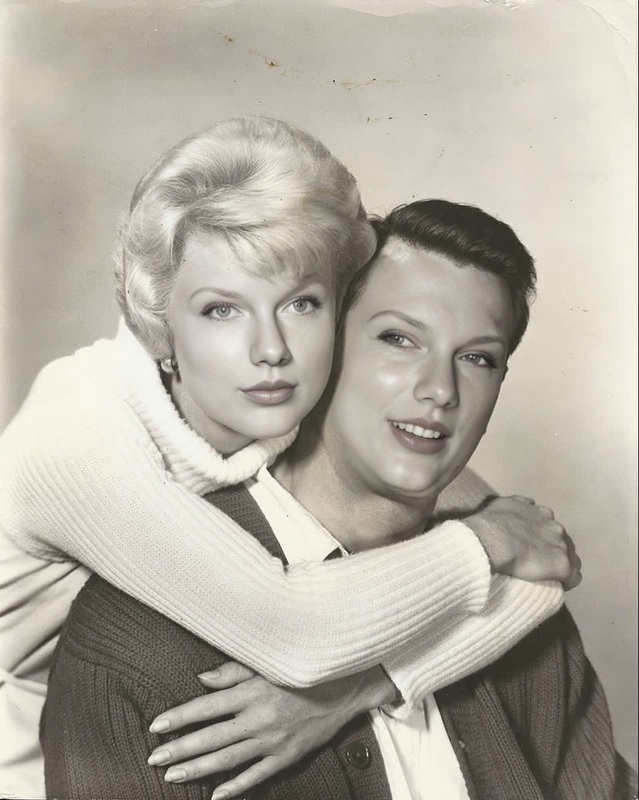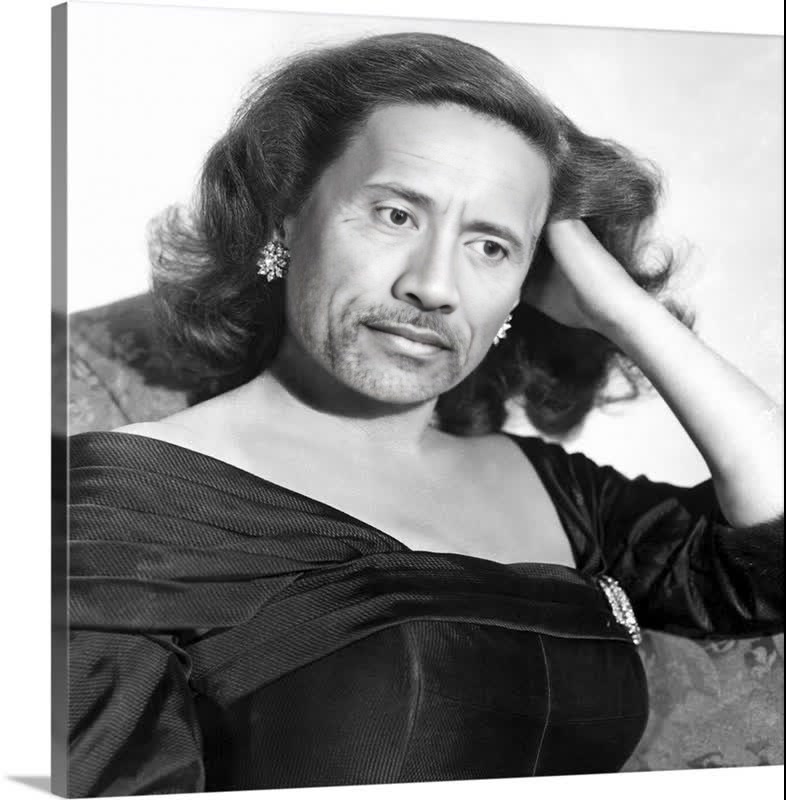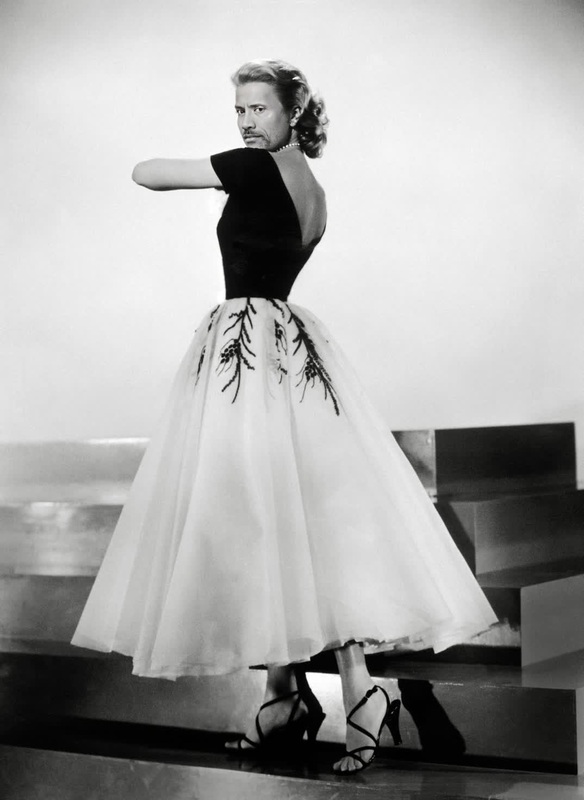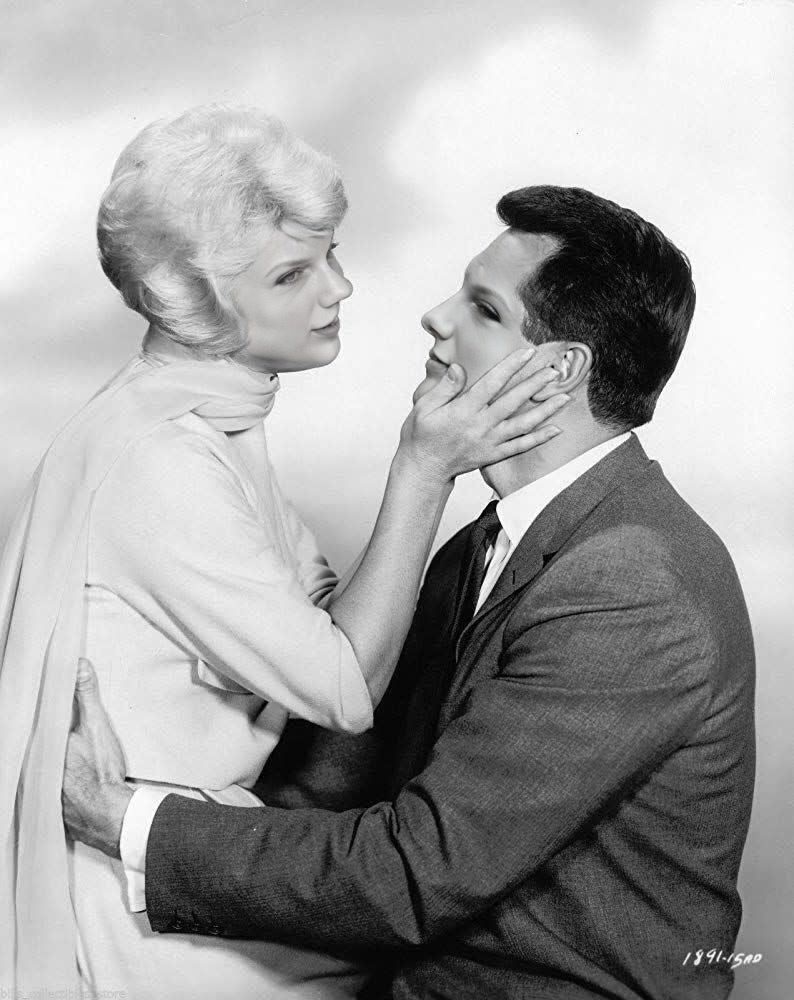
Doris Day Pillow Talk Studio Portrait
- Image
- 794 × 1000 px
Any aspect ratio
Overview
Step into the glamorous world of classic Hollywood with the Doris Day Pillow Talk Studio Portrait template. This Video Face Swap tool allows creators to transform their videos by placing a new face onto Doris Day's from the iconic Pillow Talk era.
What It Does
The Doris Day Pillow Talk Studio Portrait template provides a way to recreate iconic scenes with your own twist. Leveraging AI Video Generator technology, it precisely swaps faces in your video, maintaining natural expressions and lighting. The result? A seamless blend that brings classic scenes to life in a fresh, personalized manner.
Who It's For
This template is ideal for filmmakers, social media influencers, and content creators looking to inject some vintage charm into their projects. Whether you're crafting a meme video or producing creative video content, this template offers endless opportunities for adding a touch of classic Hollywood elegance.
Summary
Combine nostalgia with innovation by utilizing this Video Face Swap template to create unique, engaging content. Perfect for adding a retro twist to modern projects, this tool elevates any production by letting you step into the shoes of a Golden Age movie star.
How To
Choose the Template

Customize Your Inputs

Generate Your Video

Use Cases
Classic Movie Tributes
- Recreate beloved Pillow Talk moments
- Honour an era of glamorous cinema
Social Media Content
- Create shareable vintage-style videos
- Stand out with unique storytelling
Memorable Marketing Campaigns
- Incorporate iconic faces into your ads
- Enhance branding with a retro look
Best Practices
Select High-Quality Footage
To achieve the best results, use video clips with good lighting and a clear view of the subject's face for swapping.Experiment with Angles
Try different angles and expressions to see which combinations produce the most convincing swaps.Review and Adjust
After generating, review the video to check for any mismatched frames. Adjust the input parameters if necessary for improved alignment.
Frequently asked questions
More Like This