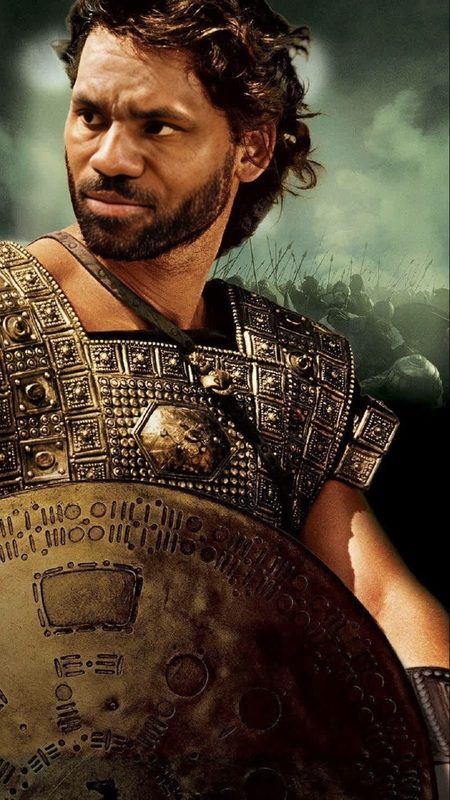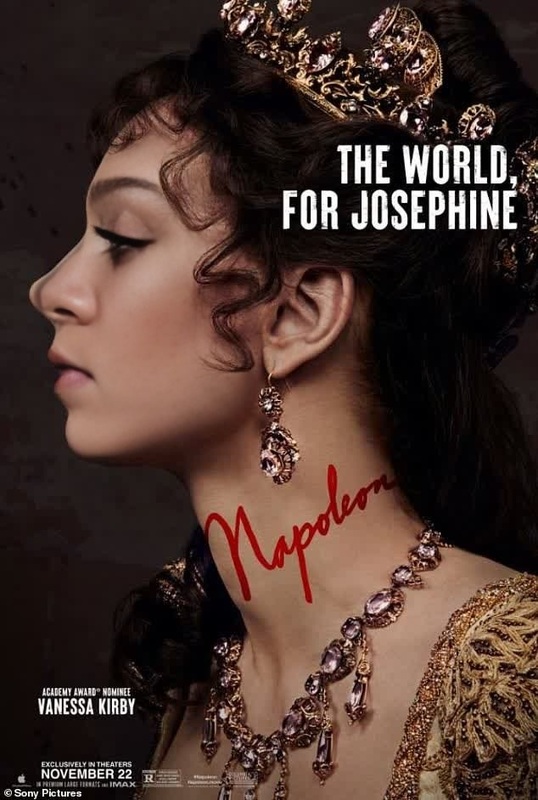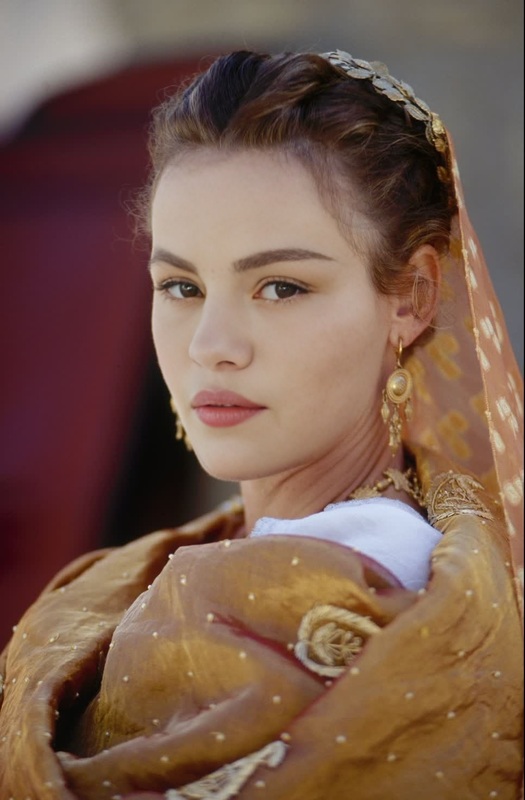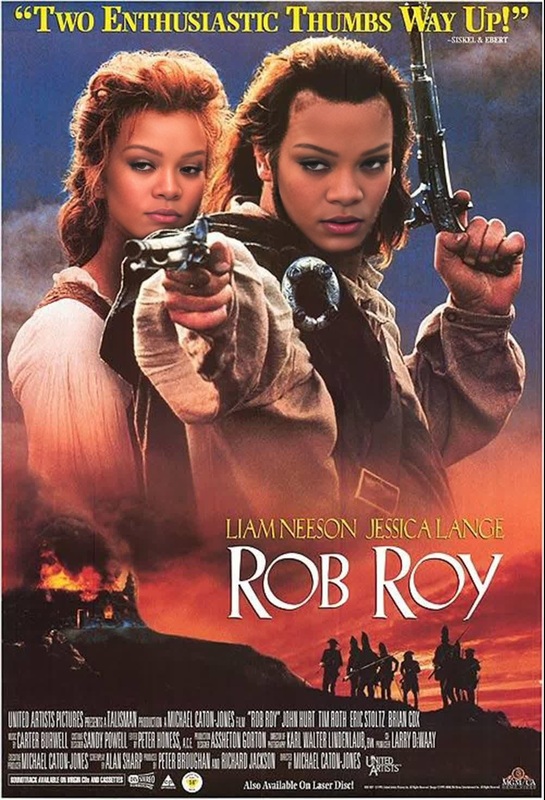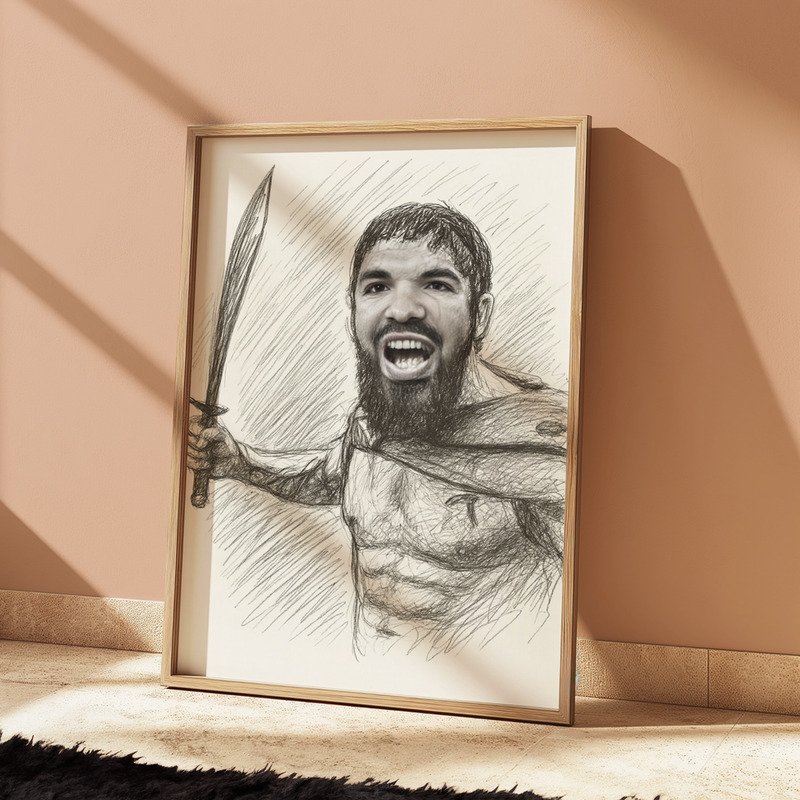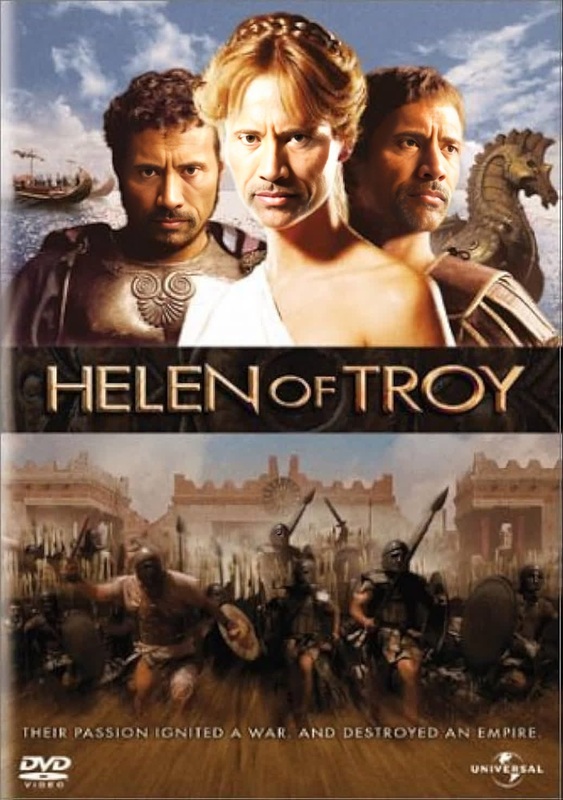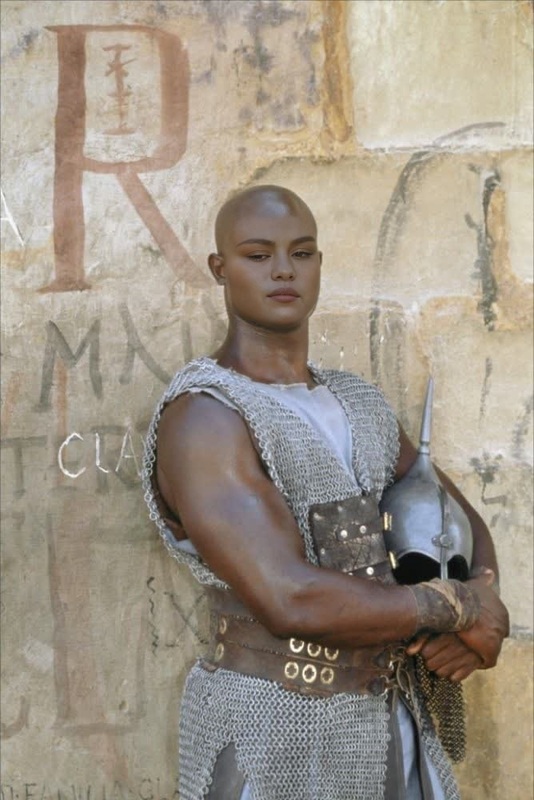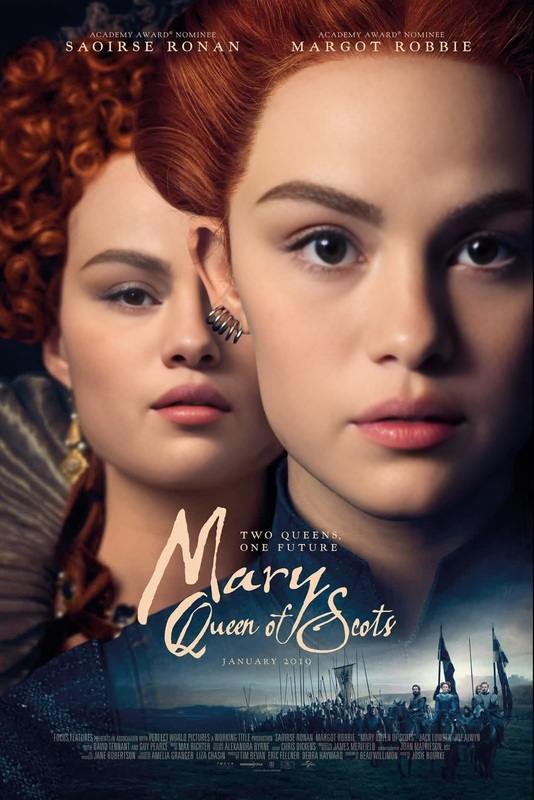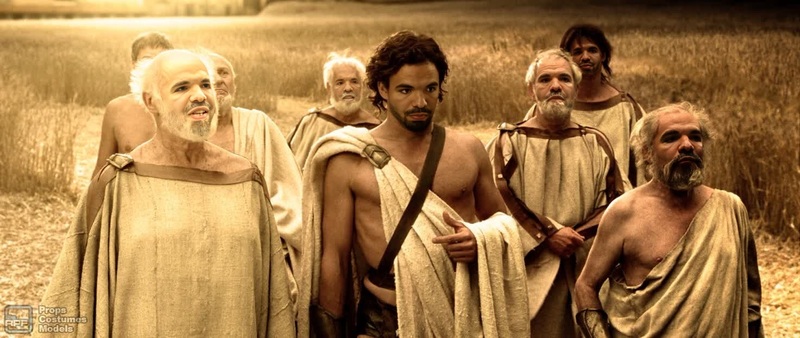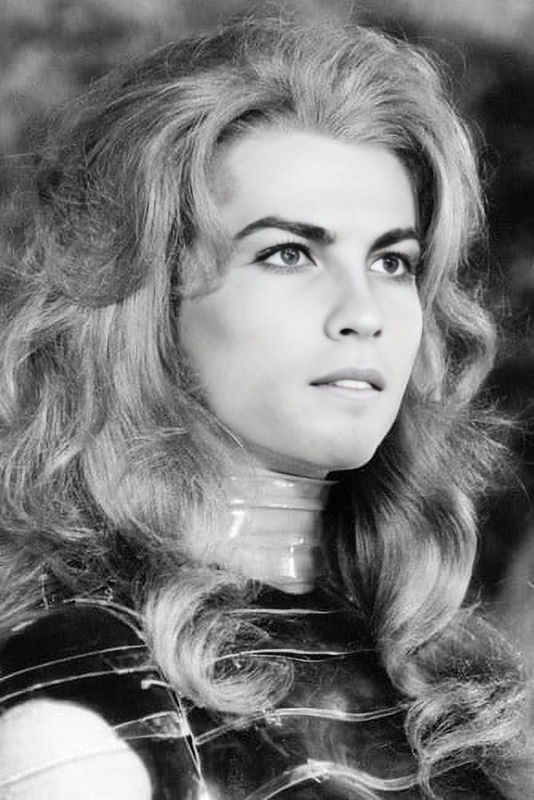
Queen Gorgo 300 Film Portrait
- Image
- 900 × 600 px
Any aspect ratio
Overview
The Queen Gorgo 300 Film Portrait template offers an engaging way to transform your likeness into that of the iconic Queen Gorgo from the film 300. This Video Face Swap template injects you directly into the world of ancient Sparta, delivering a striking visual portrayal.
What It Does
Using the Video Face Swap technology, this template replaces the original face with your own image, maintaining the aesthetic and stylistic elements of the 300 film. The end result is a personalized video that echoes the epic tone of the historical drama.
Who It's For
This template is ideal for film enthusiasts, cosplayers, and content creators who want to experience ancient Sparta from a new perspective. It is also perfect for fans of the 300 movie seeking a creative way to express their admiration for its characters.
Summary
Step into the shoes of Queen Gorgo and bring a legendary character to life with ease. This template utilizes cutting-edge face swap technology to ensure a seamless integration of your face onto the character's body. Consider exploring our related AI Image Editor and AI Profile Picture Generator for further customization and enhancement options.
How-To Steps
Choose Your Template

Customize Your Face Swap

Generate Your Video

Use Cases
Historical Re-Enactments
Creative Content Creation
Fan Tributes
Best Practices
Choose a High-Quality Photo
Ensure that your uploaded image is clear and well-lit to optimize the face swap accuracy in the video.Experiment with Angles
Try different angles or expressions to see what best fits the original character's portrayal.Review Final Output
Before finalizing, review the generated video for any tweaks needed to improve the realism.