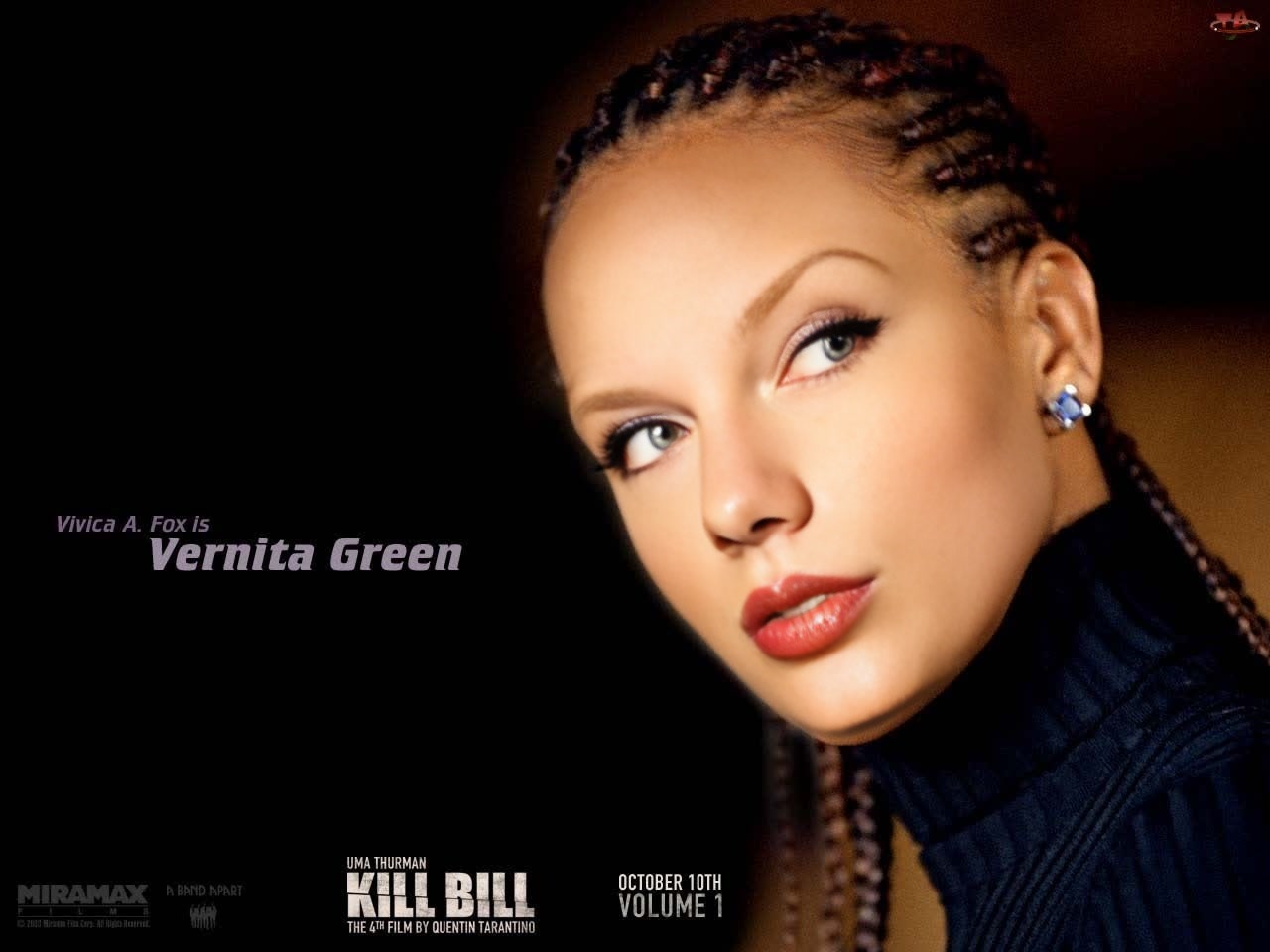
Vernita Green Kill Bill
- Image
- 1280 × 960 px
Any aspect ratio
Overview
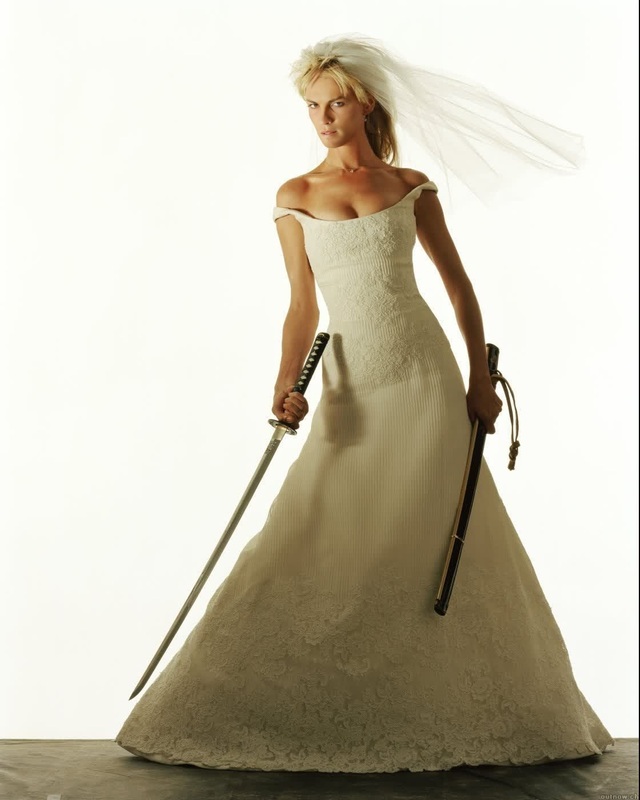
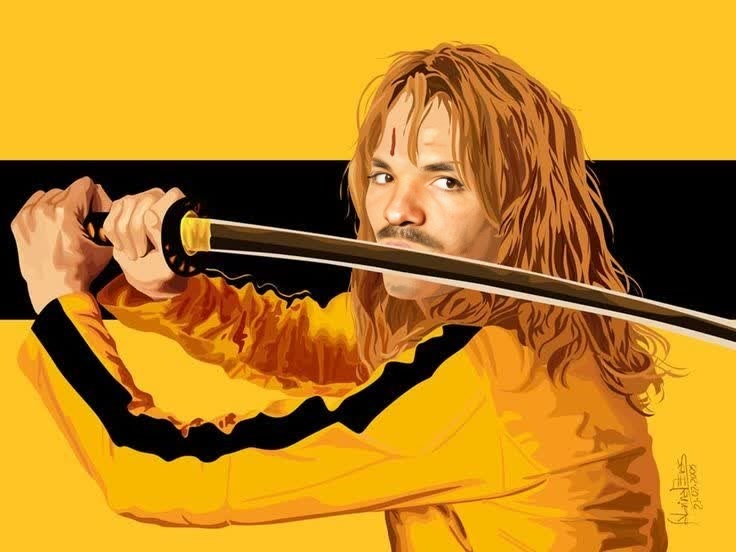
Step into the world of action cinema with the Vernita Green Kill Bill video face swap template. This tool lets you place your face onto Vernita Green's character, experiencing iconic scenes like never before. Ideal for filmmakers, content creators, and fans eager to make cinematic moments their own.
What It Does
This template facilitates a dynamic transformation by swapping your face with that of Vernita Green from the classic "Kill Bill" scenes. It's perfect for creating custom videos that capture the thrill of action-packed sequences. The result is a personalized and immersive video experience.
Who It's For
The Video Face Swap template caters to video editors, movie enthusiasts, and anyone interested in creative storytelling. If you love transforming narrative elements into personal projects, this tool is designed for you.
Summary
Whether you're crafting fan content or simply exploring video transformations, our Vernita Green template offers an exciting twist. Customize scenes quickly with a user-friendly interface and achieve professional Image to Video effects. Make your projects stand out by utilizing this innovative face swap technology.
How To
Choose Your Template

Customize the Details

Generate Your Scene

Use Cases
Fan Edits of Iconic Movies
- Create unique fan videos
- Celebrate film anniversaries
- Compile greatest action moments
Social Media Content
- Share on Instagram or TikTok
- Create viral content
- Enhance storytelling
Creative Storytelling Projects
- School film projects
- Personal storytelling
- Action video compilations
Best Practices
Use High-Resolution Images
Ensure to upload high-quality images for best results. Good lighting and a clear resolution enhance the face swap's realism.Align Properly
Pay attention to the alignment markers. Proper alignment ensures your face fits well with Vernita Green's profile, maintaining the scene's action dynamics.Preview Before Finalizing
Always use the preview option to check alignment and adjustments. This can help you catch inconsistencies before generating the final video.