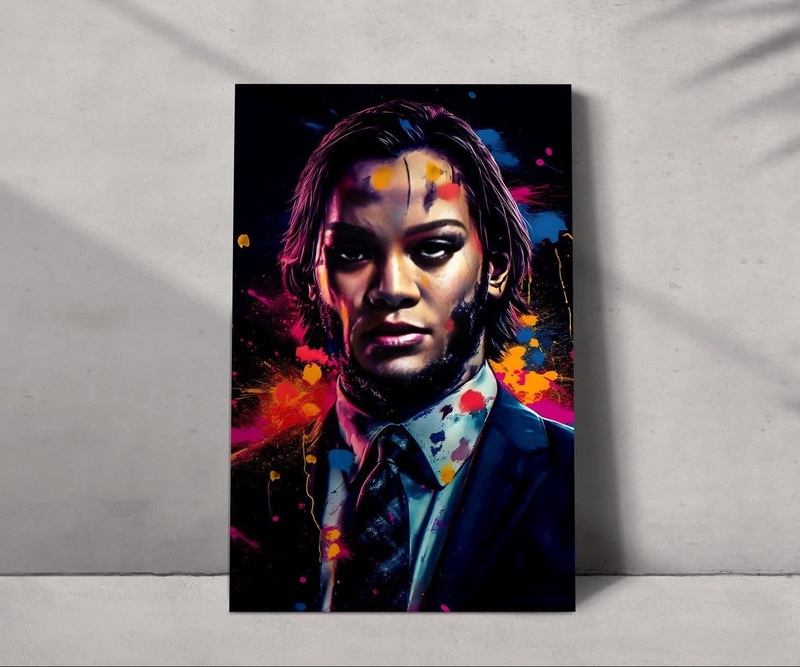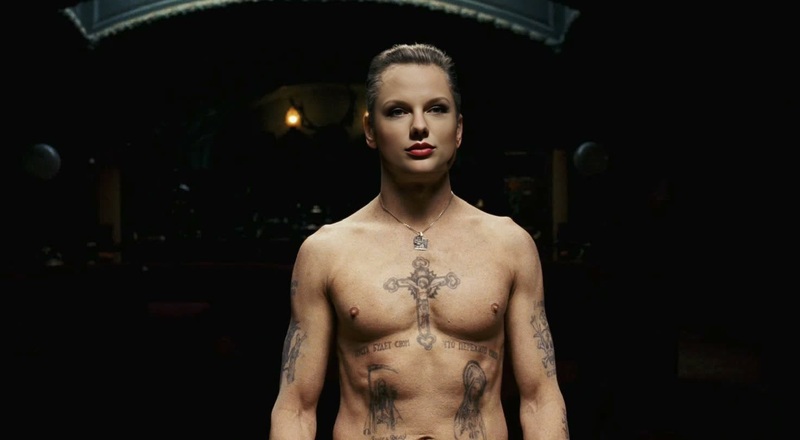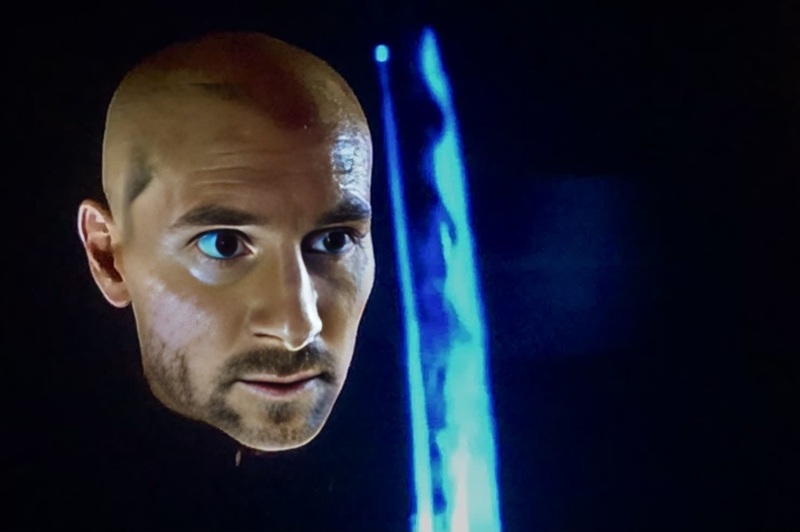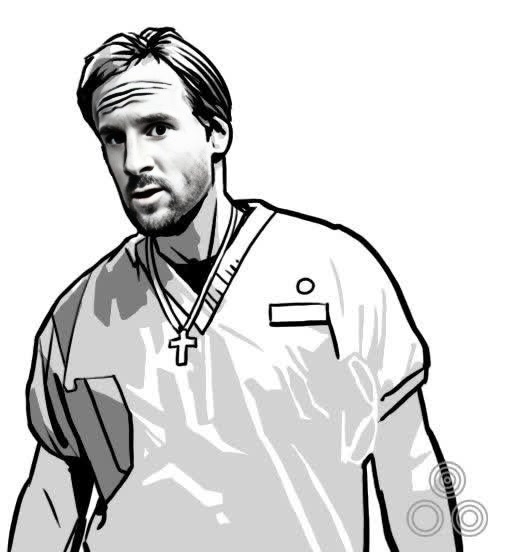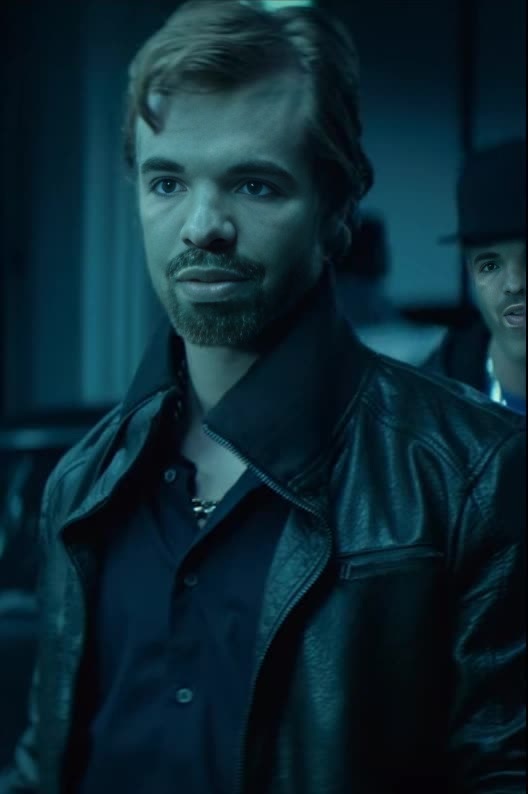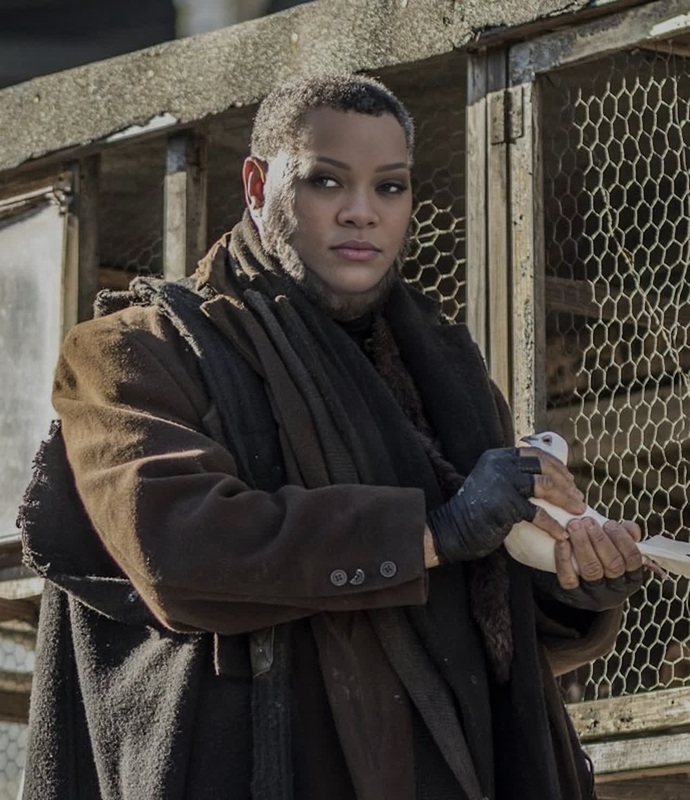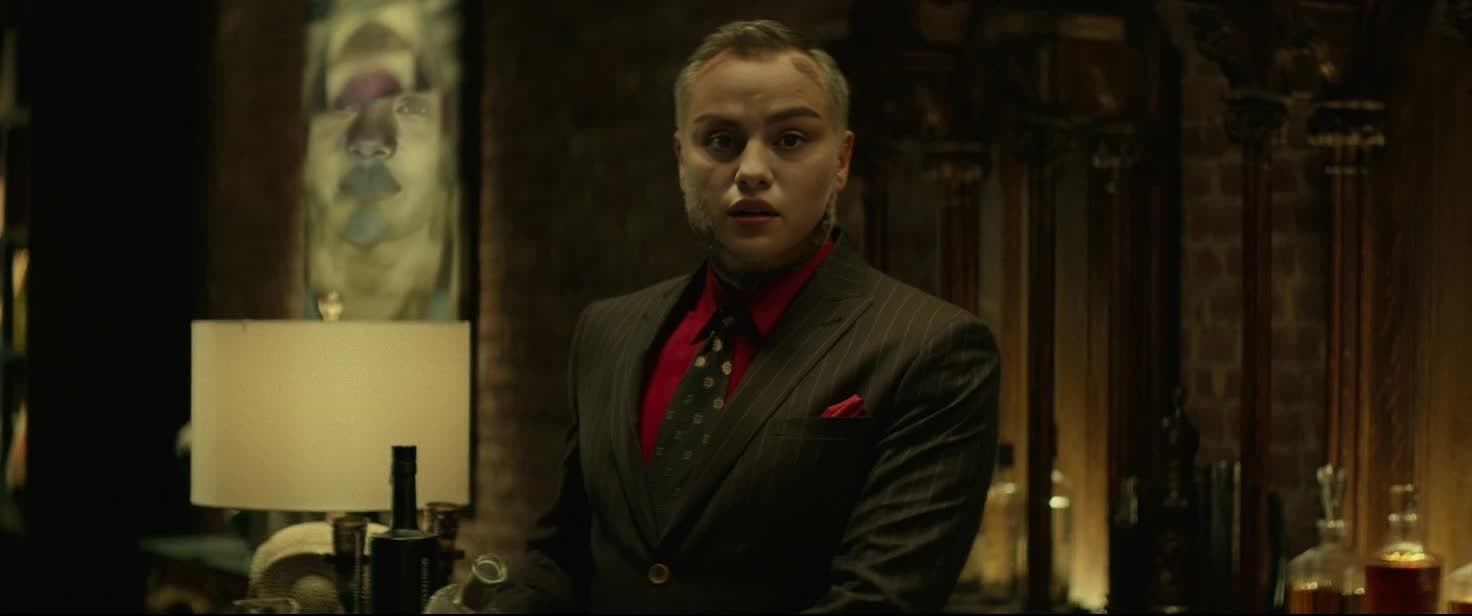
Viggo Tarasov John Wick
- Image
- 1472 × 616 px
Any aspect ratio
Overview
Step into the world of Hollywood action with the Viggo Tarasov John Wick Video Face Swap template. This tool is tailor-made for those who want to recreate iconic scenes featuring two of the most well-known action characters. The video face swap feature allows you to digitally map Viggo Tarasov's or John Wick's likeness onto your video, bringing cinematic transformations to life.
What It Does
This Video Face Swap template takes your video input and transforms the featured subject into Viggo Tarasov or John Wick. Using advanced algorithms, the tool flawlessly merges your provided footage with the facial characteristics of these characters, resulting in a dynamic and immersive video.
For more tools to enhance your videos, check out our AI Video Generator to add special effects, or try the AI Voice Changer to add the perfect voiceover to your scenes.
Who It's For
This template is perfect for filmmakers, content creators, and fans of action films who wish to add a touch of professional cinema to their projects. If you're making parodies, fan films, or just want to play with iconic roles, this tool is designed for you. More professional customization can be done using our AI Image Editor for precision control over individual frames.
Summary
In summary, the Viggo Tarasov John Wick Video Face Swap is not just a template but a high-grade film-editing tool designed to elevate your content creation to Hollywood standards. By leveraging this alongside the Image to Video tool, you can create comprehensive transformative visual stories with seamless transitions between characters.
How to Use
Choose Your Template

Customize Your Inputs

Generate Your Video

Use Cases
Action Film Enhancements
- Reimagine classic action sequences with new characters
- Develop fan films with professional-grade effects
Content Creation
- Produce viral videos with recognizable characters
- Engage audiences with transformation clips
Educational Purposes
- Demonstrate face swap technologies
- Include in lesson plans as practical exercises
Best Practices
High-Quality Inputs
Always use high-resolution video for the best face mapping results. Clear lighting and front-facing angles improve accuracy.Check Fitting
Before finalizing, ensure the alignment of facial features looks natural with the body movements and expressions of the original footage.Combine Tools
Enhance your final output by using other tools like the AI Multi-Angle Generator to add dynamic viewpoints, enriching the cinematic feel.