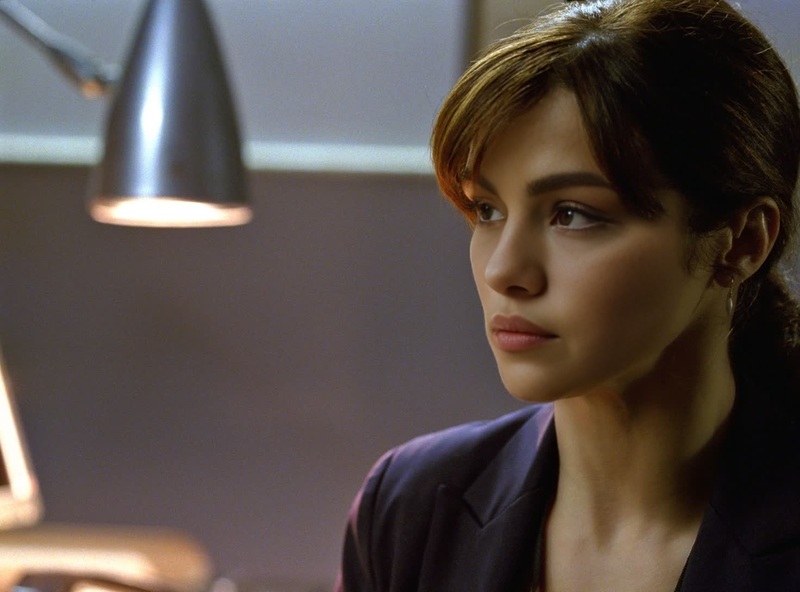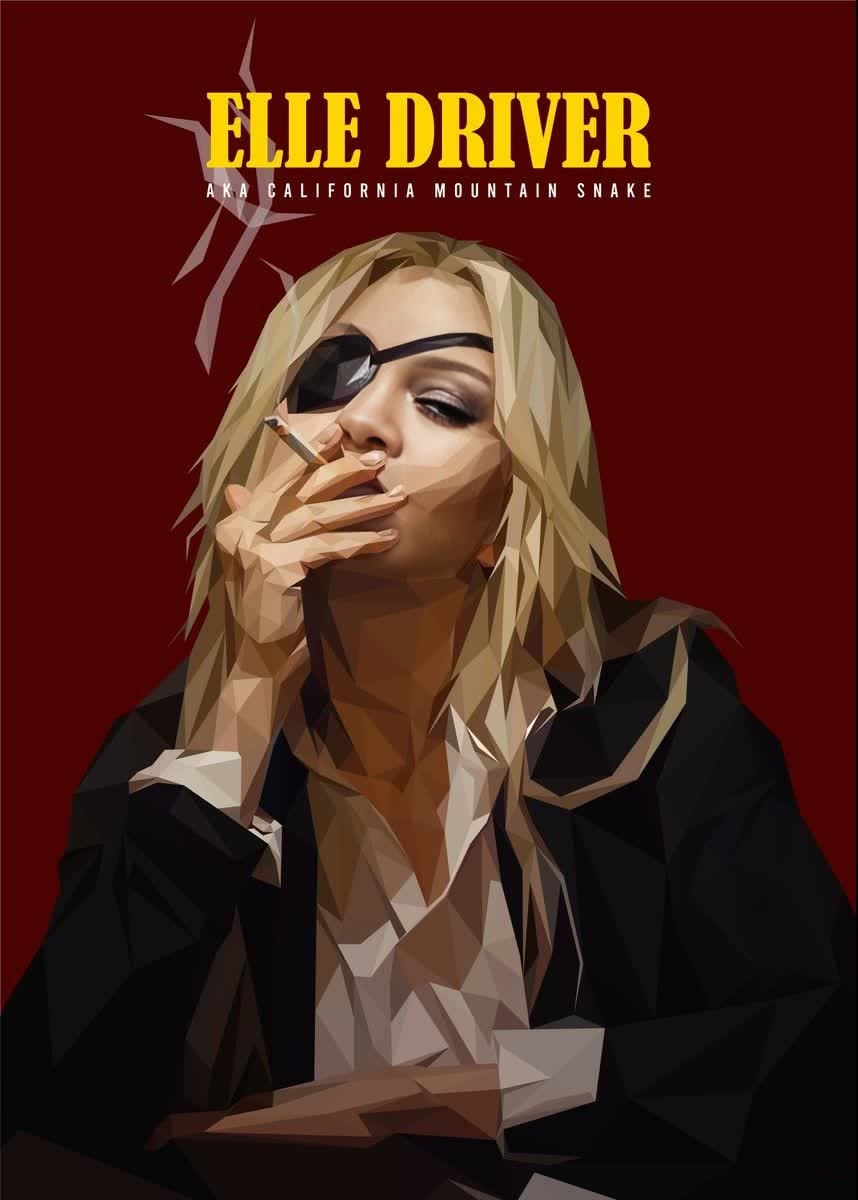
Elle Driver Kill Bill
- Image
- 858 × 1200 px
Any aspect ratio
Overview
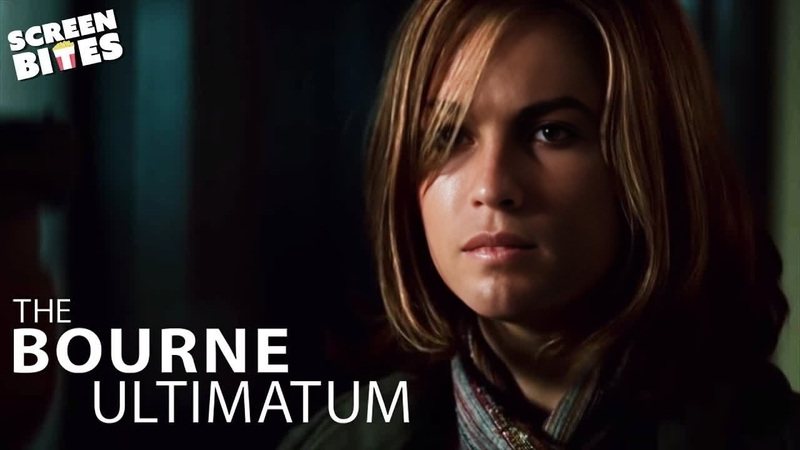
Transform into the iconic Elle Driver from Kill Bill with this dedicated Video Face Swap template. Designed for creators who want to infuse their content with cinematic flair, this template empowers you to take on the persona of one of film's memorable characters.
What It Does
This template uses advanced face swap technology to integrate Elle Driver's features onto your target video subject. With precise facial alignment and high-quality render outputs, your projects will have a professional touch that's perfect for fanatics of film and creative video producers alike.
Who It's For
Ideal for filmmakers, content creators, and video enthusiasts who are inspired by classic cinema. This template is perfect for those who wish to explore unique transformations in their projects. Whether you're making a product video or crafting a meme video, this tool facilitates a creative and playful approach.
Summary
Bring a dynamic edge to your videos by stepping into the shoes of Elle Driver. This face swap template offers a seamless integration of cinematic elements into your footage, making it a must-have for anyone aiming to create standout visual content. Explore more of our AI Video Generator tools to amplify your creative endeavors.
How To
Choose Your Template

Customize Your Video

Generate and Download

Use Cases
Social Media Content
- Create trending videos that captivate audiences
- Increase followers with cinematic content
Entertainment Projects
- Add a unique twist to fan films
- Seamlessly blend characters into new narratives
Marketing Campaigns
- Embed cinematic elements into brand campaigns
- Make memorable video advertisements
Best Practices
Select High-Quality Videos
Use videos with good lighting and clear views of the face for better results.Adjust Features Precisely
Fine-tune facial feature alignment settings to ensure the swap appears natural.Leverage AI Image Editor Tools
Enhance your final product using complementary tools like the AI Image Editor to adjust colors and effects.