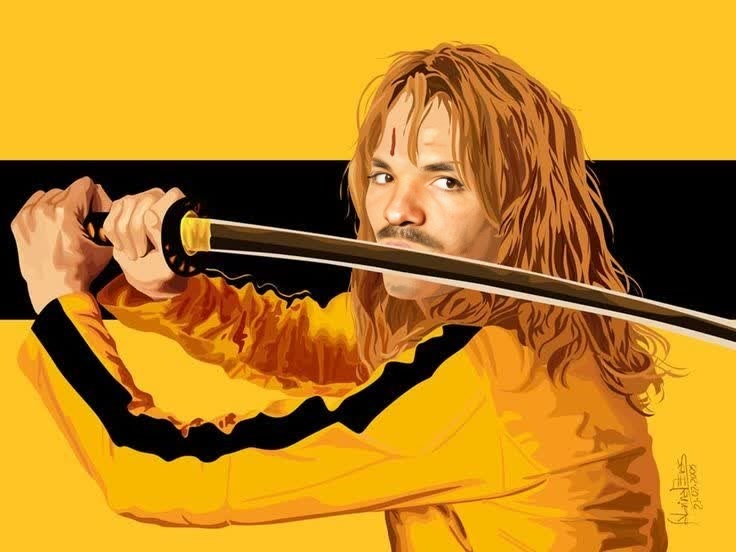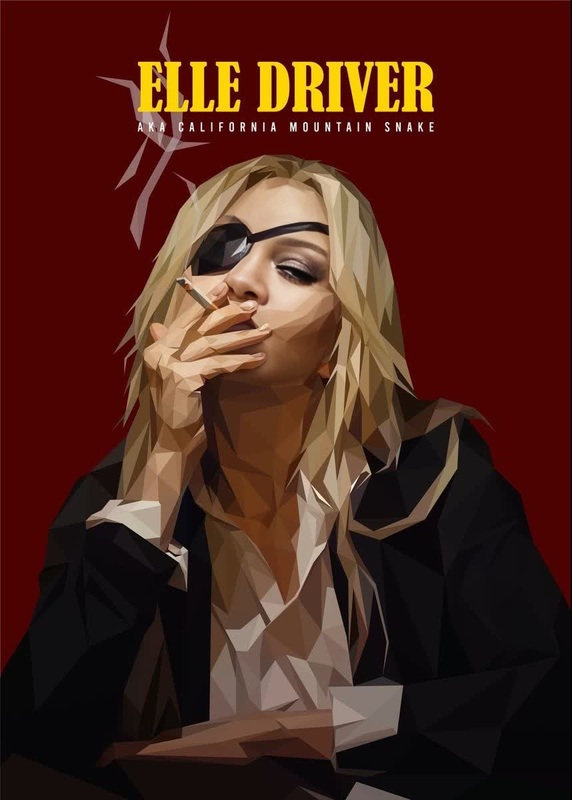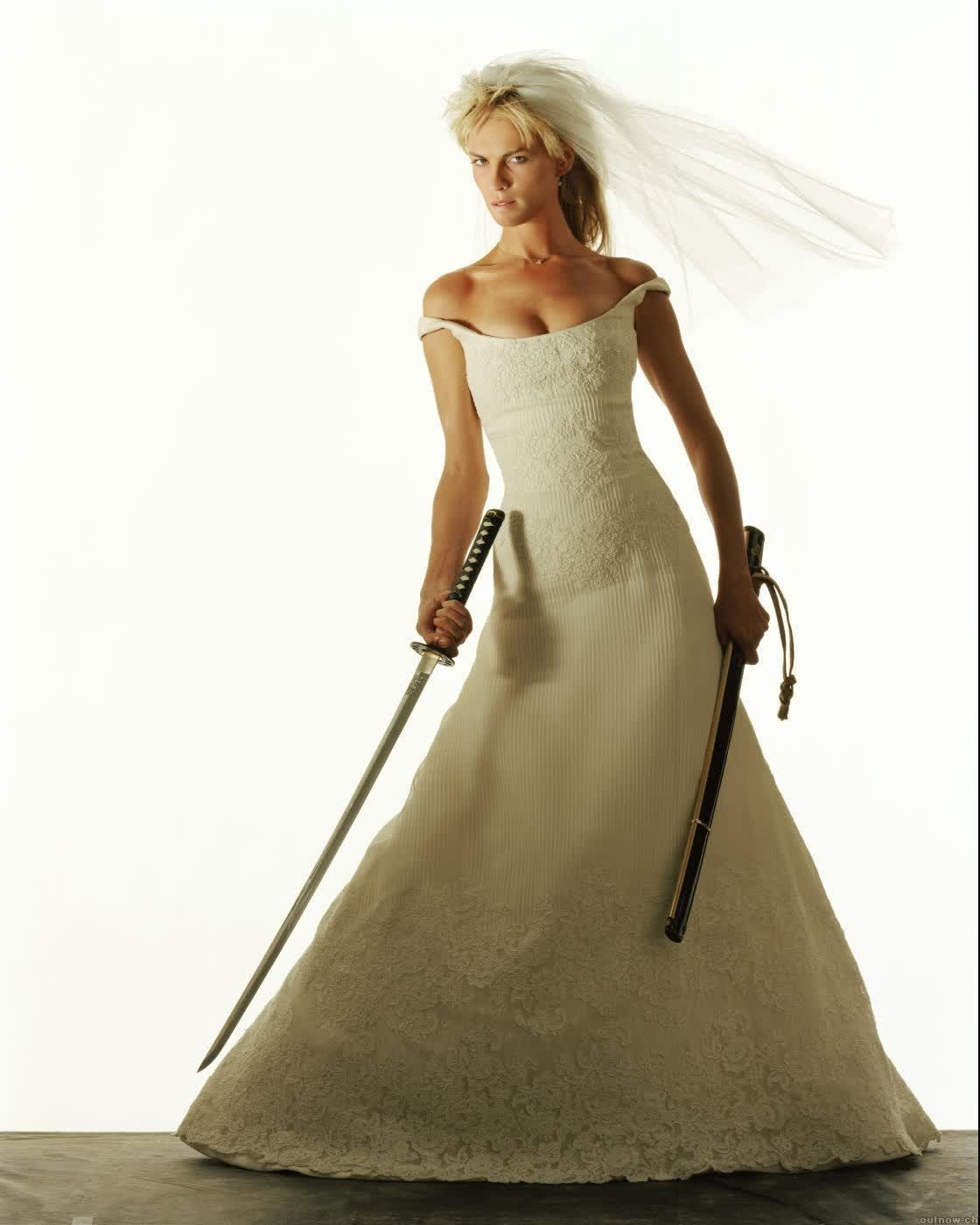
The Bride Beatrix Kiddo Kill Bill
- Image
- 1120 × 1400 px
Any aspect ratio
Overview
Transform any face into the infamous Beatrix Kiddo from Kill Bill with our specialized Video Face Swap template. Perfect for creating memorable content and engaging videos for your social media or film projects.
What It Does
This template allows users to swap a chosen face with that of Beatrix Kiddo's, creating a seamless video experience that retains the original scene's dynamics. It's powered by our Face Swap technology, ensuring high-quality transformation.
Who It's For
Ideal for filmmakers, content creators, and fans of creative video projects, this template offers a unique way to explore character transformations. Whether you're developing a video project or creating viral social content, this template provides the tools you need.
Summary
By using the AI GIF Generator, you can also create GIFs from these videos, extending their use across different platforms. Dive into face-swapping technology with this engaging template designed for creative transformation.
How to Use
Choose the Template

Customize Your Inputs

Generate Your Video

Use Cases
Film and Video Production
Social Media Content
Marketing and Promotions
Best Practices
Optimize Lighting
Ensure the source video has good lighting for best face swap results.Choose Clear Faces
Select clear and well-lit faces in your video to improve transformation quality.Experiment with Angles
Try different angles to see how the face swap adapts and choose the best one.