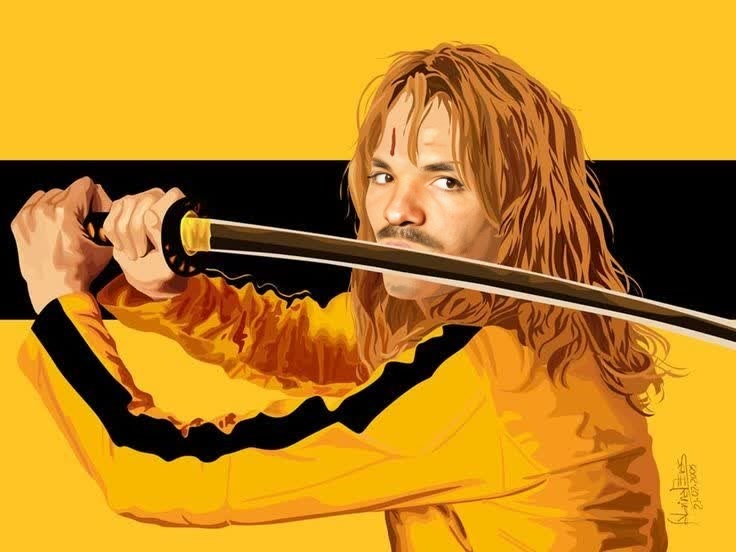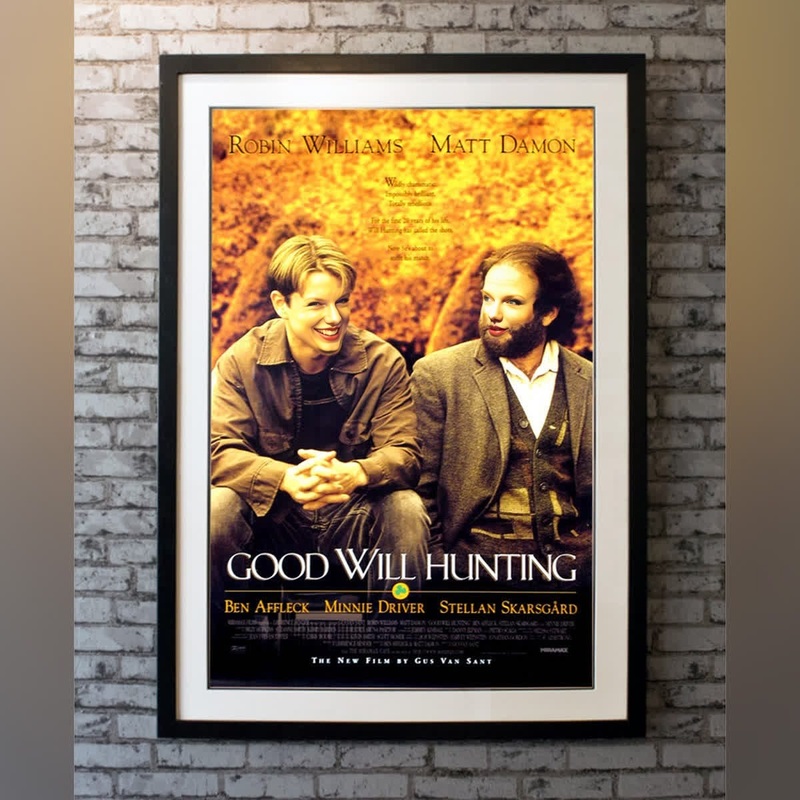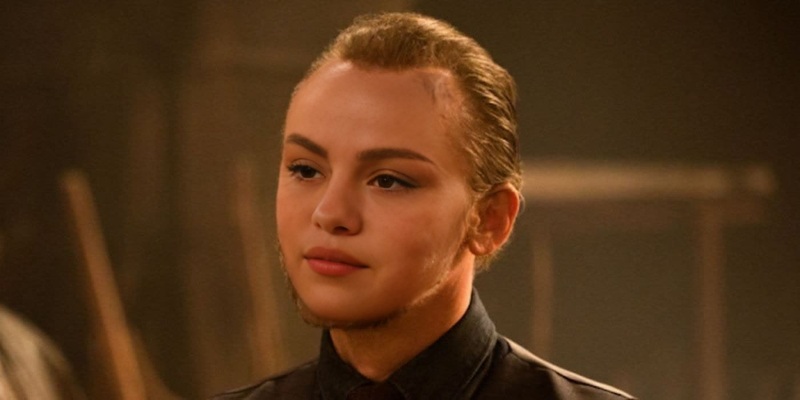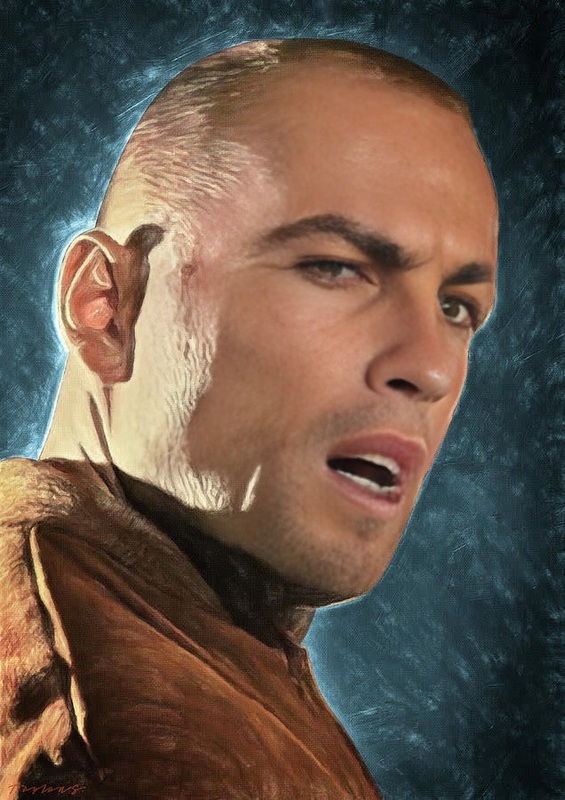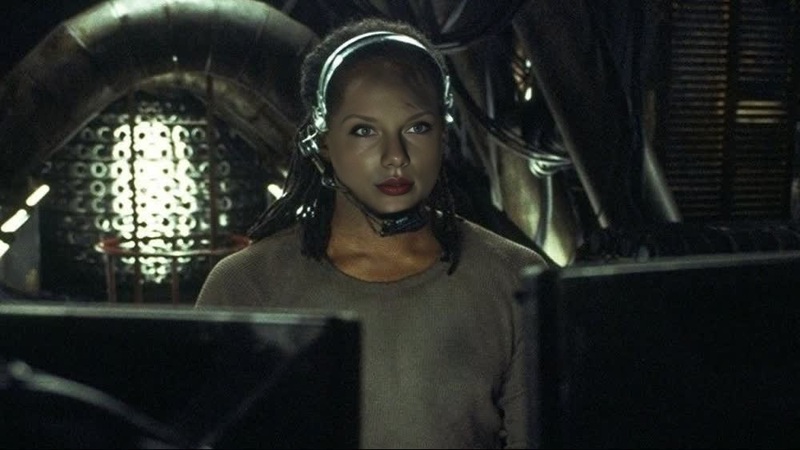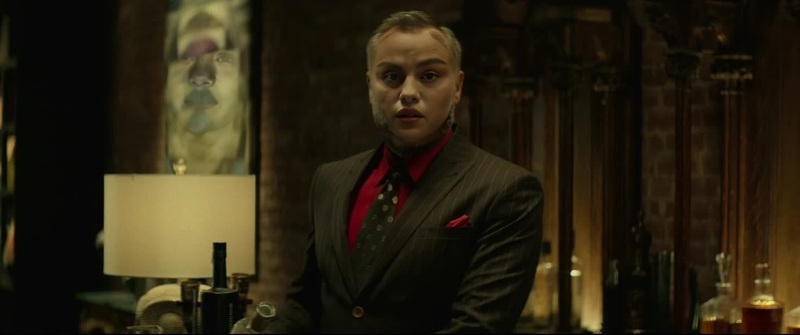
Buck Kill Bill
- Image
- 530 × 552 px
Any aspect ratio
Overview
Step into the thrilling world of "Kill Bill" by transforming your videos with our Video Face Swap template. The "Buck Kill Bill" template allows for dynamic face swaps, bringing iconic action scenes to life with your personal touch. Create, share, and impress with video transformations that capture stunning moments.
What It Does
This template uses advanced face swapping technology to insert your face into the scenes from "Kill Bill," creating custom and captivating video content. By leveraging the features of our AI Video Generator, users can blend their image seamlessly with existing movie footage, adding a personalized spin to legendary cinematic moments.
Who It's For
Whether you're a movie enthusiast, a content creator, or just someone who enjoys adding a cinematic flair to personal videos, the "Buck Kill Bill" template is designed for you. Professionals in video production can also use this template to experiment with visual effects and engage audiences creatively. Explore more creative opportunities with our AI Clothes Changer for an enhanced storytelling perspective.
Summary
Transform your ordinary videos into action-packed scenes filled with drama and charisma. The "Buck Kill Bill" video face swap template provides the tools necessary to make your personal twists on "Kill Bill" come alive. With user-friendly customization options, you can craft high-impact videos perfect for sharing on social media platforms.
How-To
Choose Your Template

Customize Your Inputs

Generate Your Video

Use Cases
Social Media Content
- Transform scenes of popular movies
- Engage your audience with creative content
Creative Demos
- Perfect for video editing portfolios
- Create attention-grabbing video demos
Event Highlights
- Swap faces during memorable event highlights
- Entertain guests with unique video presentations
Best Practices
Select High-Quality Footage
For the best results, use videos with clear lighting and minimal motion blur. This ensures accurate face detection and swapping.Match Facial Angles
Ensure the face you are swapping matches the angle of the original face in the scene for a natural look.Leverage Additional Tools
Use the AI Talking Photo to create complementary static images with dynamic elements for a cohesive project.