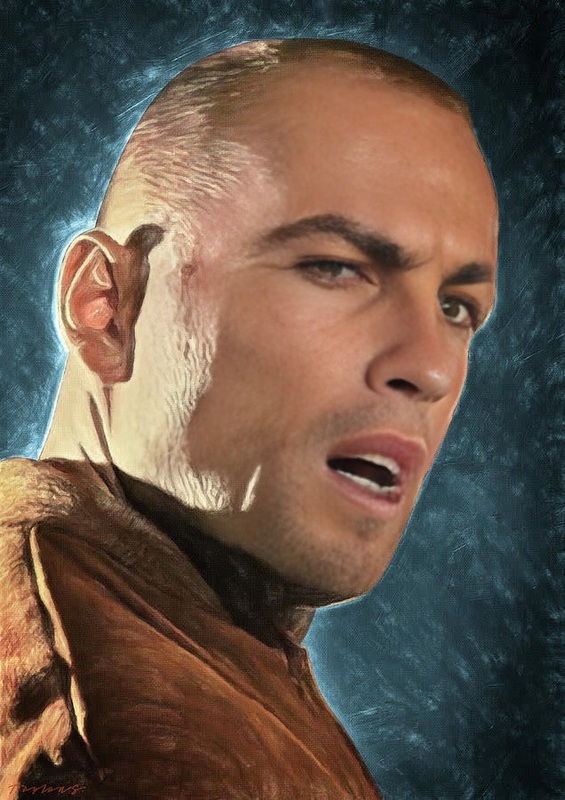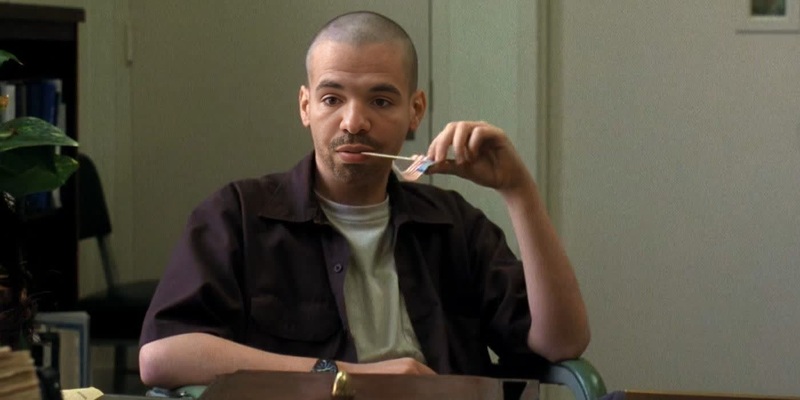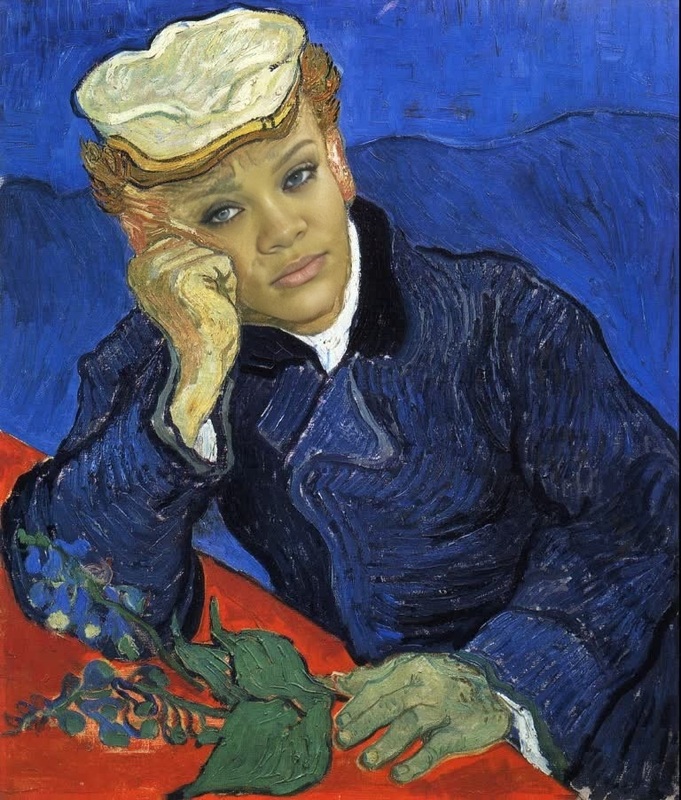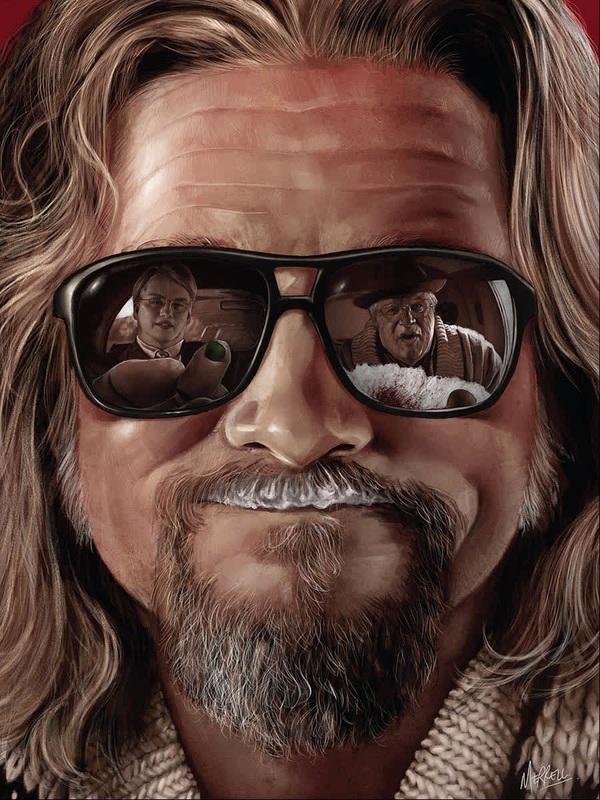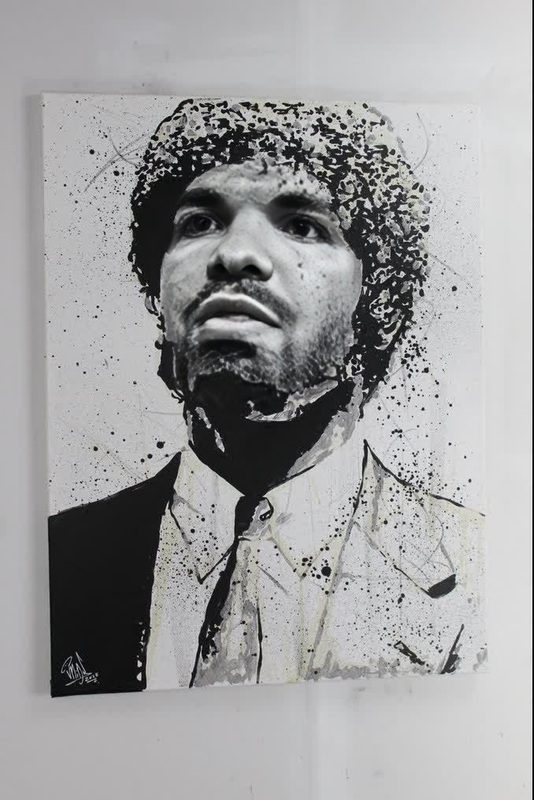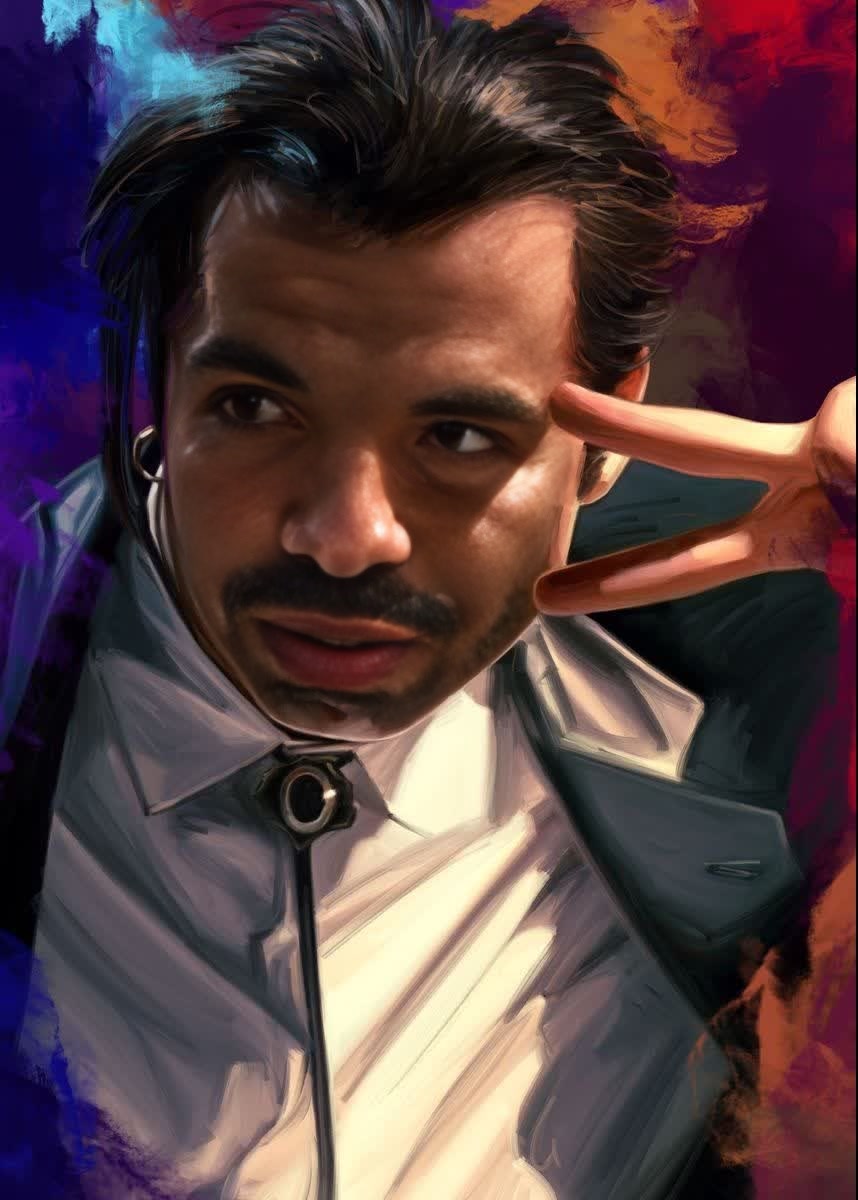
Vincent Vega Pulp Fiction Portrait
- Image
- 858 × 1200 px
Any aspect ratio
Overview
Step into the iconic world of Pulp Fiction with our "Vincent Vega Pulp Fiction Portrait" video face swap template. This tool allows you to transform any photo into a classic Vincent Vega image, capturing the essence of this legendary character. Perfect for personal projects or just some fun with friends, this creative twist offers a simple way to bring a piece of movie history to life.
What It Does
This template is designed for video face swapping, specifically transforming faces into Vincent Vega from Pulp Fiction. By using this template, you can take any photo and replace the face with Vincent's, complete with his distinctive style. Whether you're looking to create a memorable social media post or a unique digital art piece, this tool provides all you need for a seamless transformation.
Learn more about similar face swapping technologies with our Face Swap and Video-to-Video products.
Who It's For
Film enthusiasts, social media influencers, and creative artists will find this template particularly appealing. It's also ideal for anyone looking to add a fun element to their digital content or pay homage to a cinematic classic. Whether you're a Pulp Fiction fan or just love experimenting with visual transformations, this tool is designed with you in mind.
If you're interested in similar artistic transformations, check out our AI Talking Photo product.
Summary
The "Vincent Vega Pulp Fiction Portrait" template invites users to blend their creativity with a touch of film history. Offering an engaging way to swap faces and create unique content, it's an excellent choice for enhancing your digital portfolio. Dive deeper into face-swapping techniques with our extensive range of Image-to-Video solutions.
How To
Choose Your Template

Customize Your Inputs

Generate Your Portrait

Use Cases
Social Media Posts
- Engage followers with unique before-and-after posts.
- Join movie-themed challenges on TikTok.
Fan Art
- Experiment with different characters from the movie.
- Combine with other film-inspired templates.
Digital Marketing
- Use for movie-themed promotions and events.
- Enhance video advertisements with a nostalgic touch.
Best Practices
Choose High-Quality Photos
For optimal results, select images with clear, high-resolution faces. The quality of the input will affect the overall appearance of the output.Experiment with Lighting
Attempt to use photos with similar lighting to make the face swap more realistic and cohesive.Review Output Formats
Ensure that your final video format is compatible with your intended use, whether that's for social media or other platforms.
Frequently asked questions
More Like This