O-Ren Ishii Kill Bill
- Image
- 596 × 904 px
Any aspect ratio
Overview
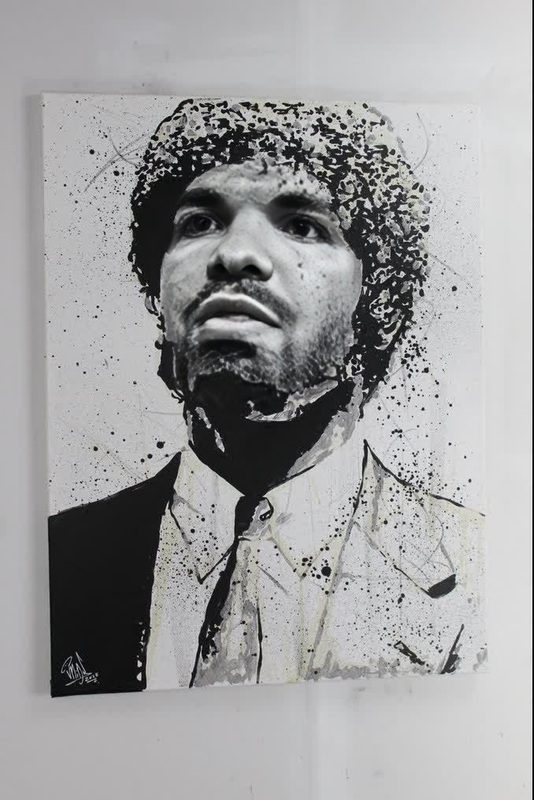
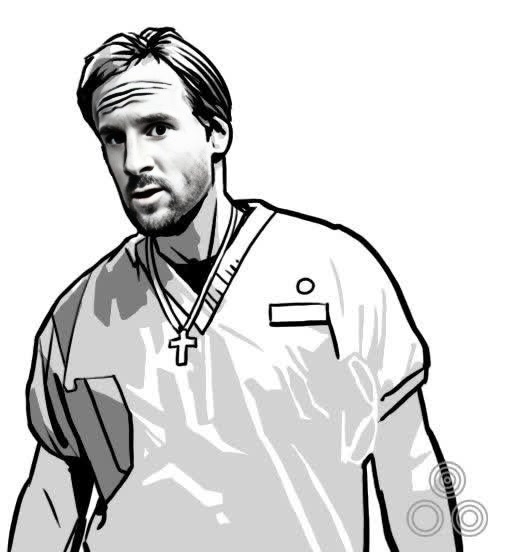
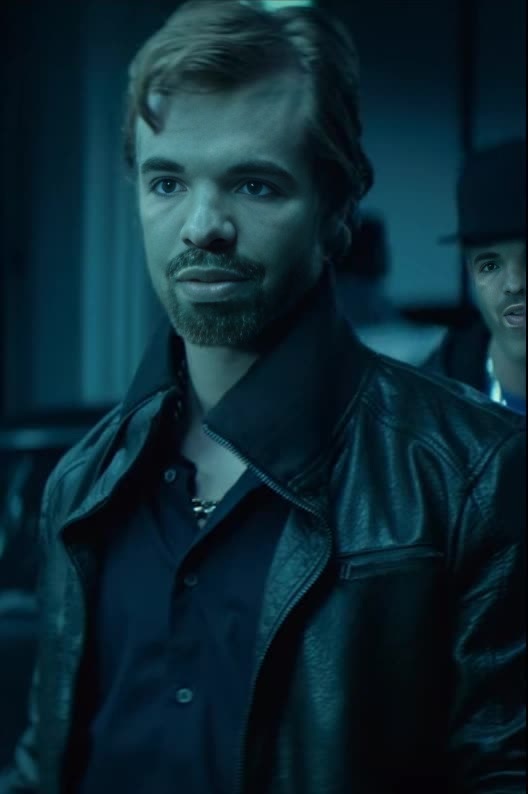
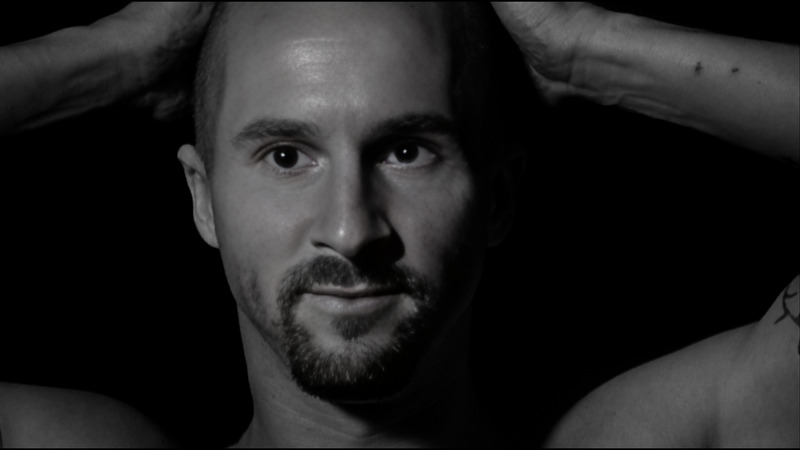
Step into the world of cinema with our "O-Ren Ishii Kill Bill" Video Face Swap template. This tool allows you to merge your face with O-Ren Ishii's iconic look from Kill Bill, bringing movie moments to life. It's straightforward, engaging, and tailored for creators looking to combine technology and film art.
What It Does
This Video Face Swap template transforms your videos by replacing faces in your existing footage with O-Ren Ishii’s visage. The tool uses advanced AI technology to ensure accurate and realistic results. For those looking to expand their creative horizons, consider exploring our Face Swap Video product to see how it can further enhance your projects.
Who It's For
Film enthusiasts, content creators, and marketers will find this template particularly useful. Whether creating fan edits, parodies, or promotional content, anyone eager to integrate cinematic flair into their projects can benefit from this tool. Explore our AI Video Generator for additional creative possibilities in video production.
Summary
Incorporating our "O-Ren Ishii Kill Bill" template into your projects can bring a cinematic touch to your videos. With its ease-of-use and stunning output, it's a must-have for any content maker interested in enhancing visual storytelling. For more transformation tools like this, check out our AI Face Editor and see how you can evolve your media work.
How To
Choose the Template

Customize Your Inputs

Generate and Download

Use Cases
Fan Edits and Tributes
- Recreate movie scenes with a personal twist
- Design tribute videos to classic films
- Engage fellow fans with unique content
Creative Advertisements
- Attract attention with cinematic characters
- Align with thematic campaigns
- Create memorable content with familiar faces
Social Media Content
- Share transformed videos for trending topics
- Engage followers with entertaining content
- Experiment with storytelling in short formats
Best Practices
Select High-Quality Footage
For best results, ensure your original video is of high quality to allow the AI to work efficiently.Maintain Lighting Consistency
Use videos with consistent lighting to achieve seamless face swaps.Experiment with Angles
Try different angles and expressions in your source video for more dynamic results.