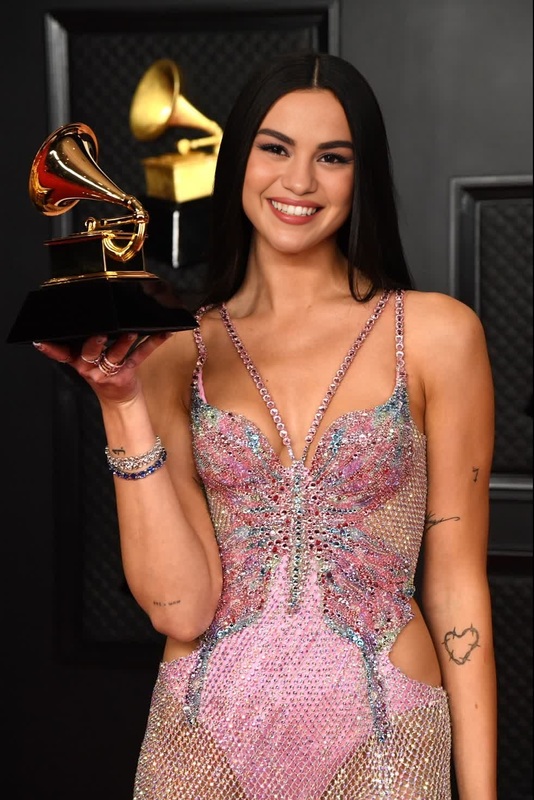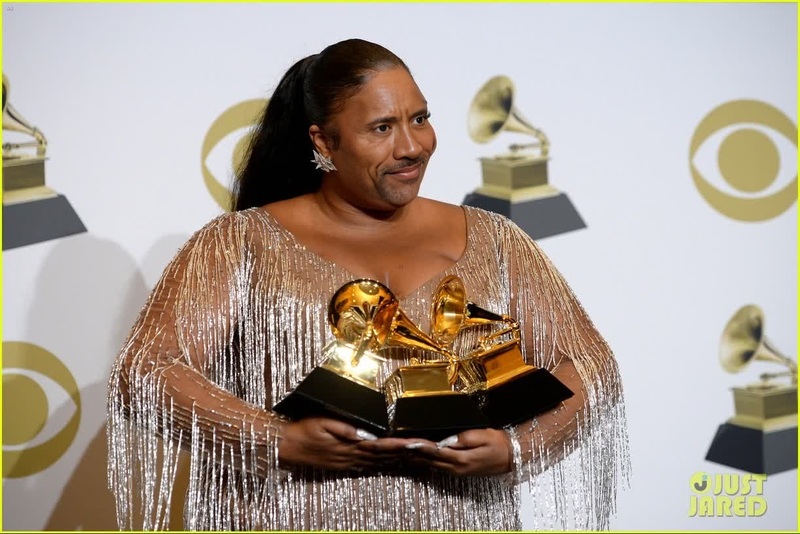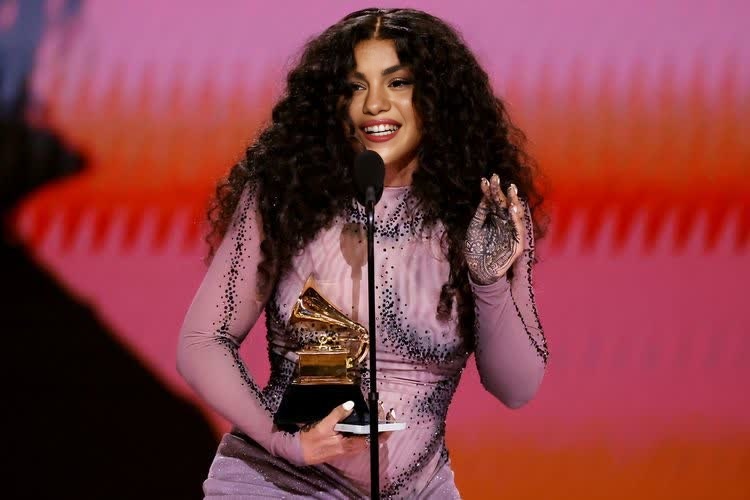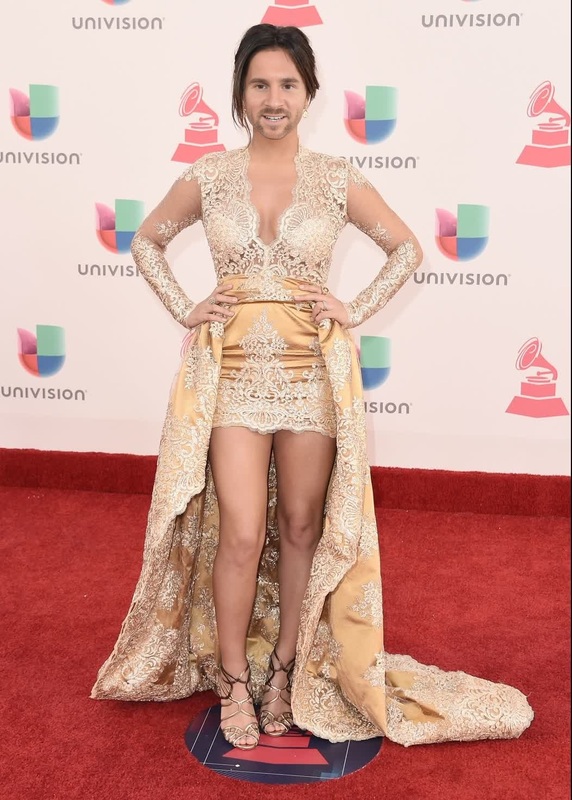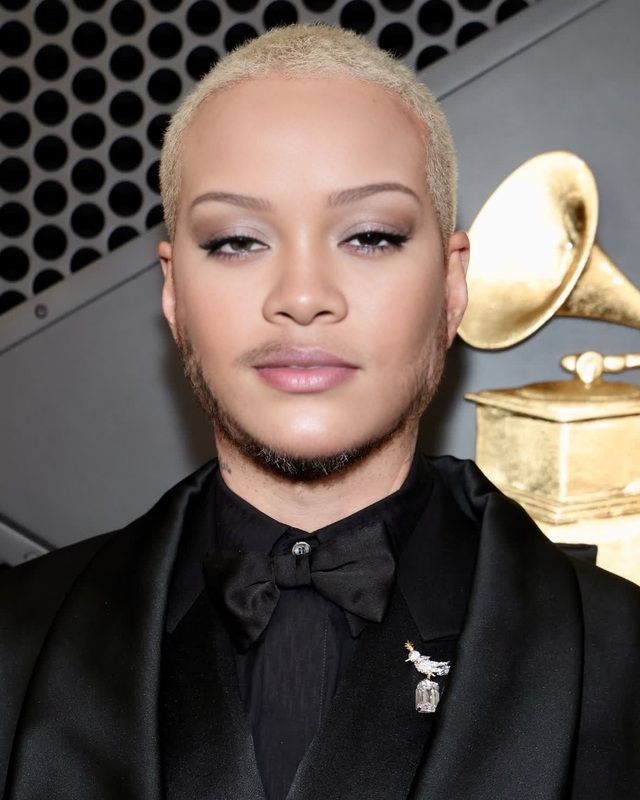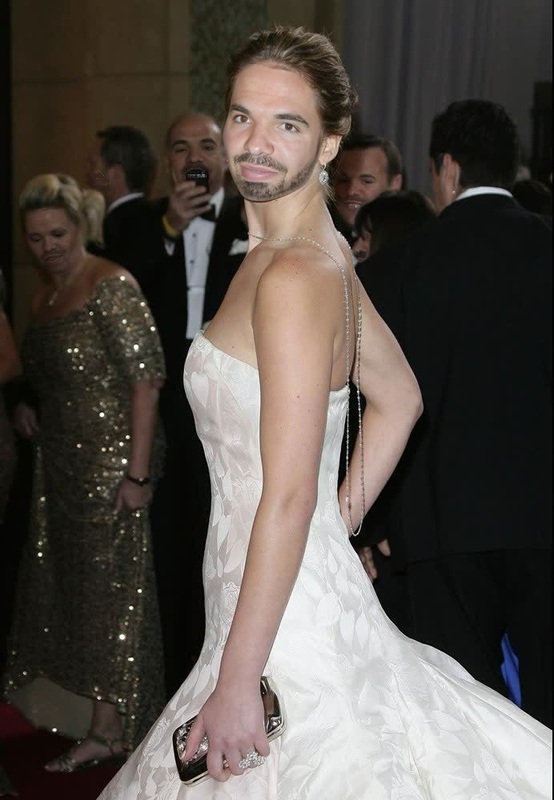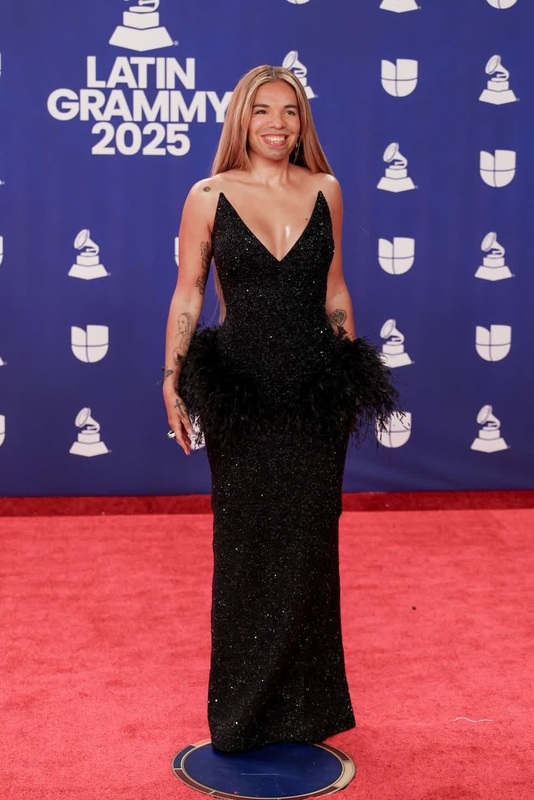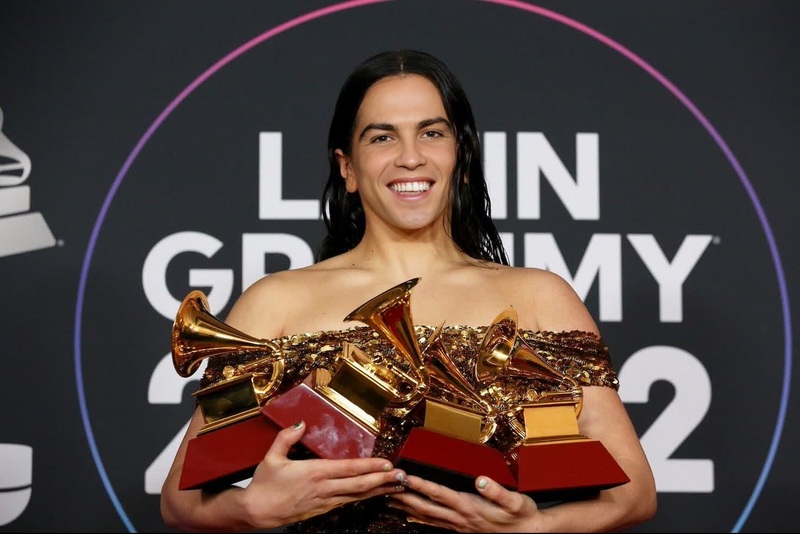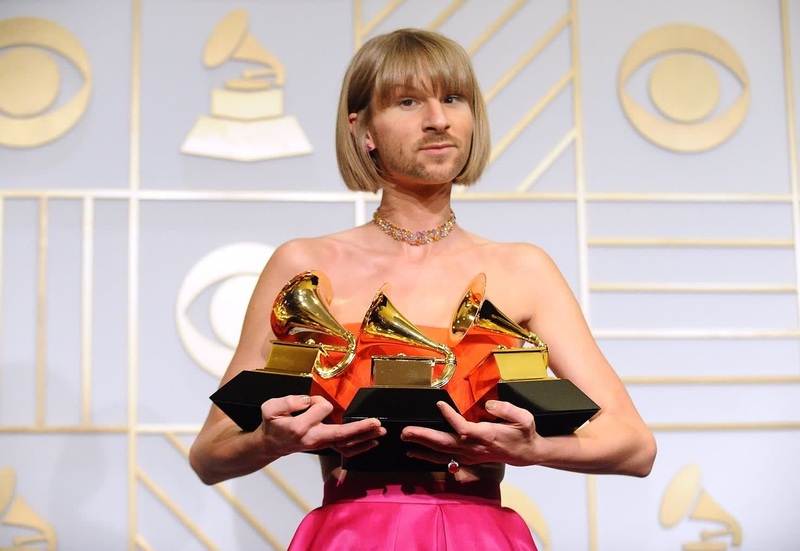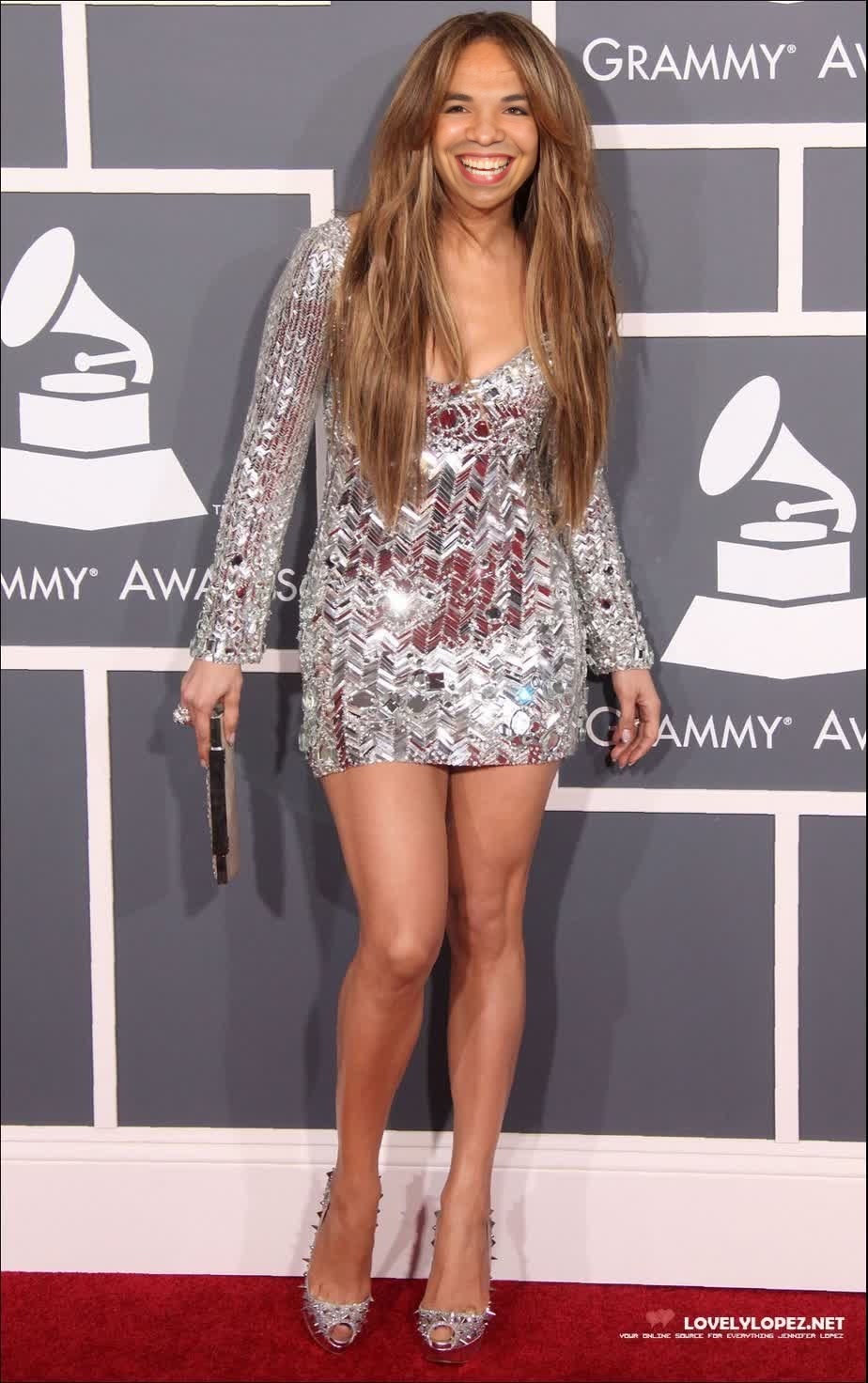
Jennifer Lopez Grammy Awards Portrait
- Image
- 924 × 1472 px
Any aspect ratio
Overview
Step into the glamorous world of the Grammy Awards with our Jennifer Lopez Video Face Swap template. This tool offers you the ability to transform any portrait by swapping the face with Jennifer Lopez's iconic look. Perfect for video projects that require an element of celebrity allure, this template is both powerful and easy to use.
What It Does
This template specializes in video face swapping, allowing you to replace a subject's face with that of Jennifer Lopez. Utilizing cutting-edge AI, it ensures seamless integration with attention to detail, capturing expressions and movements. It's ideal for creating personalized content that stands out in entertainment and promotional domains.
For other face transformation needs, consider exploring our Body Swap or AI Face Editor tools for diverse creative possibilities.
Who It's For
This template is designed for content creators, marketers, and entertainment professionals looking to inject star quality into their projects. It's especially suited for those in industries such as advertising, film, and digital media production. Whether you're crafting a sensational promotional video or a memorable personal project, this face swap tool delivers professional results.
Summary
Enhance your video creation capabilities with the Jennifer Lopez Grammy Awards Portrait Face Swap template. An essential tool for any creative professional aiming to add a touch of celebrity glam to their work, it promises engaging and high-quality output.
For more unique transformations, our Face Swap and Image to Video products offer additional variety and flexibility.
How To
Choose Template

Customize Input

Generate Output

Use Cases
Promotional Videos
- Increase engagement
- Enhance brand image
Entertainment Content
- Comedy skits
- Fan tributes
Personal Projects
- Birthday messages
- Special announcements
Best Practices
Select High-Quality Footage
For the best results, use video clips with good lighting and clear facial visibility.Match Lighting Conditions
Ensure that the lighting conditions in both the source and target videos are similar for a more realistic swap.Adjust Settings
Use the customization options to tweak facial alignment and blending for optimal integration.