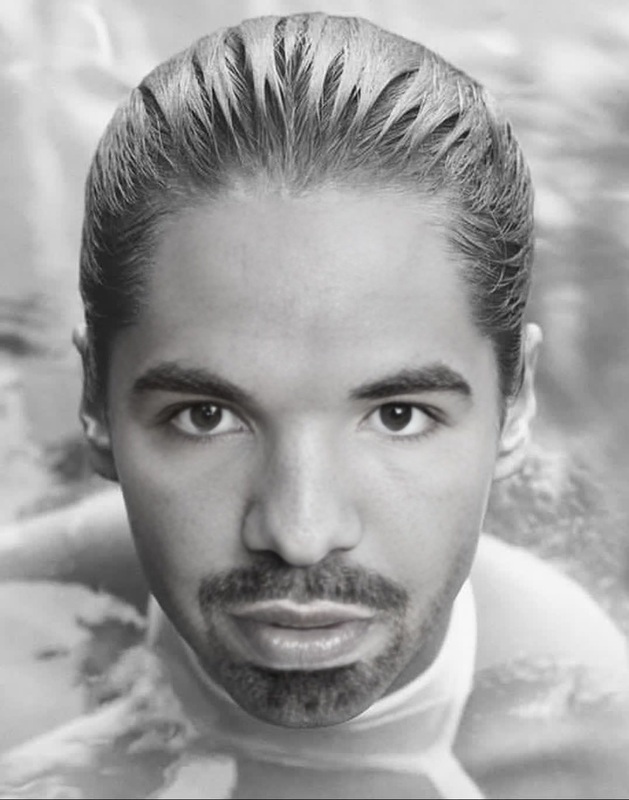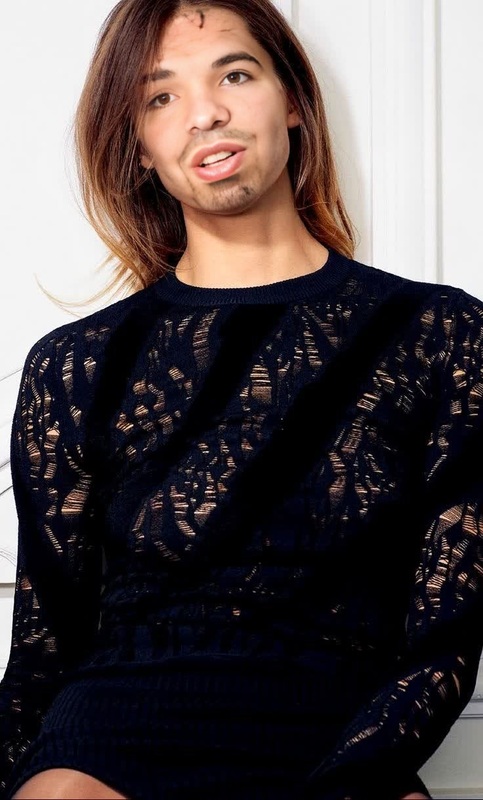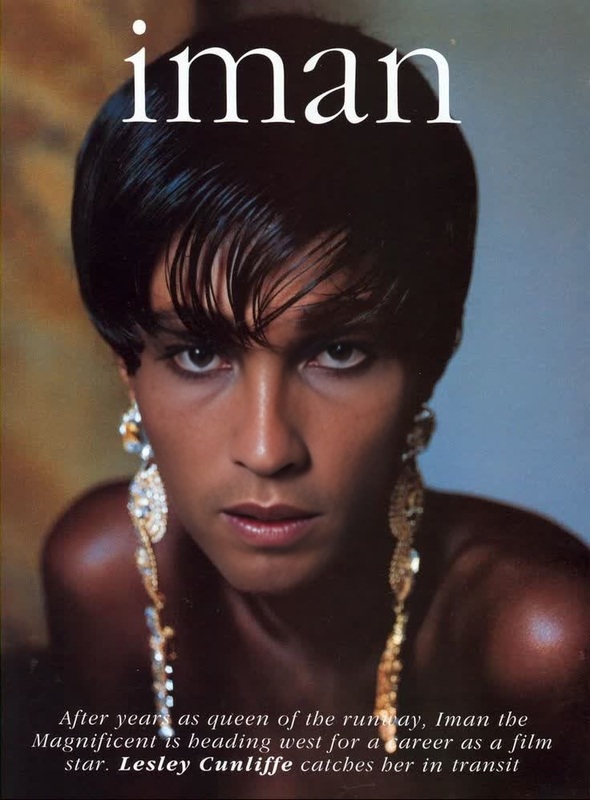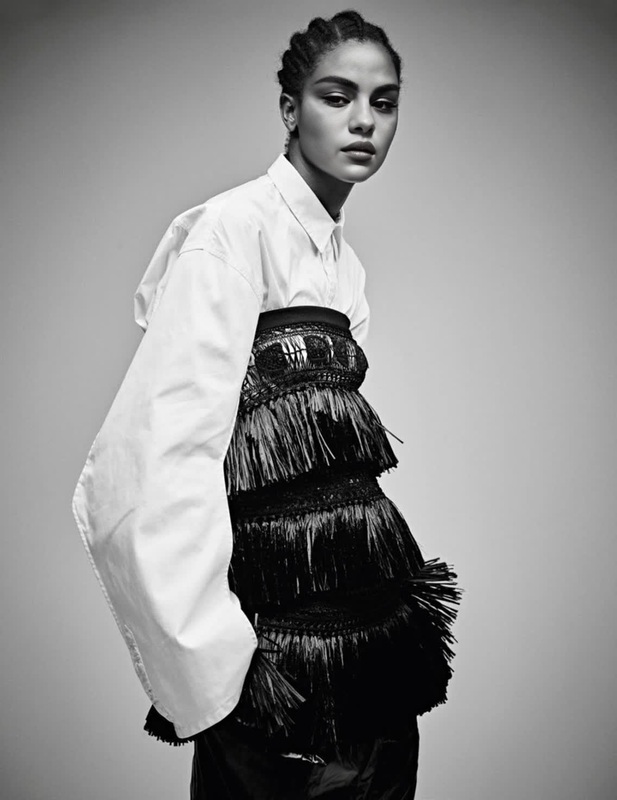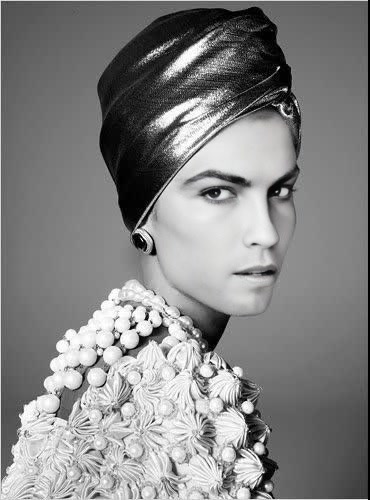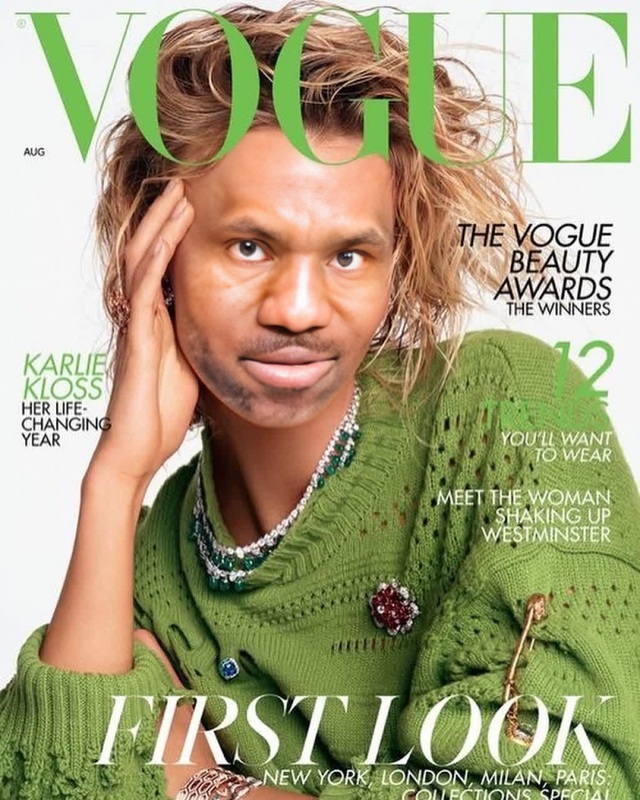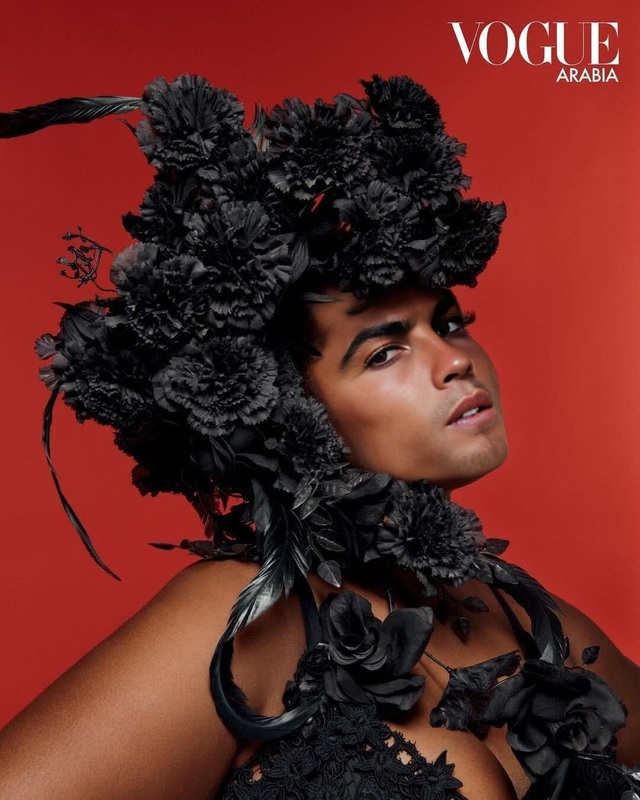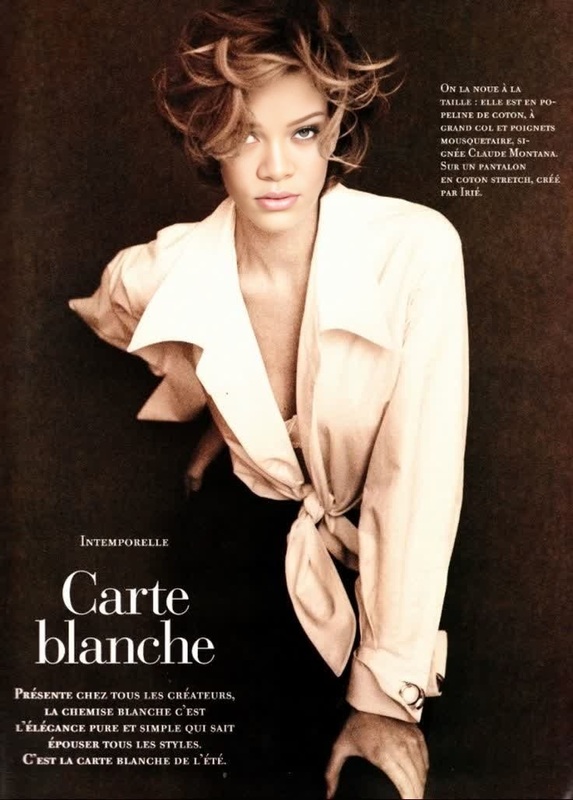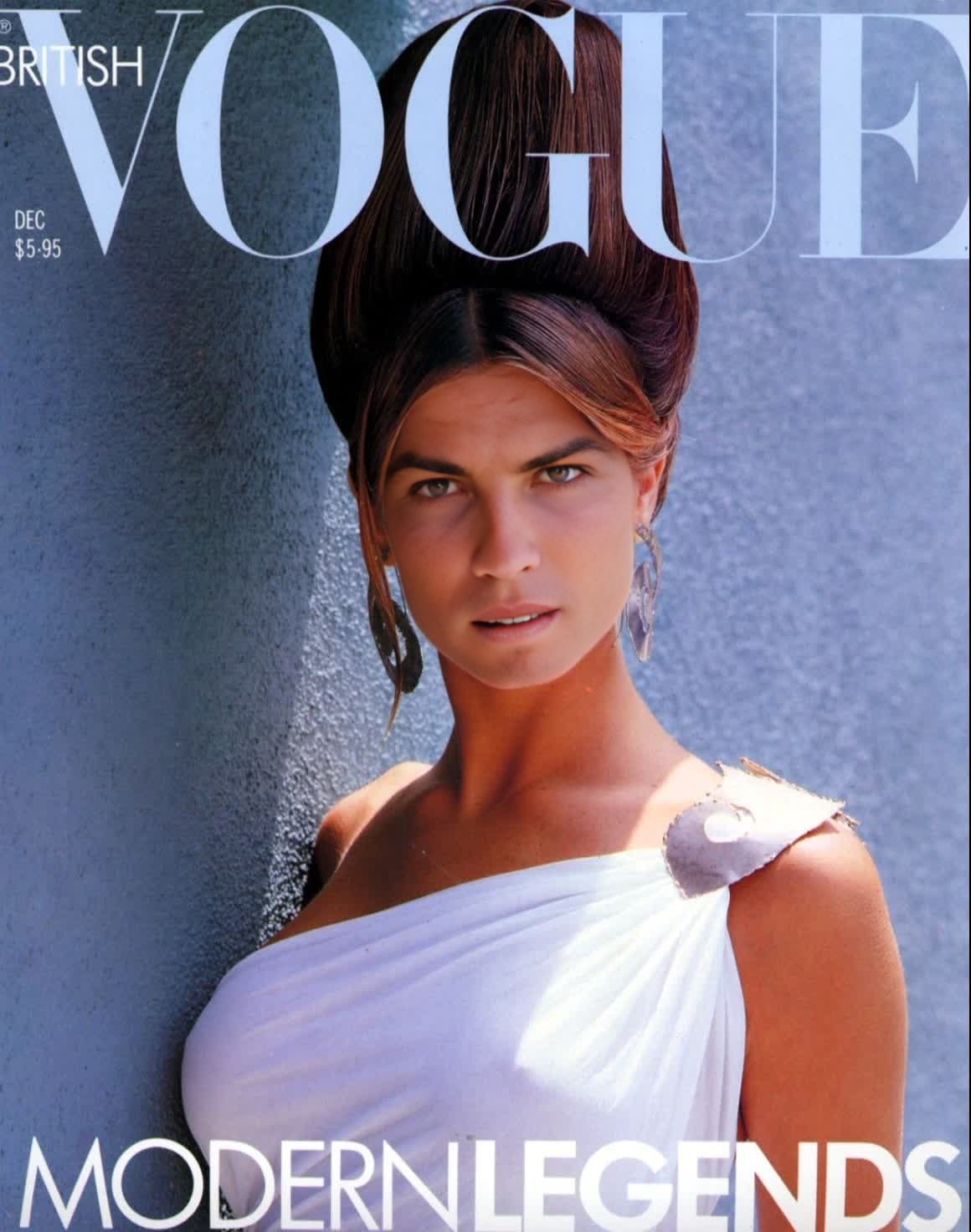
Stephanie Seymour Vogue Editorial Studio Portrait
- Image
- 1160 × 1472 px
Any aspect ratio
Overview
Step into the glitz and glamour of high fashion with the Stephanie Seymour Vogue Editorial Studio Portrait template. This Video Face Swap template allows you to transform your footage into a captivating Vogue magazine-style video. Capture the elegance of Stephanie Seymour's iconic look and bring a touch of professional editorial design to your videos.
What It Does
The template leverages advanced video face swapping technology to overlay your face onto Stephanie Seymour's visage, captured during her iconic Vogue editorial shoot. Ideal for users aiming to create visually striking content that mirrors professional fashion shoots. Discover similar functionalities with our AI Image Editor for enhancing your frames, or explore real-time transformations with our AI Video Generator.
Who It's For
This template is perfect for social media influencers, content creators, and videographers who want to add high-fashion flair to their portfolio. Whether you're enhancing a personal branding video or crafting a unique project for a client, this Video Face Swap tool will provide the sophisticated edge you need to stand out.
Summary
Translate Stephanie Seymour's timeless elegance into your video projects with our Video Face Swap template. This tool is part of our broader suite designed to help creators inject innovation into their storytelling. Explore it alongside our AI Clothes Changer and AI Meme Generator for even more creative possibilities.
How-To
Choose the Template

Customize Your Video

Generate the Final Video

Use Cases
Fashion Content Creation
- Fashion vlogs with a professional look
- Behind-the-scenes footages transformed with a Vogue edge
Personal Branding
- Create new profile content for digital portfolios
- Craft compelling video resumes
Editorial Video Projects
- Music video clips with a unique twist
- Commercial ad projects needing a sophisticated look
Best Practices
Choose High-Quality Source Images
For best results, use high-resolution photos and videos to ensure a seamless face swap.Adjust Lighting and Contrast
Edit your initial video footage to match the lighting and style of the Vogue editorial for optimal results.Experiment with Angles
Try different video angles and face expressions to find the perfect fit with Stephanie Seymour’s look.
Frequently asked questions
More Like This