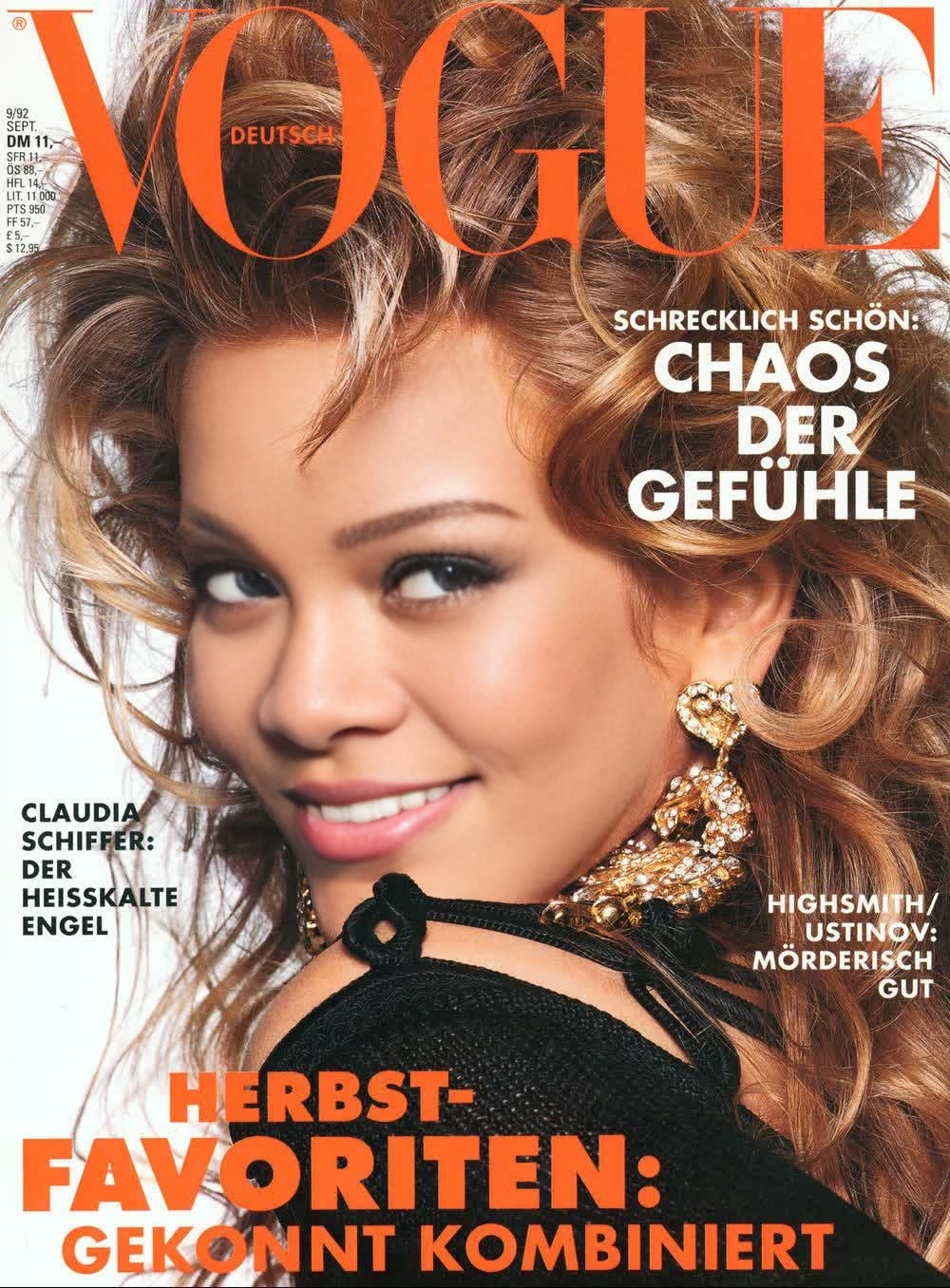
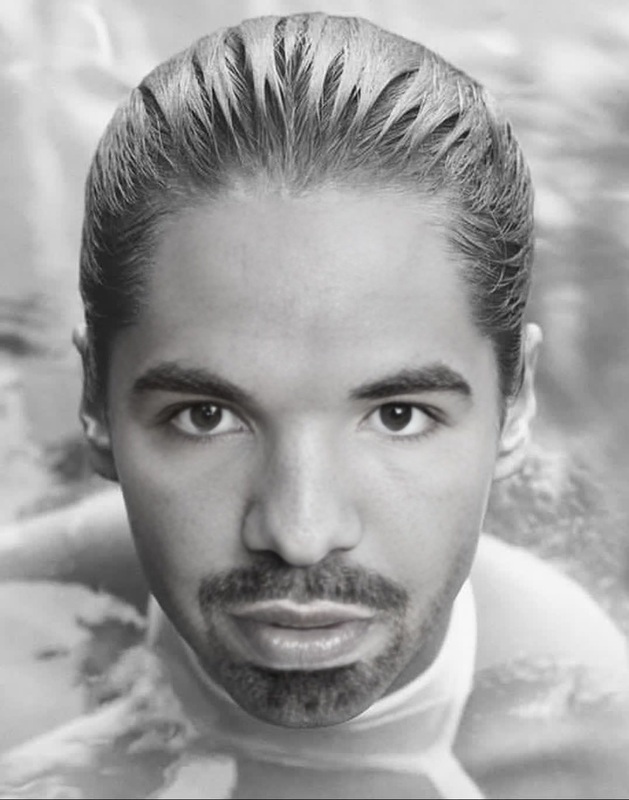
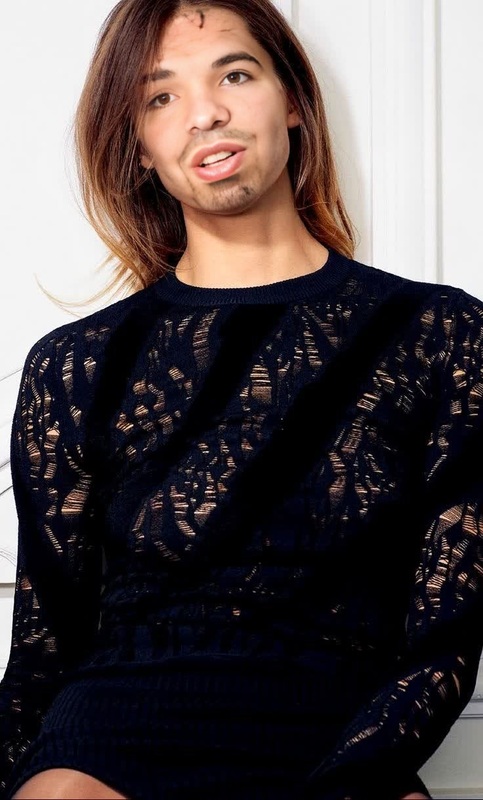
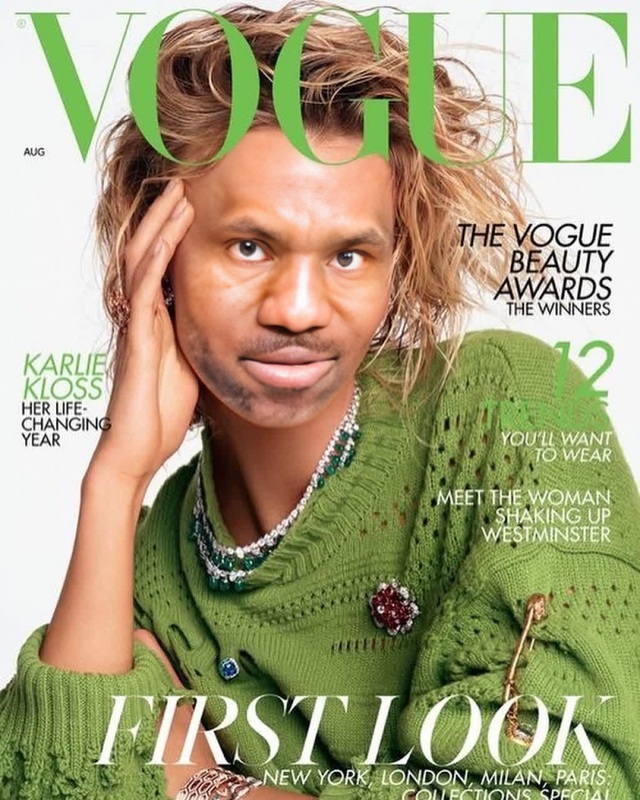
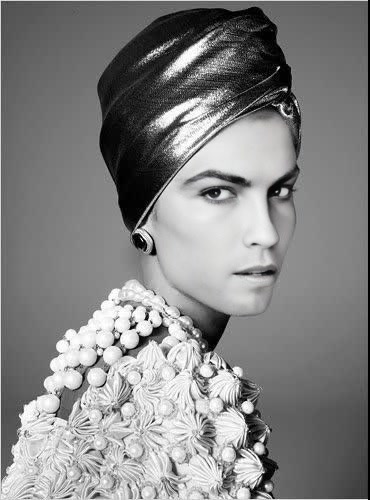
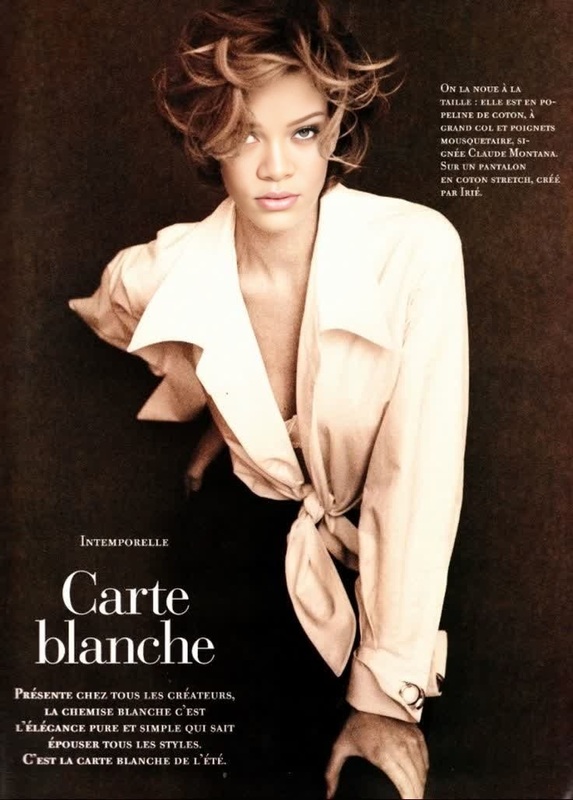
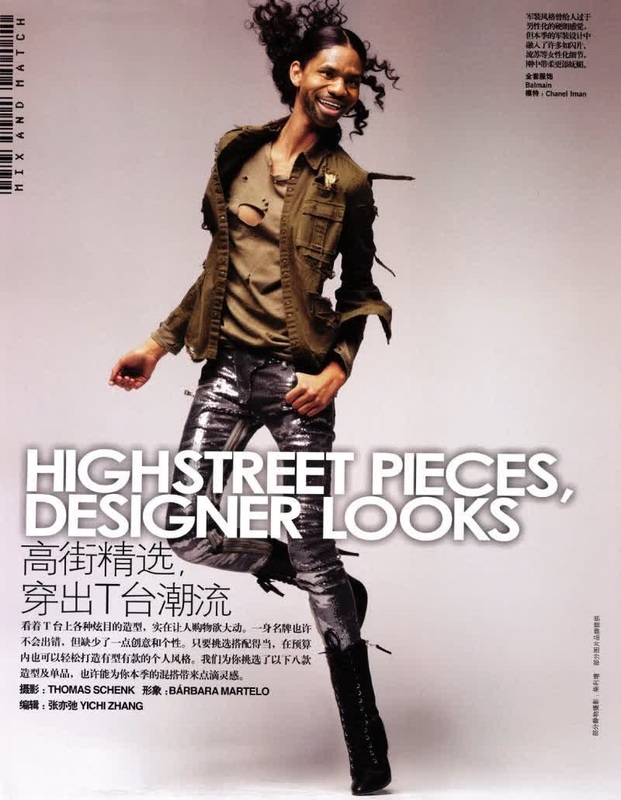
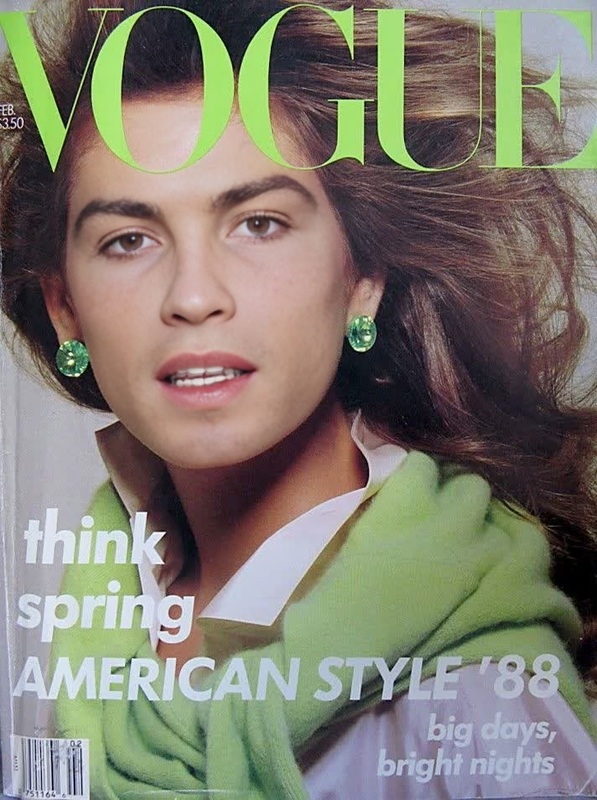
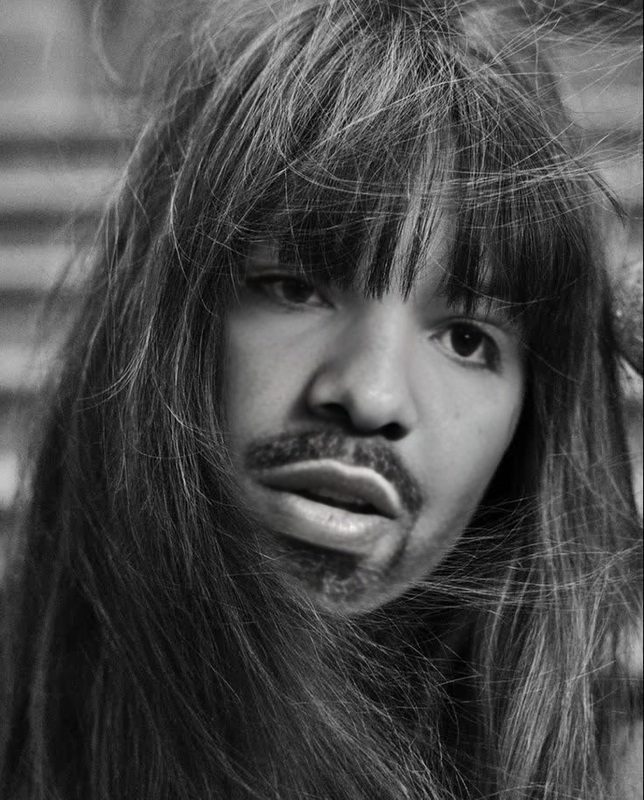
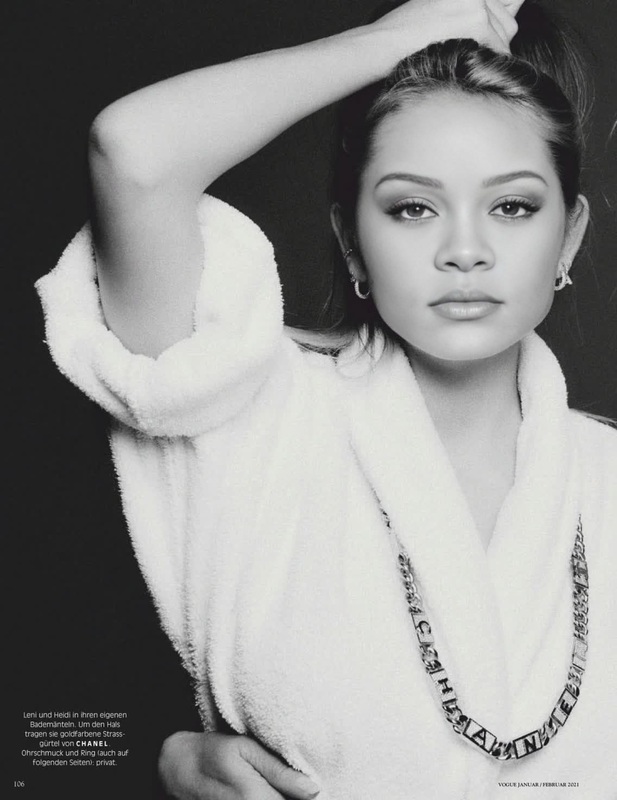
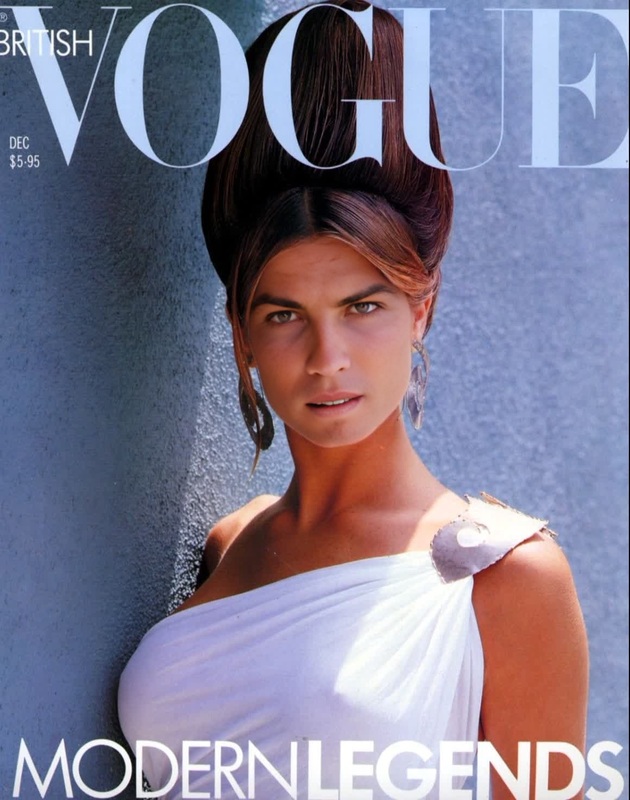
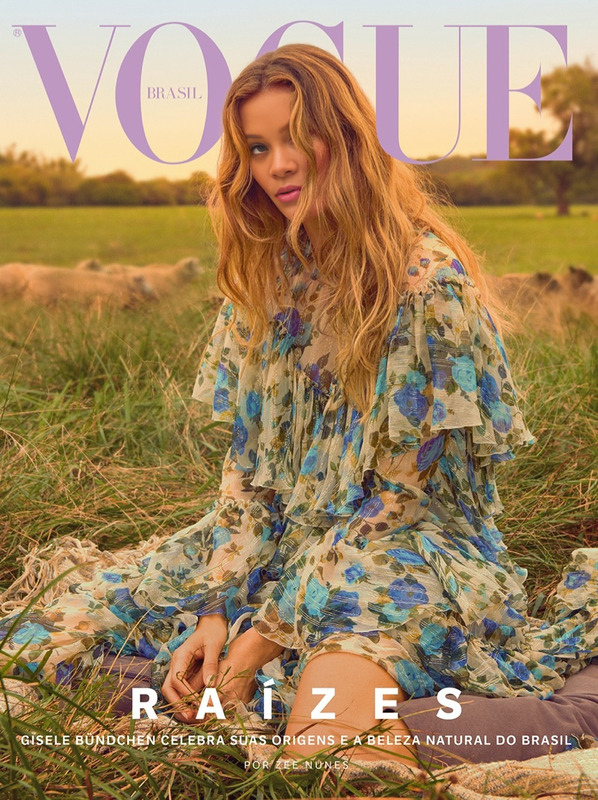
The Claudia Schiffer Vogue Germany Editorial Portrait template offers a unique way to apply a Video Face Swap in the style of a high-fashion editorial. With this template, your videos can achieve a sophisticated, magazine-worthy aesthetic, transforming any subject with striking visual effects.
What It Does
This template allows you to apply a face swap effect that replicates the high-fashion aura of a Claudia Schiffer Vogue Germany editorial portrait. By using advanced AI Image Editor technologies, you can modify videos to have an elegant and polished outcome, perfect for any fashion-oriented media.
Who It's For
This tool is ideal for fashion designers, social media influencers, and content creators who aim to elevate their videos with a touch of editorial flair. It's also beneficial for marketers looking to create eye-catching promos that mimic magazine-quality visuals. Explore how this feature can integrate with the AI Video Generator for dynamic content creation.
Summary
Leverage the Claudia Schiffer Vogue Germany Editorial Portrait template to perform high-end Video Face Swaps that transform your content into chic, editorial-style pieces. Perfect for professionals seeking to enhance their profile imagery or video content with a standout, fashionable edge.
How To
Step-by-step guide to using the Claudia Schiffer Vogue Germany Editorial Portrait template for Video Face Swap.
01
Choose the Template
Navigate to the Video Face Swap section and select the Claudia Schiffer Vogue Germany Editorial Portrait template.
02
Customize Your Inputs
Upload your source video, select the face to swap, and adjust any settings to align with your specific project needs.
03
Generate Your Video
Click 'Generate' to create your video. Once the process is complete, download your fashion-forward visual directly to your device.
Use Cases
Discover creative ways to apply this template in various scenarios.
👗
Fashion Campaigns
Create promotional videos that have the allure of a Vogue magazine shoot.
Highlight new clothing lines
Engagement for social media campaigns
🤝
Brand Collaborations
Enhance branded content by integrating high-fashion aesthetics.
Incorporate editorial styles into brand videos
Collaborate with influencers for cross-promotions
📸
Social Media Content
Elevate personal or professional profiles with stunning videography.
Create eye-catching Instagram stories
Boost engagement on TikTok
Best Practices
Maximize the impact of your face swap videos with these tips.
Select High-Resolution Footage
Ensure input videos are of high quality to maintain the editorial effect.
Adjust Lighting and Angles
Carefully consider lighting and video angles to mimic the original portrait style.
Incorporate Consistent Branding
Align the final output with your brand's visual identity for cohesive marketing.
Related Tools
Explore tools that complement the Claudia Schiffer template perfectly.