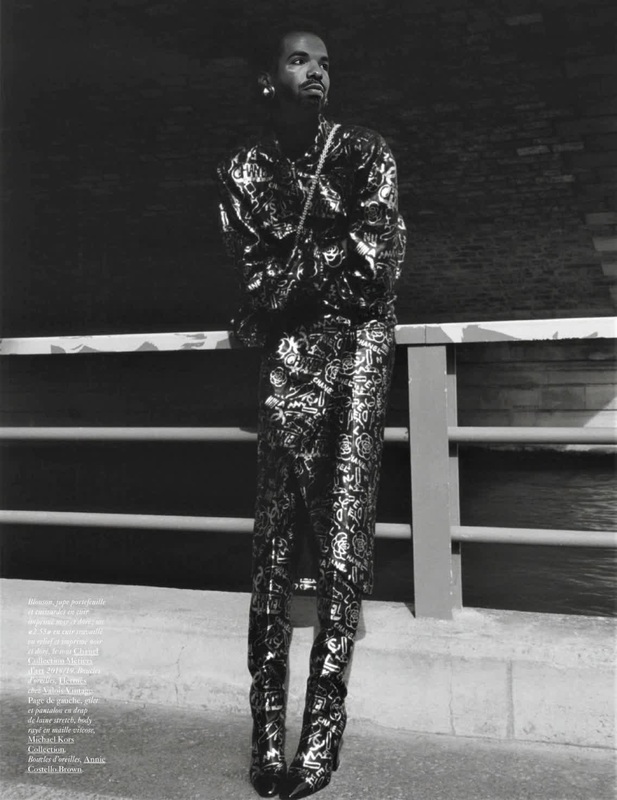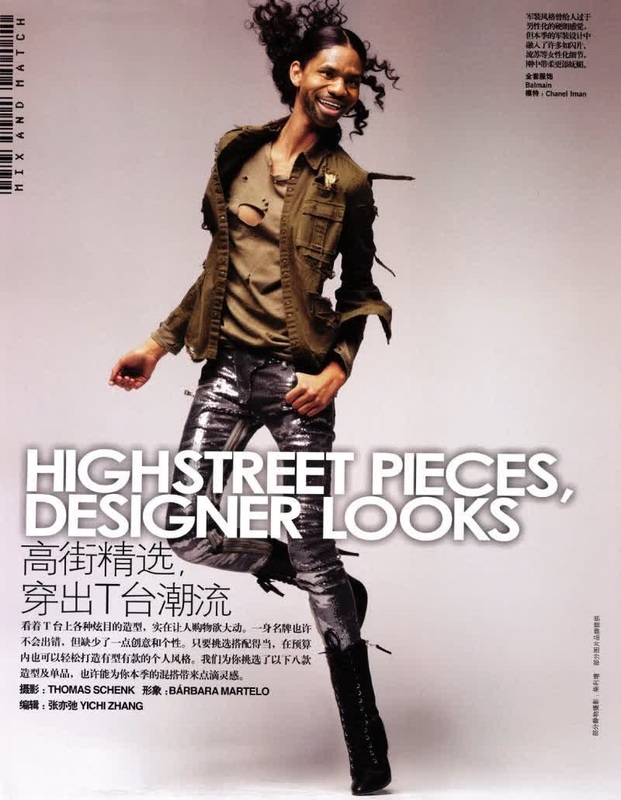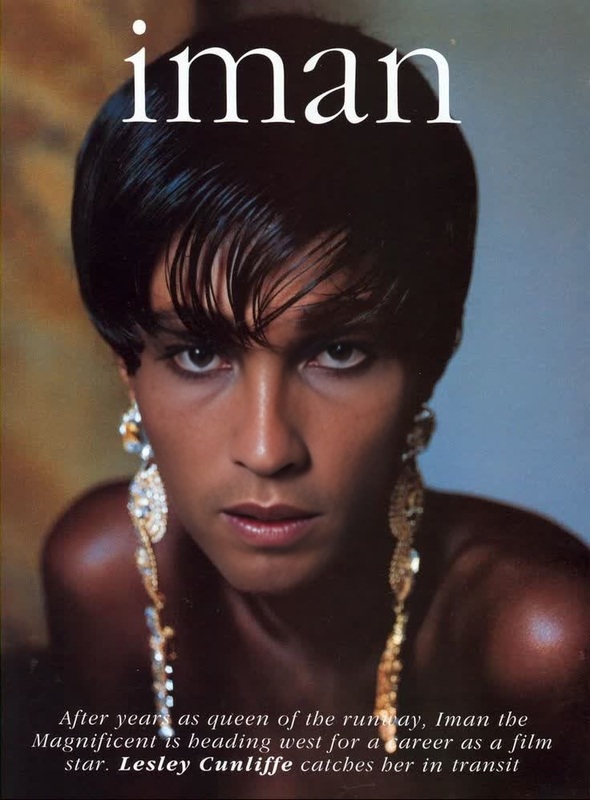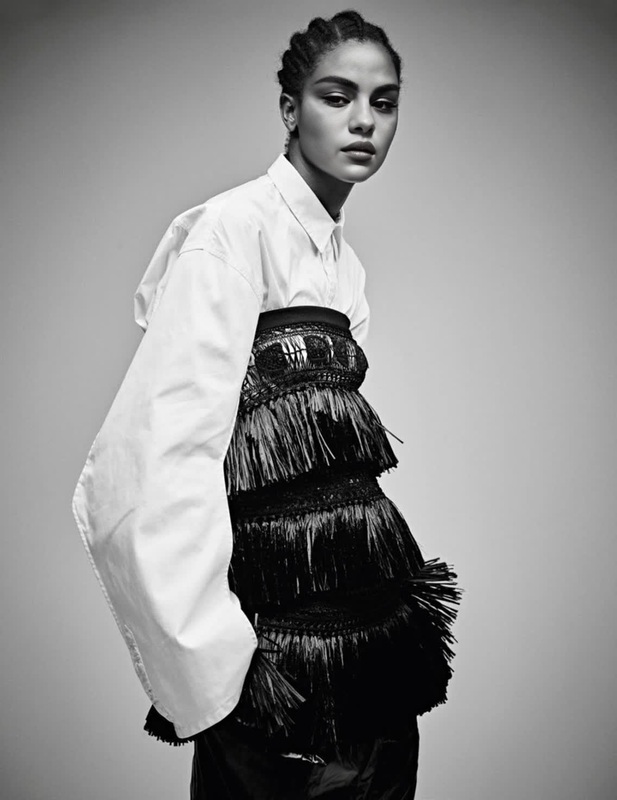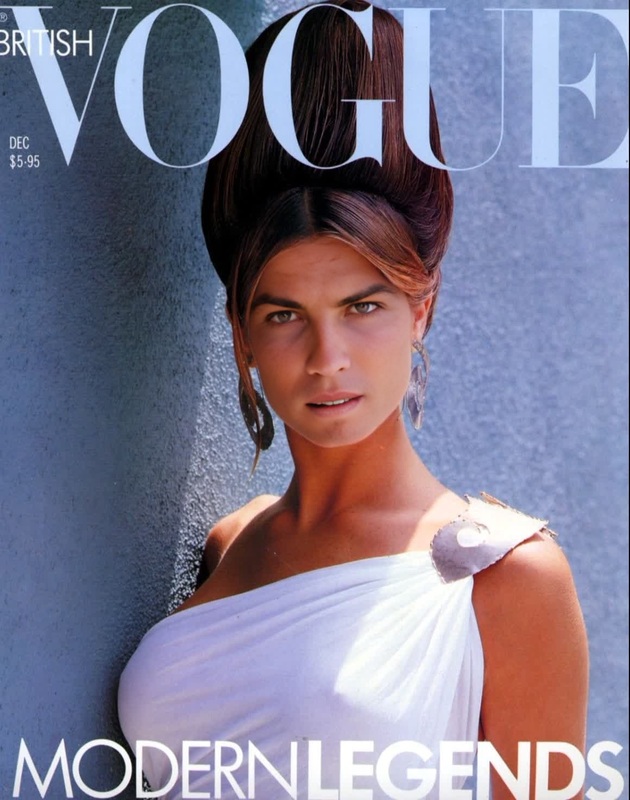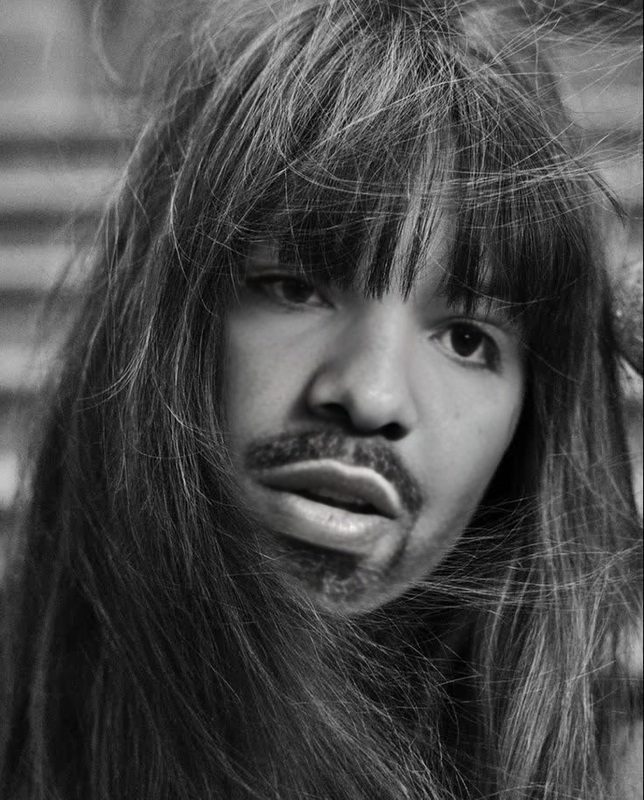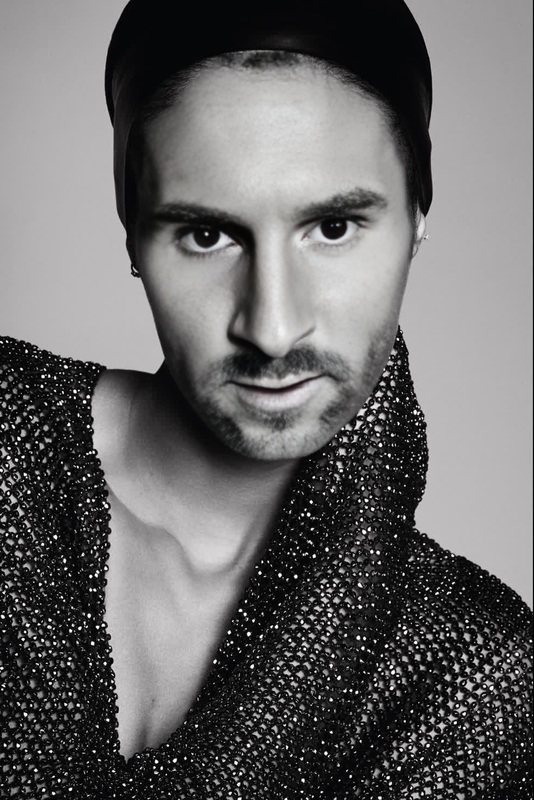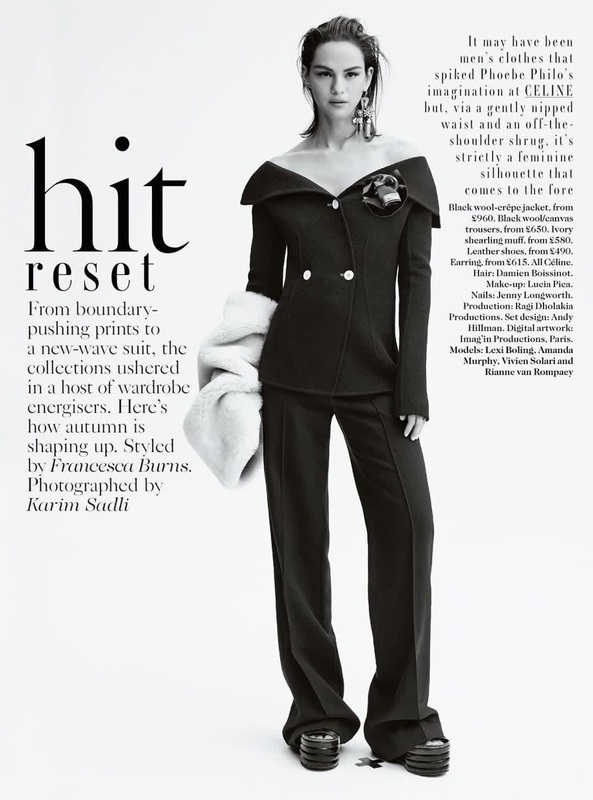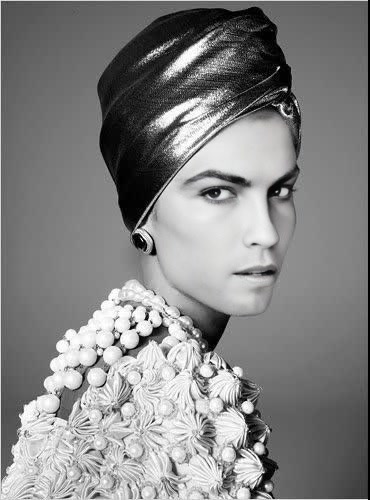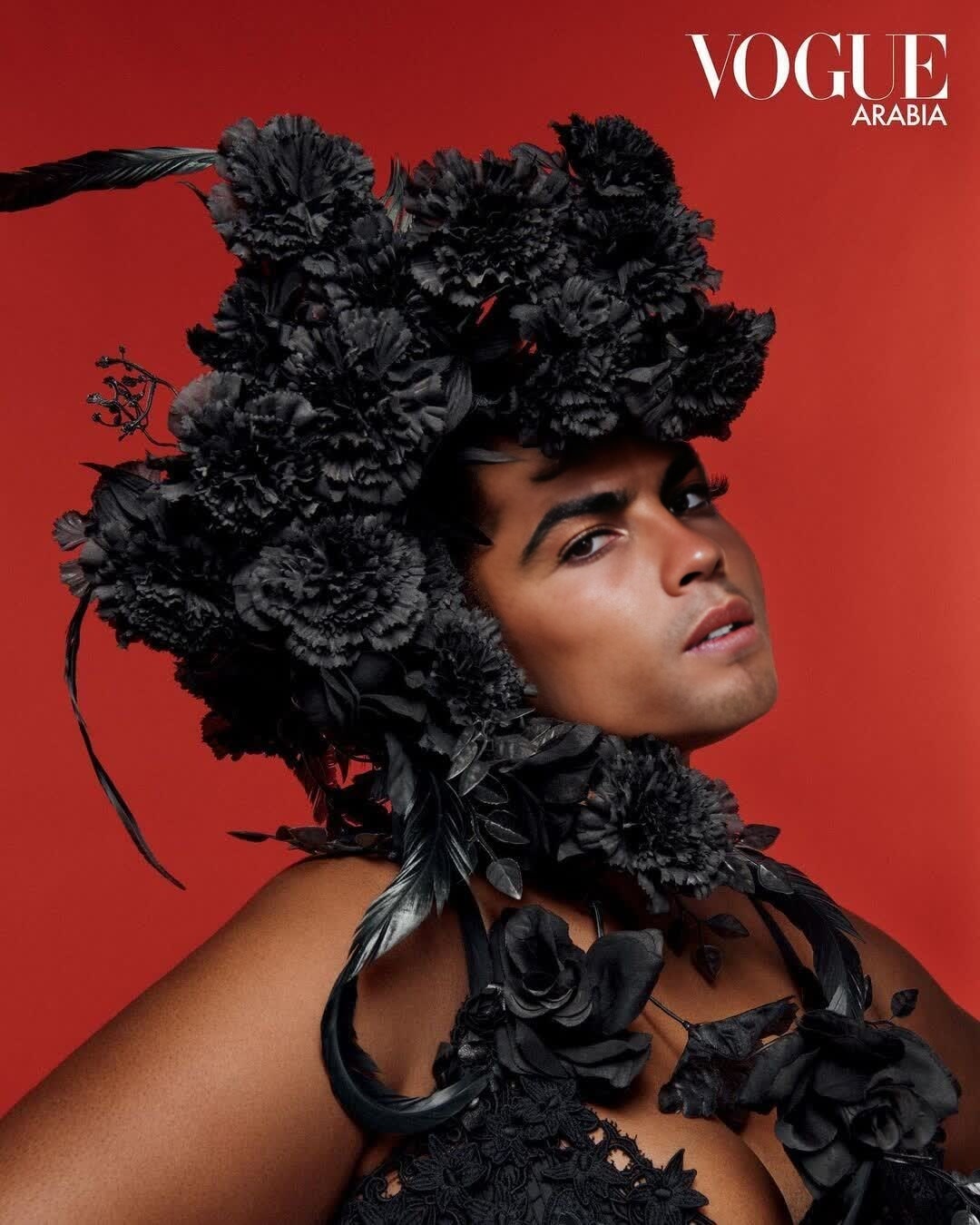
Precious Lee Vogue Editorial Studio Portrait
- Image
- 1080 × 1350 px
Any aspect ratio
Overview
Experience the transformative power of AI with the Precious Lee Vogue Editorial Studio Portrait template. This Video Face Swap tool allows you to insert your face into a high-fashion editorial setting, giving you a taste of the glamour and sophistication found in Vogue photo shoots.
What It Does
This template uses advanced AI to perform a precise video face swap, integrating your characteristics seamlessly into a studio portrait setting inspired by Vogue editorials. The result is a professionally styled video that maintains the elegance and detail of high-fashion photography.
Who It's For
Perfect for fashion enthusiasts, content creators, and social media influencers looking to create captivating content. This template is also beneficial for digital marketing professionals aiming to explore creative promotional materials or for anyone interested in high-end video transformations.
Summary
The Precious Lee Vogue Editorial Studio Portrait template leverages AI Image Editor technology to provide an immersive face swap experience. Whether for professional use or personal fun, it offers a unique way to step into the spotlight of a Vogue-inspired setting, enhancing your digital content repertoire.
How to Use
Choose

Customize

Generate

Use Cases
Fashion Content Creation
- Fashion blogging
- Social media posts
- Digital portfolio expansion
Marketing and Advertising
- Promotional videos
- Advertisement visuals
- Brand storytelling
Personalized Gifts
- Birthday greetings
- Anniversary videos
- Holiday surprises
Best Practices
Lighting Consistency
Ensure that the photo you upload matches the lighting conditions of the studio portrait to achieve a more realistic swap.Facial Expressions
Choose a photo where your facial expression is neutral, as it adapts better to various angles and movements.Resolution Matters
Use high-resolution images to ensure the final video maintains clarity and detail akin to actual Vogue shoots.