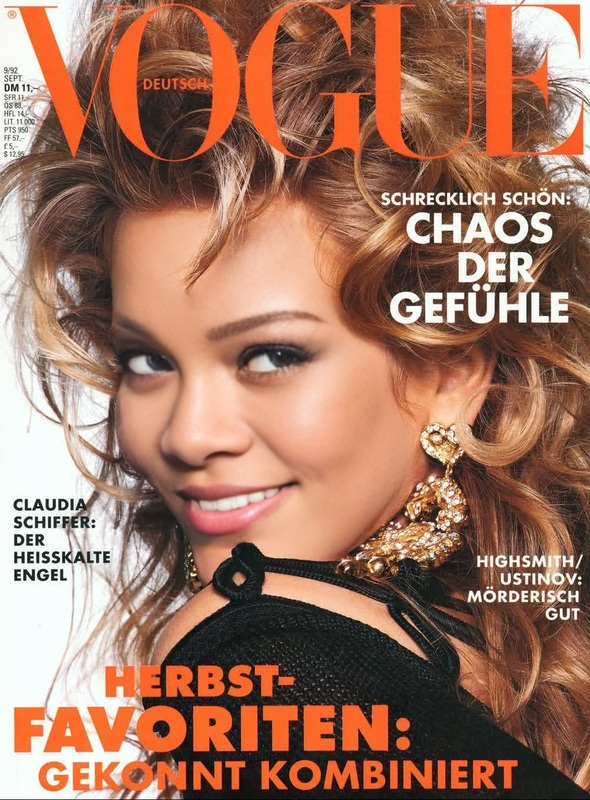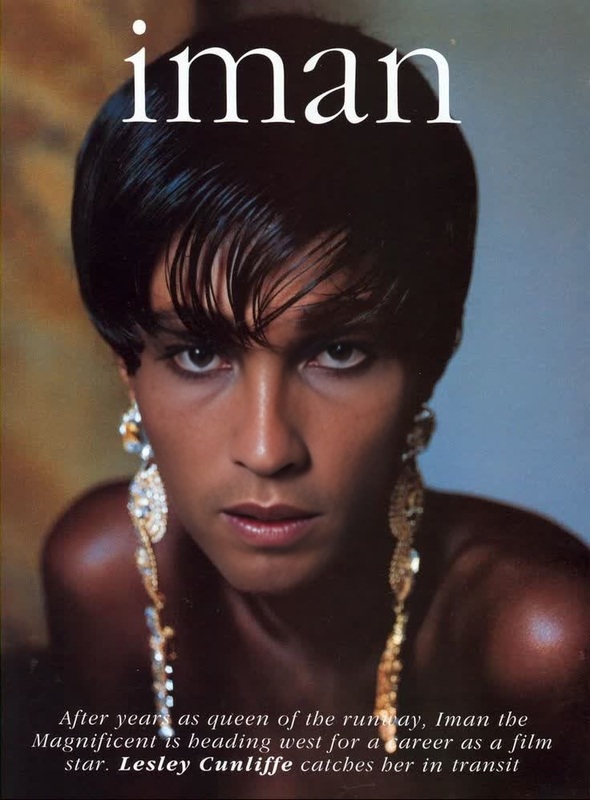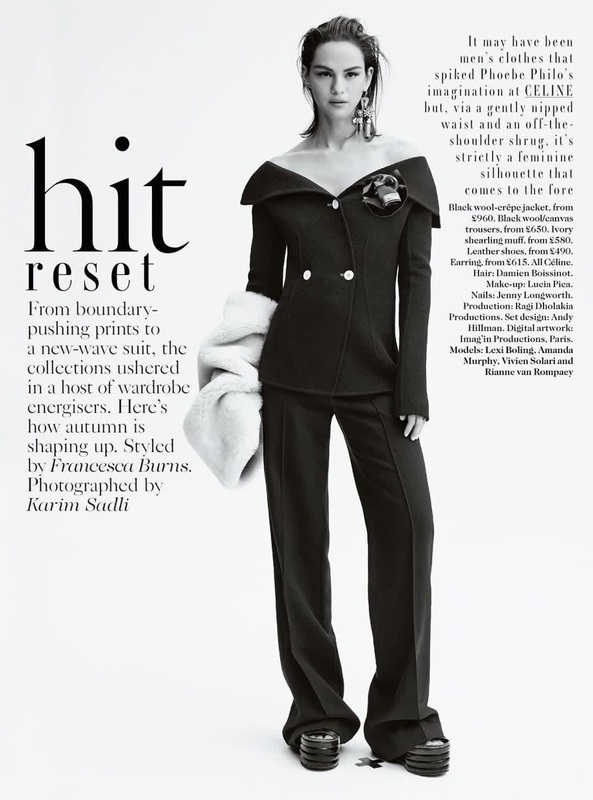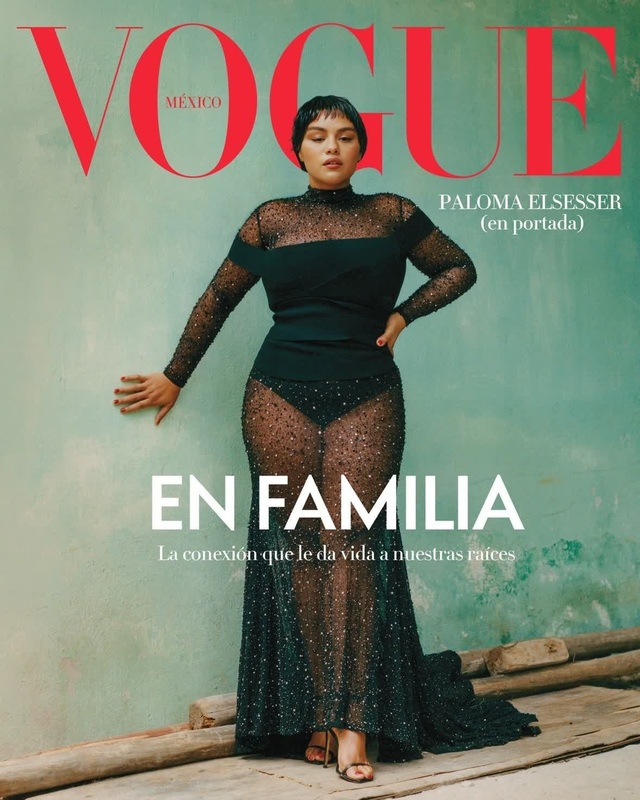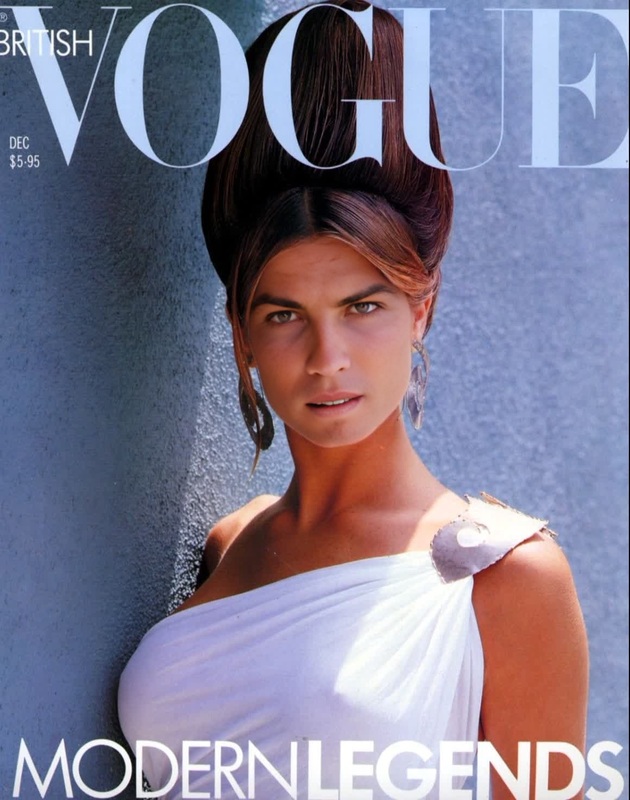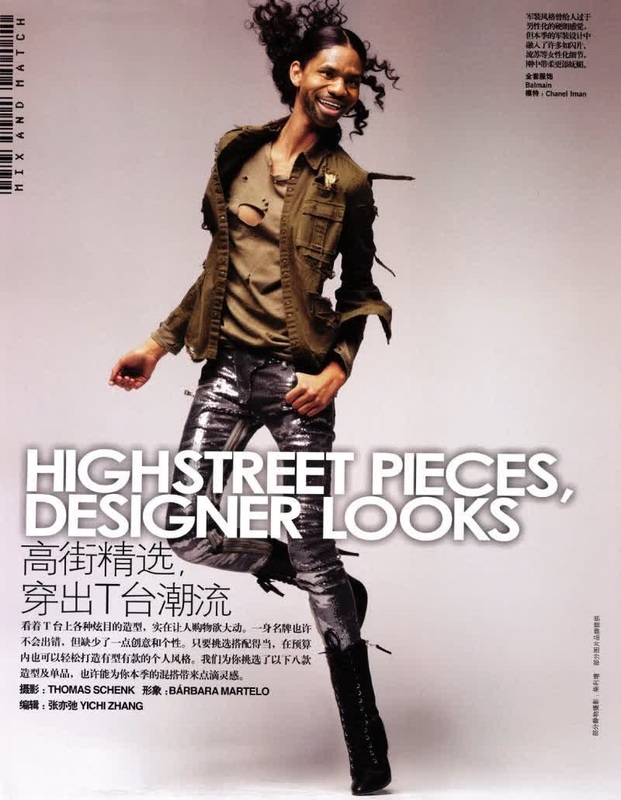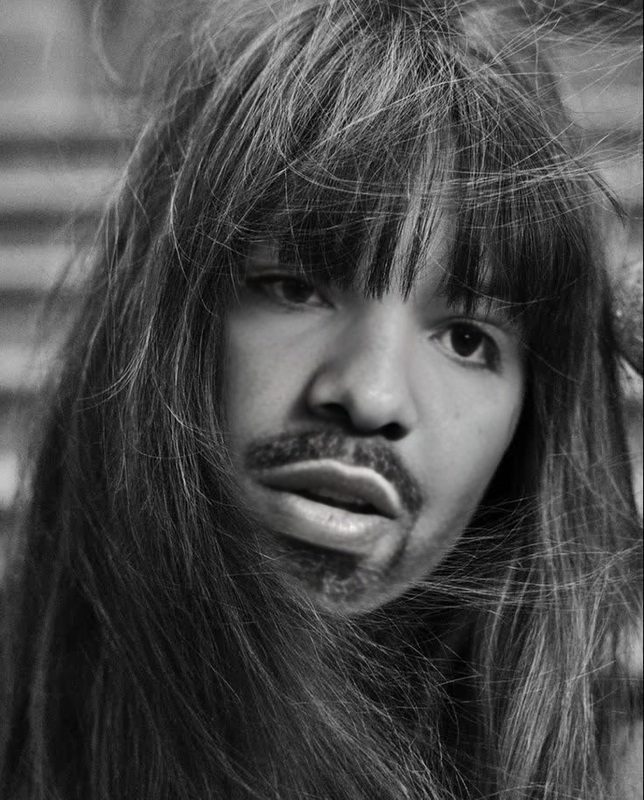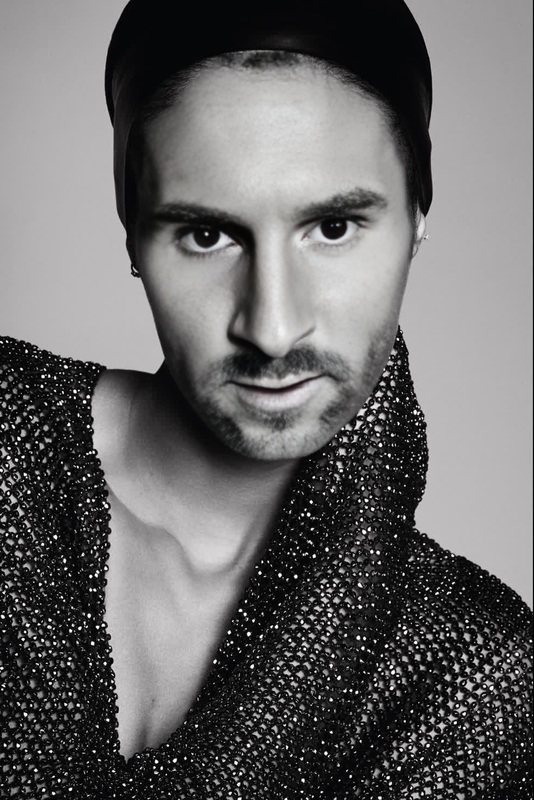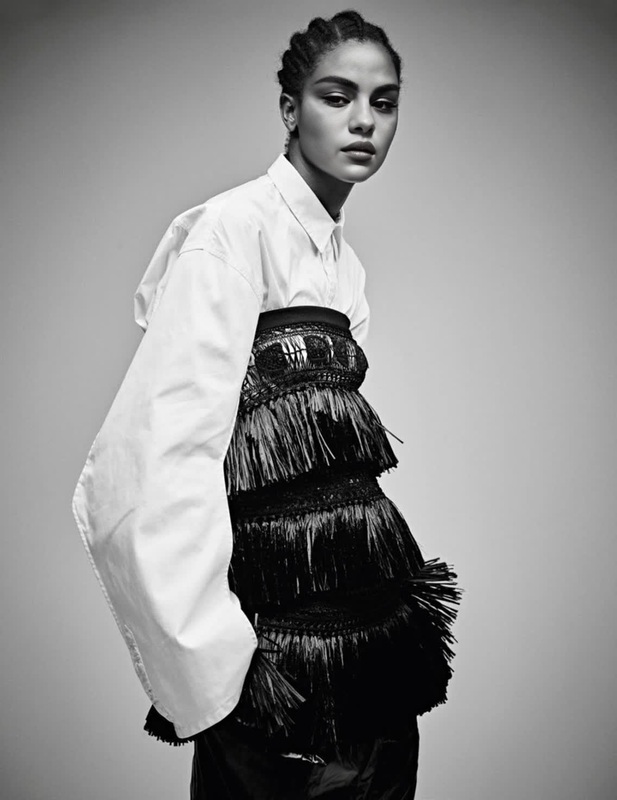
Sessilee Lopez Vogue Editorial Studio Portrait
- Image
- 370 × 500 px
Any aspect ratio
Overview
The Sessilee Lopez Vogue Editorial Studio Portrait template revitalizes your personal projects by offering a distinct Video Face Swap experience. Drawing inspiration from Vogue's editorial aesthetics, it seamlessly replaces faces in studio portrait settings, ensuring high-quality transformations suitable for professional and personal use.
What It Does
This template specializes in replacing faces in video footage while maintaining the visual fidelity of a studio portrait shoot. Utilizing advanced AI techniques, this AI Multi-Angle Generator captures every nuance of lighting and facial expression, resulting in seamless and realistic substitutions.
Who It's For
Designed for photographers, videographers, and creative enthusiasts, this template is ideal for those who desire to enhance their work with sophisticated face swaps. Whether you are producing product videos or creating memorable social media clips, it caters to professionals and hobbyists alike.
Summary
Embrace the world of high-fashion imagery with the Sessilee Lopez Vogue Editorial Studio Portrait template. Effortlessly swap faces in video projects, harnessing technology also utilized in the AI Video Generator to ensure crisp, realistic edits that resonate well with your audience.
How to Use
Choose

Customize

Generate

Use Cases
Fashion Campaigns
Social Media Content
Event Recaps
Best Practices
Select High-Resolution Images
Ensure the images used for face swapping are of high quality to achieve the best possible results.Match Lighting Conditions
Try to match the lighting of the source image to the video for a seamless blend.Experiment with Different Angles
Test various angles in the video to find the most natural face swap outcomes.
Frequently asked questions
More Like This