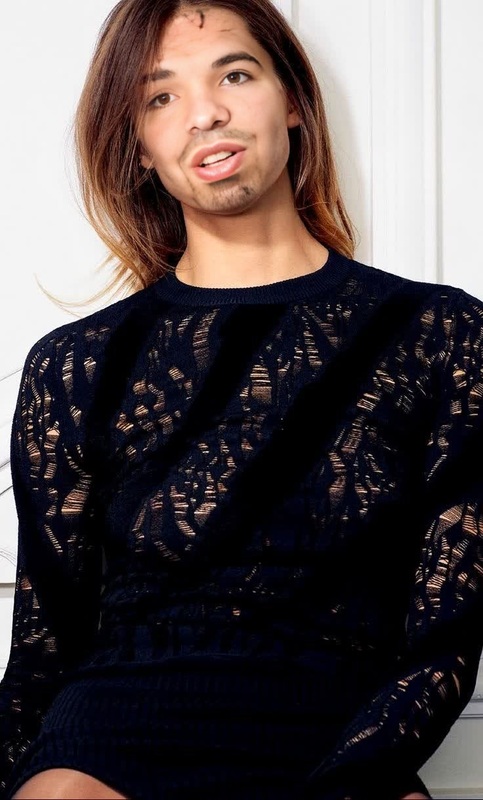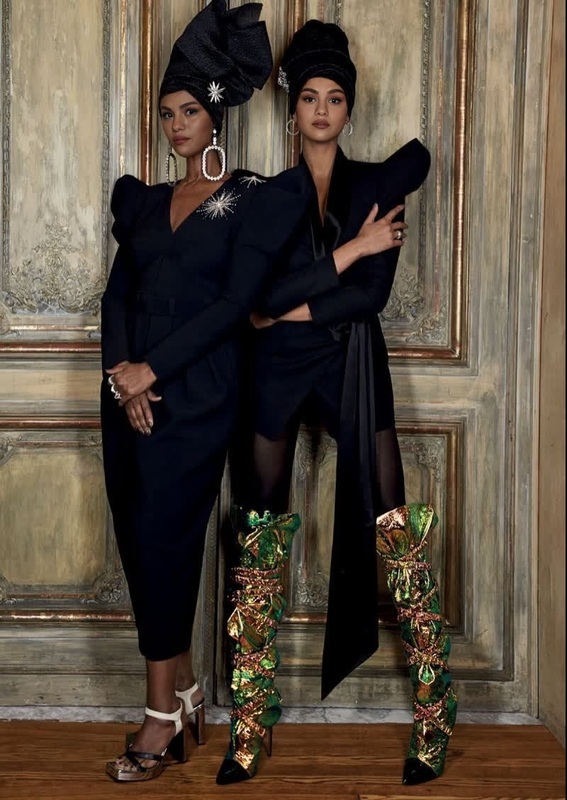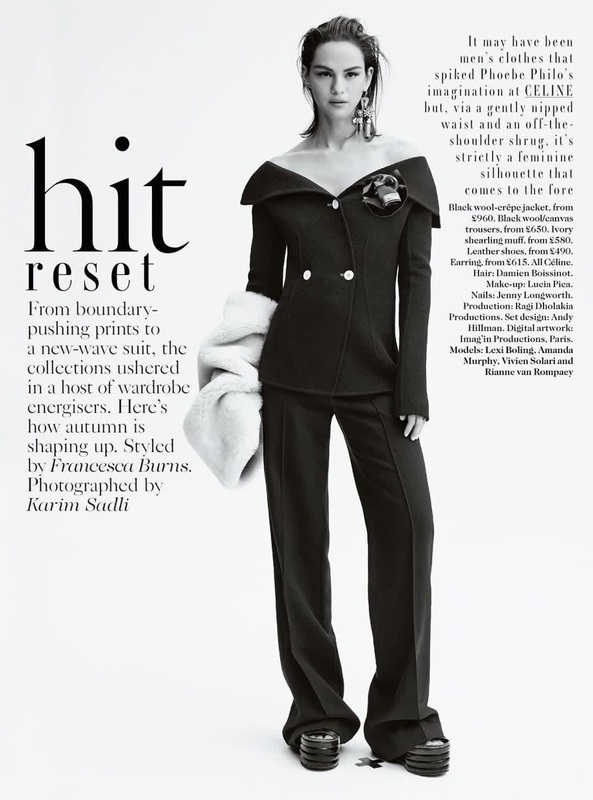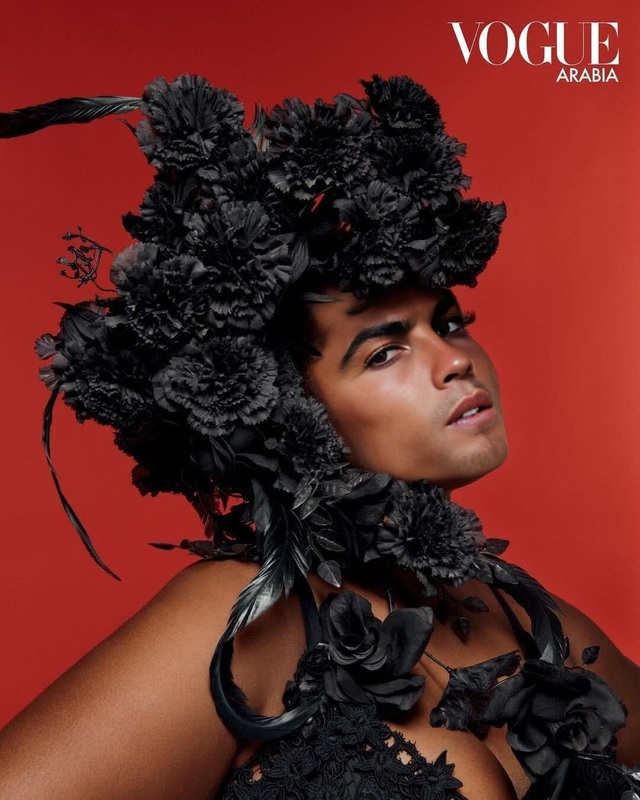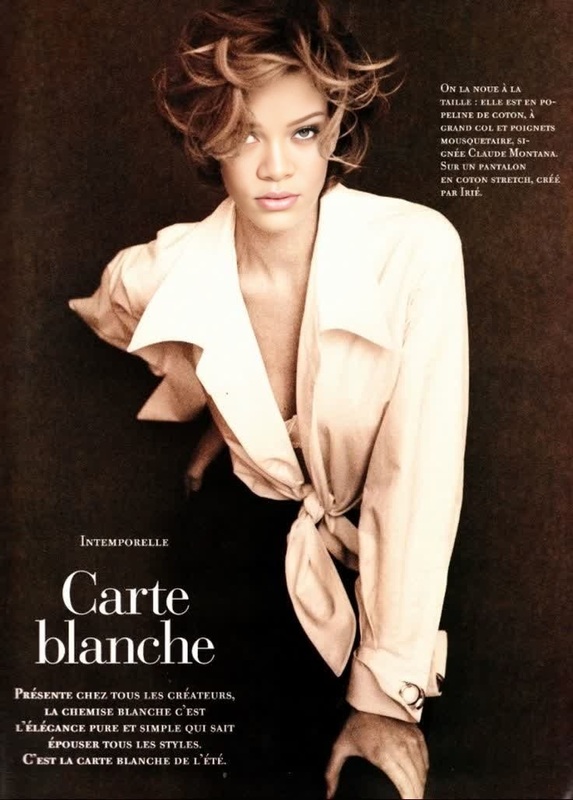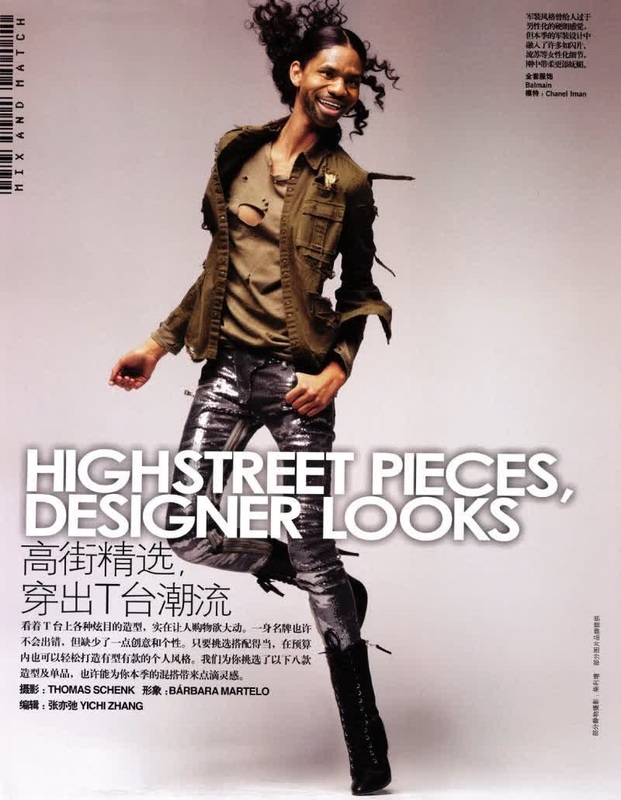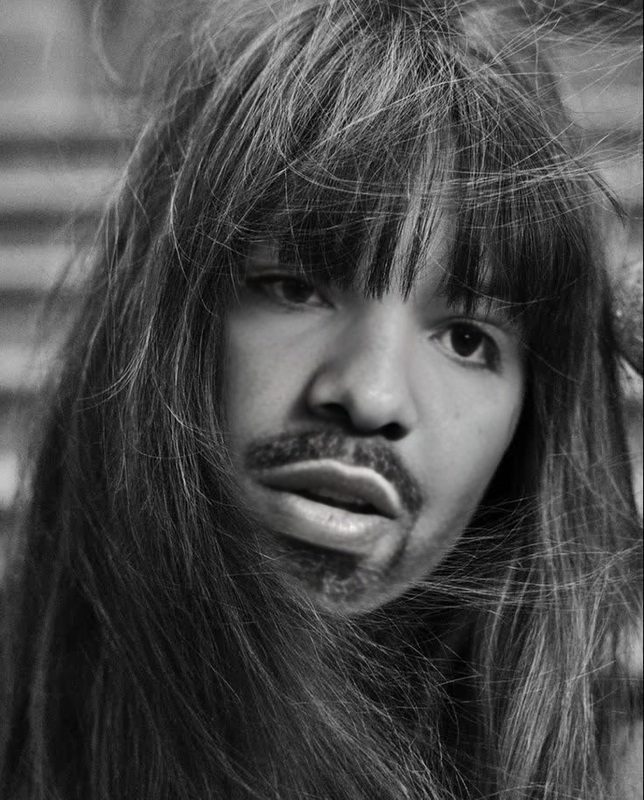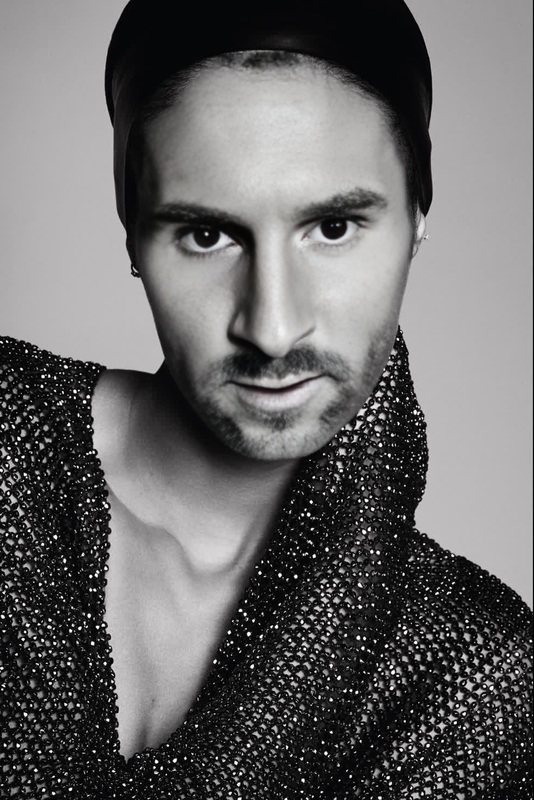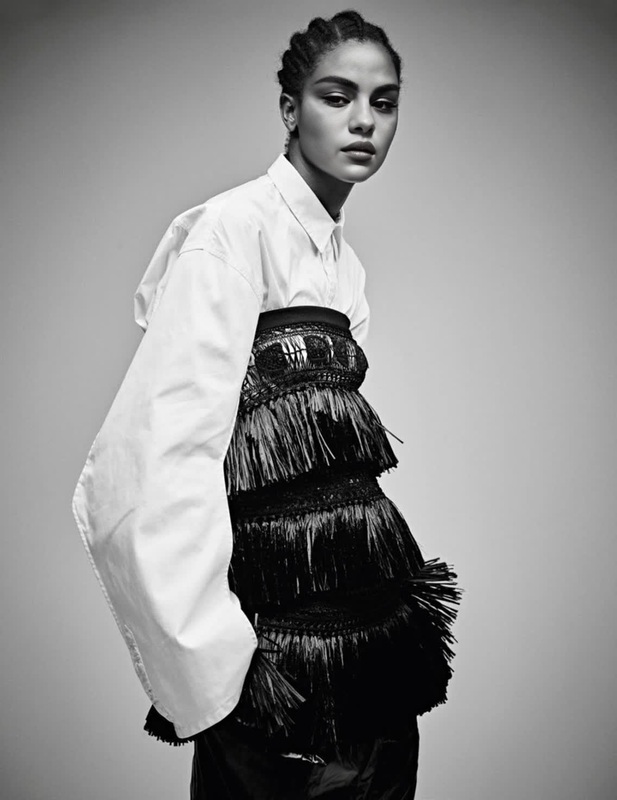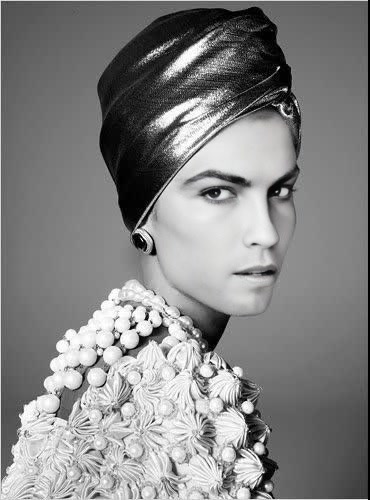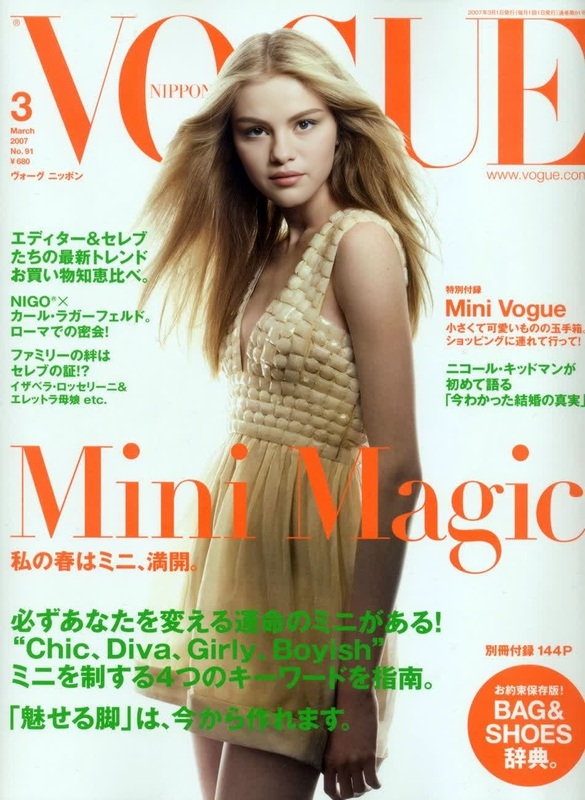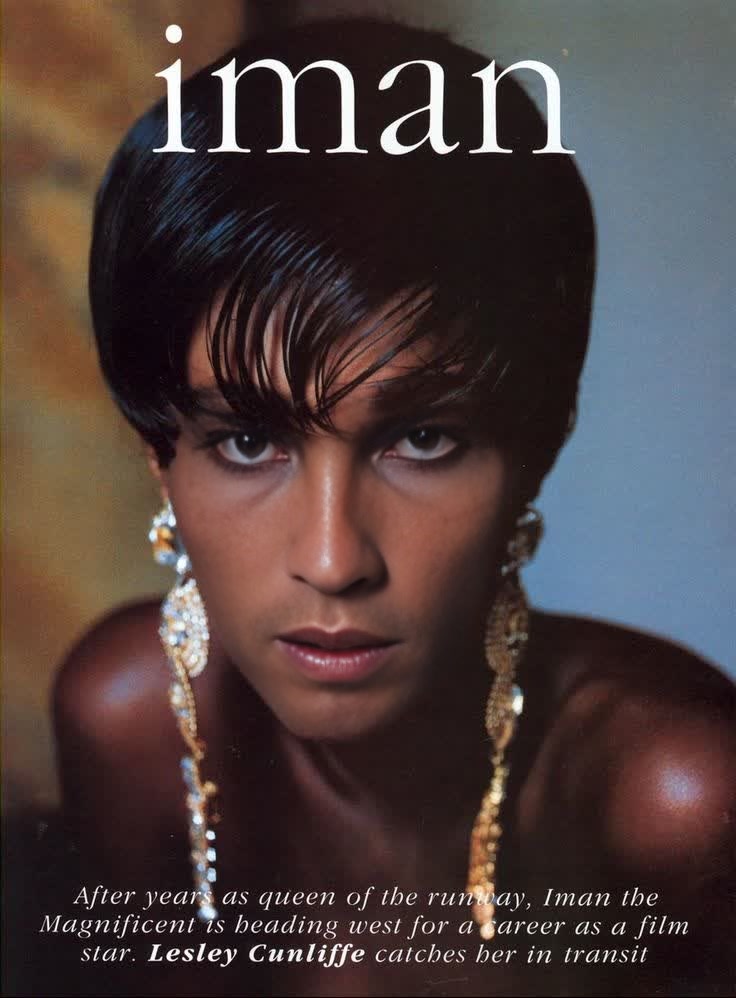
Iman Vogue Editorial Studio Portrait
- Image
- 736 × 998 px
Any aspect ratio
Overview
Step into high fashion with the Iman Vogue Editorial Studio Portrait video face swap template. This tool allows creators to produce captivating studio-quality portraits that feature a seamless integration of chosen faces onto a professional editorial-style shooter. It's designed to bring an air of sophistication to your visual projects.
What It Does
The Iman Vogue template takes advantage of advanced Video Face Swap technology to integrate faces into studio-quality editorial shots. Use it to create visuals that emulate high-fashion magazine spreads. The template is optimized for handling various lighting conditions and facial expressions, ensuring a realistic and polished final product.
Who It's For
This template is ideal for digital creatives, marketing professionals, and anyone in the fashion industry looking to create impactful visual content. It suits users aiming to produce promotional materials, editorial mockups, or personal artistic projects. Those familiar with tools like the AI Image Editor will find integrating this template into their workflow especially rewarding.
Summary
With the Iman Vogue Editorial Studio Portrait template, you can produce stunning, high-fashion visuals effortlessly. Whether you're preparing content for social media campaigns or personal projects, this tool offers the flexibility and power needed for professional results. Pair it with the AI Clothes Changer for even more customization options.
How To
Choose Your Template

Customize Your Inputs

Generate Your Portrait

Use Cases
Fashion Campaigns
- Promotional materials for new clothing lines
- Digital advertisements for social media
Editorial Mockups
- Magazine cover layouts
- Feature article imagery
Personal Artistic Projects
- Portfolio pieces
- Experimental art projects
Social Media Content
- Engaging posts
- Storytelling through fashion imagery
Best Practices
Select High-Quality Source Material
For the best results, use high-resolution images or videos as input. This ensures clarity and detail in the final product.Experiment with Lighting
Adjust the lighting settings in the template to match your source material for a more seamless look.Utilize Complementary Tools
Consider using other tools like the AI Video Generator to enhance your project, adding motion and depth.