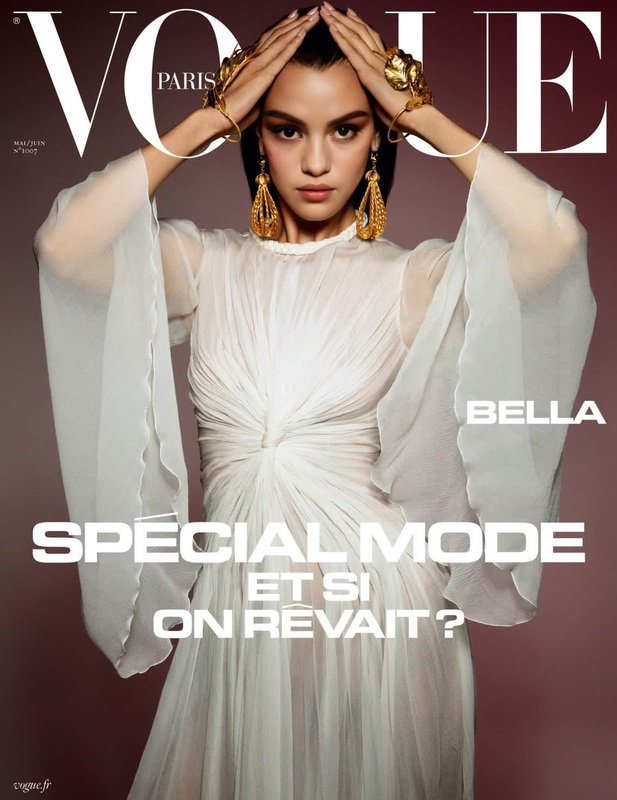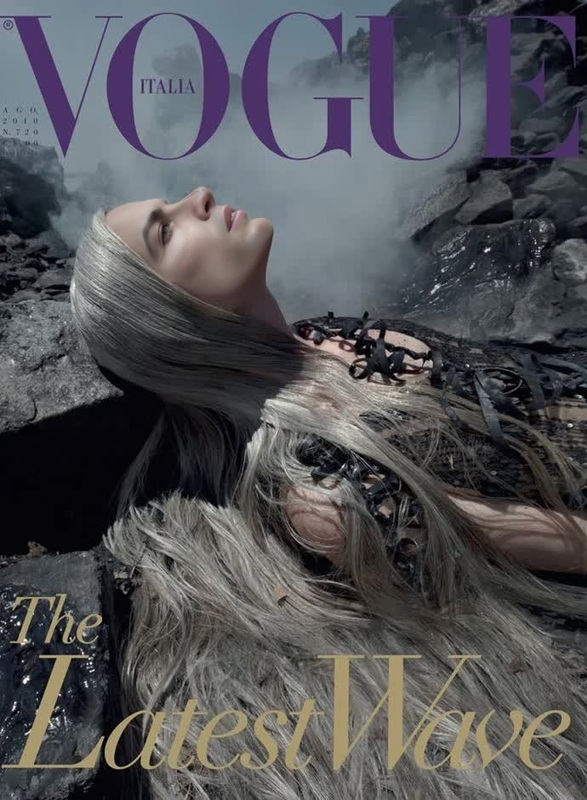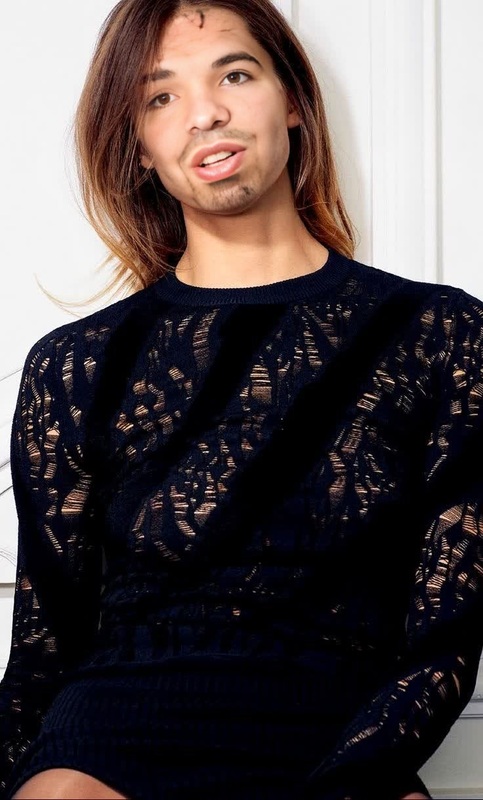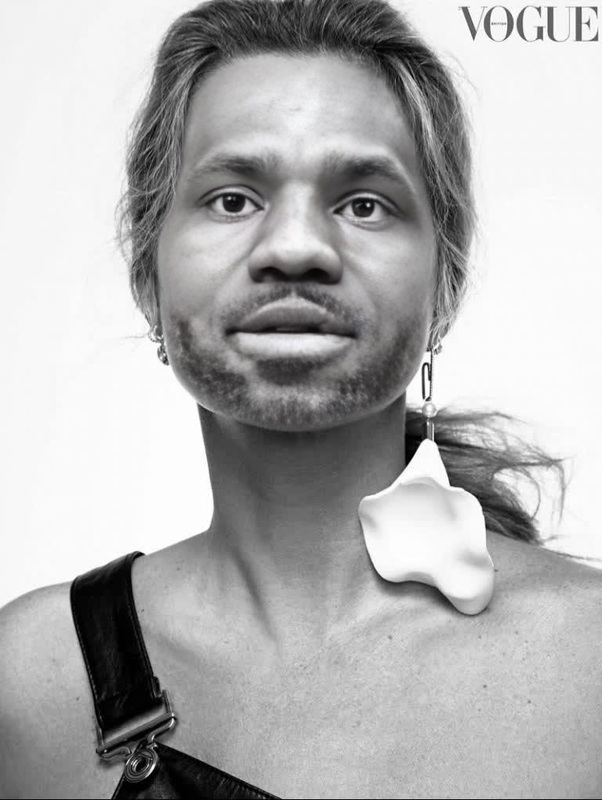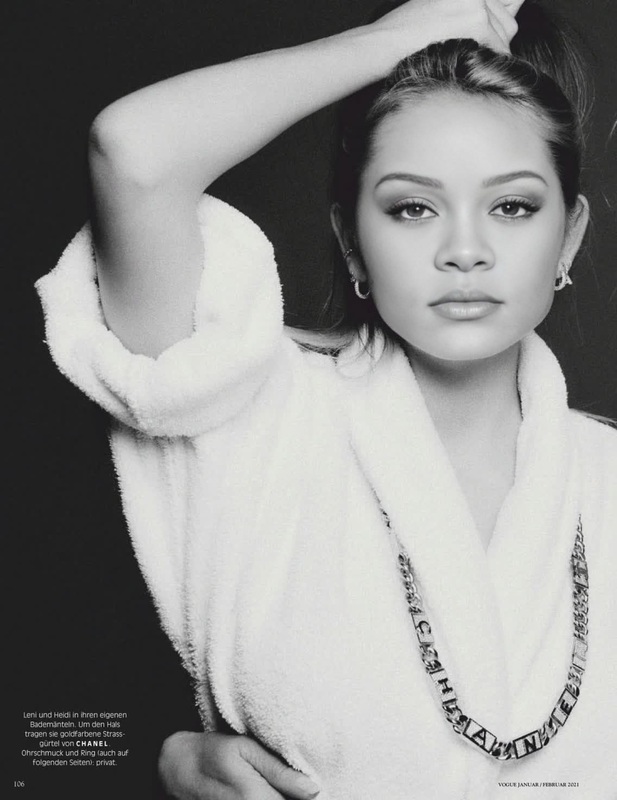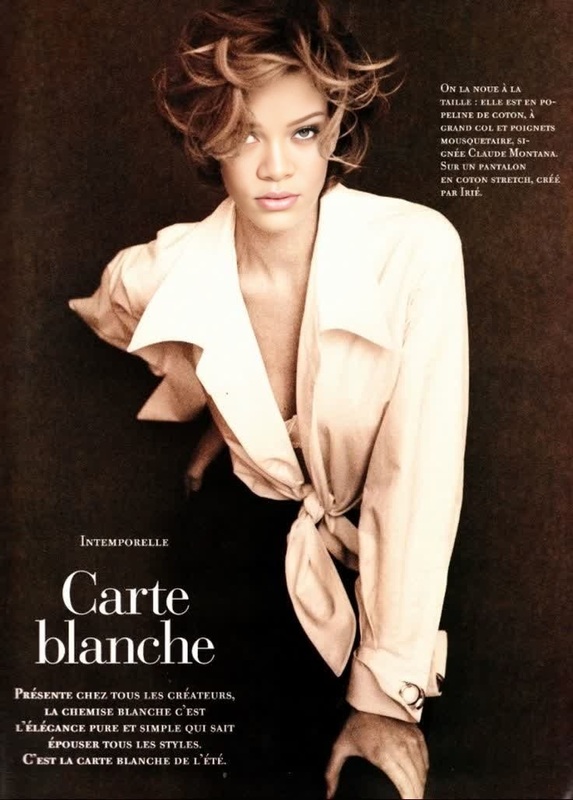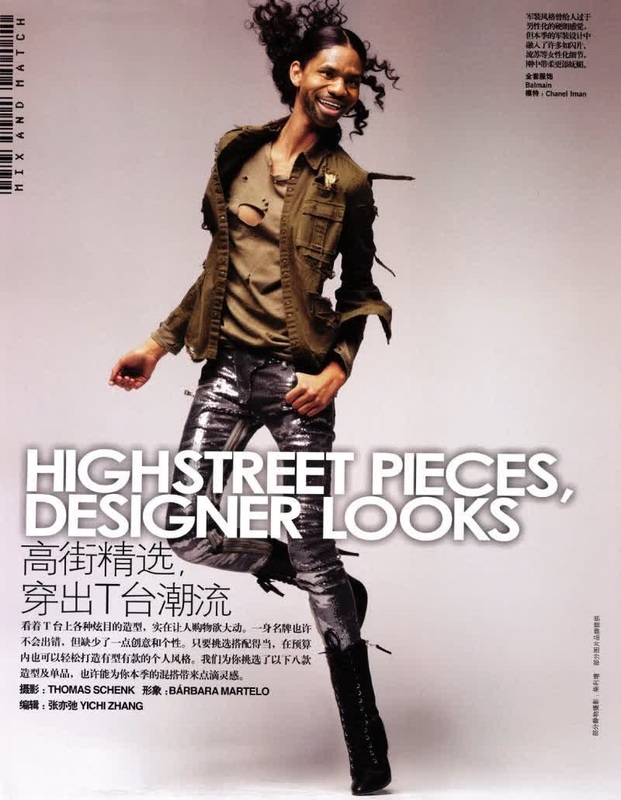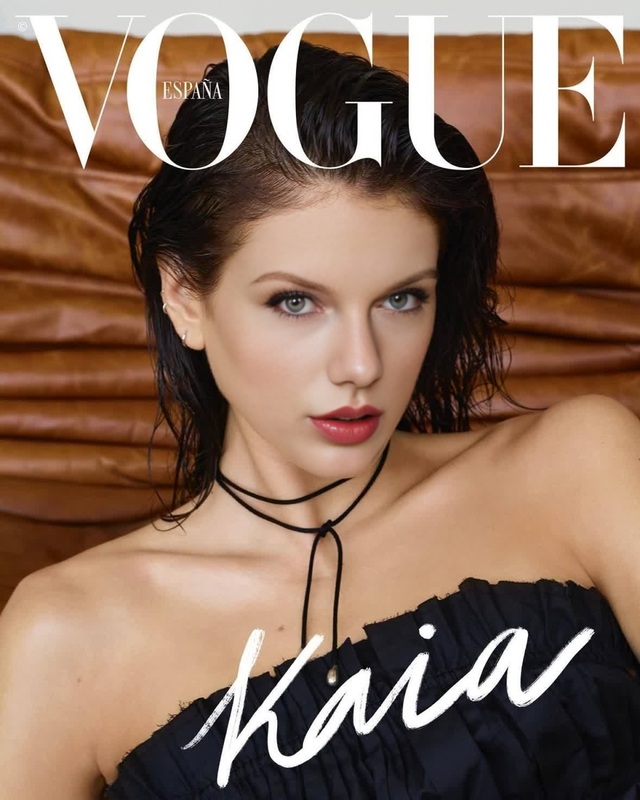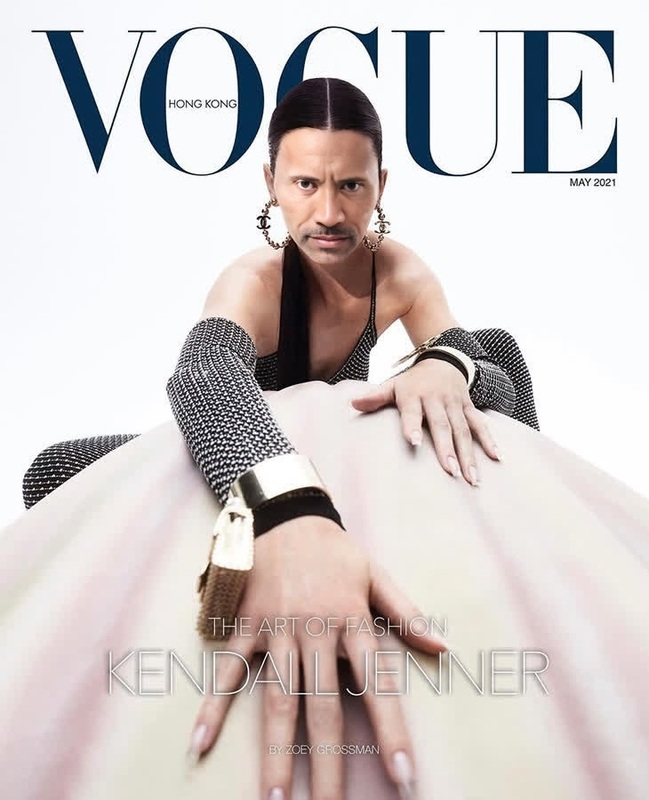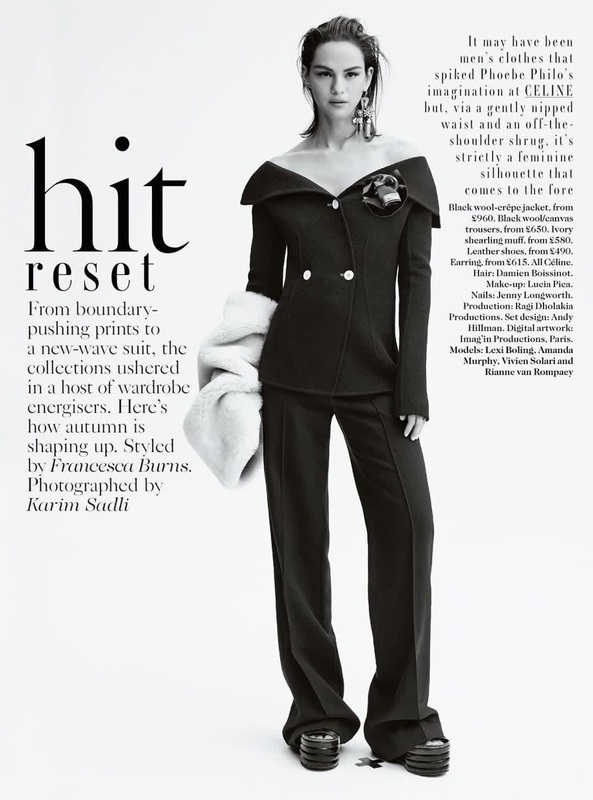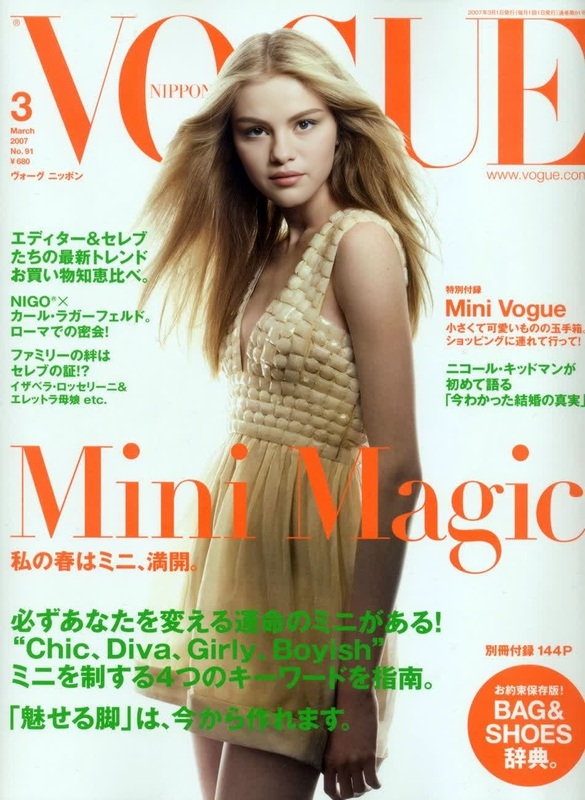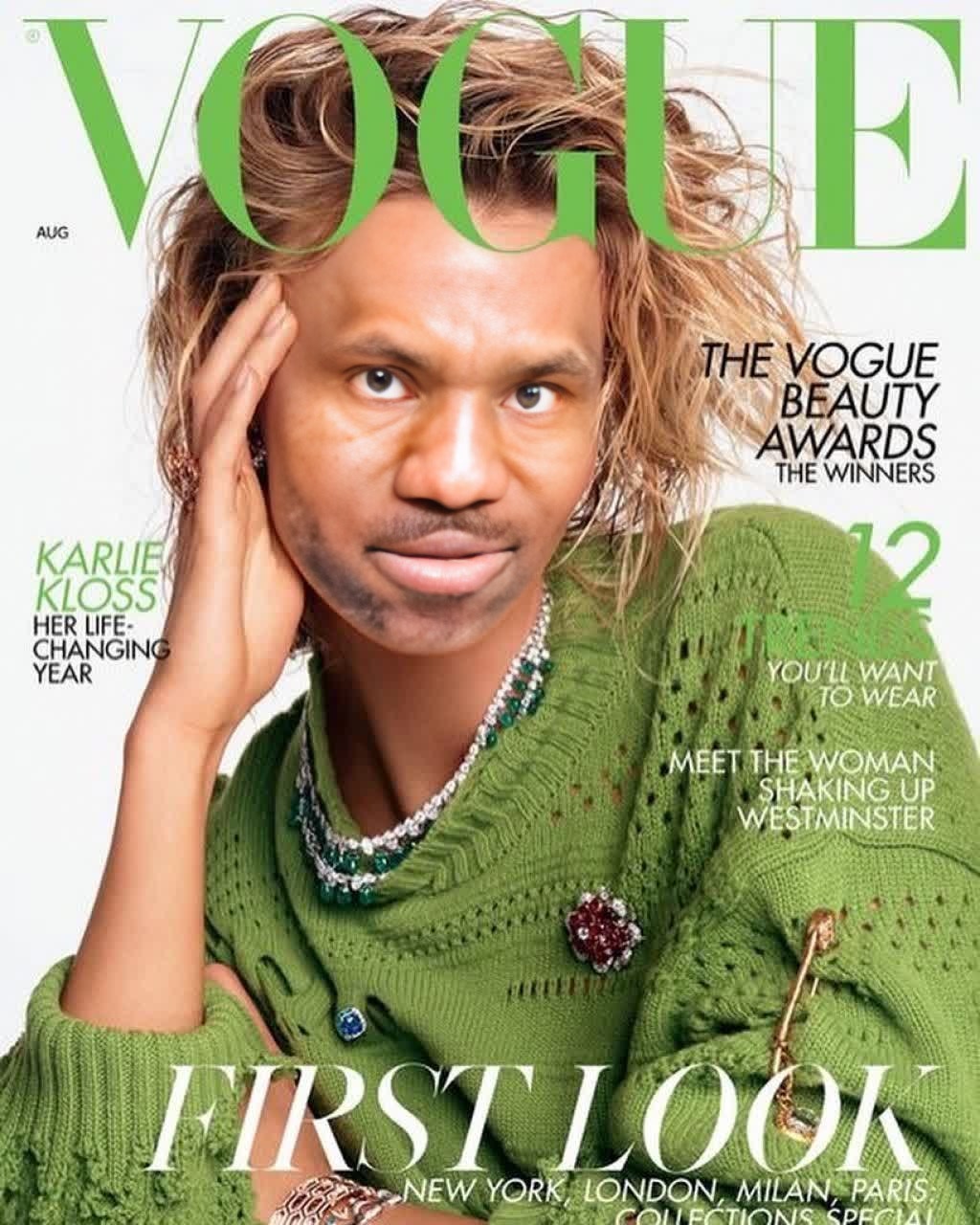
Karlie Kloss Vogue Editorial Portrait
face-swap
Any aspect ratio
Tags
transformationsCreate Ultra-Realistic Face Swap Videos in Minutes
This template was built with Magic Hour’s Face Swap engine to turn a simple source video into a completely new, hyper-realistic character. It’s ideal for:
- Creators and editors who need fast, high-quality face replacements
- Marketers and growth teams testing multiple “faces” for the same ad
- Founders and solo builders producing scalable content without a full production team
- Developers prototyping AI video workflows or tools
Because it’s powered by Face Swap, you can remix this template into your own version in a few clicks—no manual masking, rotoscoping, or VFX skills required.
What This Template Does
This template shows how to:
- Replace the face in any video with a new one (your own, an actor, or an AI-generated identity)
- Preserve original expressions, lighting, motion, and camera movement
- Keep body, environment, and timing exactly the same
- Produce share-ready, realistic output that works for social, ads, product explainers, and UGC-style content
Under the hood, it uses Magic Hour’s Face Swap model to track the subject frame-by-frame, align the new face, and blend it seamlessly so it feels native to the original footage.
How to Remix This Template in Magic Hour
You can create your own version of this template in a few steps:
Open the Face Swap Video Creator
Go to the Face Swap Video page. This is where you’ll upload your base video and define the face you want to swap in.Upload Your Source Video
- Use a clear video where the subject’s face is visible for most of the clip.
- Natural or even lighting, minimal motion blur, and a frontal or ¾ view typically produce the best results.
- Shorter clips process faster, which is useful when iterating on creative variations.
Add the New Face
You have several options for the “target” face you want to swap in:- Upload a portrait or selfie of the person you want in the video
- Use a photo created with the AI Image Generator or AI Photo Generator
- Import a polished avatar created with the AI Headshot Generator or Avatar Generator
For best results, use:
- A front-facing or slight-angle image
- High resolution (you can enhance older or low-res photos with the AI Image Upscaler)
- Good lighting and clear facial features
Generate Your Face Swap
Once your video and face image are uploaded, run the Face Swap and let Magic Hour handle:- Facial tracking and alignment
- Expression transfer
- Lighting and color matching
- Seamless blending into the original footage
When it’s done, preview the result and iterate with different faces, images, or source videos as needed.
Export and Reuse as a Template
- Download the final video for use on social, in ads, product demos, or internal content.
- Keep your preferred face images, video formats, and creative patterns as a “playbook” you can reuse across campaigns.
- Remix again by swapping in new faces or base videos while preserving the same style and pacing.
Ideas for How to Use This Face Swap Template
This template is intentionally flexible so you can adapt it to real use cases:
Performance Creative & Ads
- Run the same script with multiple faces to test which persona converts better.
- Localize campaigns by swapping in region-specific spokespeople while keeping the same winning video structure.
Founder / Expert Clones
- Put your own face on different bodies or outfits for “everywhere at once” founder content.
- Use the AI Clothes Changer or AI Fashion Generator to design alternate outfits before you even film.
UGC-Style Content at Scale
- Take one strong UGC-style video and swap faces to simulate multiple “creators.”
- Pair with AI Voice Cloner or AI Voice Generator so each variant has a unique voice and identity.
Product Demos and Tutorials
- Keep the same demo footage and swap in a brand ambassador or team member.
- Use Auto Subtitle Generator to add subtitles and make the content more accessible and performance-ready.
Content Localization & Personalization
- Create region-specific or persona-specific versions of the same core video asset.
- Combine face swaps with AI Talking Photo or Lip Sync for dubbed or multilingual content.
Entertainment, Memes, and Social Clips
- Drop yourself into movie scenes, music videos, or memes.
- Turn short clips into animated GIFs with Face Swap for GIFs or the AI GIF Generator.
- Use the AI Meme Generator to quickly caption and repurpose your swaps.
Advanced Workflows and Combinations
For teams who want to build more complex pipelines, this template plays well with other Magic Hour tools:
Generate the Face → Then Swap It
- Design a character with the AI Face Generator, AI Anime Generator, or AI Character Generator.
- Use that generated image as the target face in your face-swapped video.
From Image to Full Motion
- Start with a static portrait, enhance or edit it using the AI Image Editor, then:
- Animate it with Image to Video or Text to Video.
- Apply Face Swap on top of a live-action base clip for hybrid or stylized effects.
- Start with a static portrait, enhance or edit it using the AI Image Editor, then:
Talking Avatars and Lip Sync
- Use AI Talking Photo to make a static face talk.
- Refine mouth movements with Lip Sync.
- Face swap that talking avatar onto real footage using Face Swap Video for highly controllable spokesperson content.
Stylized or Animated Outputs
- Convert your face-swapped footage into different styles using:
- Animation for cartoon or motion-graphics-style looks
- Video to Video for stylized transformations while preserving motion
- AI Art Generator or AI Illustration Generator for unique reference frames
- Convert your face-swapped footage into different styles using:
Cleanup and Quality Enhancement
- Remove unwanted elements with the AI Remover or Remove Object from Photo before turning stills into video.
- Fix blur with Unblur Image to ensure face images are crisp before swapping.
- Upscale and sharpen finished clips with the Video Upscaler for higher-resolution exports.
Best Practices for High-Quality Face Swap Results
To get the most out of this template and similar workflows:
Start with Clean Inputs
- Clear, well-lit source videos and high-res face images dramatically improve realism.
- If you’re using older or low-quality photos, enhance them first with AI Image Upscaler or restore them with Old Photo Restoration.
Match Poses and Angles
- Try to match the pose, age range, and general expression between the base video and target face.
- Consistent angles reduce distortion and help the model blend features more naturally.
Stay On-Brand and On-Use-Case
- For commercial work, consider generating or commissioning dedicated brand avatars using:
- AI Headshot Generator for professional looks
- Avatar Generator or Full Body Generator for more stylized characters
- For commercial work, consider generating or commissioning dedicated brand avatars using:
Handle Rights and Permissions Responsibly
- Only swap faces you have the legal and ethical right to use.
- For public-facing campaigns, prefer synthetic or explicitly licensed faces rather than real private individuals.
Related Templates and Tools to Explore
If you like this Face Swap template, you may also want to explore:
- Face Swap Video – Core template for realistic face replacement in video
- Lip Sync – Sync mouth movements to any audio for talking-face content
- Video to Video – Transform existing footage while preserving motion and composition
- Animation – Convert concepts or visuals into fully animated sequences
For building more complex content systems around your videos:
- AI Selfie Generator – Rapidly create on-brand, share-ready selfies you can later swap into footage
- AI QR Code Generator – Add scannable CTAs and growth loops to your face-swapped videos
- Thumbnail Maker – Generate optimized thumbnails for YouTube, TikTok, and campaigns featuring your new face-swapped personas
Use this template as a practical starting point: upload your own footage, swap in your own face (or a synthetic persona), and quickly iterate to find what performs. Remix it as many times as you need—Face Swap in Magic Hour is built to support high-volume, experimental, and data-driven creative work.