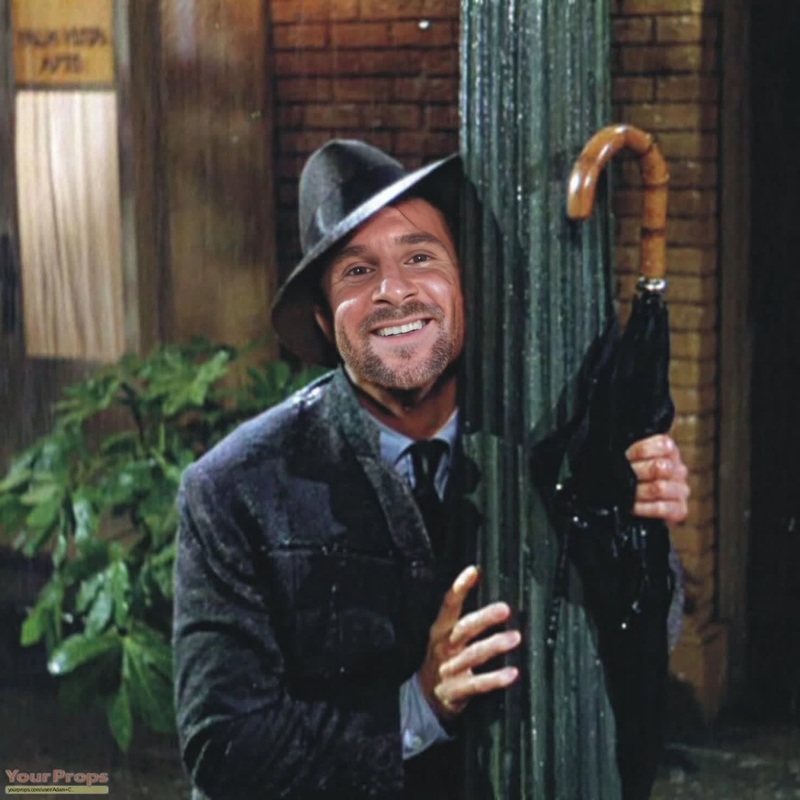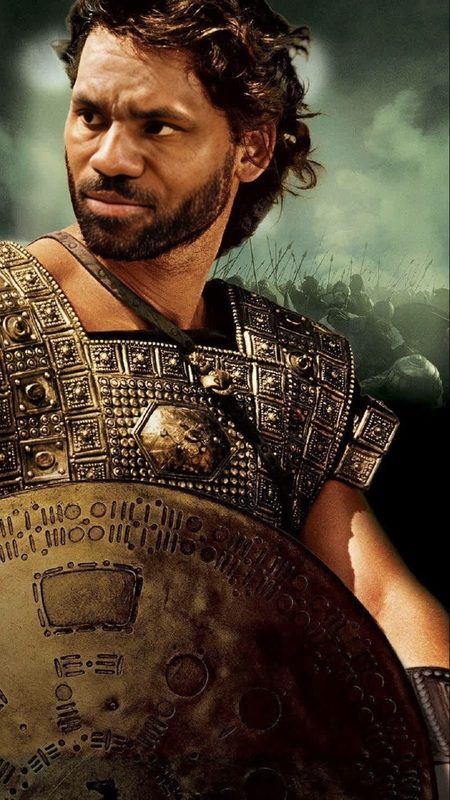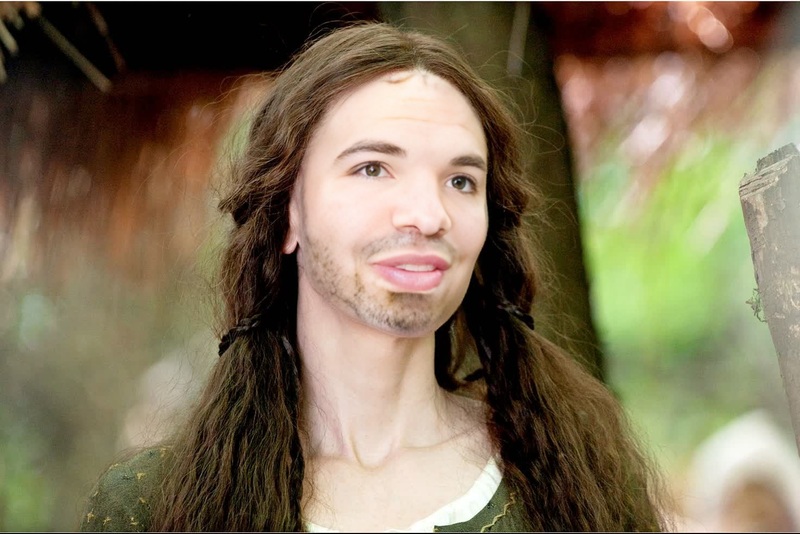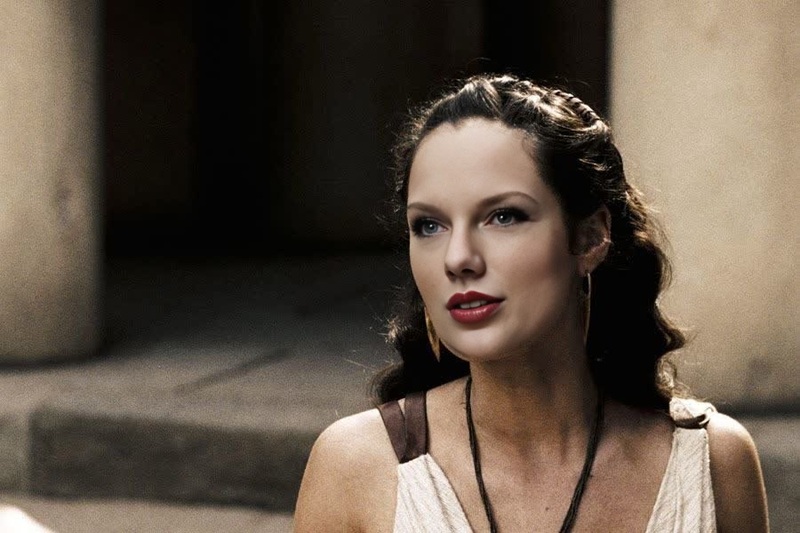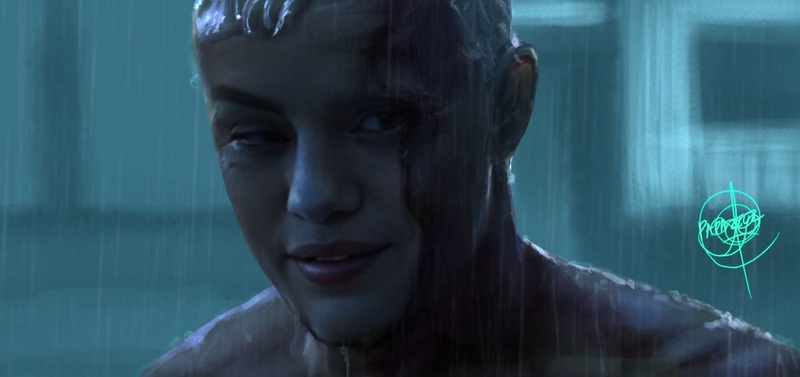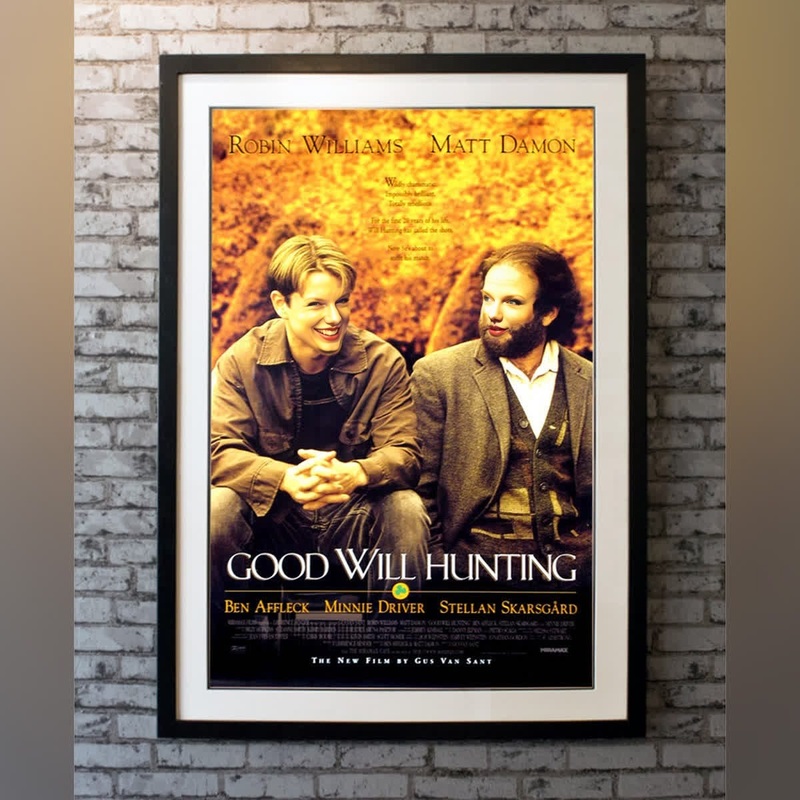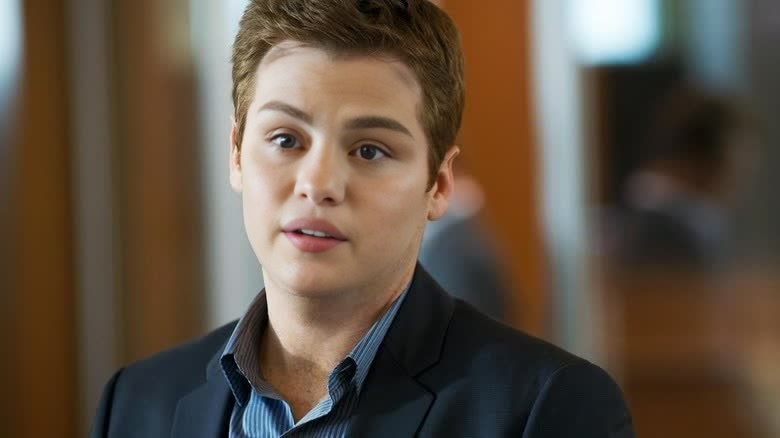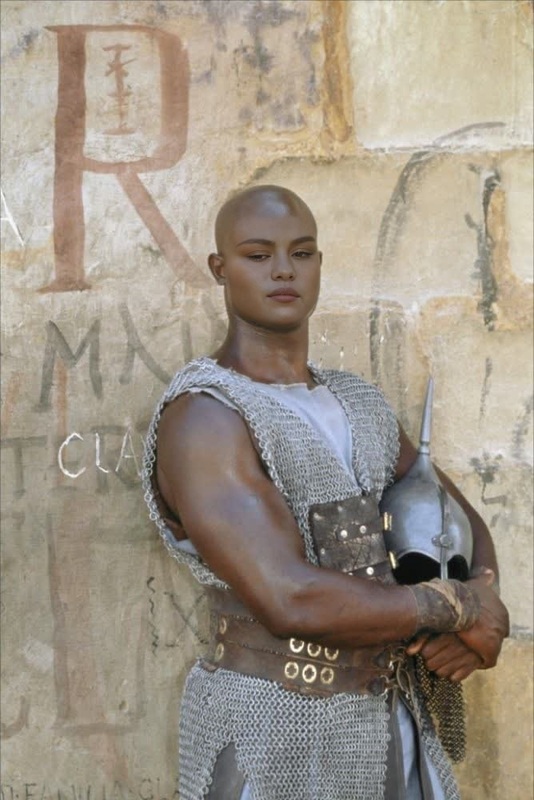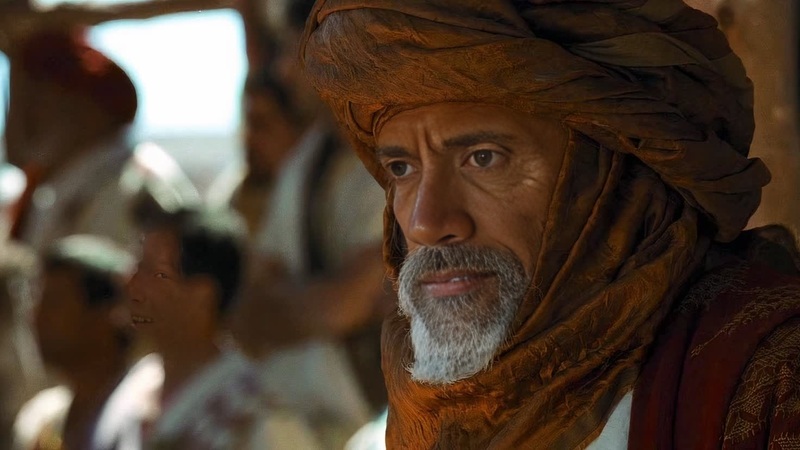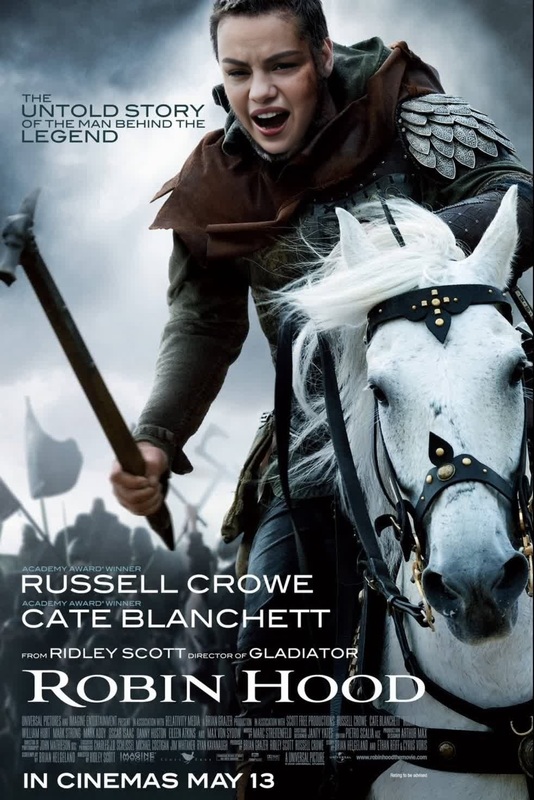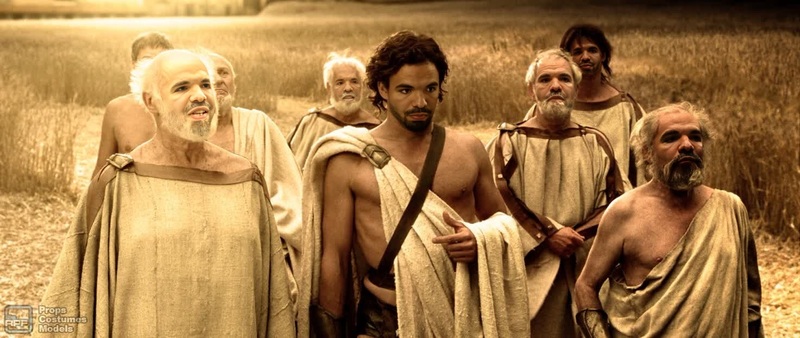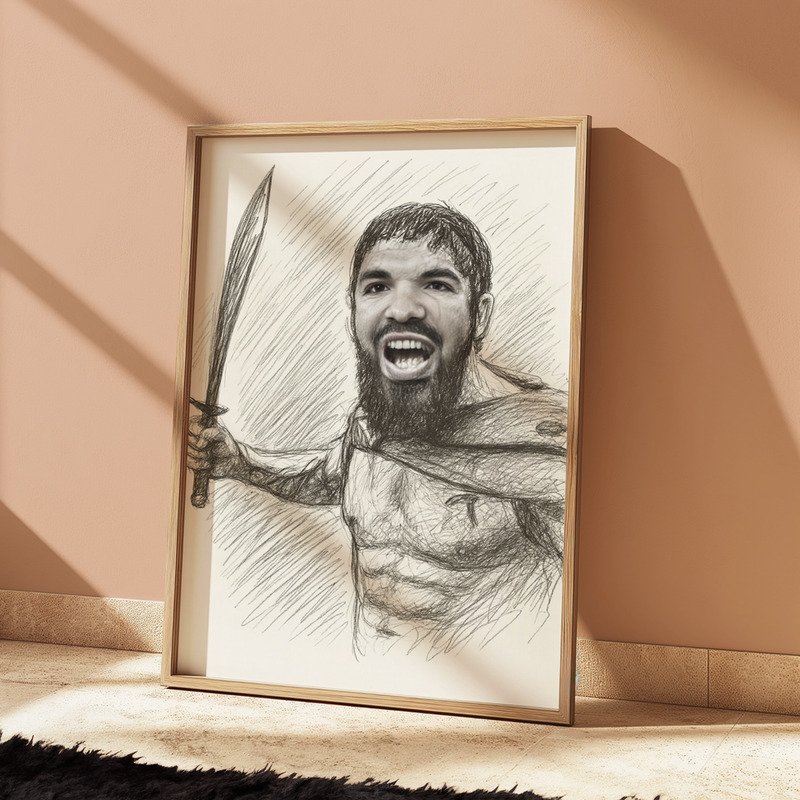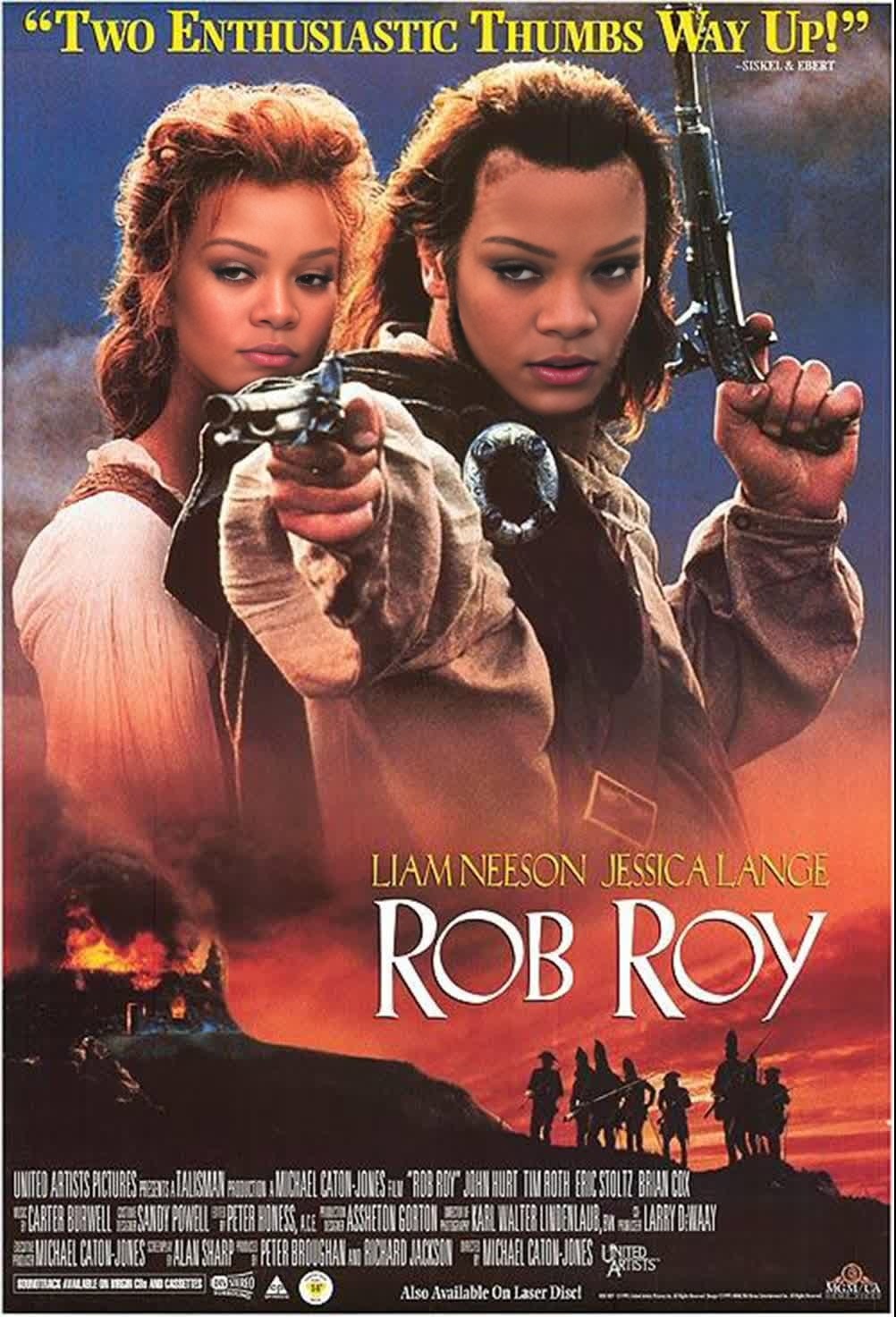
Rob Roy Film Portrait
- Image
- 1002 × 1472 px
Any aspect ratio
Overview
The Rob Roy Film Portrait template lets you create captivating videos by swapping faces into a classic film-style portrait. Perfect for enhancing narratives or adding a cinematic flair, this Video Face Swap tool transforms how your audience perceives your content.
What It Does
This template harnesses advanced video face swap technology to place your subject's face into a Rob Roy film portrait. It alters video frames in real time, preserving facial expressions and details to maintain authenticity. Explore more with our Face Swap solutions.
Who It's For
The Rob Roy Film Portrait is ideal for creators in film, advertising, or social media who want to add a unique edge to their projects. Whether you're working on a product demo or an explainer video, this template gives your content an artistic touch.
Summary
Overall, the Rob Roy Film Portrait template provides a creative avenue for storytelling through video face swap technology. By utilizing this template, you can produce incredibly engaging content that stands out. Discover similar tools in our AI Video Generator lineup.
How To

Customize Inputs

Generate Video

Use Cases
Film Projects
- Historical dramas
- Period pieces
Social Media Content
- TikTok challenges
- Instagram reels
Marketing Campaigns
- Creative ads
- Branded content
Best Practices
Ensure High-Quality Source
Using high-resolution videos as source material will improve the final output quality.Adjust Lighting and Angles
For best results, ensure that the angle and lighting conditions match well between the source video and the target face.Review for Consistency
After generating your video, review the face swap to ensure facial expressions are consistent and realistic.