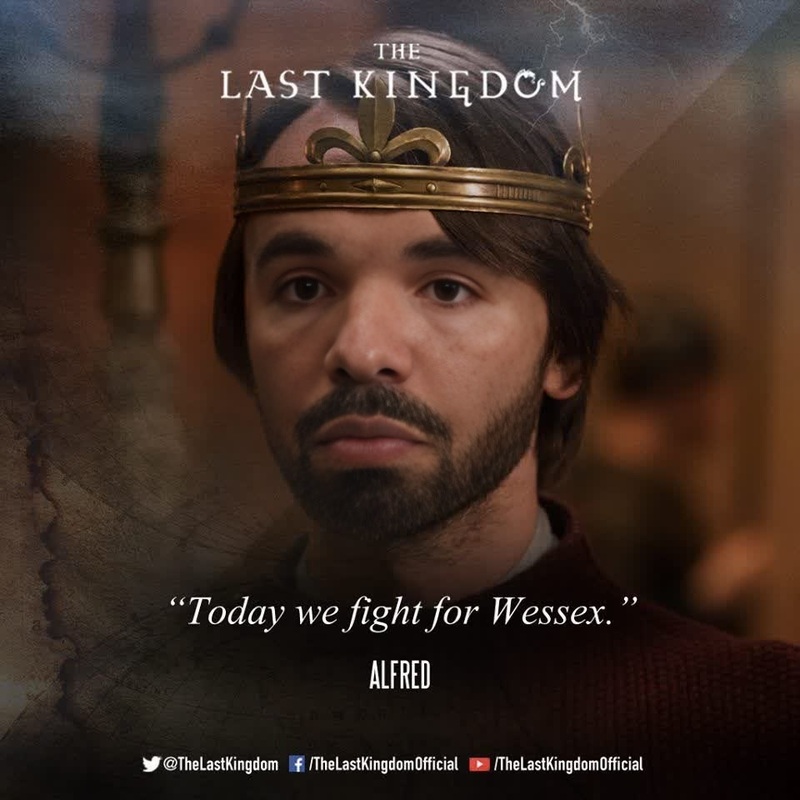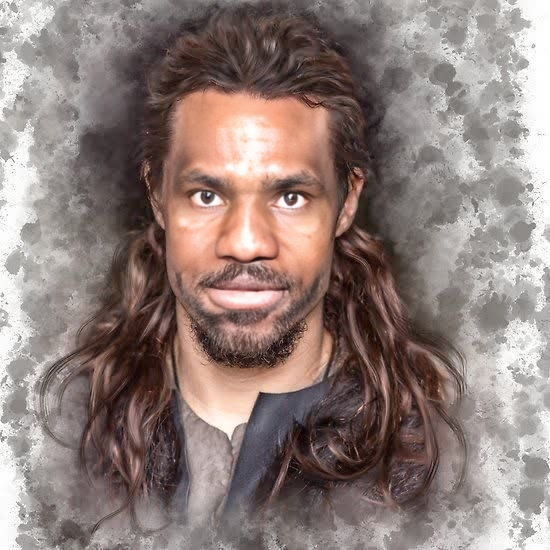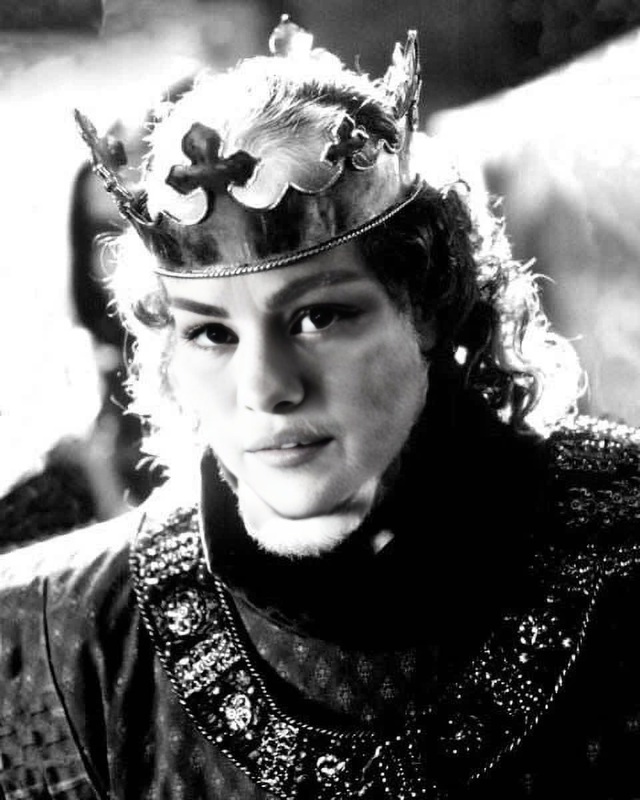
Robert The Bruce Braveheart Portrait
- Image
- 780 × 438 px
Any aspect ratio
Overview
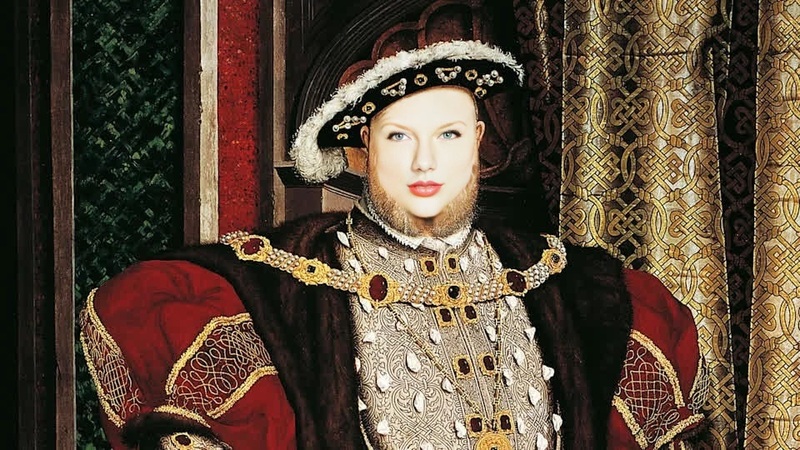
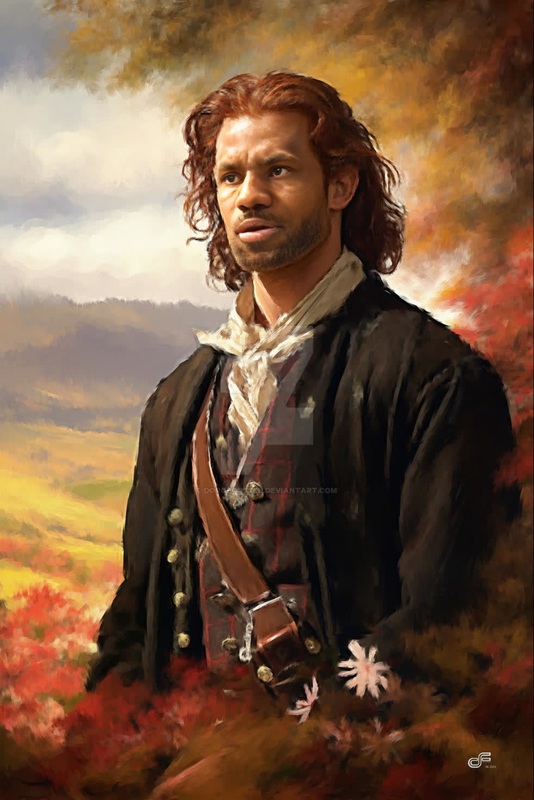
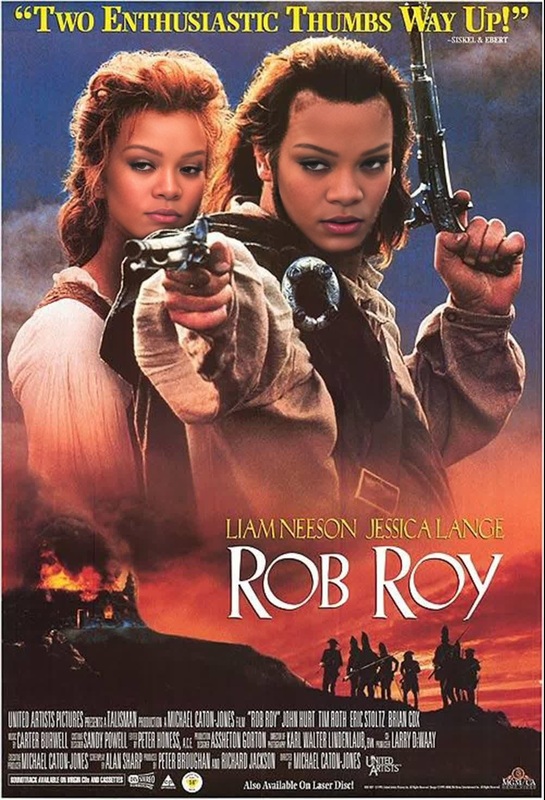
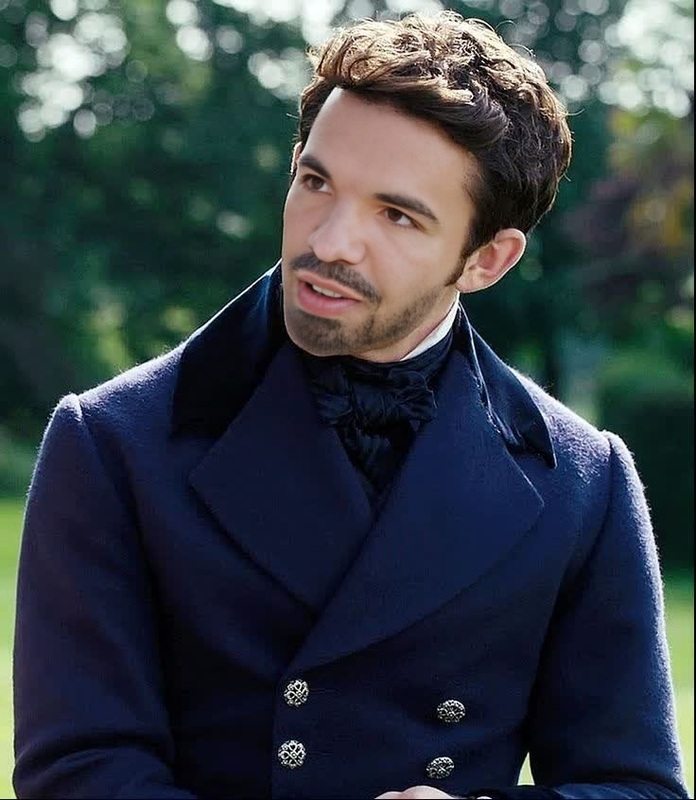
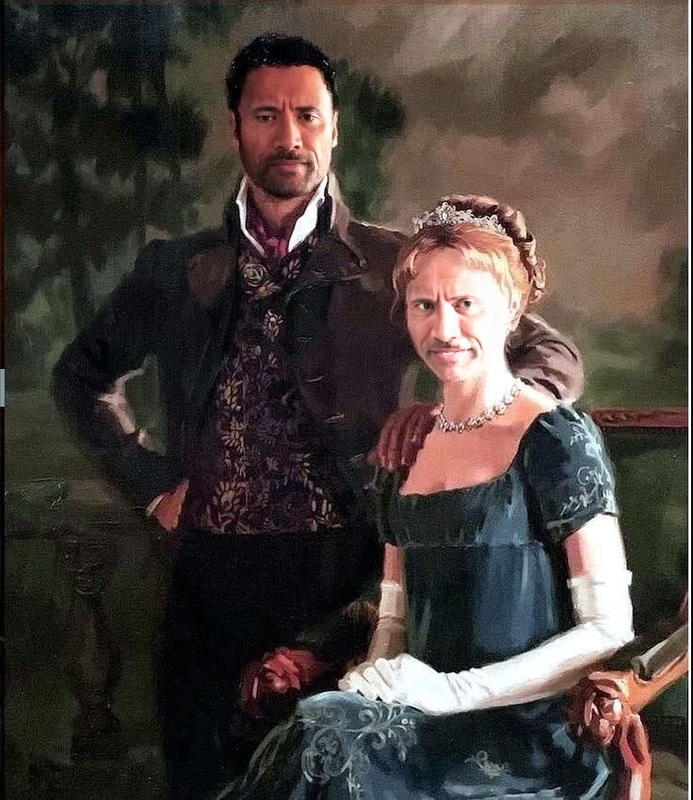
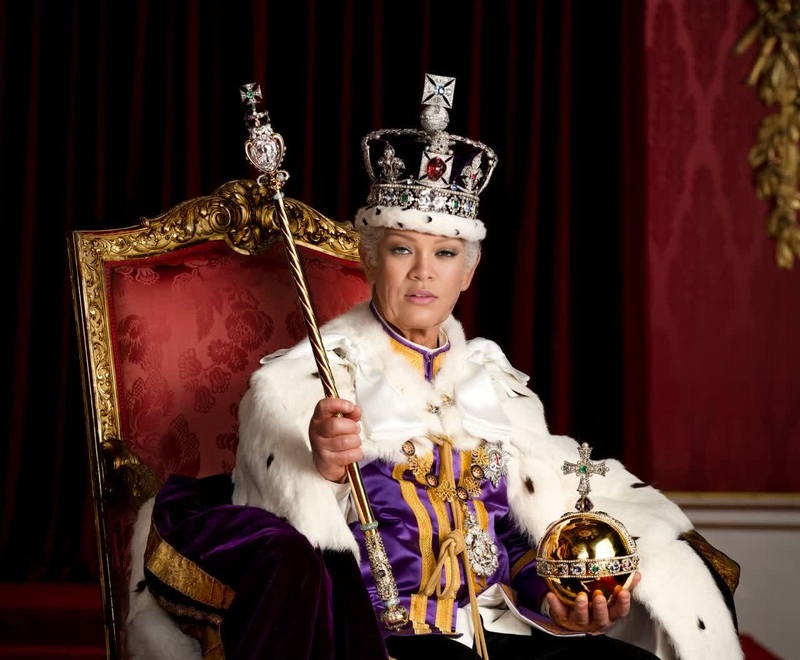
Step into the world of historical transformations with our Robert The Bruce Braveheart Portrait template. This Video Face Swap tool allows you to merge your features seamlessly into a Braveheart-style portrait video, providing a unique and creative way to capture attention. Perfect for captivating content creation, it adds a playful twist to your videos by integrating iconic historical imagery.
What It Does
The Robert The Bruce Braveheart Portrait template enables users to swap the faces in a video and replace them with a stylized portrait reminiscent of Robert The Bruce. Utilizing advanced Video Face Swap technology, this tool integrates your likeness into the template, resulting in engaging and entertaining video content. The output is perfect for sharing on social media or incorporating into creative projects.
Who It's For
This template is ideal for content creators, social media influencers, and anyone interested in video editing who wants to add a unique, historical twist to their content. Whether you're a professional editor or a hobbyist experimenting with Image to Video transformations, this template provides a fun and creative outlet. It's also suitable for educational purposes, making history more engaging.
Summary
Transform your videos into compelling historical narratives with the Robert The Bruce Braveheart Portrait template. By utilizing our Face Swap capabilities, you can create stunning videos that both entertain and educate. This tool bridges the gap between technology and creativity, offering a new perspective on familiar stories.
How to Use
Choose the Template

Customize Your Input

Generate Your Video

Use Cases
Social Media Content
- Engage viewers with historically themed videos.
- Enhance Instagram and TikTok presence.
Educational Videos
- Bring historical figures into lessons visually.
- Animate classroom content for greater impact.
Marketing and Promotions
- Design unique video ads with a historical flair.
- Capture audience attention in innovative ways.
Best Practices
Choose High-Quality Source Material
Use high-resolution videos to ensure the swap integrates seamlessly.Align Facial Features Accurately
Pay attention to facial alignment for natural-looking results.Experiment with Different Angles and Lighting
Test various video takes to find the most dynamic results.