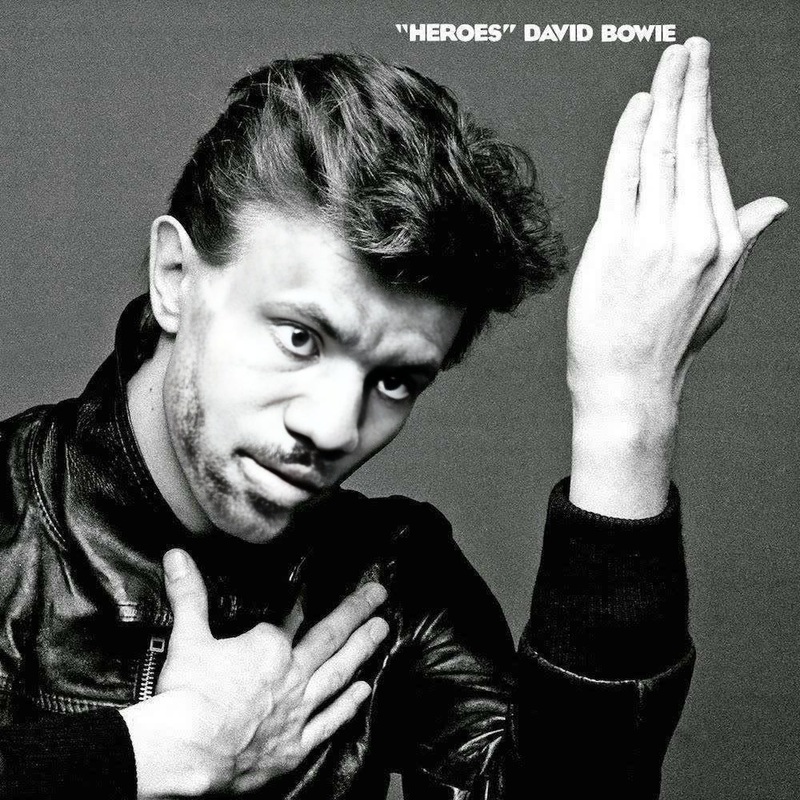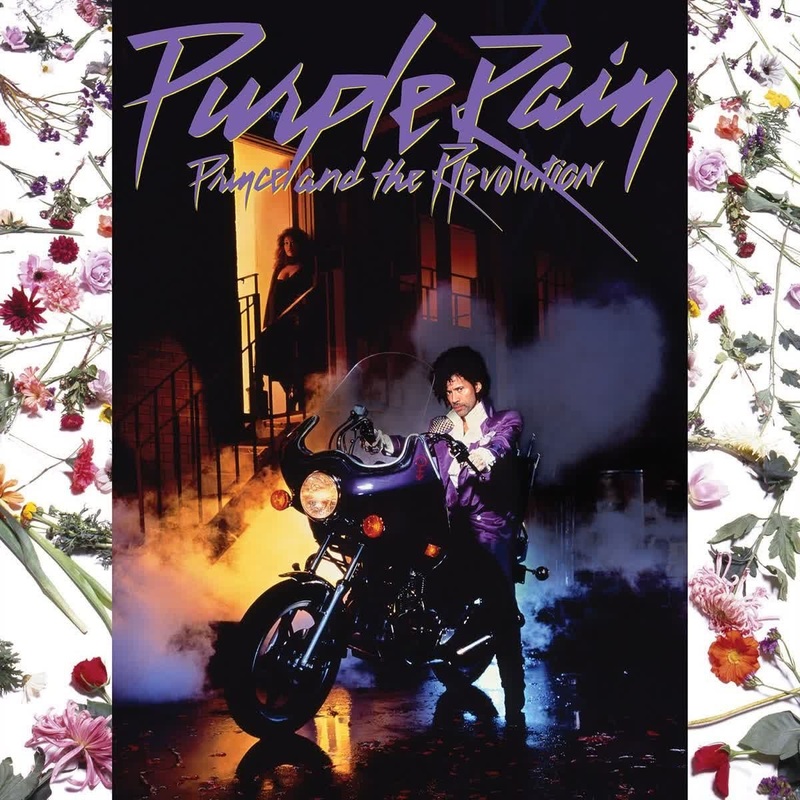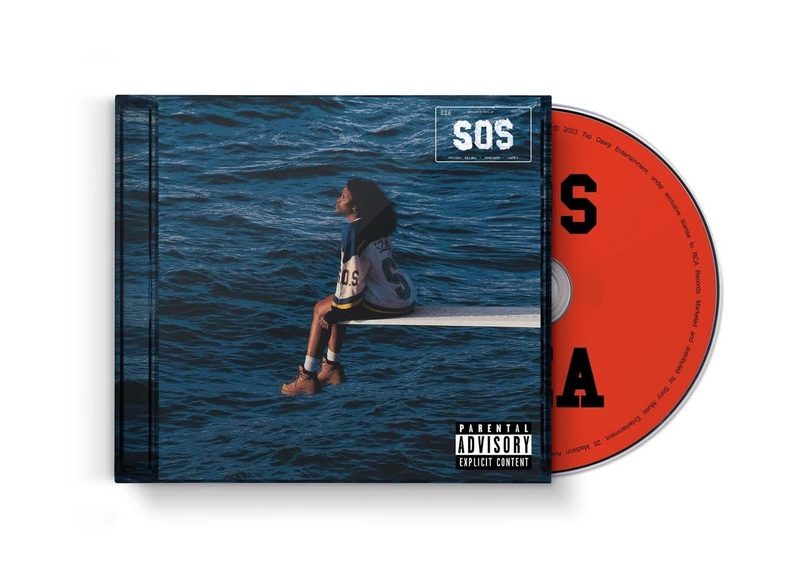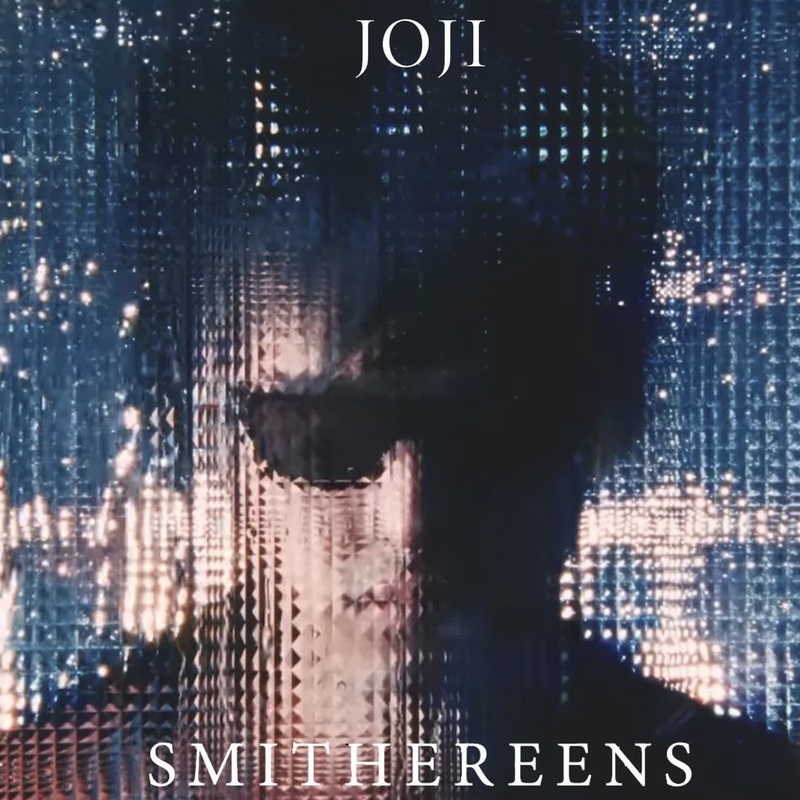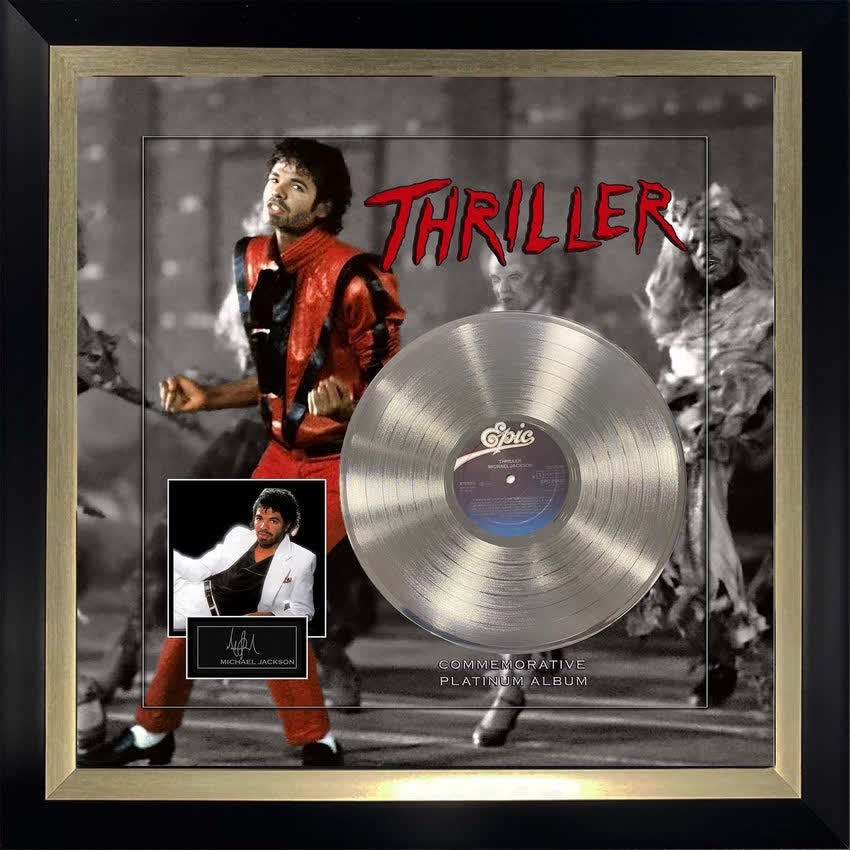
Michael Jackson Thriller Album Cover Portrait
- Image
- 850 × 850 px
Any aspect ratio
Overview
Step into the iconic world of Michael Jackson with our Video Face Swap template. This tool allows you to place your own face onto the legendary Thriller album cover, bringing a touch of pop history into your personal projects. Perfect for videos that demand a creative twist or a unique homage to music history.
What It Does
The Michael Jackson Thriller album cover template transforms any video by swapping faces with the pop legend. It provides a realistic integration thanks to our advanced face-mapping technology. Experiment with the template to create something memorable and align it with other Video Swap tools for a cohesive project outcome.
Who It's For
This template is designed for creators, fans, and influencers who want to add a splash of nostalgia to their content. Whether you're a social media influencer, a music video director, or just a fan of Michael Jackson, this template will help you craft engaging, shareworthy content.
Summary
Bring your videos to life by transforming yourself into a cornerstone of pop music history. Our Thriller album cover face swap template is a versatile tool that's compatible with projects using our AI Image Editor or perhaps a Video Generator to push creative boundaries further.
How To
Choose the Template

Customize Your Inputs

Generate Your Video

Use Cases
Social Media Content
Music Video Tributes
Event Promotions
Best Practices
Ensure Good Lighting
Make sure the video or photo is well-lit for the best facial recognition.Align Carefully
Double-check the alignment points for a seamless integration.Use High-Resolution Images
Opt for the highest quality files possible for the best results.