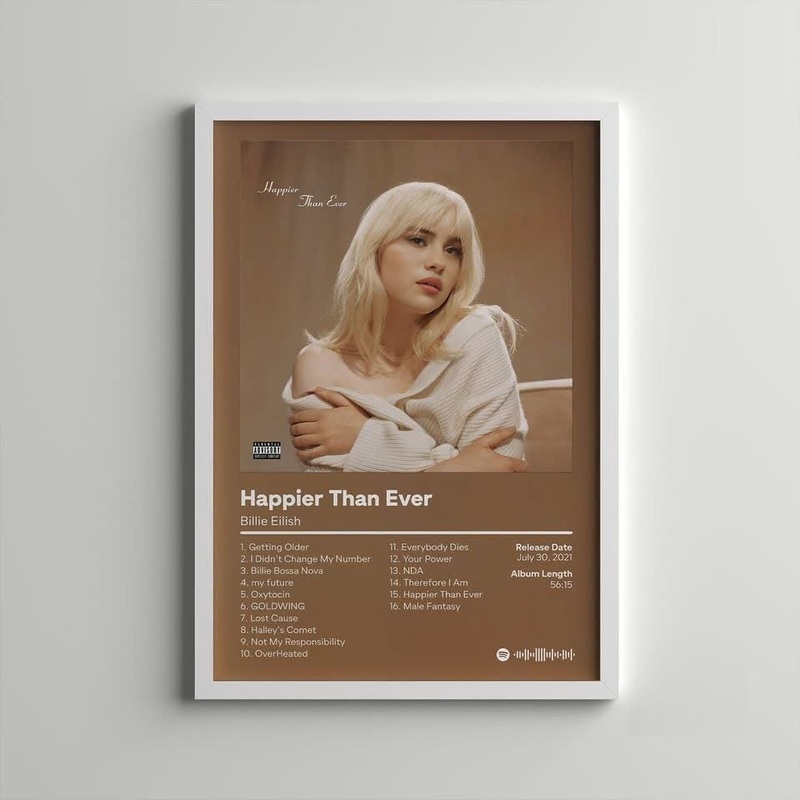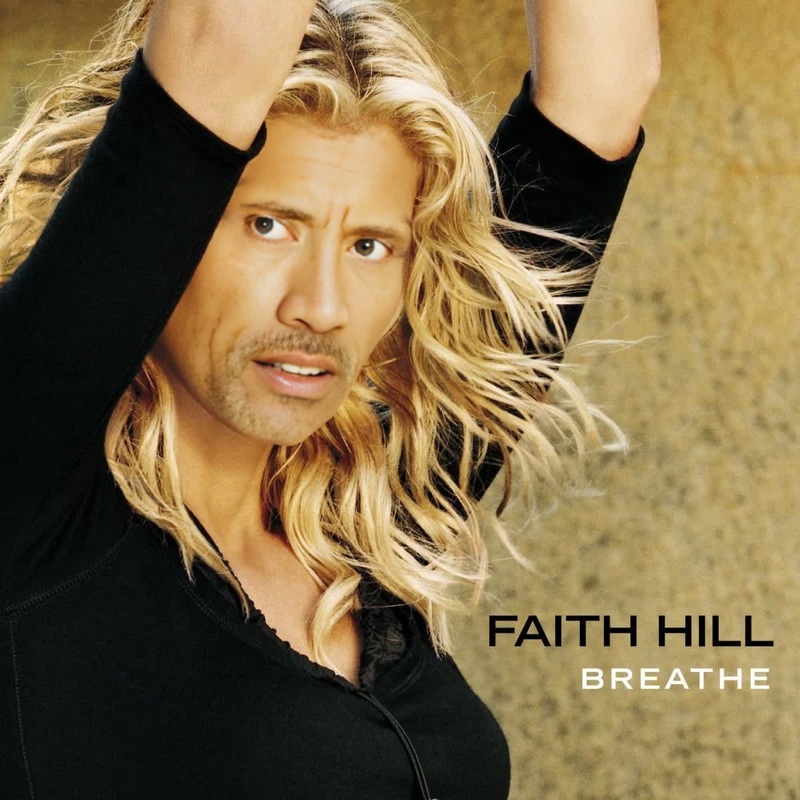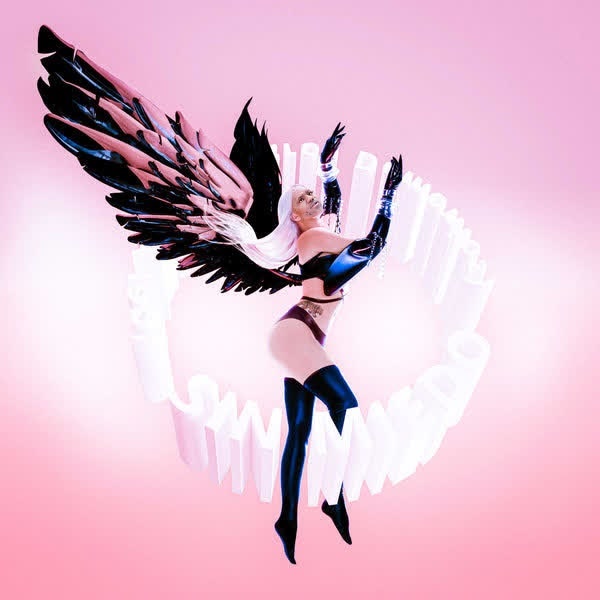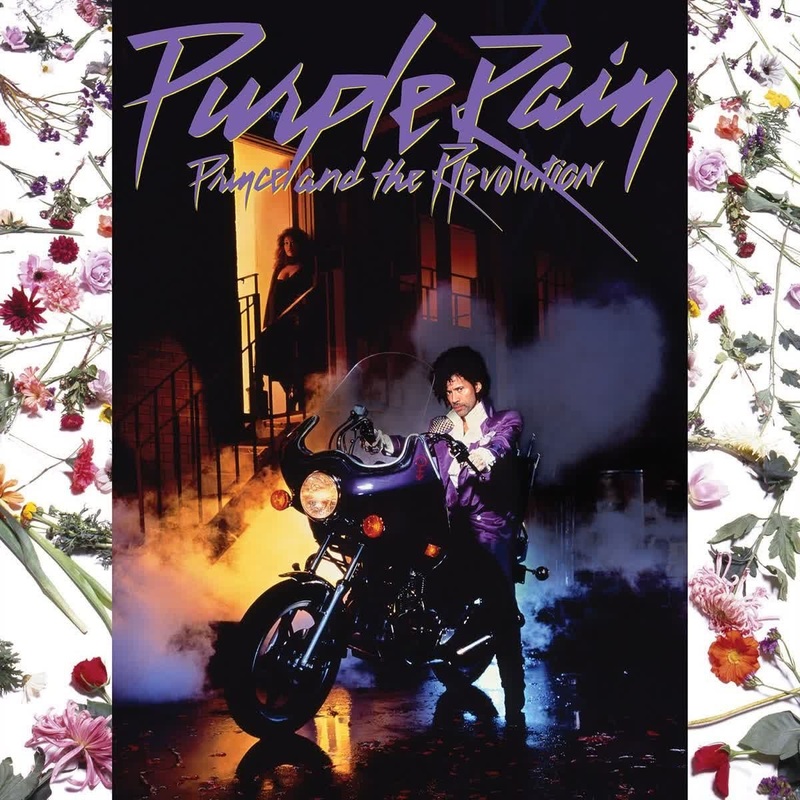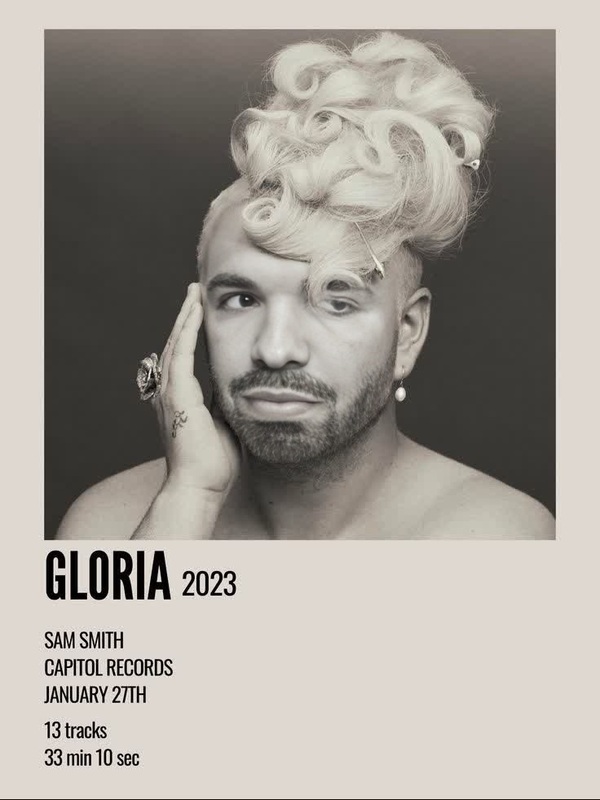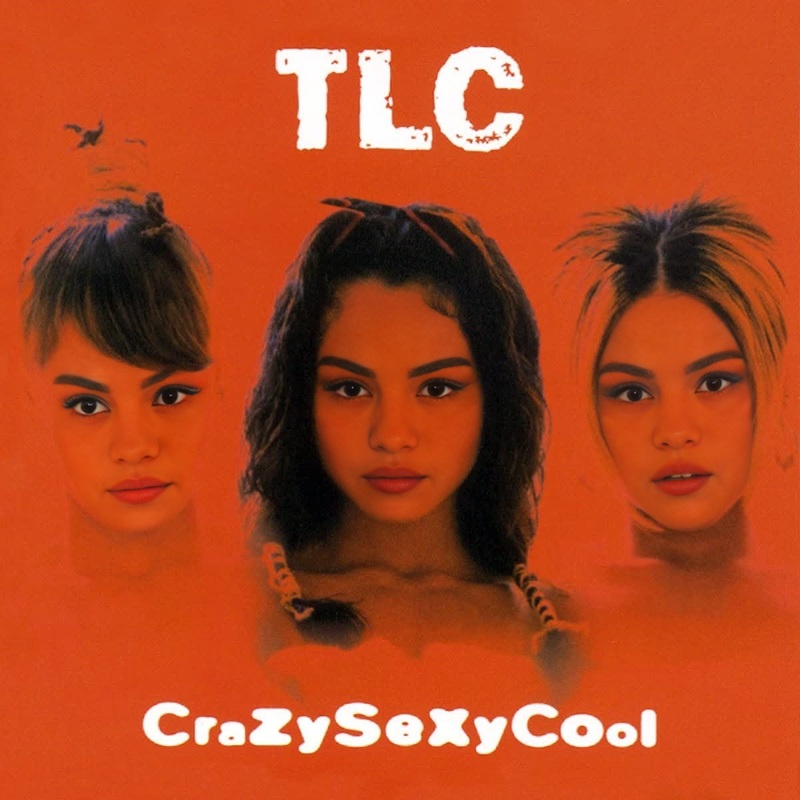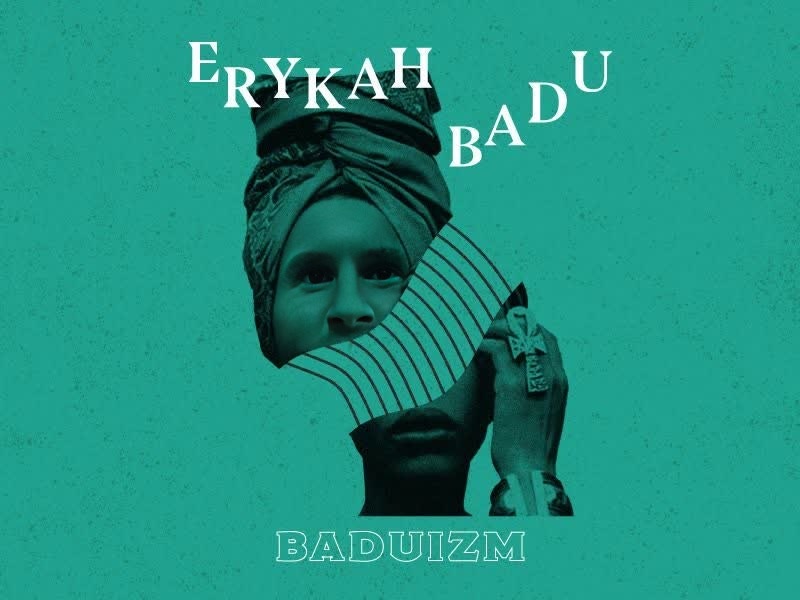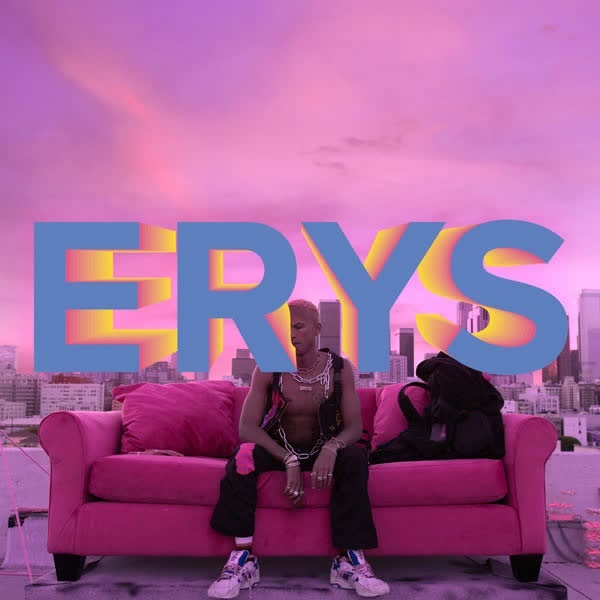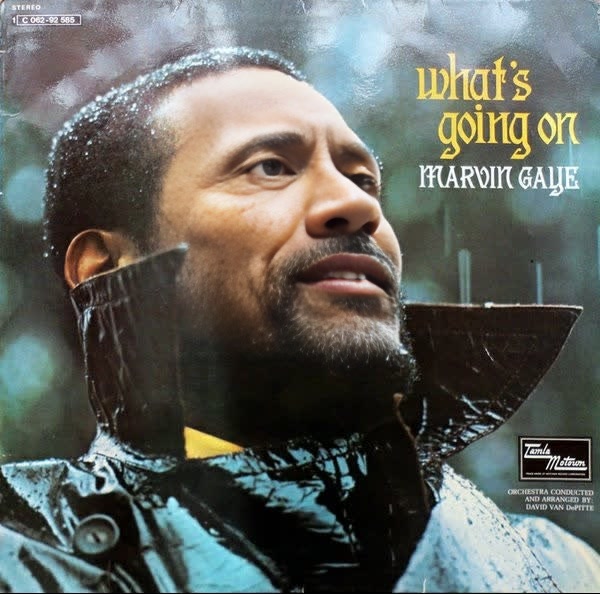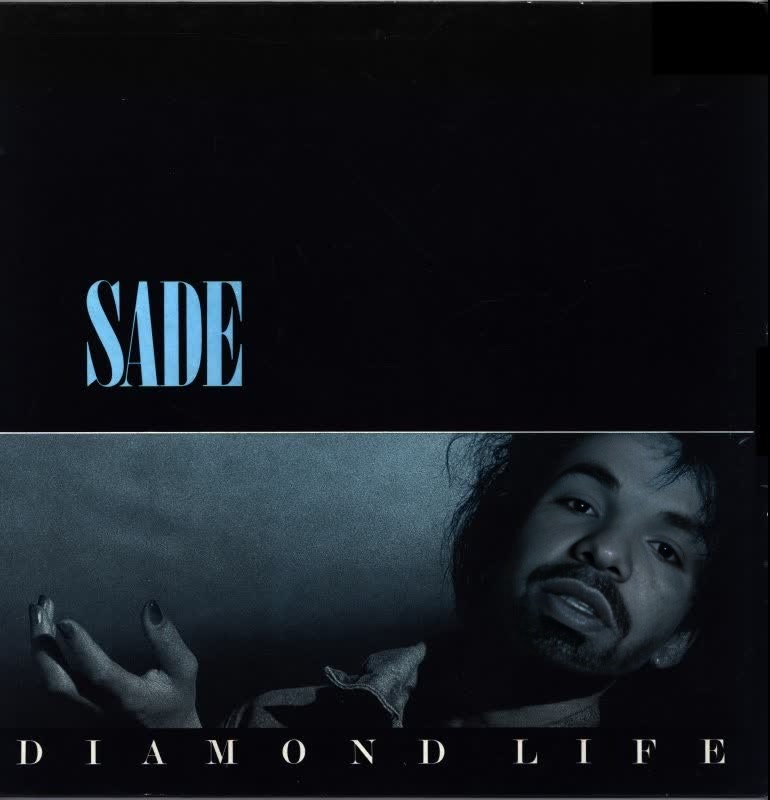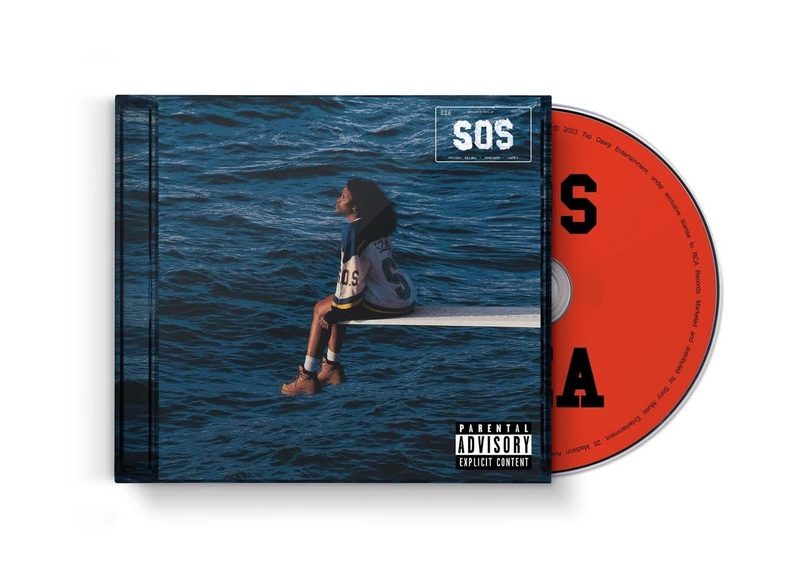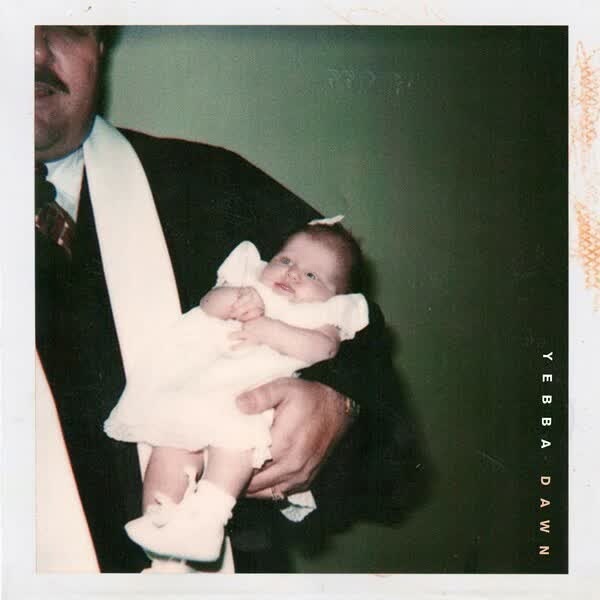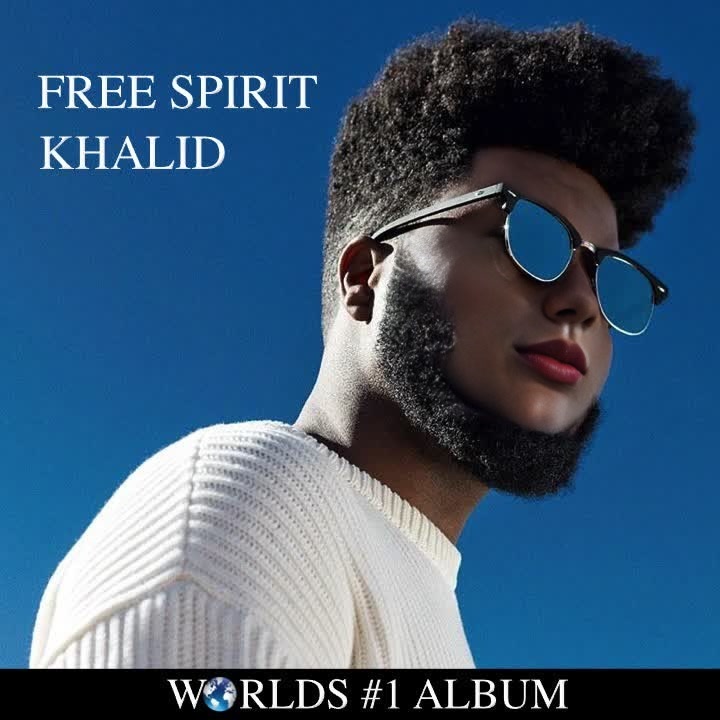
Khalid Free Spirit Album Cover Portrait
face-swap
Any aspect ratio
Tags
transformationsTurn Any Video Into a Face Swap Clip in Minutes
This template shows how to create a clean, realistic AI face swap video using Magic Hour’s Face Swap Video tool. You can remix this template directly, or use it as a pattern to build your own reusable workflows for content, marketing, and product demos.
What This Template Does
This template is built on Magic Hour’s core Face Swap technology and demonstrates how to:
- Replace the face in an existing video with your own, a team member’s, or a character
- Maintain the original expressions, lighting, and camera movement
- Keep the body, background, and audio intact
- Export a ready-to-publish video you can use across social, ads, or product pages
If you want to work with GIFs instead of full-length video, see Face Swap GIF.
How to Remix This Template in Magic Hour
You can create your own version of this template in a few steps:
Open Face Swap Video
Go to Face Swap Video.Upload Your Base Video
- Use any video where the subject’s face is reasonably visible.
- Ideal for: talking-head clips, UGC, testimonials, product explainers, memes, or short skits.
Choose the Face You Want to Insert
You can:- Upload a photo or frame of yourself or your talent
- Use assets you created with:
Generate the Swap
Magic Hour will analyze:- Facial structure and pose
- Movement across frames
- Lighting and color
…and then re-render the new face into the original footage to keep things coherent and realistic.
Review, Refine, and Export
- Check key frames where the face turns, moves fast, or is partially occluded.
- When satisfied, export and use in your editor, ad platform, or content stack.
You can repeat this process with different faces on the same base video to scale variants for A/B testing, localization, or personalization.
Practical Use Cases for Creators, Marketers, and Teams
This template is optimized for practical, production-like workflows:
Marketing & Growth
- Localize a single hero video with different “hosts” for each region.
- Test which persona (age, style, identity) converts best without reshooting.
- Turn a single founder video into multiple spokesperson variations.
Product & Onboarding
- Create internal training clips with a consistent face across departments.
- Build product tours where only the presenter changes, not the walkthrough.
- Keep UX demos up-to-date by swapping faces onto newer recordings.
Content & Social
- Turn memes and viral clips into branded content by swapping in your mascot or avatar.
- Create recurring characters for a series using Animated Characters Generator and then drop them into real footage.
- Produce safe, controllable parody and reaction content.
Founders & Solo Creators
- Keep your face on brand assets even when working with stand-ins or freelancers.
- Stay “on camera” without being available for every shoot.
- Prototype campaigns quickly before committing to studio production.
Combining Face Swap With Other Magic Hour Tools
You can extend this template into richer workflows by chaining other Magic Hour tools:
Turn Images Into Videos, Then Swap Faces
- Generate a still character with AI Image Generator or AI Photo Generator.
- Animate it with Image to Video or Text to Video.
- Then run Face Swap Video to experiment with different identities.
Create Talking Avatars and Spokespeople
- Use AI Talking Photo or Lip Sync to sync a static face to your voice.
- Clone or generate voices with AI Voice Cloner and AI Voice Generator.
- Swap faces onto those talking clips to quickly test different presenters.
Transform Style and Visual Identity
- Use Video to Video or Animation to stylize your footage (e.g., anime, comic, painterly), then apply face swap to keep identity consistent across styles.
- If you want characters instead of real people, generate them with AI Character Generator, AI Anime Generator, or Disney AI Generator.
Polish and Production-Ready Output
- Clean up or modify source images with AI Image Editor and AI Face Editor.
- Fix low-quality footage with Video Upscaler and AI Image Upscaler.
- Remove unwanted elements using Image Background Remover or Remove Object from Photo.
- Generate auto subtitles with Auto Subtitle Generator for accessibility and better watch-time.
Tips for More Realistic Face Swaps
To get results that hold up in production environments:
Start With Good Source Material
- Use base videos with clear, well-lit faces and moderate movement.
- Avoid heavy motion blur or faces constantly blocked by objects.
Use Clean, High-Resolution Face Images
- Provide a front-facing or slightly angled shot with neutral expression.
- Avoid sunglasses, heavy shadows, or filters that distort facial structure.
Keep Identity and Context Aligned
- Match the inserted face’s approximate age, lighting, and angle to the source footage for more natural results.
- For stylized or fantasy outputs, align your face assets with tools like AI Art Generator, Dark Fantasy AI, or AI Fashion Generator first.
Enhance Consistency Across Content
- For brands: generate a “canonical” face or mascot once via AI Face Generator or Full Body Generator, then reuse it across multiple videos with face swap.
- For series content: keep the same identity but change outfits using AI Clothes Changer or AI Outfit Generator.
Responsible and Legal Use
Modern face swap models are powerful and must be used carefully:
Consent & Rights
- Only use faces you have the right to use (your own, team members who agreed, licensed actors, or AI-generated faces).
- Avoid impersonation or misleading viewers about who appears in the video.
Disclosure
- For marketing and public content, clearly label AI-generated or AI-manipulated media. This is increasingly recommended by regulators and platforms.
- Many teams add a short disclosure caption or an end-screen noting AI-assisted edits.
Brand and Platform Policies
- Check your ad platform’s policies (Meta, Google, TikTok, etc.) for AI-generated media rules.
- Align with internal brand guidelines for authenticity and representation.
For deeper reading on responsible synthetic media, see resources such as the Partnership on AI’s guidelines on “Responsible Practices for Synthetic Media” and major platform policy docs on manipulated media.
Remix Ideas: Variations on This Template
You can fork this template concept into different vertical-specific versions:
SaaS & B2B
- One core product demo video, multiple “hosts” per audience segment (e.g., SMB, enterprise, technical buyers).
- Consistent founder presence in explainer videos, even when filmed months apart.
Education & Training
- Localized instructors for different markets without re-recording all lessons.
- AI-generated tutors or characters guiding learners through modules.
Entertainment, Games, and IP
- Turn user selfies into in-universe characters using Fantasy Map Generator, DND AI Art Generator, or Pokemon Generator, then map them onto game trailers or lore videos.
- Build recurring lore characters with AI Manga Generator or Comic Book Generator, animate them via Animation, then swap faces for variants.
Social & Creator Brands
- Consistent “virtual influencer” identity across Reels, Shorts, and TikToks.
- Branded meme templates using AI Meme Generator, then face swap your mascot into trending formats.
Related Tools to Explore
If you’re building a larger synthetic media pipeline around face swaps, these tools pair well:
Visual identity and artwork:
Image cleanup, restoration, and enhancement:
Creative character and style tools:
Getting Started
To adapt this template for your own workflow:
- Open Face Swap Video.
- Upload your base video and the face you want to insert.
- Generate, review, and export.
- Optionally chain with Lip Sync, Video to Video, Animation, or other tools listed above for more advanced pipelines.
Use this as a starting point, then iterate. The most effective creators standardize a few base video formats (product demo, short explainer, testimonial, meme) and use face swap to multiply them across audiences, personas, and channels without re-recording.