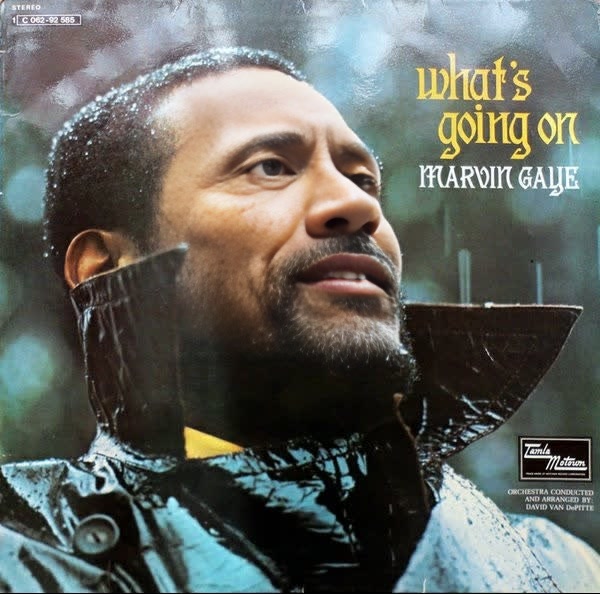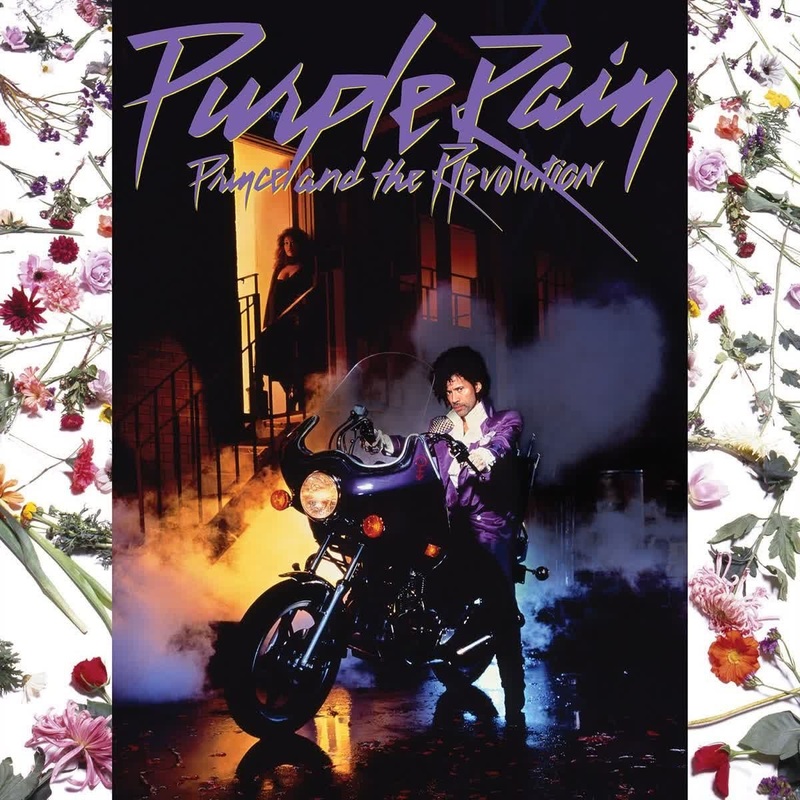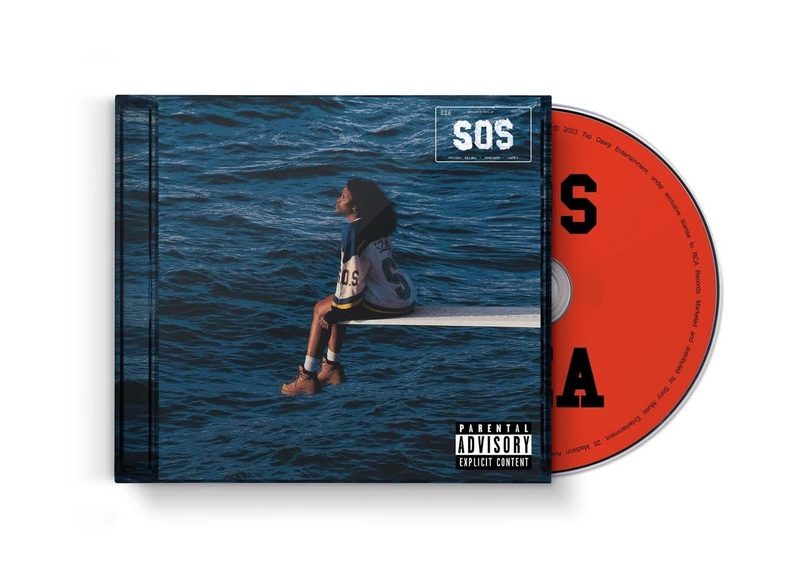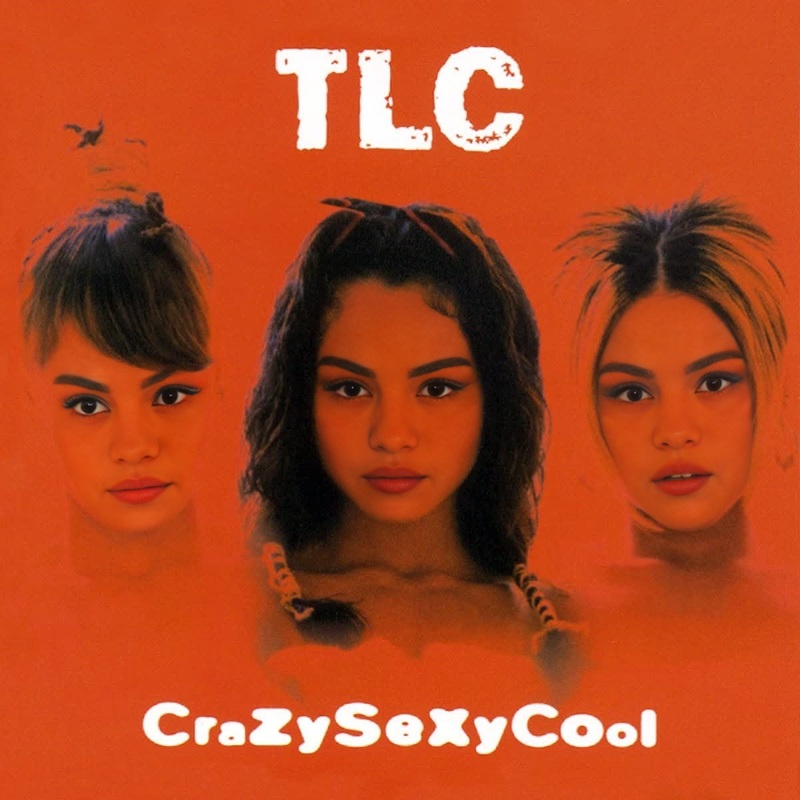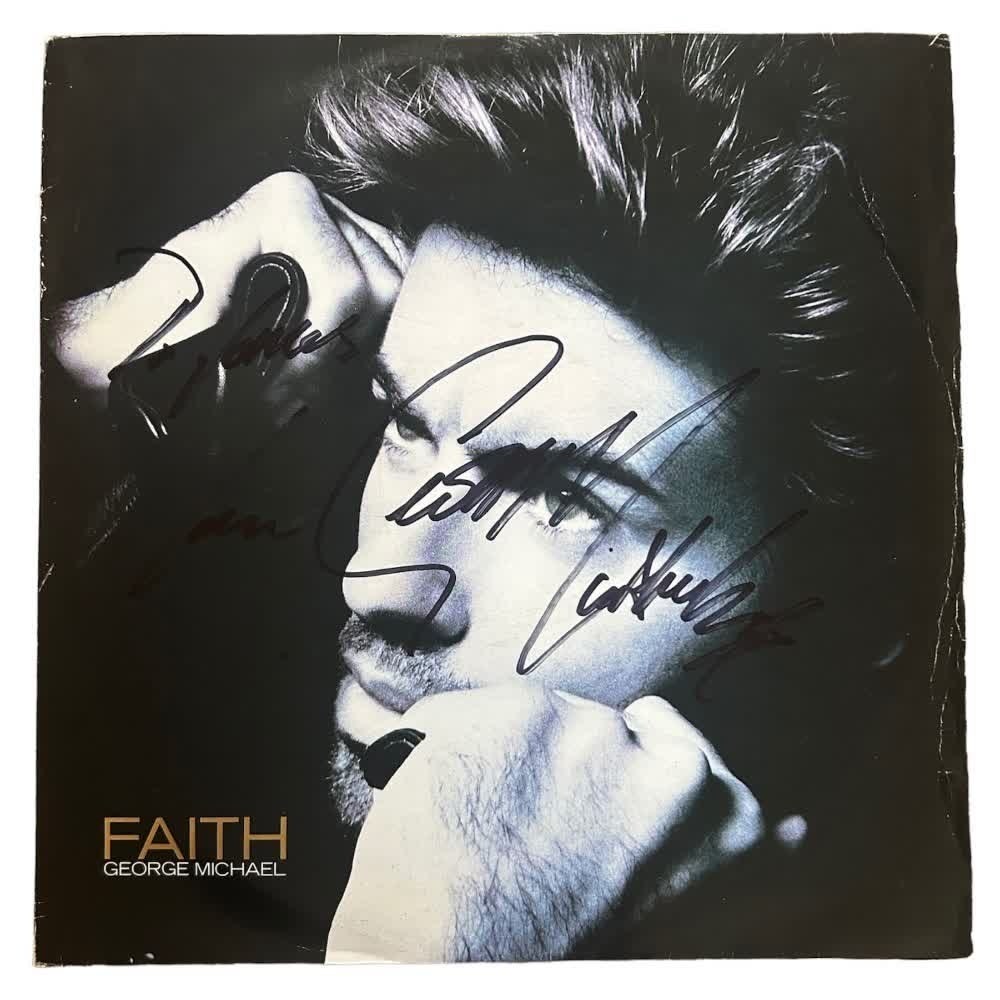
George Michael Faith Album Cover Portrait
- Image
- 1000 × 1000 px
Any aspect ratio
Overview
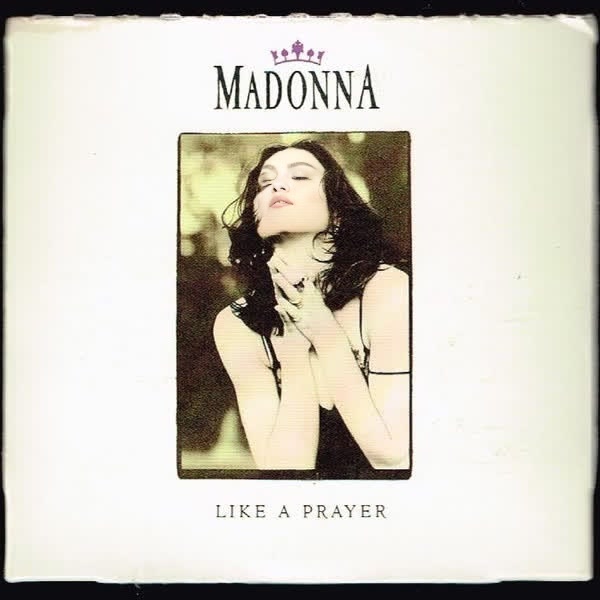
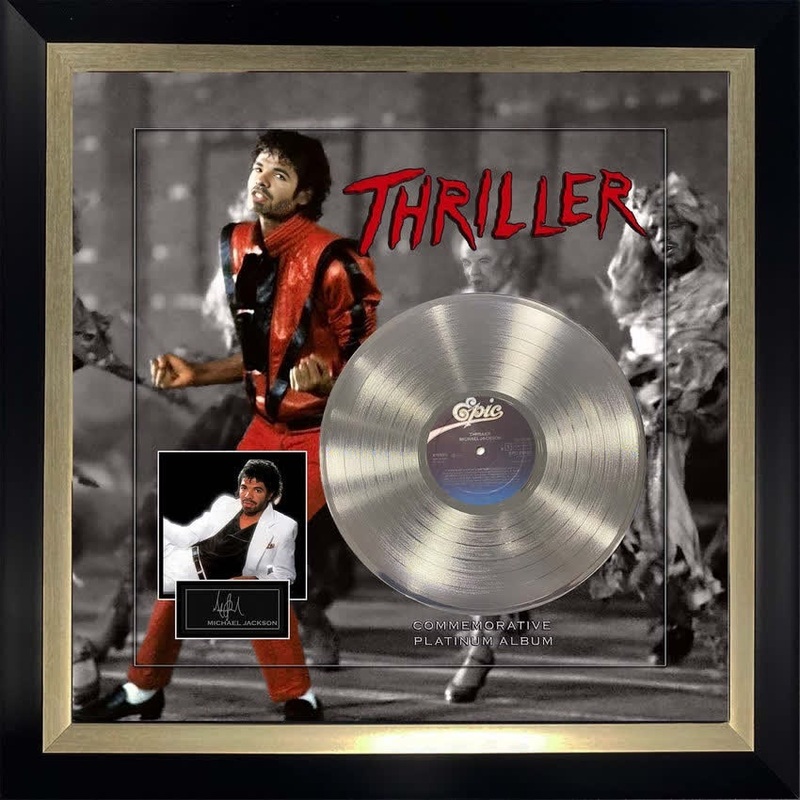
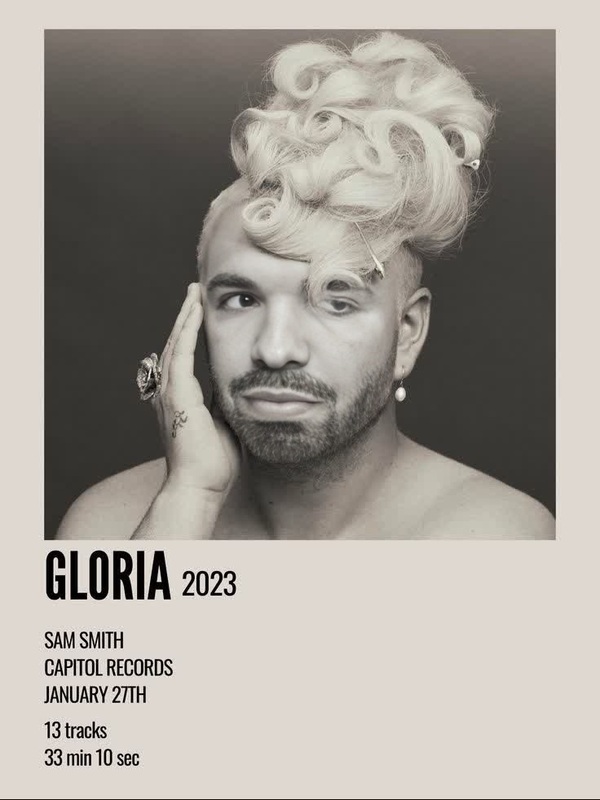
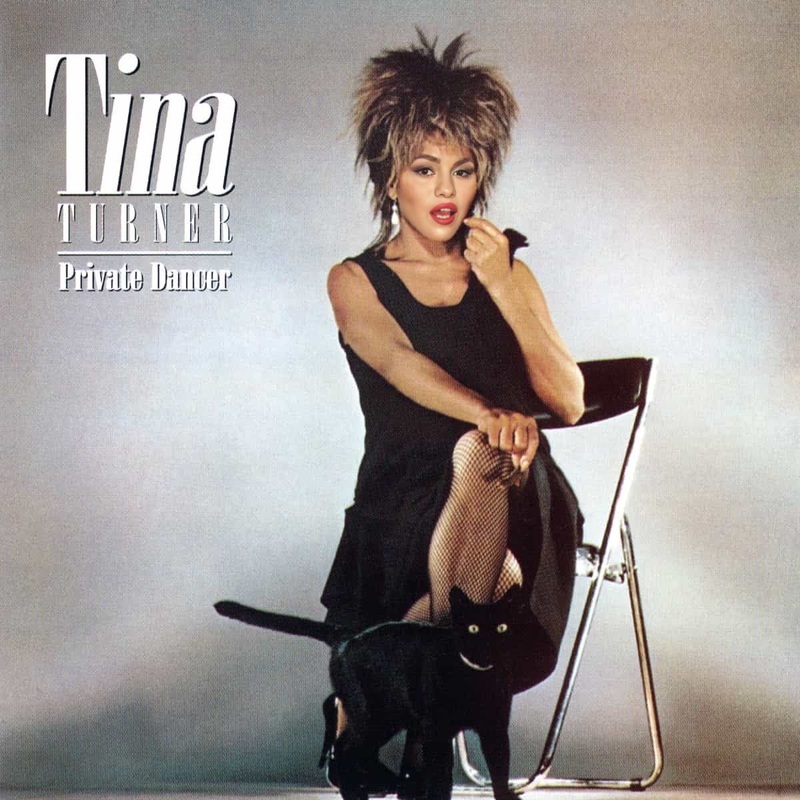
Bring a touch of nostalgia and humor to your videos with the George Michael Faith Album Cover Portrait face swap template. This template allows you to superimpose different faces onto the iconic album cover, making it perfect for engaging content.
What It Does
The Video Face Swap technology behind this template effortlessly morphs facial features of any uploaded photo onto George Michael's famous album cover. This is ideal for creating memorable moments in video format.
Leverage more face swap fun with our Face Swap and Video Face Swap tools for diverse content creation possibilities.
Who It's For
This template is perfect for music enthusiasts wanting to infuse their social media with an element of fun. It's also great for anyone interested in experimenting with face transformations to create unique video content.
Social media managers can utilize it to engage followers with trendy posts, while casual users can amuse friends with personalized swaps.
Summary
Overall, the George Michael Faith Album Cover template combines nostalgia and creativity, allowing users to swap faces into one of the most iconic images in music. Whether for personal enjoyment or professional content strategy, explore this and other creative options in our AI GIF Generator for diverse creative solutions.
How To
Choose the Template

Customize Your Video

Generate Your Swap

Use Cases
Music Video Parody
- Add a personal touch to classic hits.
- Generate humorous content for YouTube or TikTok.
Social Media Engagement
- Share your creative swaps in stories.
- Host fun face swap challenges with followers.
Event Promotion
- Create announcements with a nostalgic twist.
- Use in invitations or promotional materials.
Best Practices
Choose High-Resolution Images
For the best results, upload high-resolution images to ensure quality face swaps. Blurry or low-light images might not render well.Align Faces Correctly
Properly align the facial features with the album cover to create a seamless swap. Use the customization tools to adjust the alignment.Experiment with Different Expressions
Try using photos with different expressions to find the most entertaining results. The quirky the expression, the more amusing the swap.