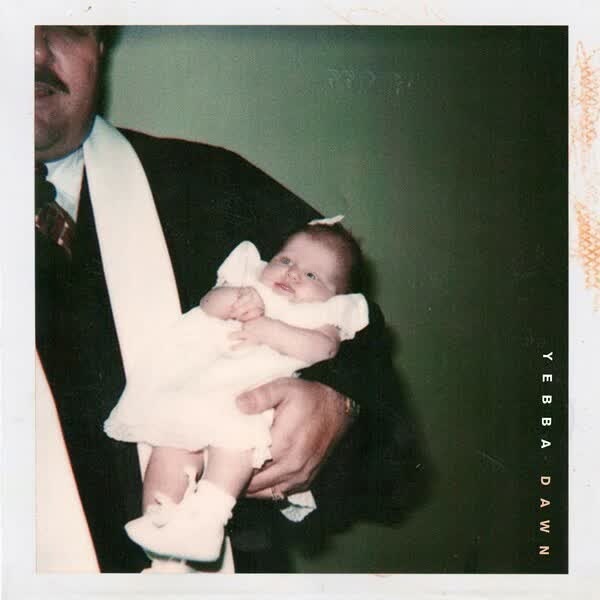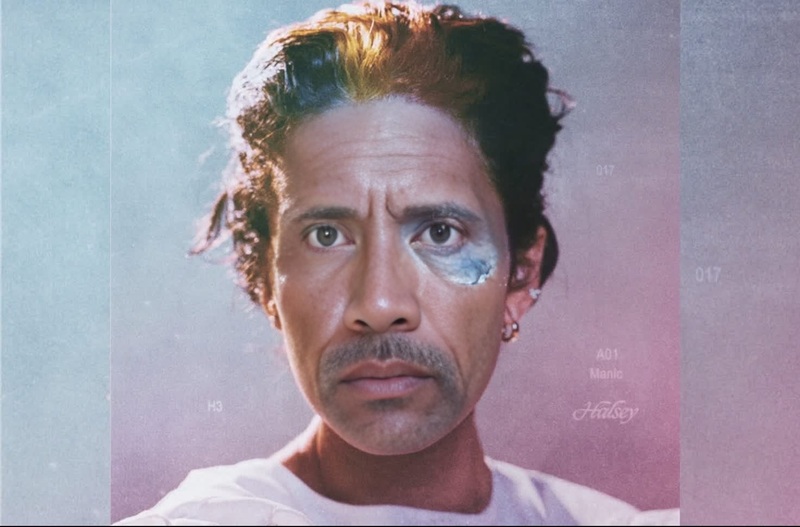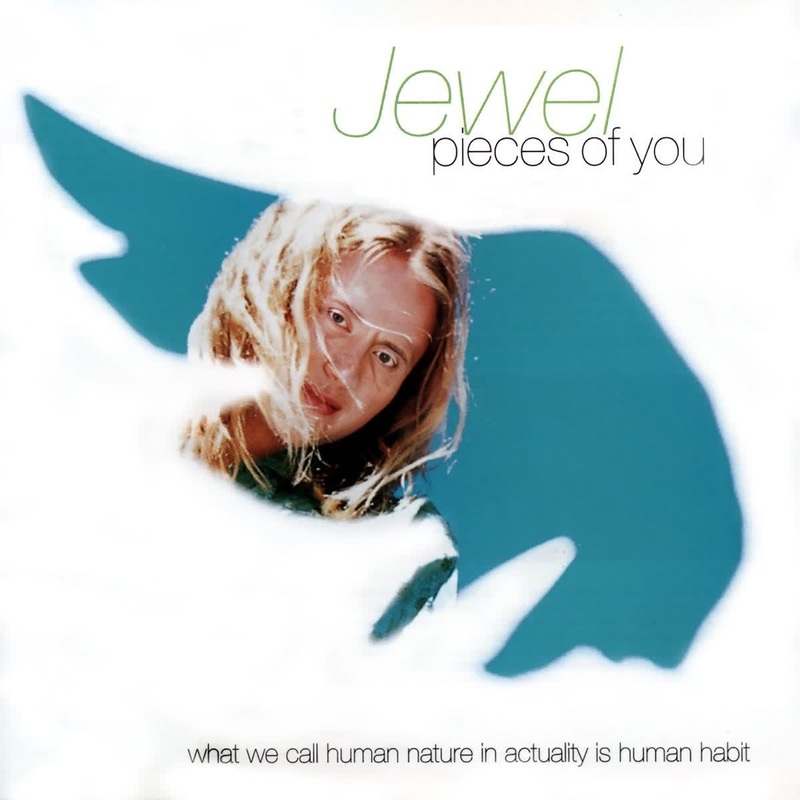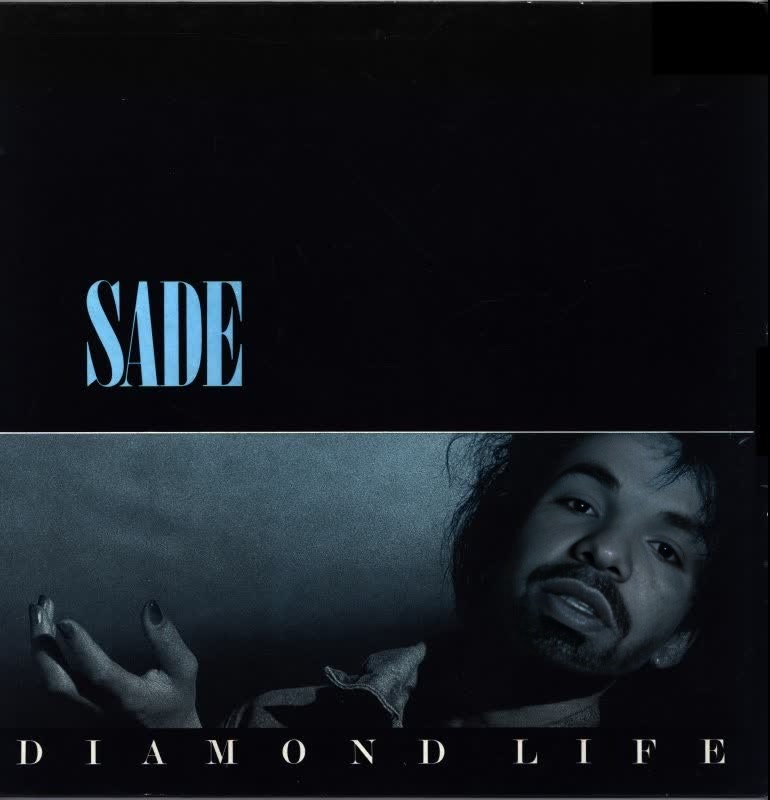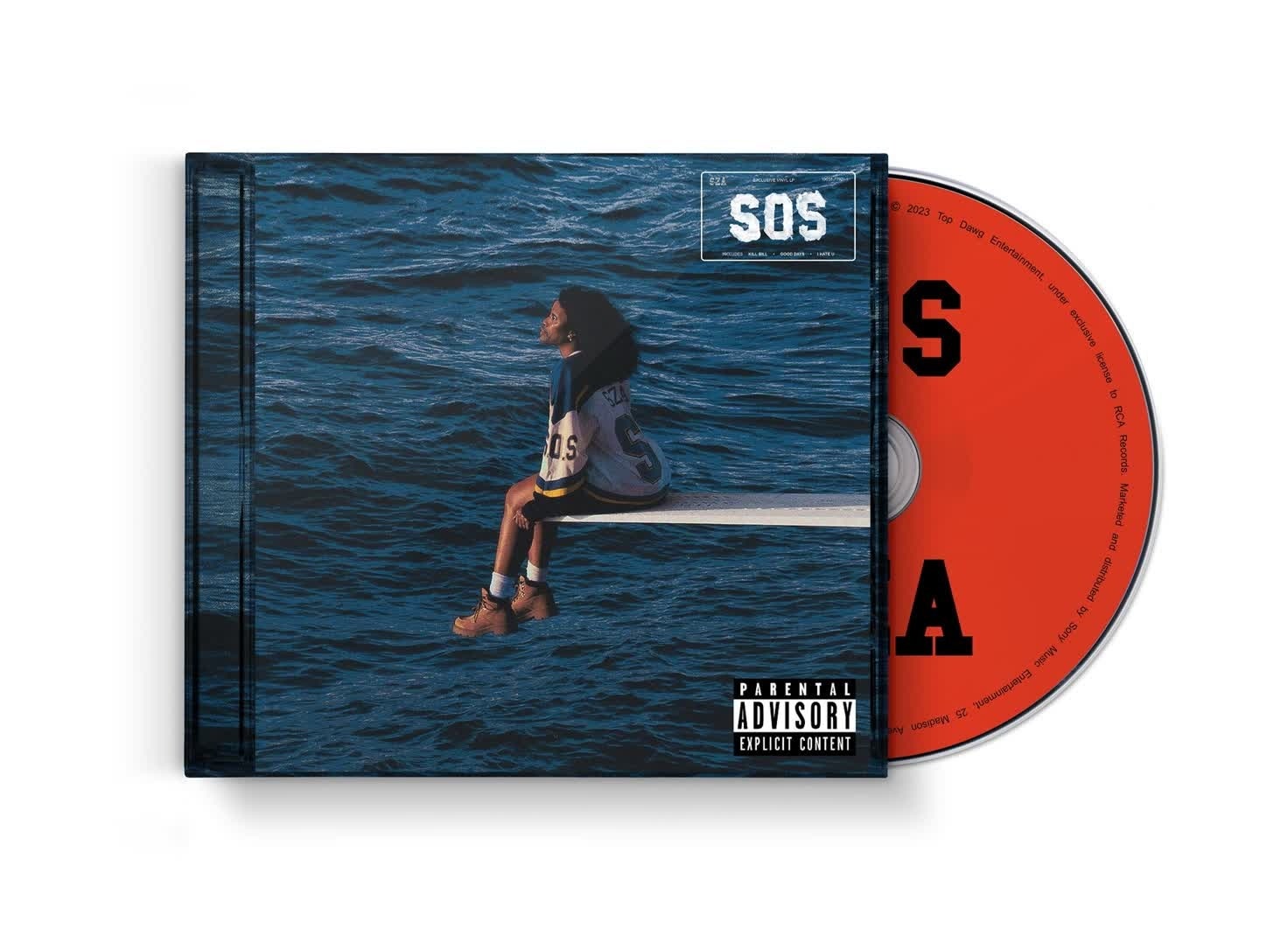
Sza Sos Album Cover Portrait
- Image
- 1472 × 1078 px
Any aspect ratio
Overview
The "Sza SOS Album Cover Portrait" template allows you to create unique video content by swapping faces with the iconic album cover of SZA's SOS. Perfect for video creators looking to add a fresh twist to their projects, this template uses advanced video face-swapping technology.
Explore how this template works with one of our top-performing tools, the Face Swap product, known for its precision and ease of use.
What It Does
This template enables users to apply a video face swap effect directly onto the SOS album cover imagery. By leveraging the latest in AI technology, you can expect high-quality and believable results in MP4 or MOV formats. Utilize our Video to Video platform to further edit and enhance your swapped video.
Who It's For
Whether you're a content creator, social media influencer, or just someone looking to have fun, this template is perfect for those desiring to create engaging and personalized video content. It's especially useful for music lovers and fans of SZA who want to create a unique tribute or engagement video, enhancing your reach on platforms like Instagram or TikTok.
Summary
The "Sza SOS Album Cover Portrait" template is your gateway to crafting standout video content featuring face swaps. Experience seamless integration with tools like the AI Video Generator to push your creativity further. Start transforming your video projects today with these innovative tools.
How to Use
Choose Your Template

Customize Your Inputs

Generate Your Video

Use Cases
Social Media Engagement
- Boost engagement with unique video posts
- Create challenges or trends specifically tailored to your audience
Fan Tributes
- Perfect for fan edits and music tribute videos
- Engage with fellow fans through shared content
Creative Marketing
- Stunning visuals to support artist campaigns
- Effective for music video teasers or highlights
Best Practices
Select High-Quality Source Files
For best results, use high-resolution images or videos as your source material. This enhances the accuracy and appearance of the face swap.Leverage Additional Tools
Consider using the AI Image Editor for any pre-generation edits to fine-tune your inputs before processing.Experiment with Angles
Different angles can produce varying effects, so feel free to experiment by slightly adjusting the angles of your source files.