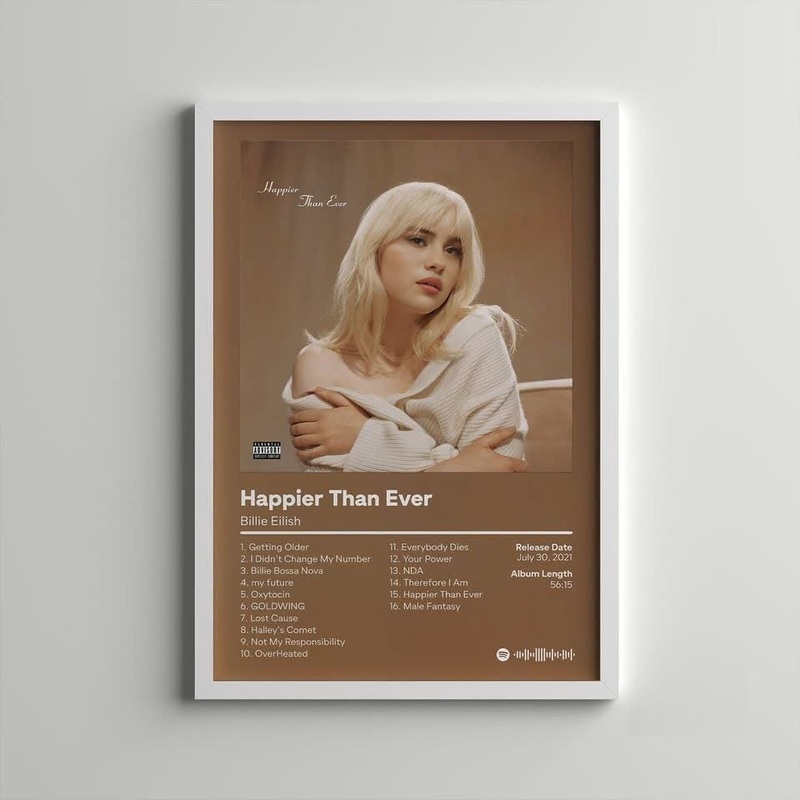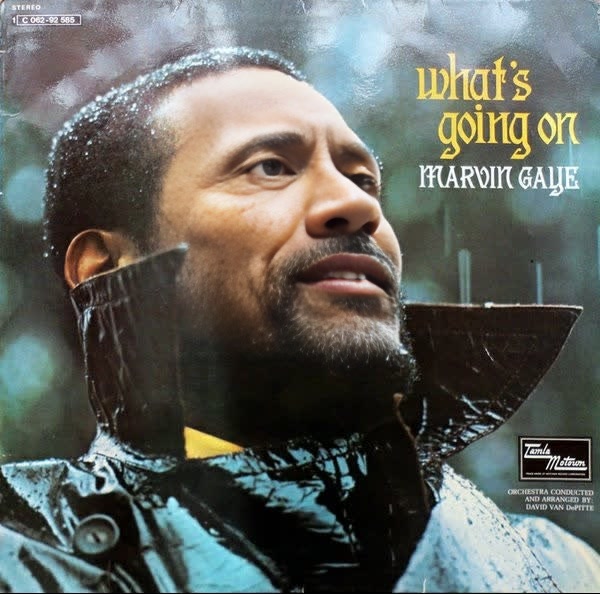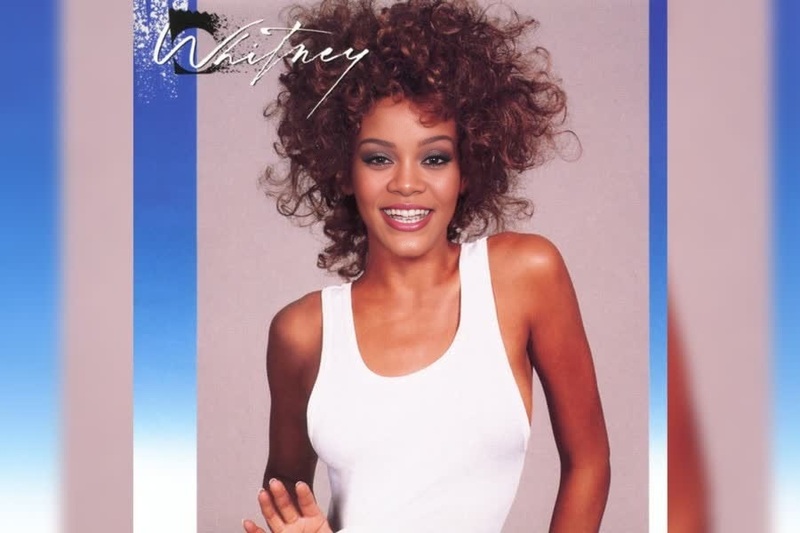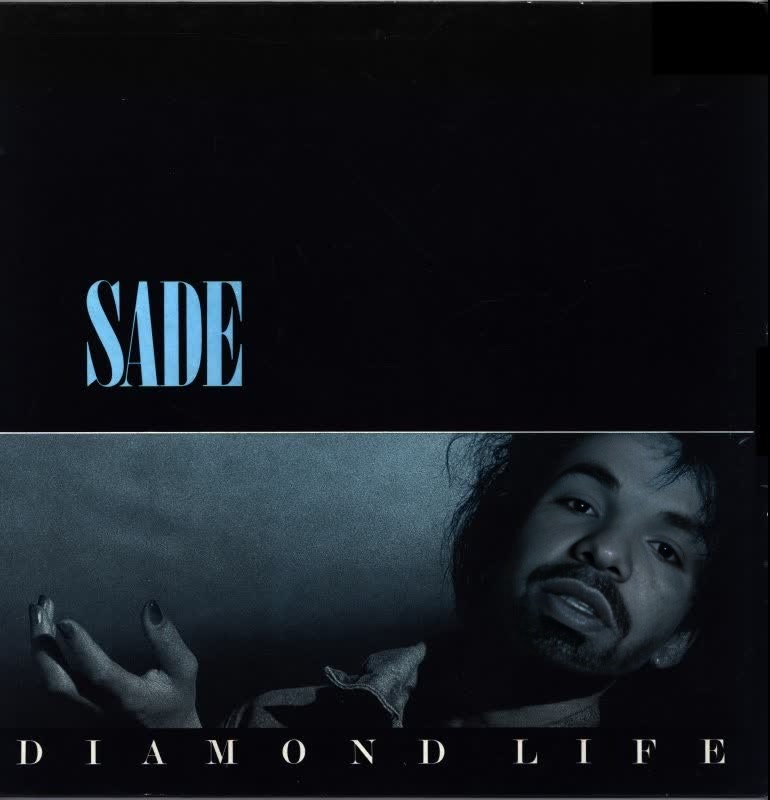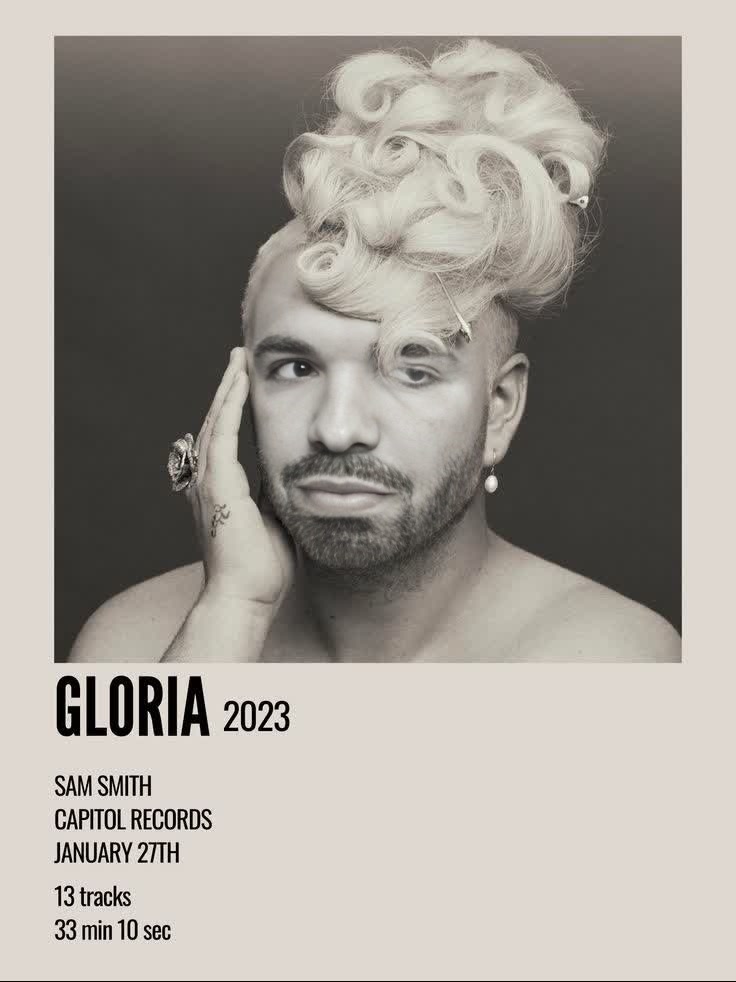
Sam Smith Gloria Album Cover Portrait
- Image
- 736 × 982 px
Any aspect ratio
Overview
Transform your visuals with the Sam Smith Gloria Album Cover Portrait video face swap template. Perfect for creating standout social media content or personal projects, this template allows you to swap a face onto iconic Sam Smith album covers, adding a unique flair to your videos.
What It Does
This template provides an easy way to integrate faces into Sam Smith's classic album covers using advanced video face swapping technology. By utilizing this feature, users can generate personalized album portraits that can be directly shared or integrated into larger projects such as music videos or artistic compilations.
Explore more about the Video Face Swap feature to understand its capabilities.
Who It's For
This tool is ideal for creators, social media managers, and music enthusiasts who wish to merge art with personalization. Whether you're a content creator looking to add unique elements to your videos or a music lover wanting to put a creative twist on favorite album covers, this tool meets those needs.
Learn how the AI Video Generator can enhance your video projects.
Summary
The Sam Smith Gloria Album Cover Portrait face swap template is your gateway to creating personalized art by merging faces with album covers. It's a creative tool for anyone looking to experiment with visual transformations in their media projects.
For those interested in elevating their visual content further, check out the Image to Video product.
How To
Choose

Customize

Generate

Use Cases
Social Media Content
- Create eye-catching content for Instagram and TikTok
- Personalize music-related content
Music Video Production
- Enhance video storytelling
- Use for backdrops or cover art
Personalized Gifts
- Surprise someone with a unique, personalized video
- Great for birthdays and other occasions
Best Practices
Choose High-Quality Images
For the best results, ensure that the face image you upload is clear and well-lit.Align Features Accurately
Take time to precisely align the eyes and mouth of the face with the album cover for a more natural look.Experiment with Different Covers
Try swapping faces on different Sam Smith covers to see how each transformation turns out.
Frequently asked questions
More Like This