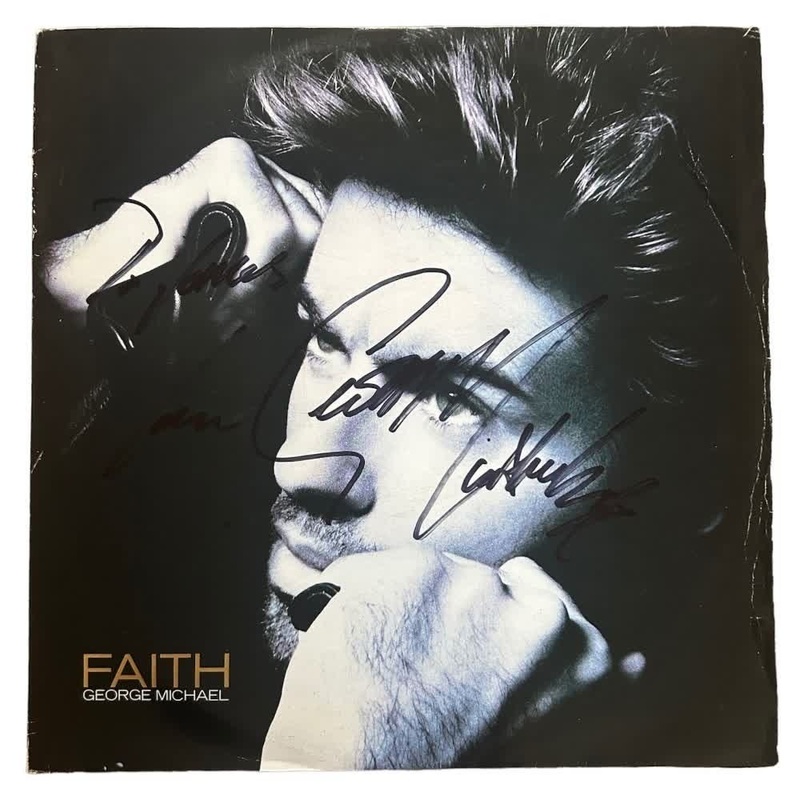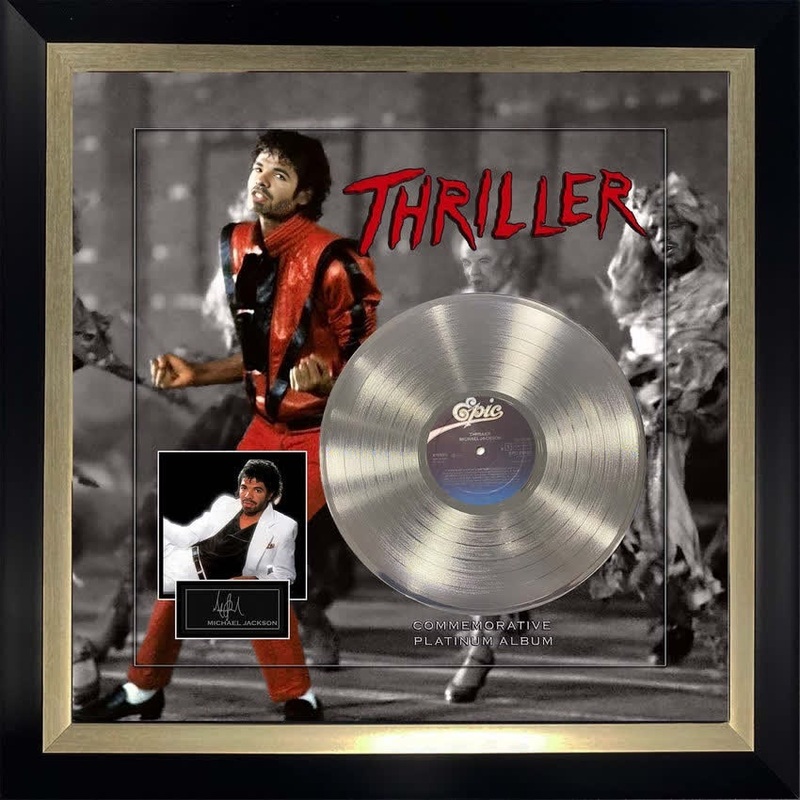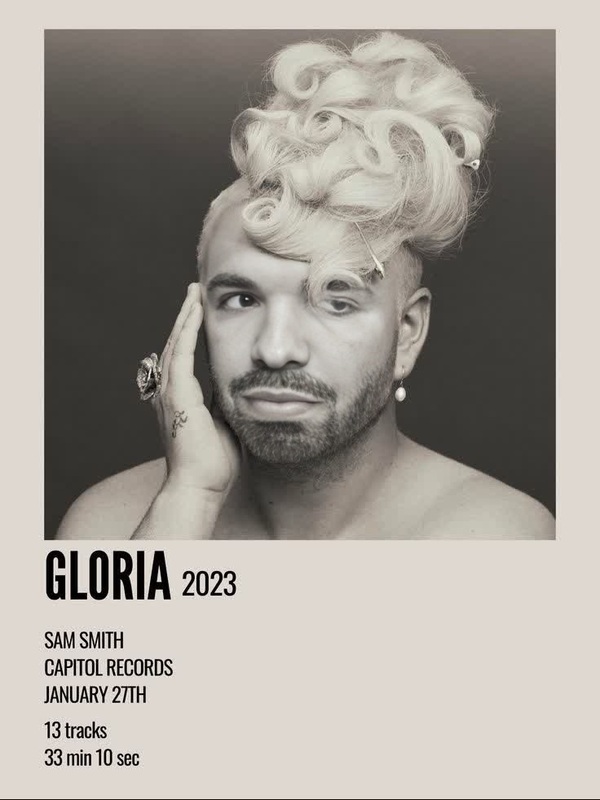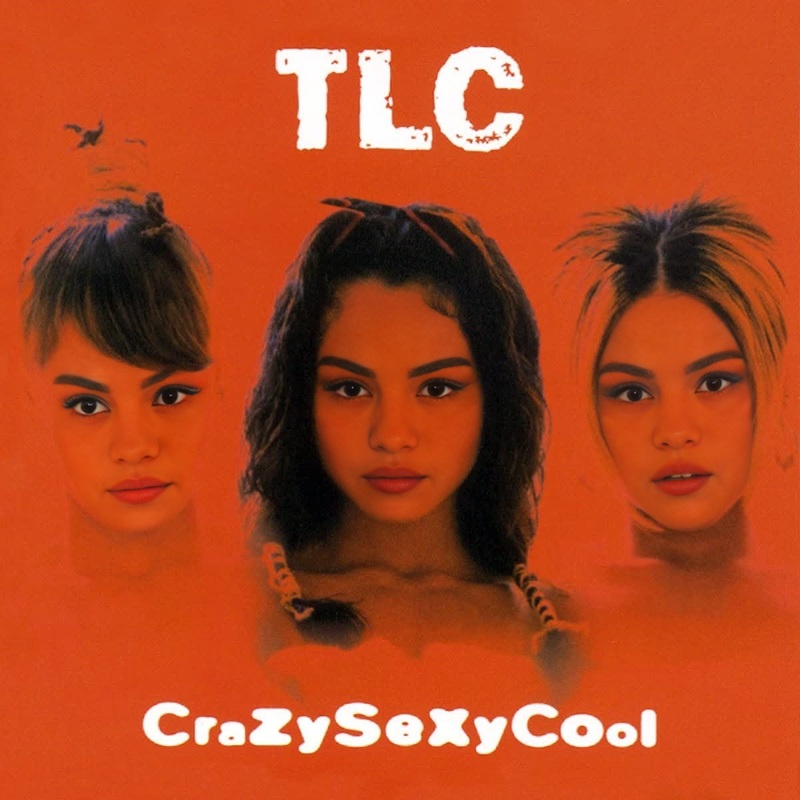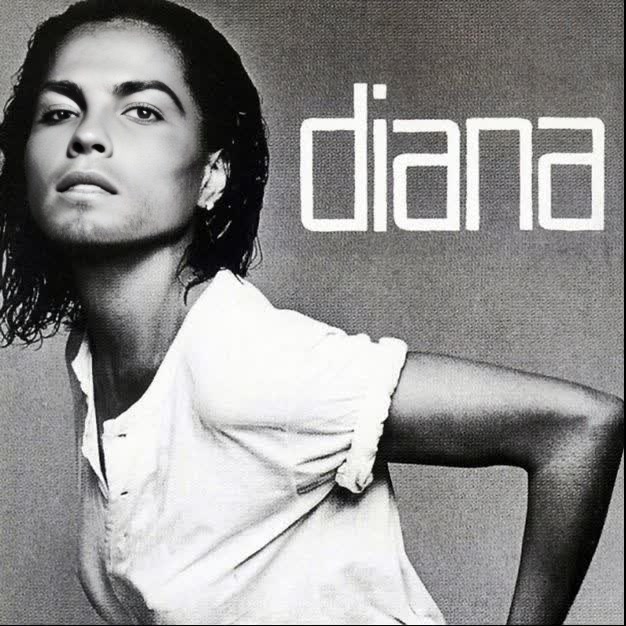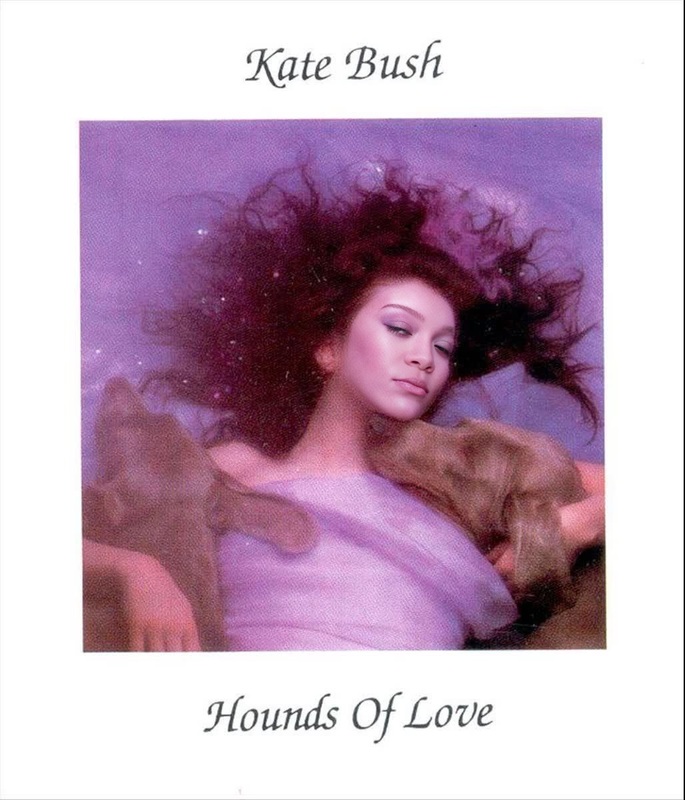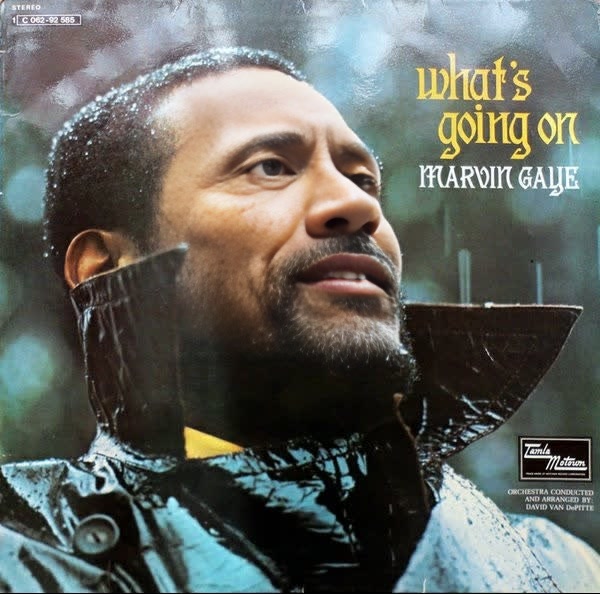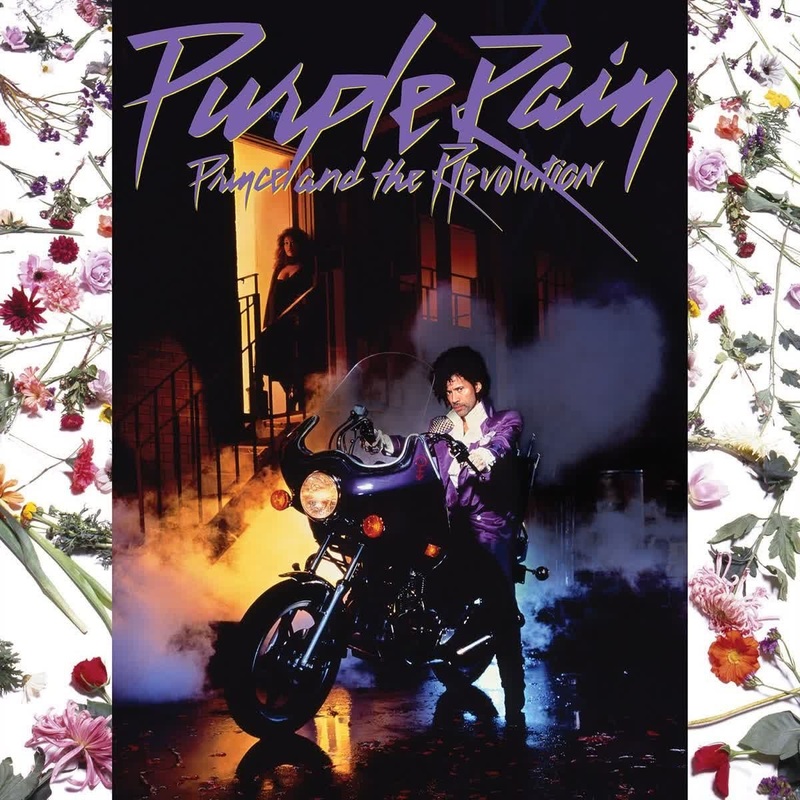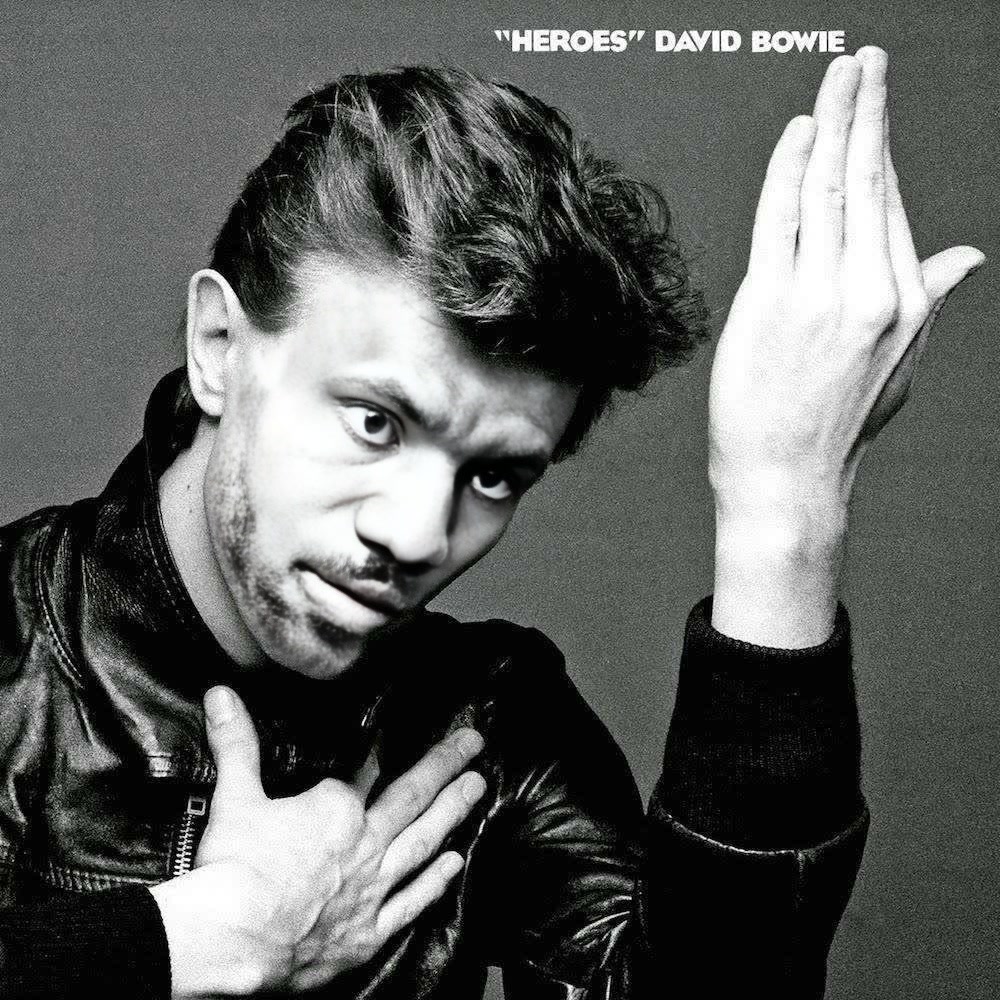
David Bowie Heroes Album Cover Portrait
- Image
- 1000 × 1000 px
Any aspect ratio
Overview
Step into the shoes of a music legend with our Video Face Swap template, designed to bring your creativity to life by merging your face onto David Bowie's iconic Heroes album cover. This tool allows you to craft unique, mesmerizing videos that capture the essence of musical artistry. Ideal for those who want to explore creative storytelling or show off their love for classic rock.
What It Does
This template empowers you to create personalized video portraits by swapping faces with David Bowie on the renowned Heroes album cover. By using advanced techniques, the Video Face Swap maintains realistic motions and emotions, making the transformation appear genuine and engaging. Check out how it pairs with other tools like the AI Talking Photo to add another dimension to your creativity.
Who It's For
Perfect for music enthusiasts, content creators, and fans of David Bowie, this template offers an innovative way to celebrate your passion for music. Whether you're crafting a tribute video or simply having fun with friends, this tool is a valuable asset. Expand your toolkit further with our AI Video Generator for more expansive projects.
Summary
By leveraging the power of video face swapping, this template provides users with the opportunity to creatively engage with David Bowie's legacy. The methodology is not just limited to music enthusiasts; it opens doors for storytellers to experiment with visual narratives. To enhance your projects even further, consider integrating features from AI Image Editor for superior image adjustments.
How To
Choose Your Template

Customize Your Inputs

Generate and Download

Use Cases
Music Tributes
- Celebrate the essence of David Bowie's music
- Engage with fellow fans by sharing on social media
Creative Storytelling
- Incorporate video into digital stories
- Craft compelling narratives with a visual edge
Event and Party Fun
- Use videos as party favors
- Personalize event content
Best Practices
Use High-Quality Images
For the most convincing face swap, ensure your photo is clear with good lighting to match the album cover.Experiment with Settings
Adjust the settings to better align facial features and ensure optimal fit with the Heroes cover.Combine with Other Effects
Enhance your project by using the AI Voice Changer to modify audio, adding depth to your storytelling.