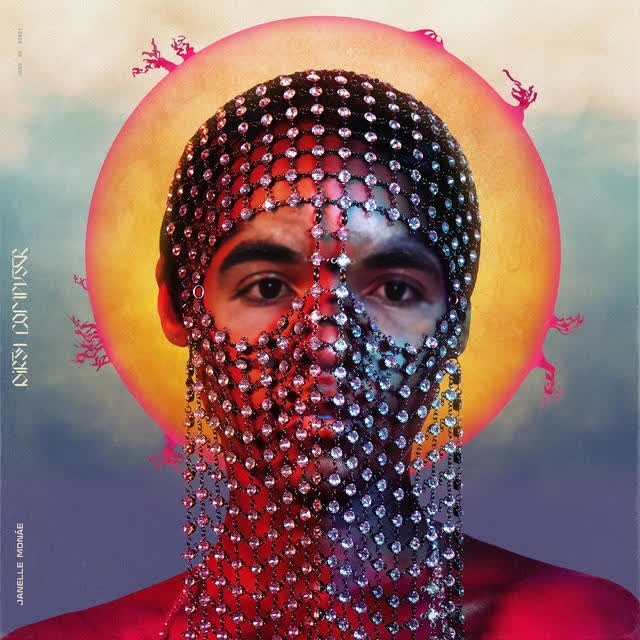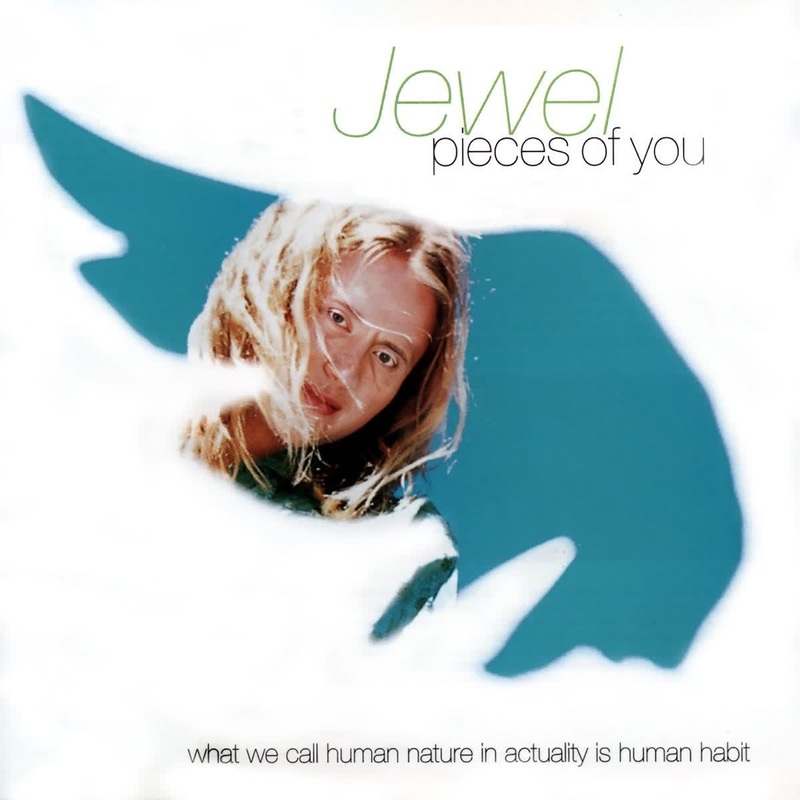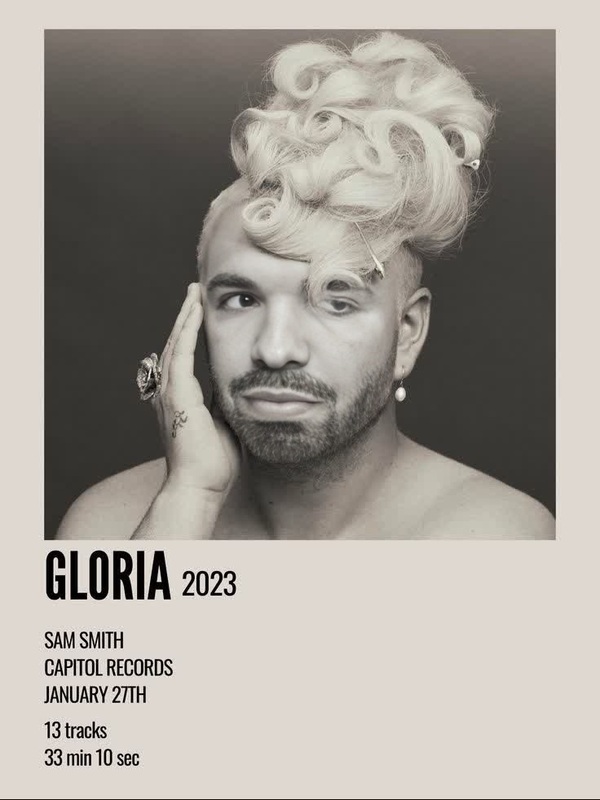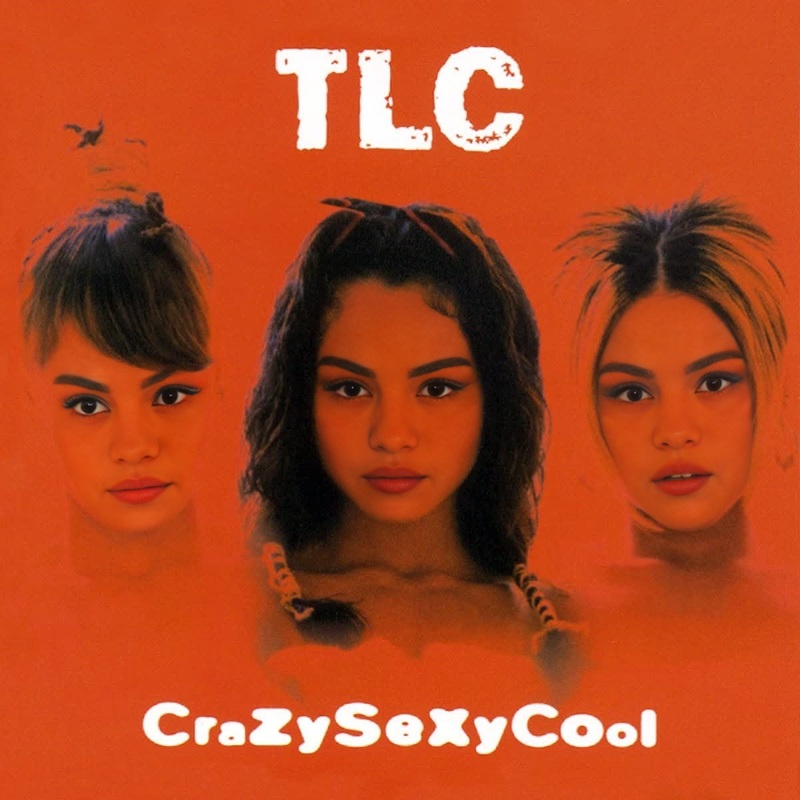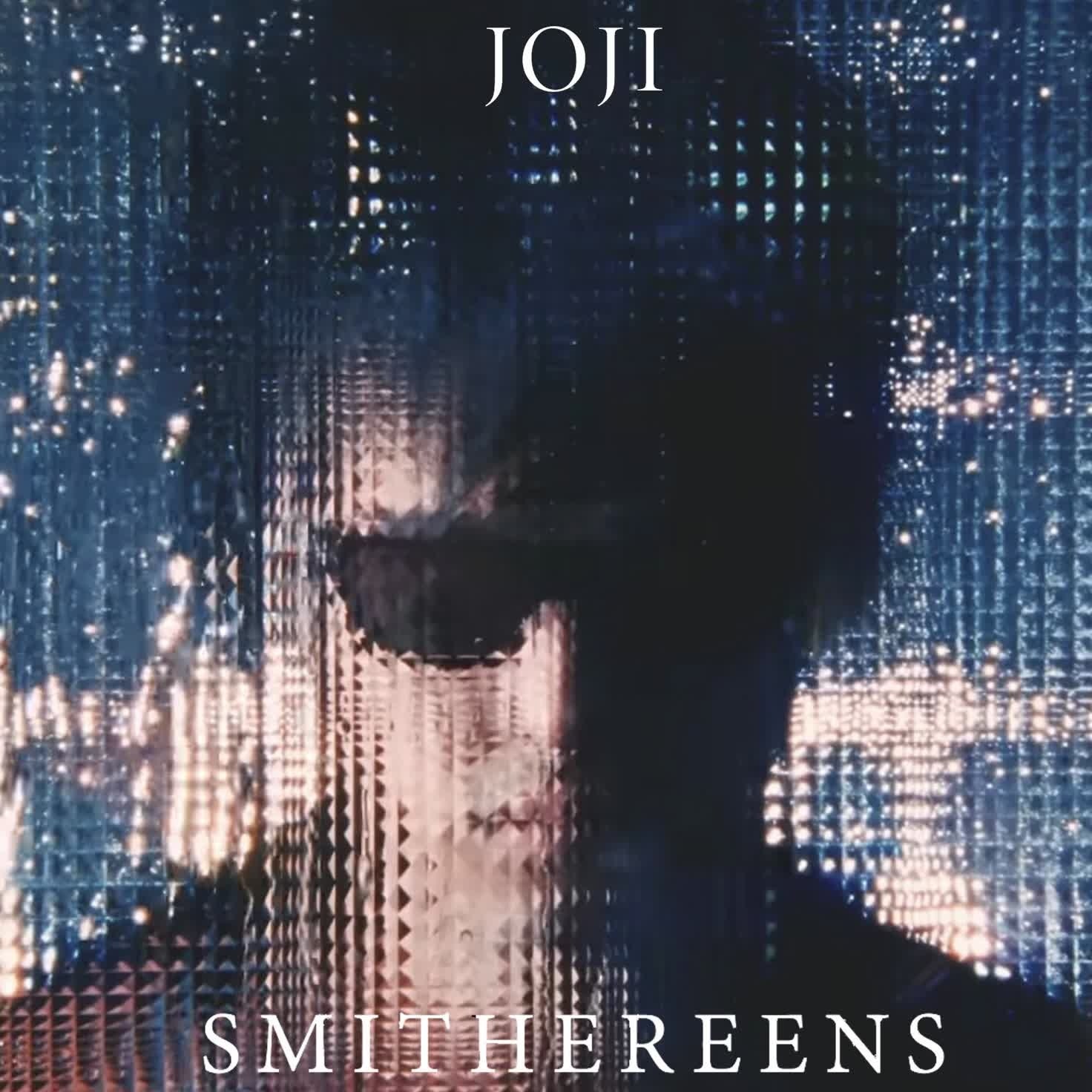
Joji Smithereens Album Cover Portrait
- Image
- 1472 × 1472 px
Any aspect ratio
Overview
Transform your appearance into Joji from his Smithereens album cover through our specialized Video Face Swap template. This tool is perfect for music and album art enthusiasts looking to create captivating and personalized content. With its robust AI technology, you can seamlessly integrate your facial features into Joji's album art style, creating a new and exciting portrayal fit for social media, personal collections, or creative projects.
What It Does
This Video Face Swap template enables you to blend your own face onto the iconic Smithereens album cover featuring Joji. It utilizes advanced face swap technology to ensure realistic results, preserving the original mood and tone of the artwork. The output is a high-quality video or image, ideal for sharing or further editing.
Explore more transformations with Face Swap and enhance your creations using the AI Image Editor.
Who It's For
This template is designed for fans of Joji, creators wanting to personalize their music-themed content, and artists interested in visual storytelling. Whether you are an avid music aficionado or a content creator seeking fresh material, this face swap template offers a novel way to engage with and celebrate your favorite music artist.
See similar options with our Image to Video tools that allow further creativity.
Summary
The Joji Smithereens Album Cover Portrait template offers a straightforward, creative experience for transforming your likeness into an artistic piece featuring Joji. By embracing the power of AI, you can produce vivid and imaginative content pieces that bring personal flair to iconic album art. Explore more such creative transformations in our AI Clothes Changer and get additional inspiration for your projects.
How To
Choose the Template

Customize Your Inputs

Generate and Download

Use Cases
Social Media Content
- Share unique face swaps on Instagram or TikTok
- Start a trend among fan communities
Customized Album Collections
- Personalize your albums with your face on them
- Provide unique gifts to fellow music enthusiasts
Marketing Campaigns
- Create innovative visuals for music promos
- Engage your audience through interactive content
Best Practices
Choose High-Quality Images
Ensure the image you upload is well-lit and high-resolution for the best blend with the album cover.Align Facial Features
Adjust the positioning of your face within the template to match Joji's, ensuring a more authentic swap.Experiment with Styles
Try different expressions and angles to see varied results, making your face swap more unique.