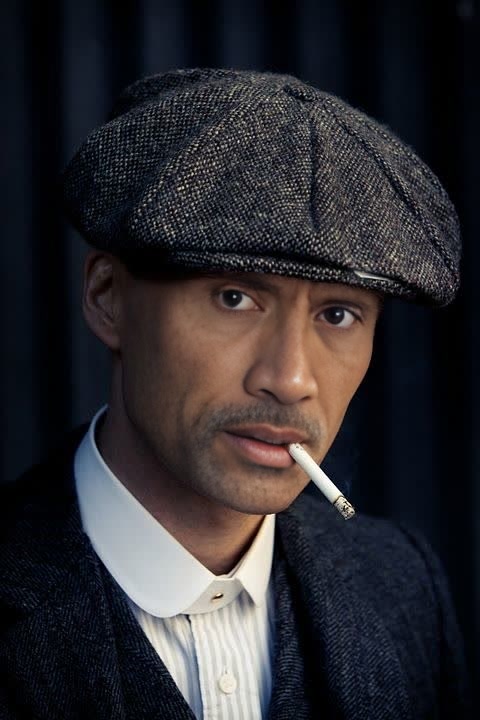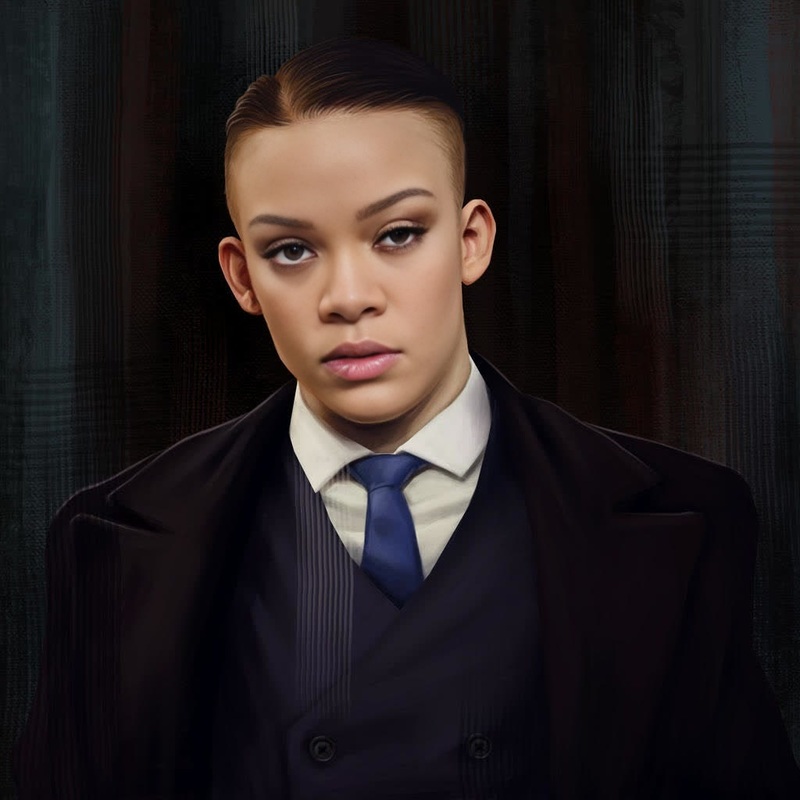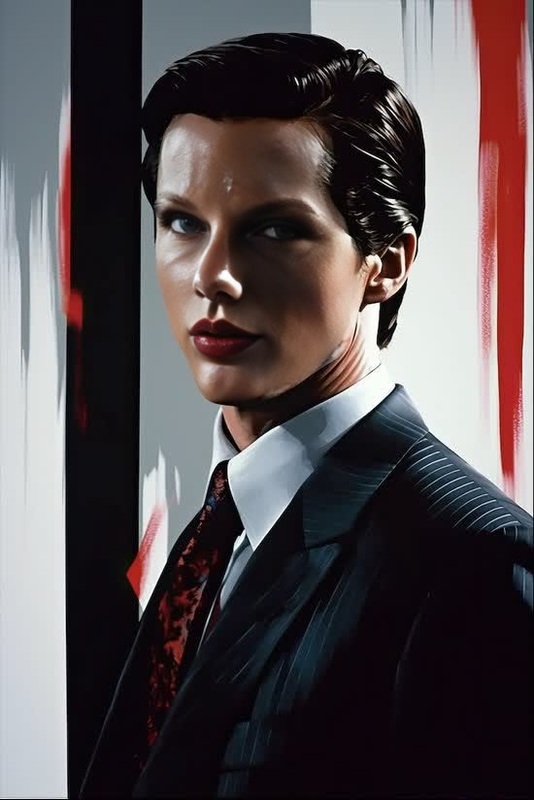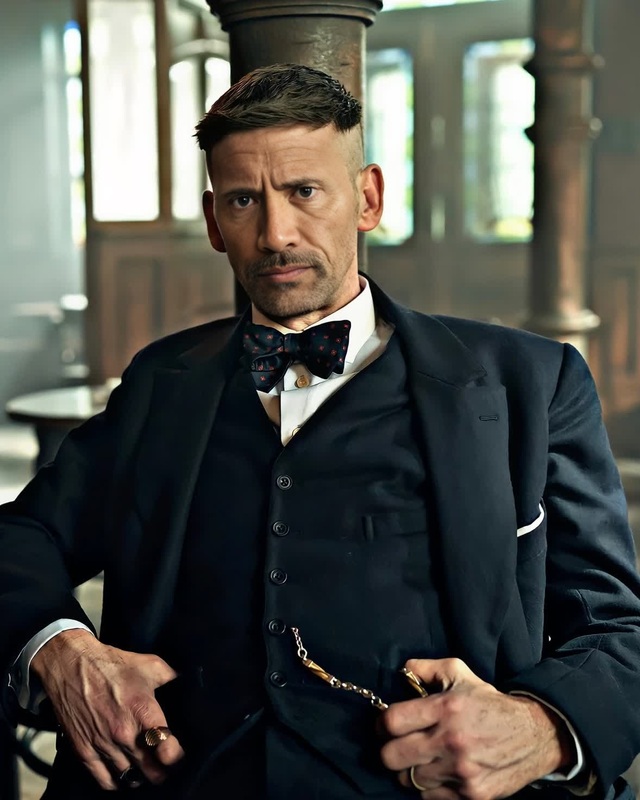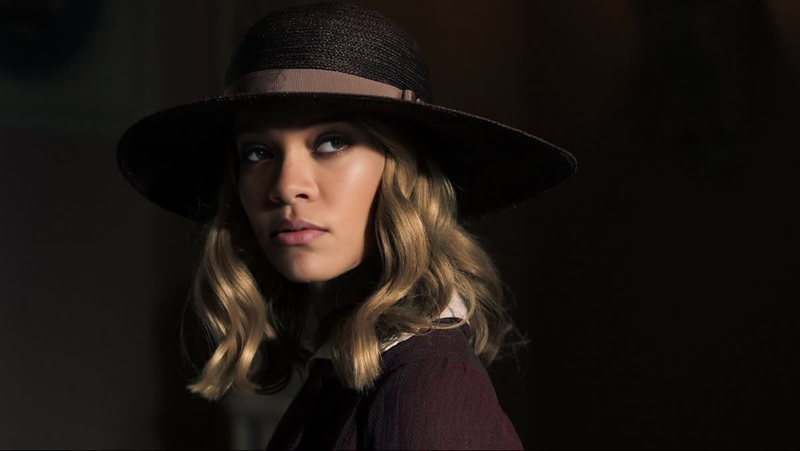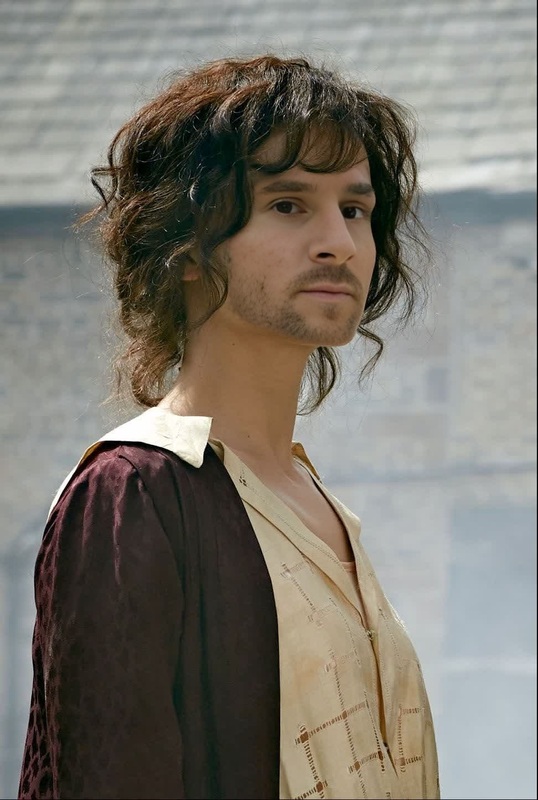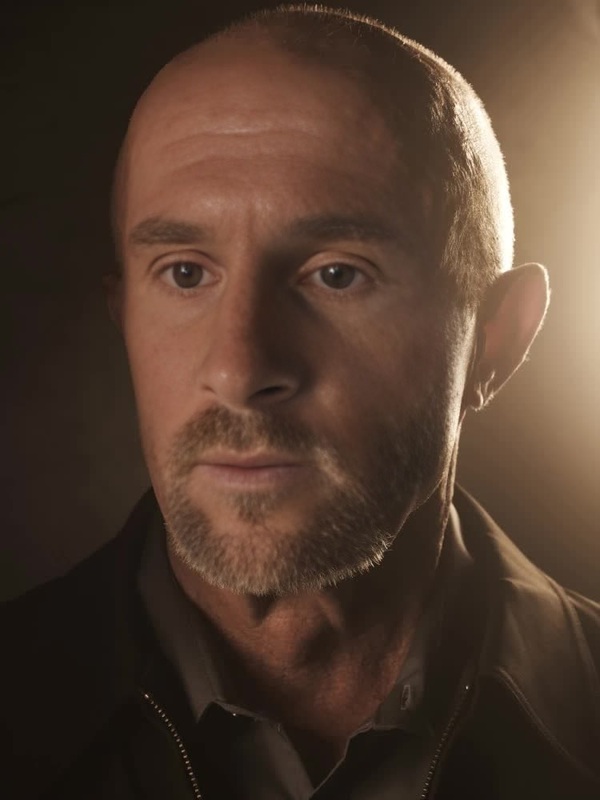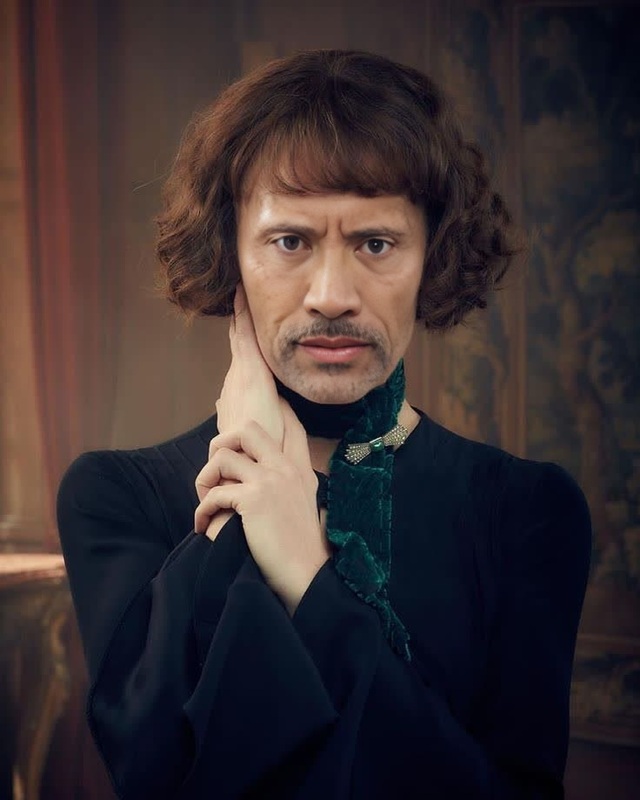
Michael Gray Peaky Blinders
- Image
- 672 × 672 px
Any aspect ratio
Overview
Introducing the Michael Gray Peaky Blinders Video Face Swap template, a powerful tool that allows you to replace faces in your videos with the character of Michael Gray from Peaky Blinders. This template is perfect for fans of the series looking to add a dramatic twist to their video content.
What It Does
This Video Face Swap template swaps the face of any person in your video with Michael Gray's likeness. Leveraging sophisticated AI models, it ensures a natural and seamless blend, maintaining the overall aesthetics of the original footage. Pair it with the AI Voice Changer for a complete transformation experience.
Who It's For
The template is designed for creators, video editors, and fans of Peaky Blinders who wish to infuse their projects with some franchise flair. It's ideal for social media influencers, content marketers, and creative agencies aiming to engage audiences with eye-catching content. Experiment alongside the AI Meme Generator to broaden your creative scope.
Summary
This template is your gateway to transforming video content into captivating visual stories. By infusing the charm of Michael Gray into your clips, you can produce unique video edits that entertain and engage viewers, potentially boosting your content's shareability and impact.
How to Use
Choose Your Template

Customize Your Input

Generate Your Video

Use Cases
Social Media Engagement
- Enhance video storytelling
- Engage with Peaky Blinders' fan community
Marketing Campaigns
- Drive user interaction
- Create memorable video ads suitable for <a href="/products/ai-video-generator">AI Video Generator</a>
Personalized Entertainment
- Host Peaky Blinders-themed party
- Create personalized video gifts
Best Practices
Choose High-Quality Videos
Use high-resolution videos to enhance the final output, making the face swap look more realistic.Align Lighting Conditions
Ensure the lighting matches in both the original and target faces to maintain a cohesive look.Utilize Complementary Products
Pair with tools like the AI Image Editor to tweak video details post-production.